



Free online drawing tool.
Let Adobe Express be your canvas with the free online drawing tool at your side. Made for all ages, you can quickly and easily bring your imagination to life with various digital brushes, markers, pencils, and more to choose from. Plus, it’s easier than ever to stay inside the lines with coloring mode.
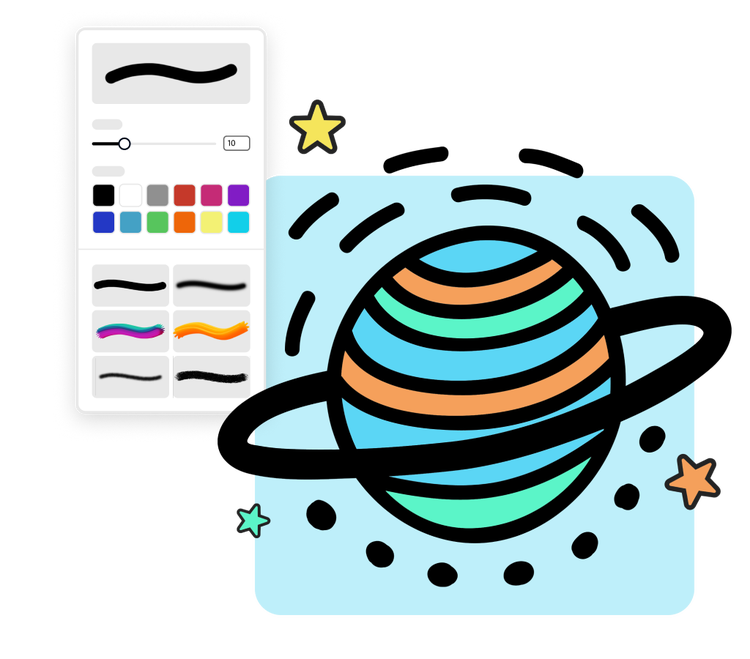
1. Open Adobe Express.
Launch Adobe Express from your browser. Click on the + sign at the upper left of the menu and search “drawing” to get started.
2. Draw your way.
Choose from a variety of paint brushes, markers, textures, colors, and so much more to start drawing on a blank canvas. Alternatively, upload your own images or pick a template to draw or color in.
3. Download and share.
When you’re finished, download your new drawing as a PNG file to share anywhere. You can also save it with a transparent background if you’d like.
The free online drawing tool for everyone.
Drawing has never been easier or cleaner with Adobe Express. Start with a variety of digital tools like markers, pencils, paint brushes, and a wide selection of colors. Use the Symmetry feature to craft unique patterns, shapes, and butterflies. Plus, you don’t have to worry about making a mess with digital paintbrushes that unlock new creative possibilities.

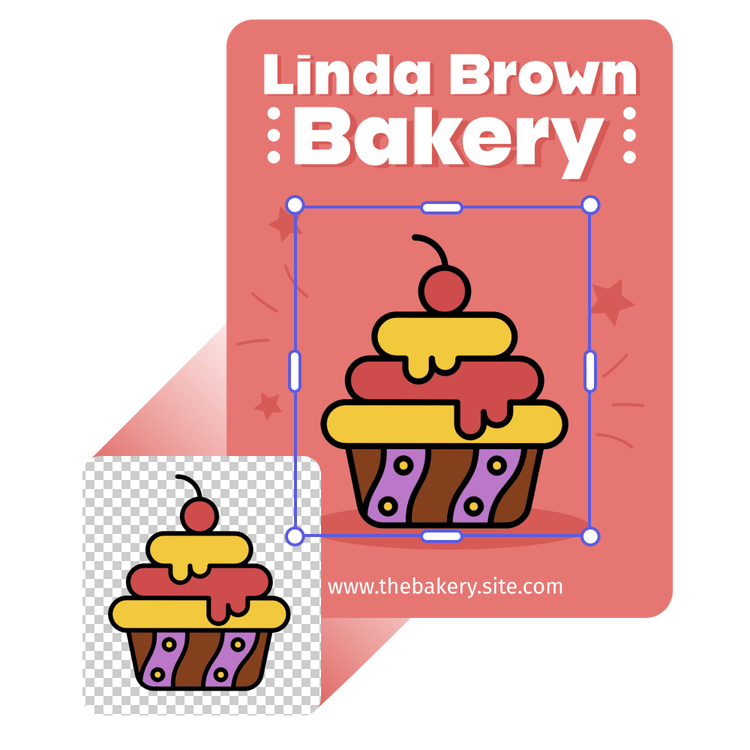
Add custom drawings to any project.
Your drawings can be added to any Express project. In the editor, simply click Your Stuff on the left-side panel and upload or drag your linked drawing to the editor.
Generate your own drawing pages.
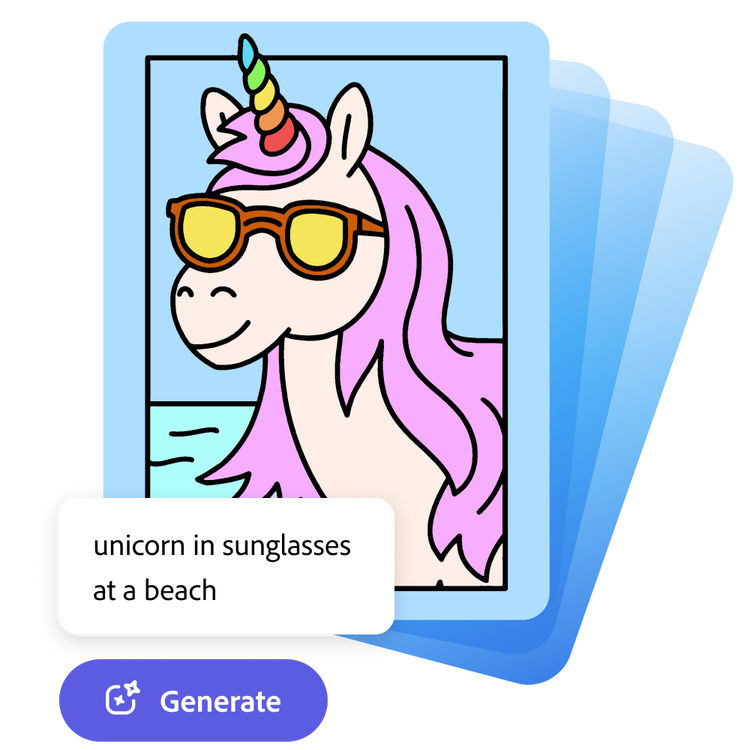
You can do more than draw in Adobe Express. Let your imagination run wild when you generate your own coloring pages from a simple text prompt. From the drawing editor, click Templates on the left and then Generate coloring page. Type in what you'd like to create, and the free drawing tool brings your vision to life. From birthday cakes and cats to rainbows and firetrucks, the possibilities are endless.
Frequently asked questions.
Do I need experience to use the drawing tool?
No experience is needed to use the quick and easy free online drawing tool. Adobe Express is great for all skill levels, just pick your favorite drawing tool to start with and begin creating your design. Or, generate a coloring page to start with by typing in a simple text prompt.
Can I print my finished drawing when I’m done?
Yes, you can print your finished drawing with Adobe Express. To do so, download your new drawing to your device and print.
Is the online drawing tool free?
Absolutely. It’s free to use the online drawing tool to create your own designs.
Can I get Adobe Express for free? If so, what’s included?
Yes, we have a free plan available for anyone. Enjoy everything you need to stand out, including thousands of templates, hundreds of Adobe Stock images, photo editing and effects, and much more. Visit our plans and pricing for details.
Can I make multiple drawing pages with Adobe Express?
Absolutely, with the Adobe Express free online drawing tool, you can create as many drawings as you’d like. Experiment with all the digital art supplies at your fingertips and see what your imagination can bring to life.
illustrator

