
Design menus for free in minutes.
Adobe Express makes it easy to design custom menus. Browse our free printable menu templates to get started making your own.
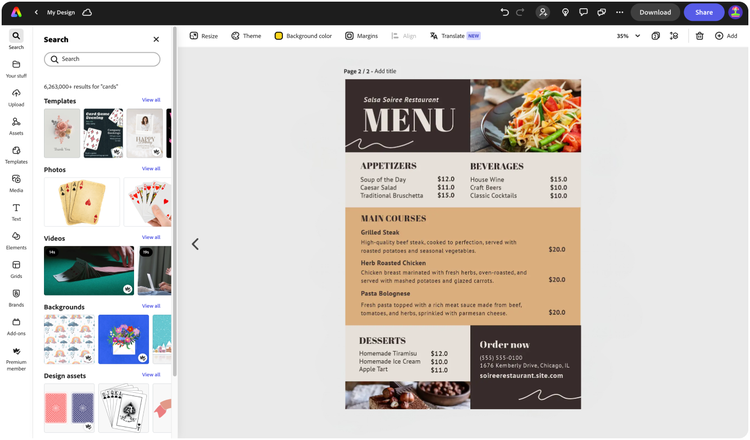

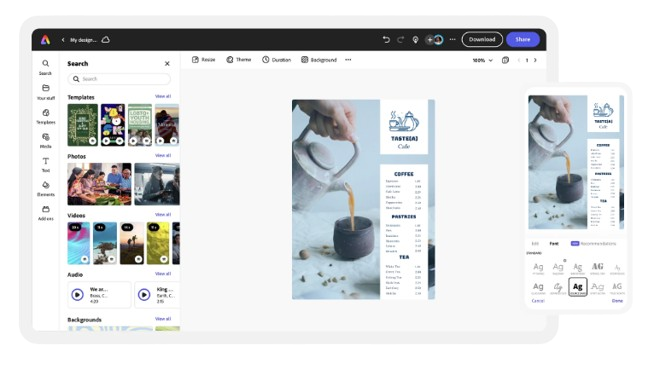
Easy all-in-one editor

One-click edits from any device

Fast creation with generative AI

Thousands of professionally-designed templates
Easily get started in Adobe Express.
- Templates
- Upload Content
- Stock Content
- AI
Upload or import your content.
Add your own photos or videos and start your creation from there. You can also import your PSD or Ai files and Adobe Express will recognize all of your layers.


Upload your photos or videos
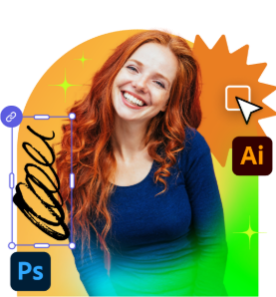
Upload your PSD or Ai files
Upload or import your content.
Add your own photos or videos and start your creation from there.
Upload your photos or videos
Start from our amazing collection of stock content.
You can start your project from the Adobe Stock royalty-free photo, video, or audio collection.

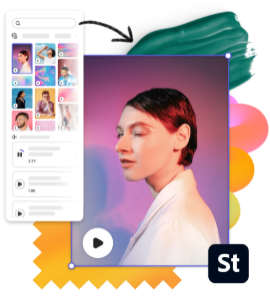
Start with video
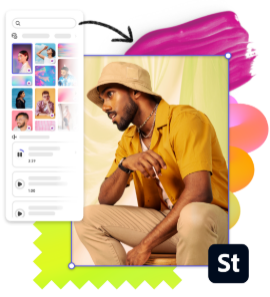
Start with photo
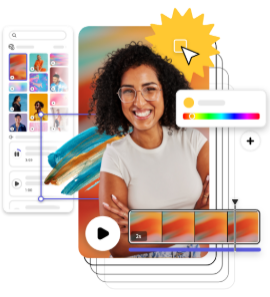
Start with audio
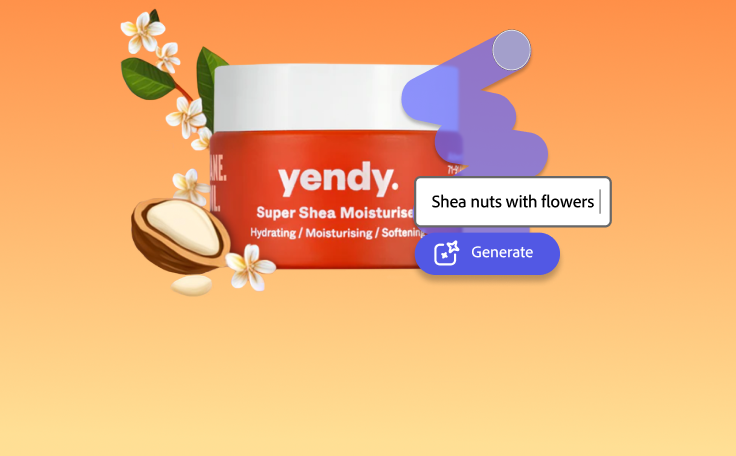
Imagine and create from a text prompt.
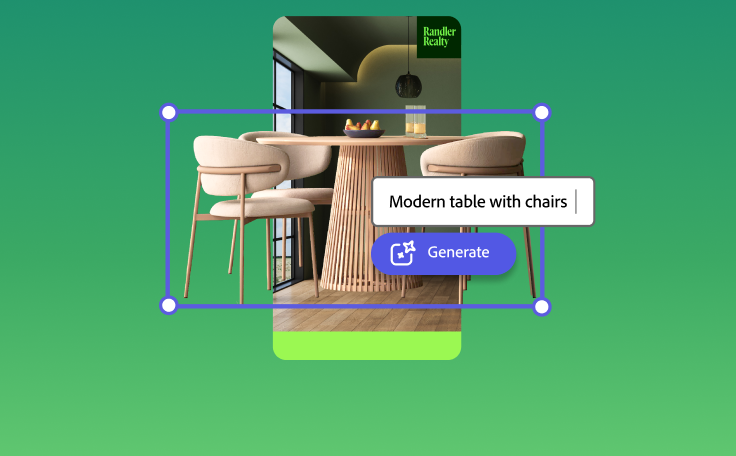
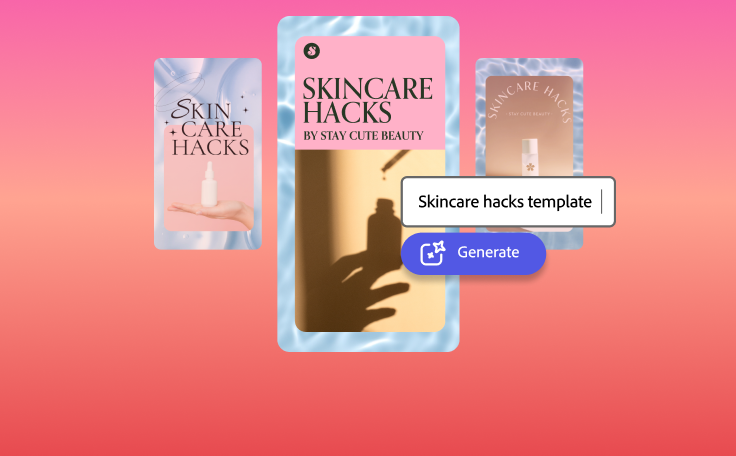
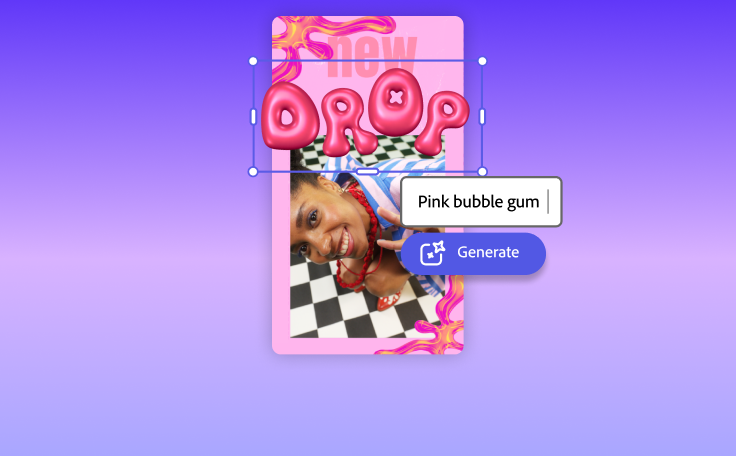
Your imagination is your only limitation. You type it. Adobe Express generates it.
How to make a menu.

See what people are saying about Adobe Express.

Abs Ahlijah
Marketing & Content Coordinator @ Soul Session

Liz Mosley
Owner, Liz Mosley Design

Penuel Stanley-Zebulon
Student @ Pennsylvania State University

Attabeira German de Turowski
Owner, Attabeira Oneline

Mike Nappi
Owner, NappiMusic
Discover even more features for easy content creation.
Why you should use the Adobe Express menu maker app.
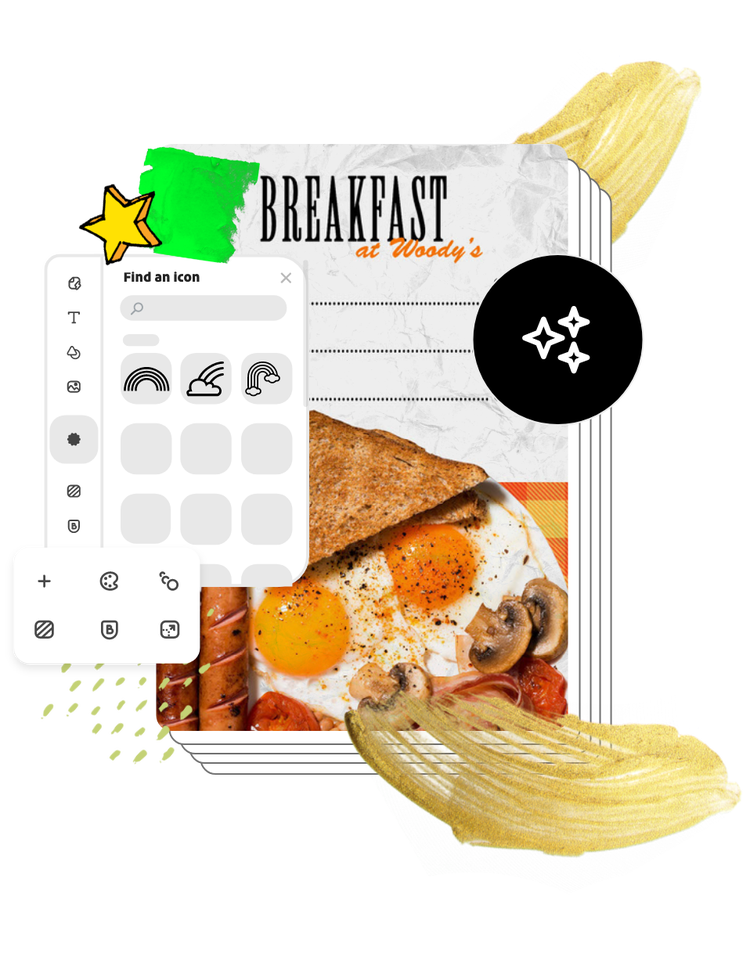
Creating a menu that complements your brand, style, and cuisine is crucial to your restaurant’s success. Adobe Express allows you to design menus that resonate with your customers and differentiate your eatery from others in the area — which is always good for business.
Let Adobe Express be your menu design expert.
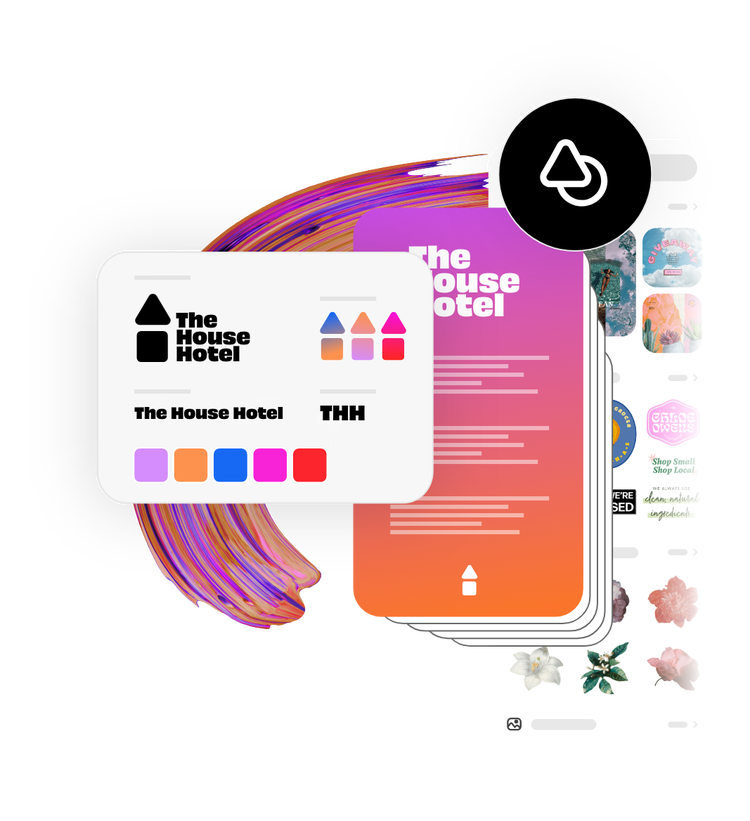
Create a stunning menu that reflects what your restaurant has to offer with Adobe Express menu templates on your side. Establish a theme for your menu design using photos, icons, graphics, and fonts. Upload your own logo and color schemes to make your menu feel entirely authentic. With Adobe Express, it’s free and easy to make, save, and share your menu with your patrons and online in minutes.