Free online signature generator.
Move through your digital documents with ease with the help of the HARMAN Digital Signature add-on in Adobe Express. Inserting your signature into any document is simple thanks to this tool.
*Note: this is not a generative AI feature.
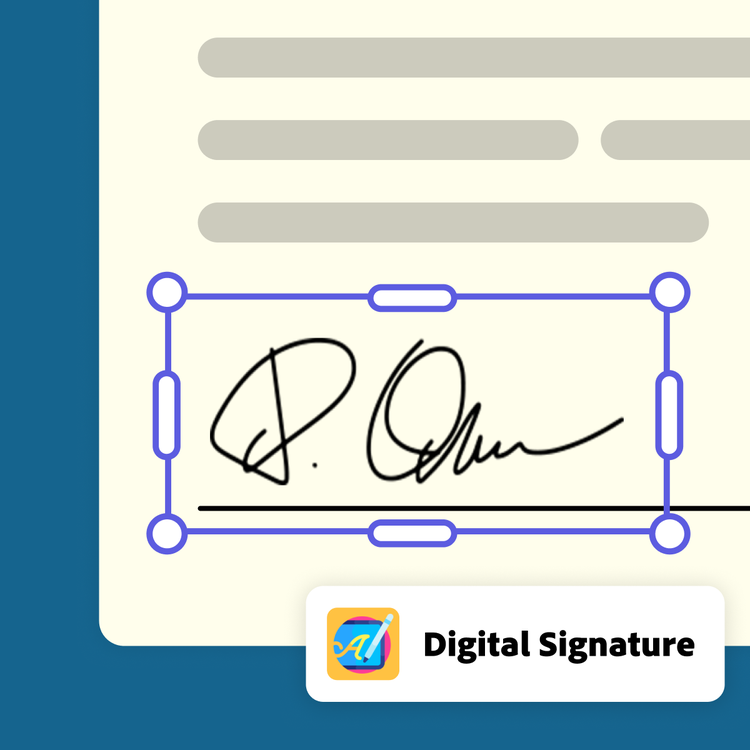
How to generate a signature.
1. Launch Adobe Express.
Open Adobe Express for free on your desktop. Select the add-ons panel in the left menu and install the Digital Signature add-on.
2. Generate your signature.
Select your signature type (freehand drawn or typed) and the font color. Draw your signature in the box using your cursor or type it in the text box. If you’ve typed your signature, choose the font style you like best.
3. Edit and share.
Add your signature to the page and continue editing in Adobe Express. Or download your signature as a PNG to expedite your digital signing process.
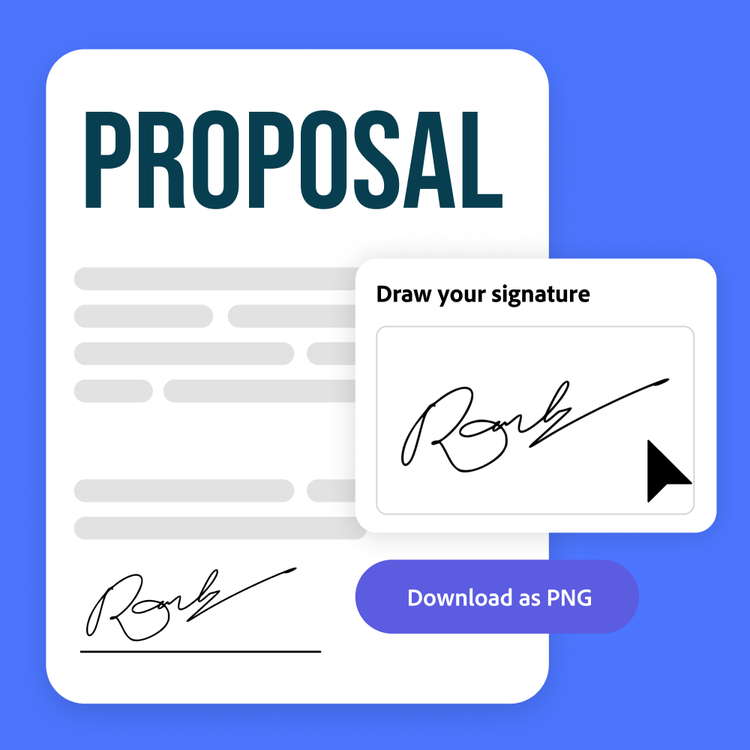
Develop your personal signature.
There is nothing quite as personal as your signature. Now you can leave your mark even on digital documents. In the signature generator add-on in Adobe Express, you can use your cursor to draw a signature that is all your own. Once your signature is perfect, you can use it again and again by downloading it as a PNG. Whether you’re signing contracts or merch for your fans, it’s easy to attach your signature.
Create documents from start to finish.
Adobe Express has a range of tools and templates to help you with all your document creation needs. From corporate letters, email signatures, and invoices, we have templates to get you started. Finish your document with a professionally typed or drawn signature to make it complete.
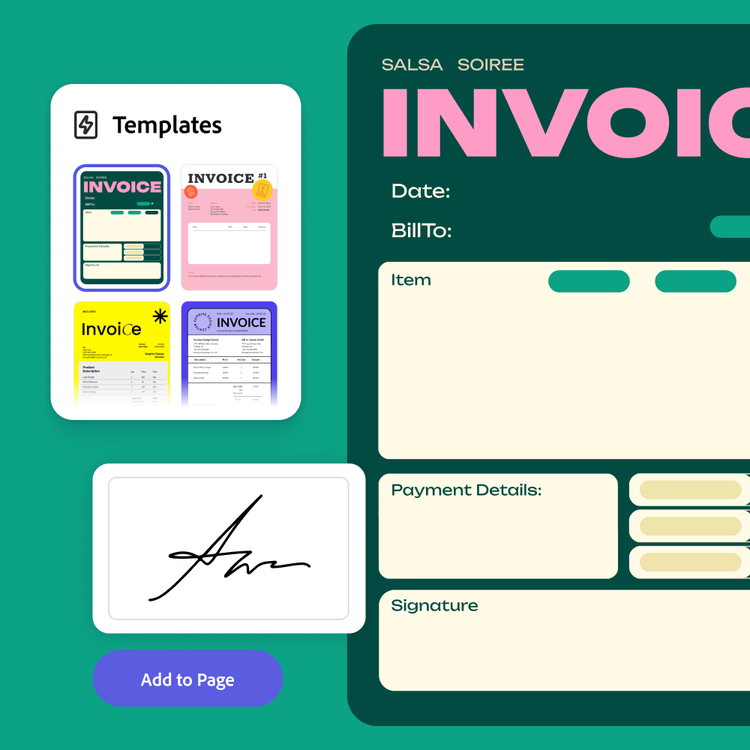
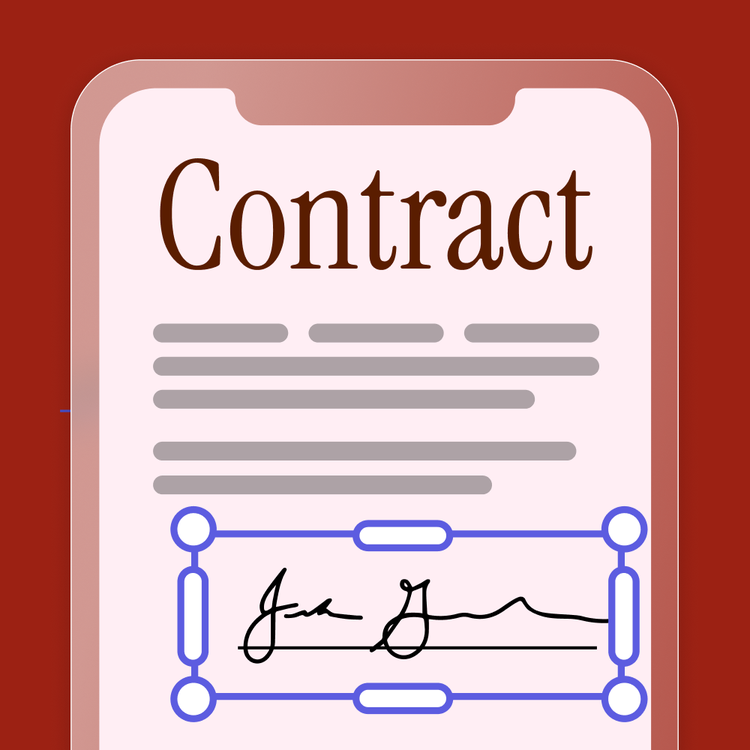
Sign documents anywhere.
Forget being tied to the desk. Access your generated signature within Adobe Express on the web or mobile app to sign documents anywhere you are. (Note: You must create the original signature from the desktop or web app initially.)