Free crossword puzzle maker.
Become a puzzle maker in no time. The Puzzle Craft add-on in Adobe Express allows you to quickly design a crossword from scratch with all the personal flare you can imagine.
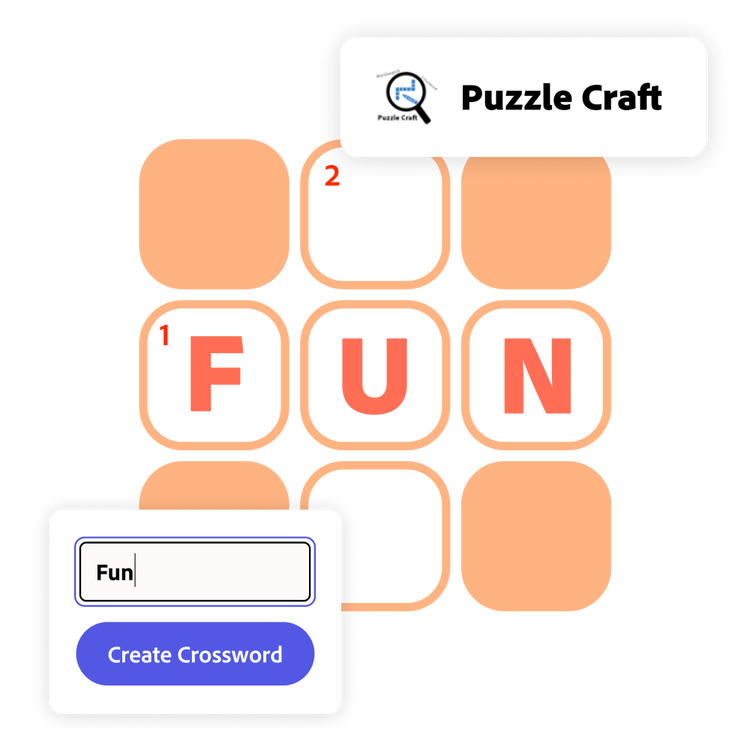
How to generate a crossword.
1. Launch Adobe Express.
Open Adobe Express on your desktop. Select the add-ons panel in the left menu and install the Puzzle Craft add-on.
2. Generate your crossword.
The Puzzle Craft add-on can create word searches or crosswords. Select Crossword. Type the words and clues you’d like to include. Give your puzzle a headline and subhead. Then select the theme. Click Add crossword when you’re finished.
3. Continue editing.
From the Adobe Express editor, you can continue to edit the look of the crossword by adding a background or borders, re-arranging the boxes, and including other design assets. Then save, download, and print.
Create your own daily crossword.
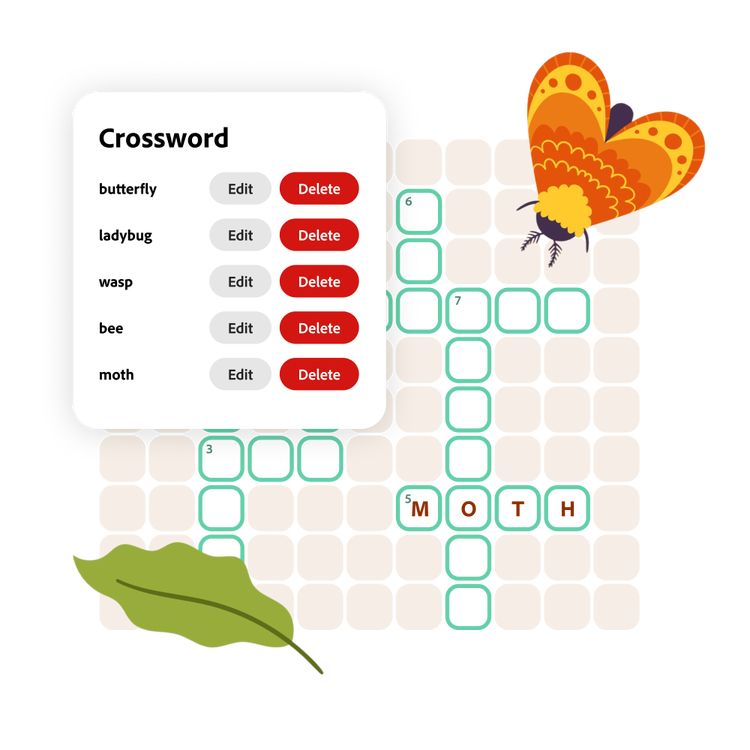
Tailor your puzzle to fit your needs. Whether you’re a morning puzzler looking for exciting new challenges to start your day or an editor looking to fill a page in your magazine, custom crosswords are easy to make with this add-on in Adobe Express. Not sure what to include in your crossword? Take a look at a sample list in the add-on and customize from there.
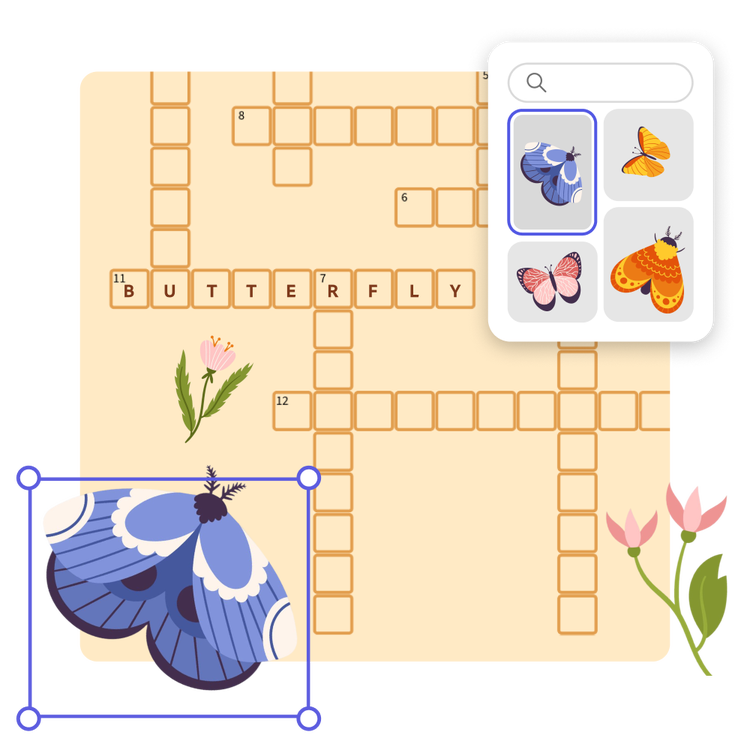
Make the crossword your own in the Adobe Express editor.
Add design elements to make your crossword even more personal. Select the theme that catches your eye in the Puzzle Craft add-on. Then keep customizing within Adobe Express. Add icons that fit your theme or a colorful background. Duplicate your design and fill in the answers for the answer key.
Share the crossword fun.
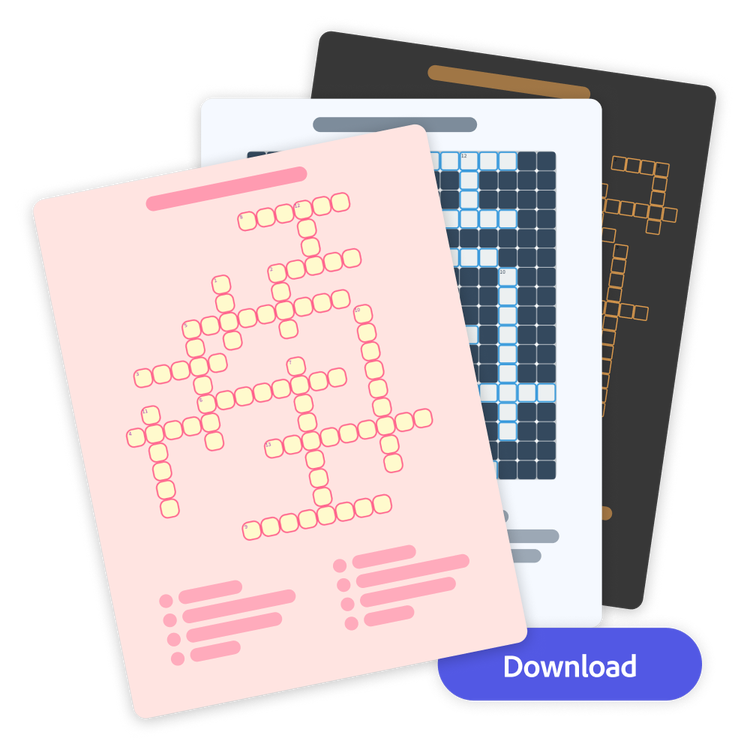
Add your crossword into a booklet of puzzles you’ve created or keep it as a single sheet. Download your new crossword design as a PDF, JPG, or PNG file to share anywhere digitally or print from the app.