
Free data table maker.
Organize your business or scientific information with an on-brand editable data table. Data tables help showcase your findings in documents, presentations, infographics, and more where clarity and precision are key.
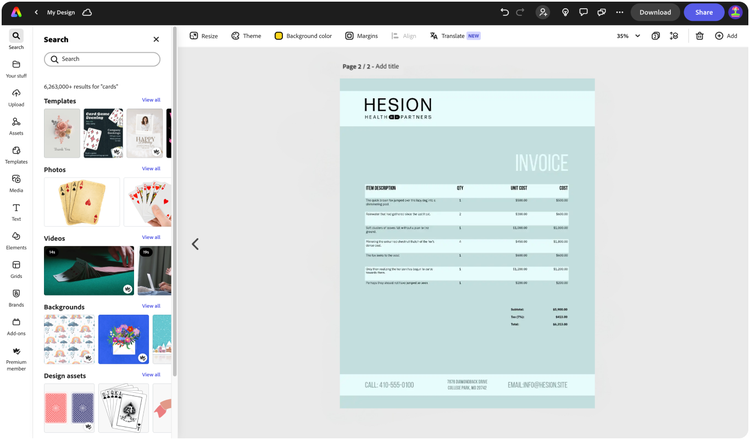

Easy all-in-one editor

One-click edits from any device

Fast creation with generative AI

Thousands of professionally-designed templates
Easily get started in Adobe Express.
- Templates
- Upload Content
- Stock Content
- AI
Explore more categories:
Upload or import your content.
Add your own photos or videos and start your creation from there. You can also import your PSD or Ai files and Adobe Express will recognize all of your layers.


Upload your photos or videos

Upload your PSD or Ai files
Upload or import your content.
Add your own photos or videos and start your creation from there.
Upload your photos or videos
Start from our amazing collection of stock content.
You can start your project from the Adobe Stock royalty-free photo, video, or audio collection.


Start with video

Start with photo

Start with audio
Imagine and create from a text prompt.
Your imagination is your only limitation. You type it. Adobe Express generates it.
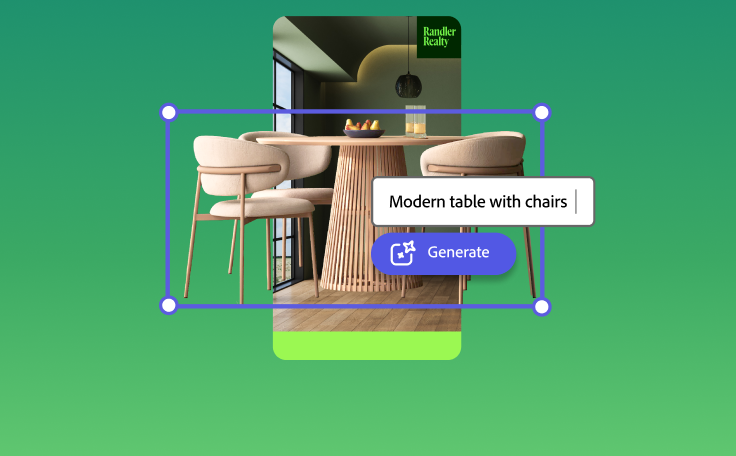

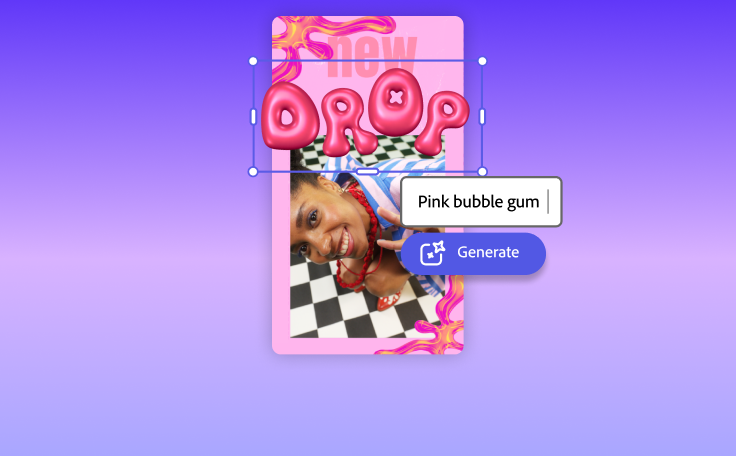

How to make a data table chart with Adobe Express.

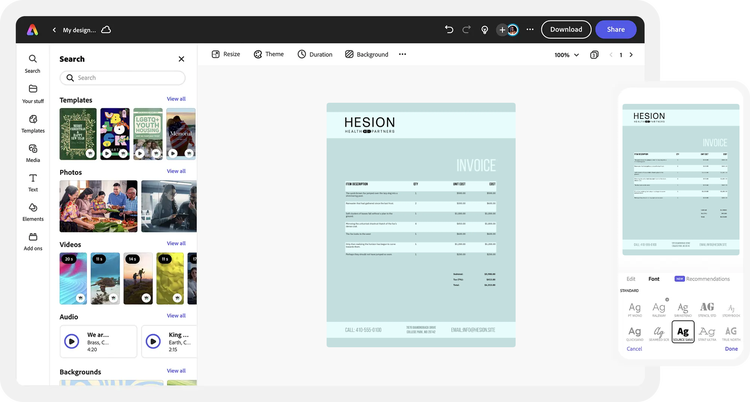
See what people are saying about Adobe Express.

Abs Ahlijah
Marketing & Content Coordinator @ Soul Session

Liz Mosley
Owner, Liz Mosley Design

Penuel Stanley-Zebulon
Student @ Pennsylvania State University

Attabeira German de Turowski
Owner, Attabeira Oneline

Mike Nappi
Owner, NappiMusic
Discover even more features for easy content creation.
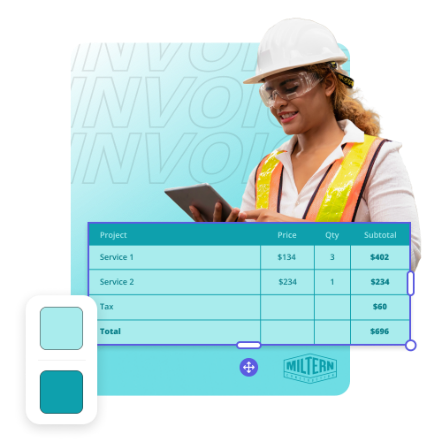
Springboard your design with a data table template.
When sharing data, you likely want to err on the side of professionalism. No matter your professional style, we have an editable template that will work for you. Whether you want to keep it simple with a monochrome style that lets the numbers speak for themselves or something more modern and eye-catching, there’s a template to match your needs. Add a table to your template, then enter in your final data or use it as a living document over time as you start to collect the data.
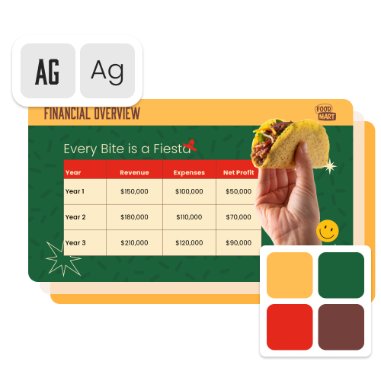
Add your brand to stand out.
If you’re sharing your data table in a presentation at a conference or publishing it on a white paper, it’s important to include your logo to stand out. Help your data table hit home and further build brand awareness when you apply your organization’s color schemes, logo, and font styles to your data table project. Your data table will be automatically saved to Adobe Express so you can access it anytime, online or on the mobile app.
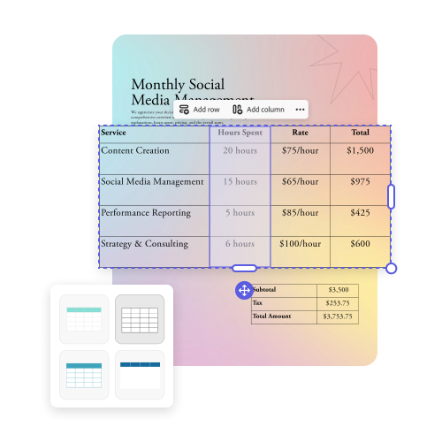
Create your data table from scratch.
Sometimes, it’s better to do things your way. If you want to create a data table entirely from scratch, look no further. You can do so right in your presentations, documents, infographics, or anything else designed in Adobe Express. Simply choose the number of rows and columns, populate each cell with your numbers, and swap out color schemes to make it stand out.