Create a blog for free.
Design a personalized online blog for free with Adobe Express. Share your passions, tell your story, and establish your online presence with an array of customizable templates, themes, and powerful generative AI tools at your fingertips. It’s quick and easy to get started.
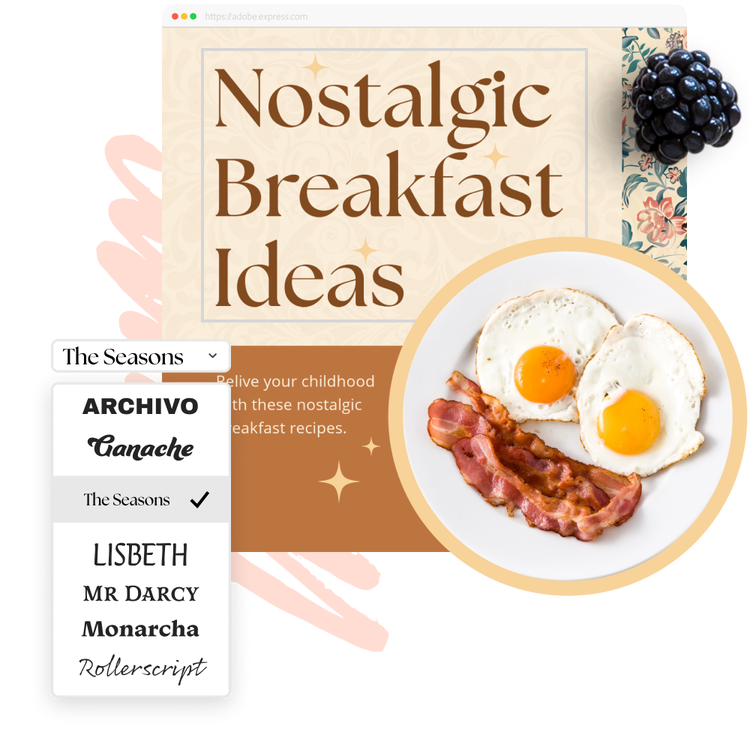
How to create a blog.
1. Pick a template.
Browse our collection of customizable blog templates to fast-track your blog page design. You can also start your blog from scratch.
2. Customize it.
Customize your blog's title, fonts, and posts. Create unlimited entries, adding dates, titles, and images. If you don't have visuals, add free Adobe Stock images to your page. Easily switch themes to change the text and style with a click.
3. Publish and share.
Preview your blog on a desktop before publishing. Once ready, click share to generate a unique URL. Share it on social media, email, or anywhere you like. For extra security, set up a password to control access.
Display photos and visual assets with ease.
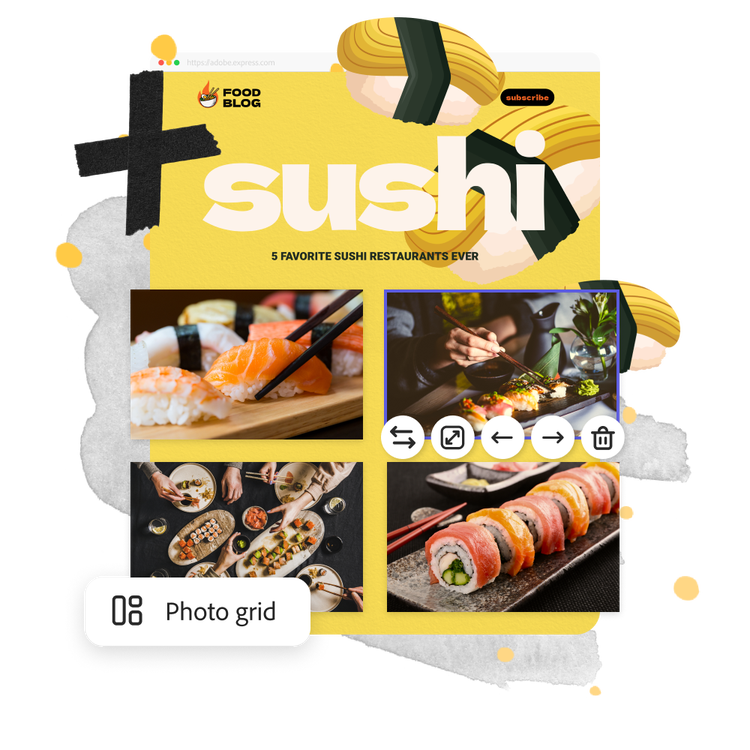
Include a collection of multimedia elements like photos and infographics made using the full Adobe Express editor to enhance your audience’s reading experience. If you have a collection of photos to share, display them using beautiful slideshows and photogrids. Plus, invite them to learn more or subscribe to your favorite social channels with standout call-to-action buttons you can add anytime.
Easy blog design starts with Adobe Express.
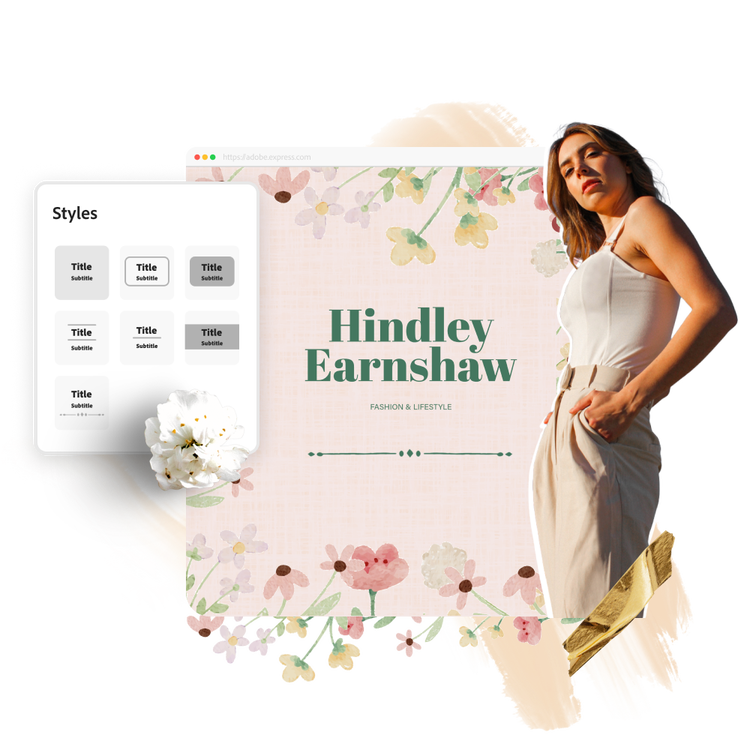
Experience the freedom to create a professional blog exactly as you imagine, without any design skills required. Customize your visual theme by choosing your favorite fonts, colors, and more to apply consistently across all your one-page blogs made in Adobe Express. Or choose from the one-click theme options readily available.
Create a beautiful blog that resonates with your audience.
Everyone has a story to tell or something to share. With fully customizable blog templates at your side, you have the freedom to create a blog tailored to your needs and visual aesthetics. Pick one to get started, then easily populate your online blog with as many blog entries as you’d like. Add photos and videos to personalize each blog post and add text to give readers further context. Rearrange each section of text and imagery exactly how you like to make a visually engaging blog that’ll inspire your readers to read on.

Collection ID
(To pull in manually curated templates if needed)
Orientation
(Horizontal/Vertical)
Width
(Full, Std, sixcols)
Limit
(number of templates to load each pagination. Min. 5)
Behaviors
(still/multiple-pages/video/animated)
Sort
Most Viewed
Rare & Original
Newest to Oldest
Oldest to Newest
Premium
(true, false, all) true or false will limit to premium only or free only.