Free landing page maker.
Promote your brand or business, showcase your online portfolio, or kick off your next marketing campaign using the landing page maker from Adobe Express. Quickly begin with a wide range of customizable templates and professionally crafted themes at your side.
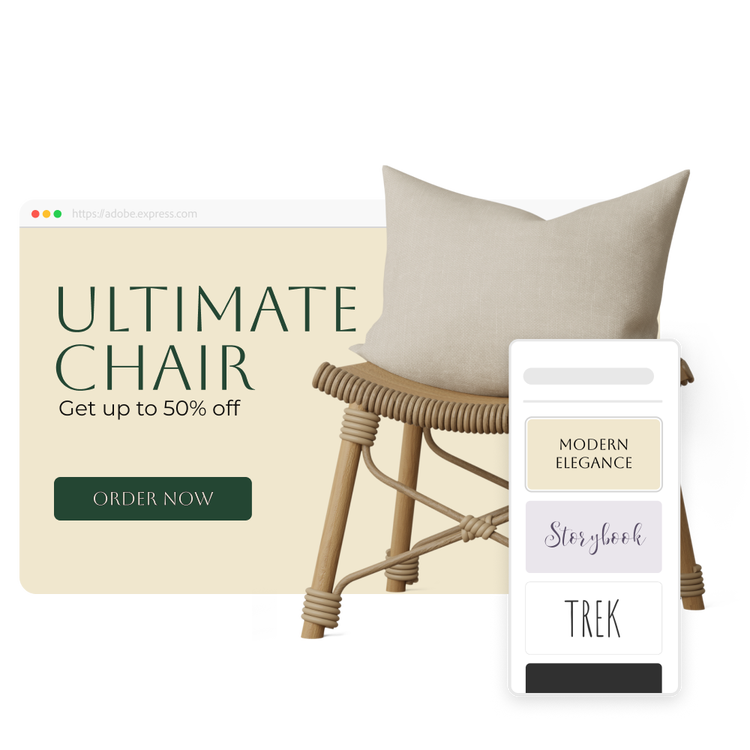
How to create a landing page.
1. Select a template.
Explore all the premade landing page template options and choose one to customize, quickly and easily. Or, start your project from scratch if you’d like.
2. Customize it.
Customize with text, Adobe Stock images, buttons, and much more. Try out various theme options to quickly alter the text and style of your landing page with a single click.
3. Publish and share.
Preview how your landing page will look before it goes live. Click share to generate a unique URL you can add to social media, via email, or anywhere else. You can also set up a password to control access to your landing page.
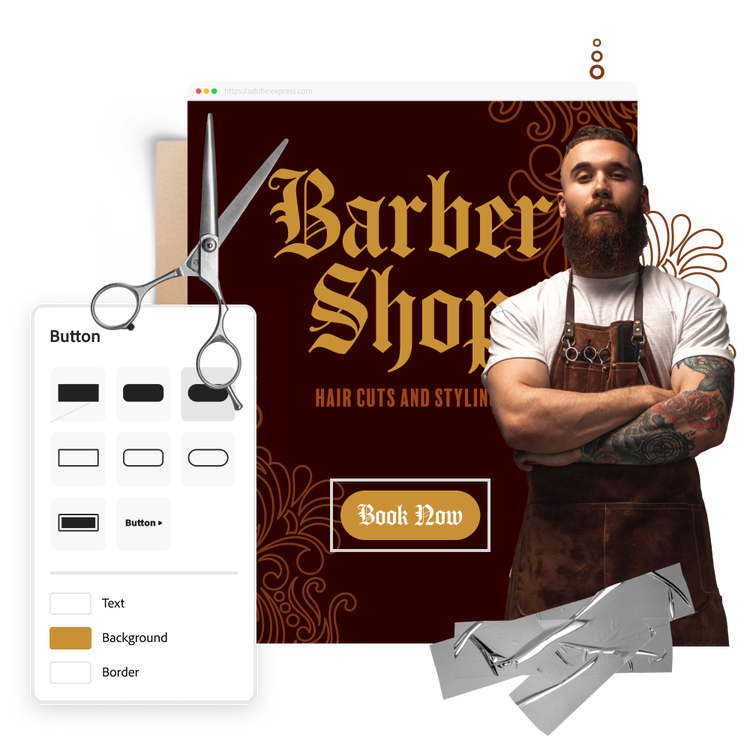
Design a landing page with ease, no design skills needed.
Give curious customers a place to learn more about your brand and encourage them to take the next step. Whether you’re looking to increase email sign-ups or generate sales, Adobe Express has tons of customization options to level up your landing page. Easily add call-to-action buttons on your webpage. Add photogrids and slideshows to showcase your images in a fresh, scroll-stopping way. Then apply a call-to-action button on your webpage to move your audience to the next step.
Let your brand shine with a custom landing page.
Adobe Express helps you stay effortlessly on brand across all your marketing materials. Start with a ready-made template best fit for your industry. Choose a minimal, sleek template for a traditional look, or something more colorful to make your landing page pop. Then, brand every element on your page by building a custom theme with your logo, brand colors, and fonts.
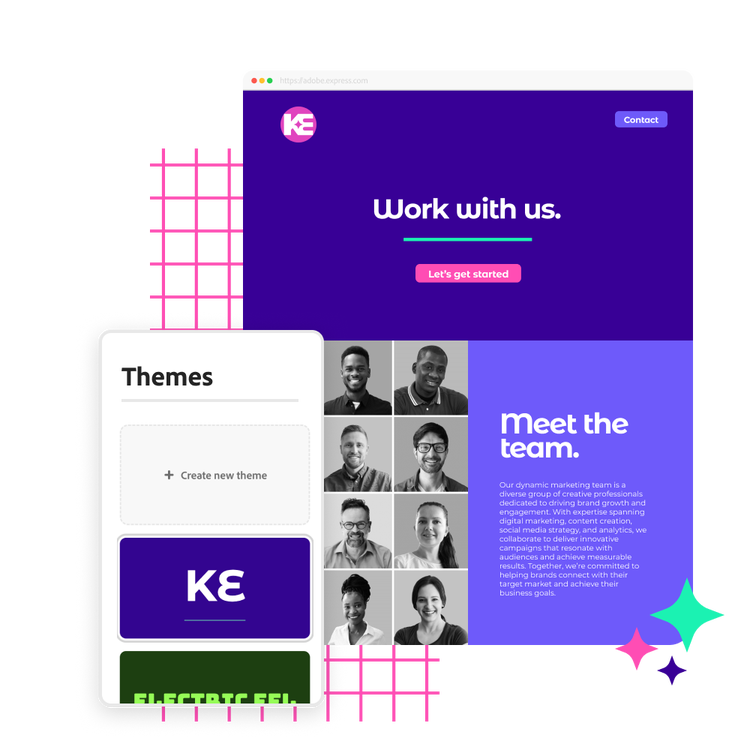
Design stunning landing pages fast with Adobe Express.
Adobe Express takes out all the guesswork of creating a landing page, so you can focus on next steps. With tons of templates, customizable themes, and simple webpage design tools, you have the power to create impactful landing pages that generate awareness and reach your marketing goals. Pick a template below to get started on your new landing page or start from scratch. Customize each element on your page by adding a visual theme, text, and high-quality photos to further drive the impact of your online message. When you’re done, publish and share your landing page anywhere.

Collection ID
(To pull in manually curated templates if needed)
Orientation
(Horizontal/Vertical)
Width
(Full, Std, sixcols)
Limit
(number of templates to load each pagination. Min. 5)
Behaviors
(still/multiple-pages/video/animated)
Sort
Most Viewed
Rare & Original
Newest to Oldest
Oldest to Newest
Premium
(true, false, all) true or false will limit to premium only or free only.