Free M4A converter.
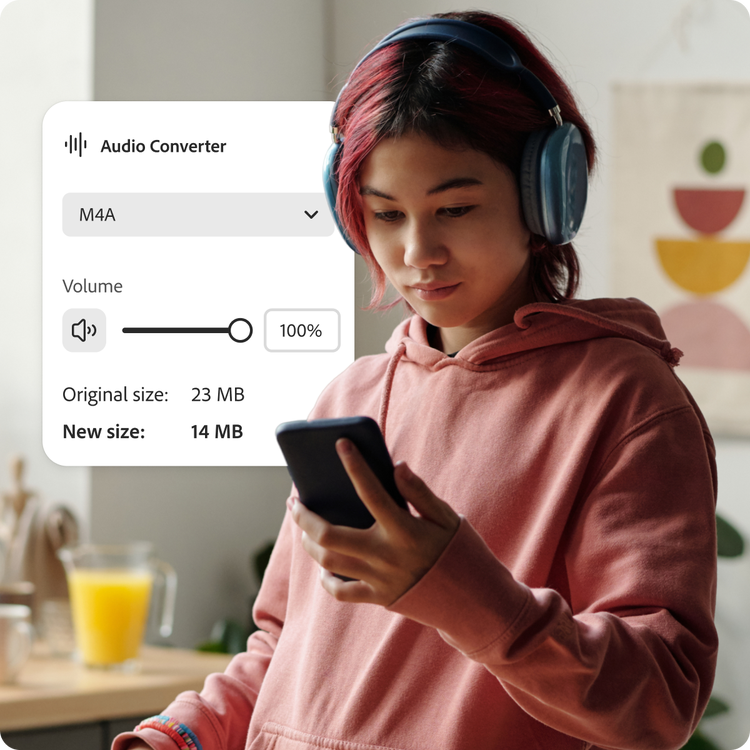
Convert your WAV or MP3 file to M4A for smaller file sizes, smooth streaming, and high-quality playback.
Free M4A converter.
Convert your WAV or MP3 file to M4A for smaller file sizes, smooth streaming, and high-quality playback.
Drag and drop an audio
or browse to upload.
File must be WAV or MP3 and up to 1GB
By uploading your audio you are agreeing to the Adobe Terms of Use and acknowledging the Privacy Policy
Free M4A converter.
Convert your WAV or MP3 file to M4A for smaller file sizes, smooth streaming, and high-quality playback.
Do more with your audio in Adobe Express.
File size can be up to 1GB
By uploading your audio you are agreeing to the Adobe Terms of Use and acknowledging the Privacy Policy
How to convert audio files to M4A.

1. Upload.
Drag and drop your audio file (MP3 or WAV) into the converter tool. Or upload directly from your device.

2. Convert.
Select M4A as your output format. Your audio file converts in a few clicks using efficient AAC compression to keep file sizes small.

3. Continue editing.
Download your new M4A file, or continue editing in Adobe Express by adding video, captions, transitions, Adobe Stock audio, and more.
Speed up the creative process.
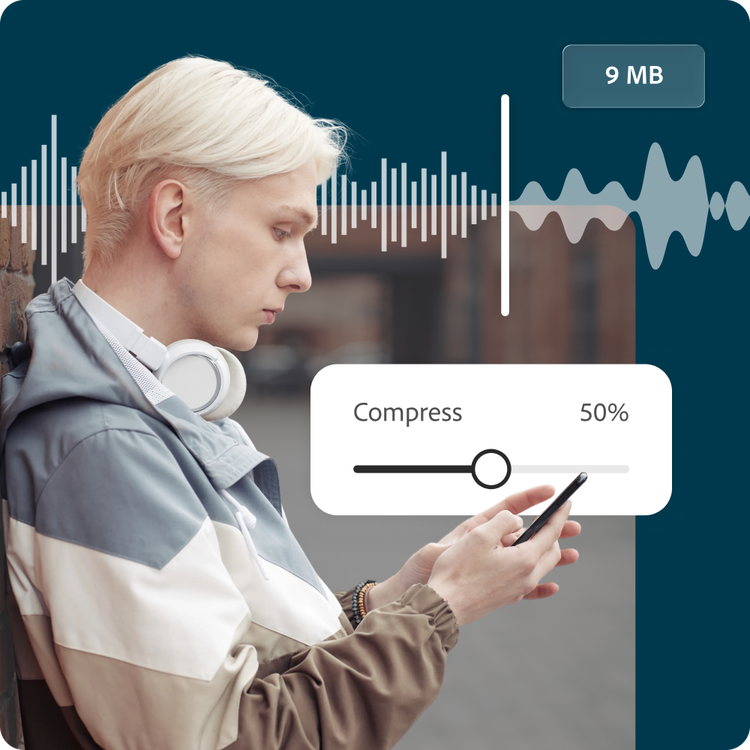
Whether you’re optimizing podcast episodes for mobile listeners or reducing file sizes for easier sharing, Adobe Express helps you convert audio in just a few clicks. Turn large WAV files or MP3 tracks into lightweight M4A files without juggling multiple apps or complicated settings.
Smaller files, impressive sound.
M4A files deliver excellent audio quality with efficient compression, making them ideal for streaming, emailing, social uploads, and everyday listening. Convert oversized audio into a format that’s easier to store, send, and play across modern devices.

Audio tools anyone can use.
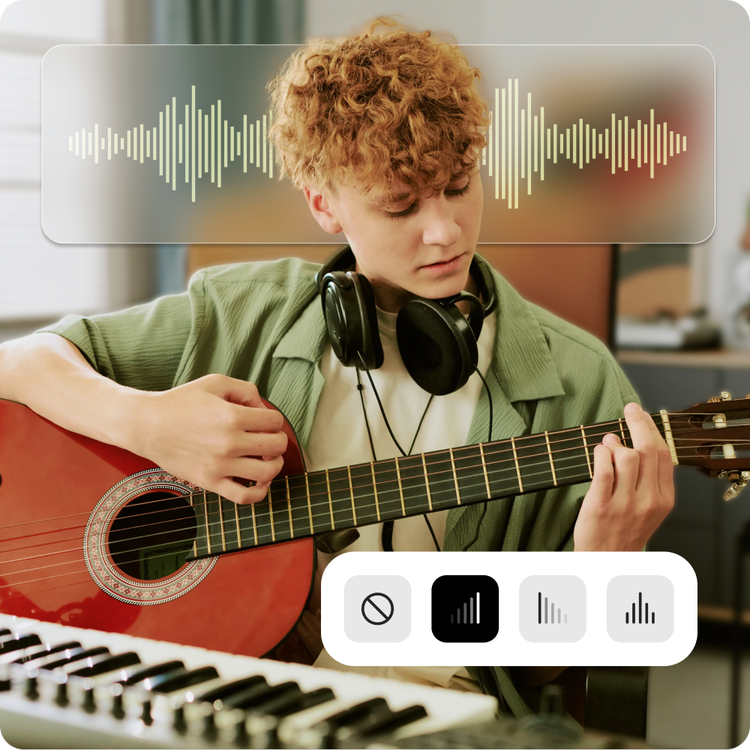
From content creators publishing voiceovers to musicians sharing demos online, Adobe Express makes audio conversion simple. Convert your files to M4A, then fine-tune them with beginner-friendly editing tools for trimming, fading, volume adjustments, and more.
Hundreds of thousands of templates and assets to start customizing today.
After converting your audio to M4A, turn it into something shareable with customizable templates for podcast covers, music promos, video intros, social posts, and more. Explore professionally designed layouts, fonts, icons, and Adobe Stock assets to bring your ideas to life.

Convert your audio for a better streaming experience.
M4A is a popular format for balancing sound quality with manageable file sizes. Convert WAV recordings into compact M4A files for faster uploads and easier playback, or transform MP3 tracks into a format optimized for modern apps and devices.
Adobe Express makes converting WAV and MP3 files to M4A simple and accessible. M4A works especially well for mobile listening, streaming platforms, presentations, and social content where smaller files and reliable playback matter.
Make your audio more portable.
Large audio files can slow down uploads, eat up storage space, and create sharing headaches. Converting to M4A helps streamline your workflow with efficient compression built for everyday sharing.
Whether you’re sending interview recordings, publishing educational content, uploading music previews, or saving storage space on your devices, Adobe Express gives you a fast and easy way to prepare audio for everyday use. Create, edit, convert, and share all in one app.