Free M4A to MP3 converter.
Convert your M4A audio files to an MP3 for easier sharing, playback, and compatibility across devices.
Free M4A to MP3 converter.
Convert your M4A audio files to an MP3 for easier sharing, playback, and compatibility across devices.
Drag and drop an audio
or browse to upload.
File size can be up to 1GB
By uploading your audio you are agreeing to the Adobe Terms of Use and acknowledging the Privacy Policy
Free M4A to MP3 converter.
Convert your M4A audio files to an MP3 for easier sharing, playback, and compatibility across devices.
Do more with your audio in Adobe Express.
File size can be up to 1GB
By uploading your audio you are agreeing to the Adobe Terms of Use and acknowledging the Privacy Policy
How to convert M4A to MP3.

1. Upload.
Drag and drop your M4A audio files into the converter tool. Or upload directly from your device.

2. Convert.
Choose MP3 as your output format and quickly compress your audio into a smaller, more compatible file.

3. Continue editing.
Download your MP3 file instantly or add it to the Adobe Express editor to enhance it with music, sound effects, captions, video clips, animations, and more.
Shorten your workflow.
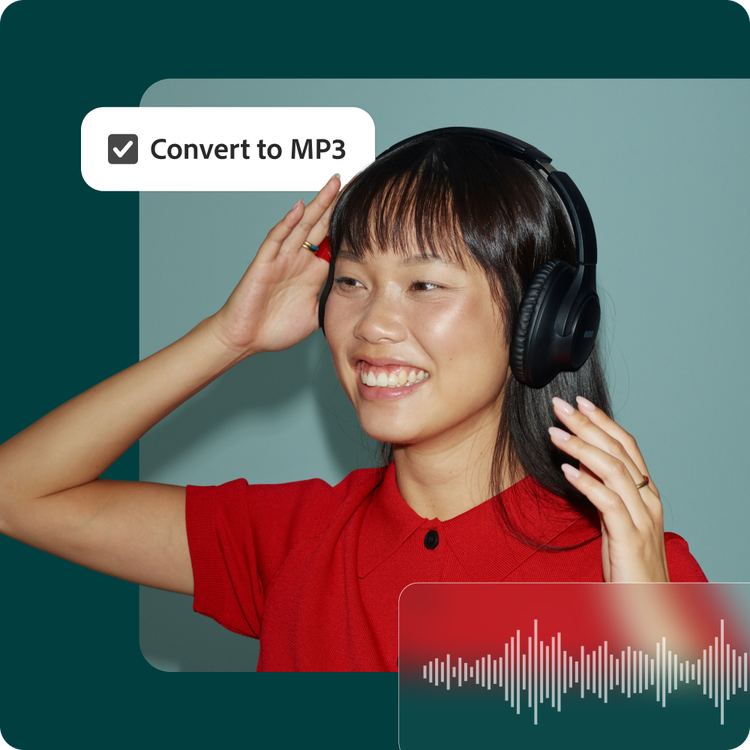
Whether you’re organizing your files or mixing a soundtrack for streaming, Adobe Express simplifies a multi-step process. Convert and compress your audio into an easy-to-edit, easy-to-store MP3 file all in one place. Download and go or jump right into editing.
Audio files that are universally supported.
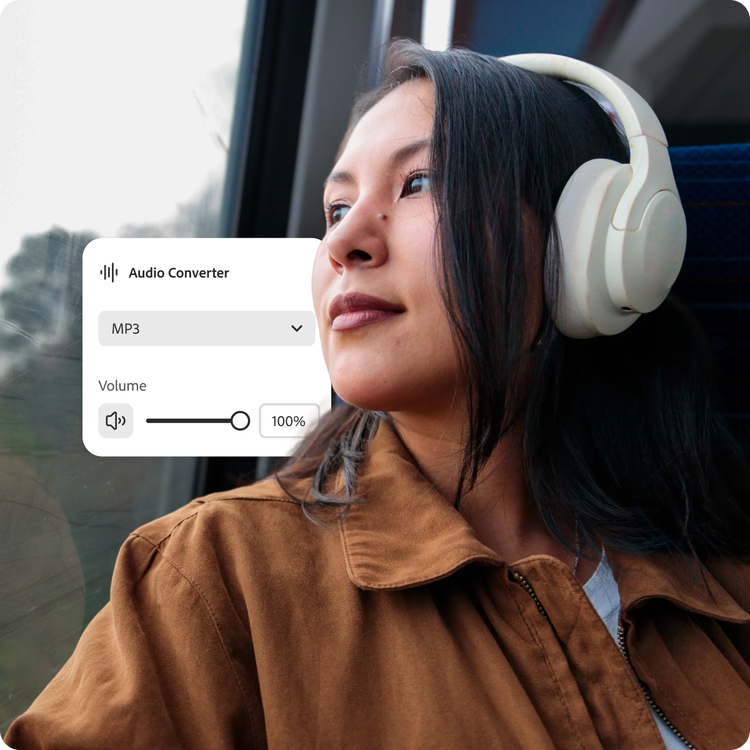
M4A files don’t have the wide compatibility that MP3s do. If you have collaborators that can’t open a recorded presentation, quickly convert to an MP3, which is known to work across most devices and players.

Convert and share audio faster.
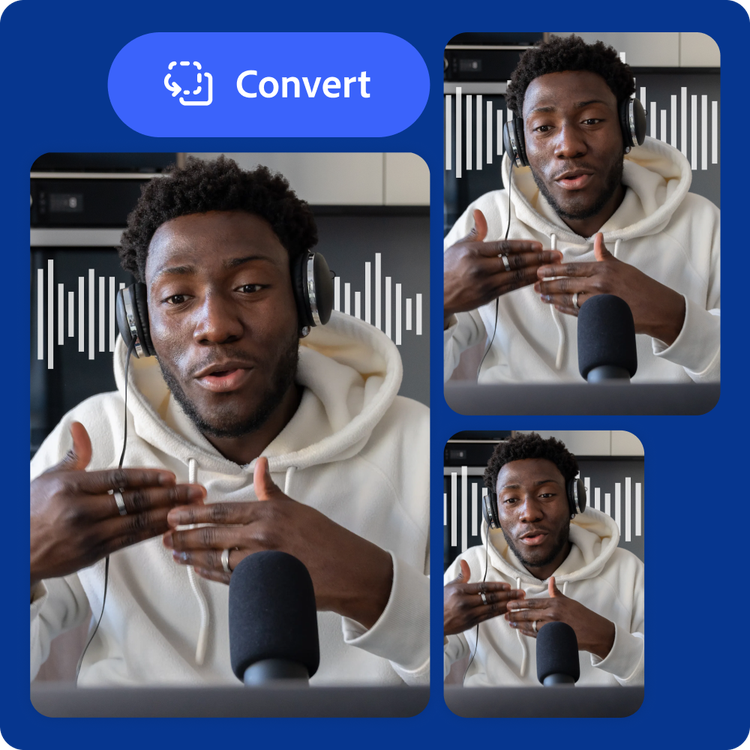
Large M4A files can slow down your process. Collaboration and publishing are easier when you switch to the small but mighty MP3 format. Whether you’re sending audio to coworkers, teachers, or your social network, Adobe Express helps you prepare polished files without complicated software or lengthy exports.
Hundreds of thousands of templates and assets to start customizing today.
Promote your newly converted MP3 file in a variety of creative ways, like with a YouTube thumbnail, captivating music video, or band poster. Explore our template library to get started. Then customize with design assets, fonts, and images.

Convert your audio for seamless playback.
Your sound can go further when converted to MP3. Transform high-bitrate audio files into a compressed format optimized for streaming, sharing, and storage efficiency while maintaining strong perceptual audio quality. MP3 uses lossy compression to significantly reduce file size, making it ideal for podcasts, music tracks, voice recordings, and web delivery.
Adobe Express makes it easy to convert M4A and other audio formats into MP3, keeping your file lightweight and easy to share. Choose MP3 when you need efficient compression, faster uploads, and dependable playback across virtually any platform.
Create content beyond audio.
Adobe Express gives you more than a simple file converter. Once your M4A file is converted to MP3, continue editing in the same app. Pair your audio with visuals, add captions and transitions, or add a voice recording over top for a layered production.
When your project is complete, add collaborators for feedback or share directly to your social media channels from the Adobe Express mobile or desktop app.