MP3 to WAV converter.
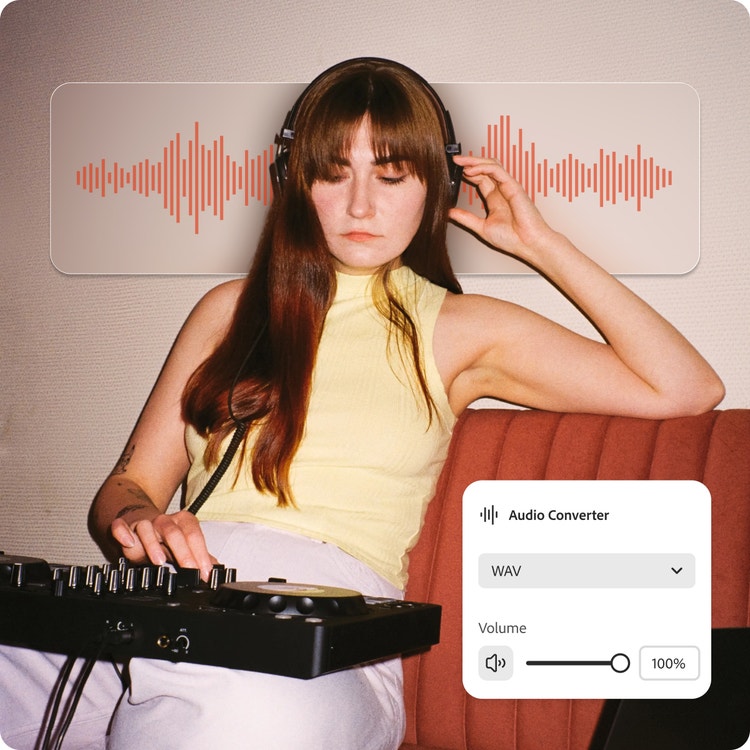
Turn your audio into a high-quality WAV file in just a few clicks.
MP3 to WAV converter.
Turn your audio into a high-quality WAV file in just a few clicks.
Drag and drop an audio
or browse to upload.
File size can be up to 1GB
By uploading your audio you are agreeing to the Adobe Terms of Use and acknowledging the Privacy Policy
MP3 to WAV converter.
Turn your audio into a high-quality WAV file in just a few clicks.
Do more with your audio in Adobe Express.
File size can be up to 1GB
By uploading your audio you are agreeing to the Adobe Terms of Use and acknowledging the Privacy Policy
How to convert an MP3 to WAV file.
1. Upload.
Drag and drop or browse your device to upload your MP3 file.

2. Convert.
Select WAV as your file output and your converted file will be ready in no time.

3. Keep editing.
Download your file as a WAV. Then save it, share it, or keep editing in Adobe Express.
Get production-ready audio.
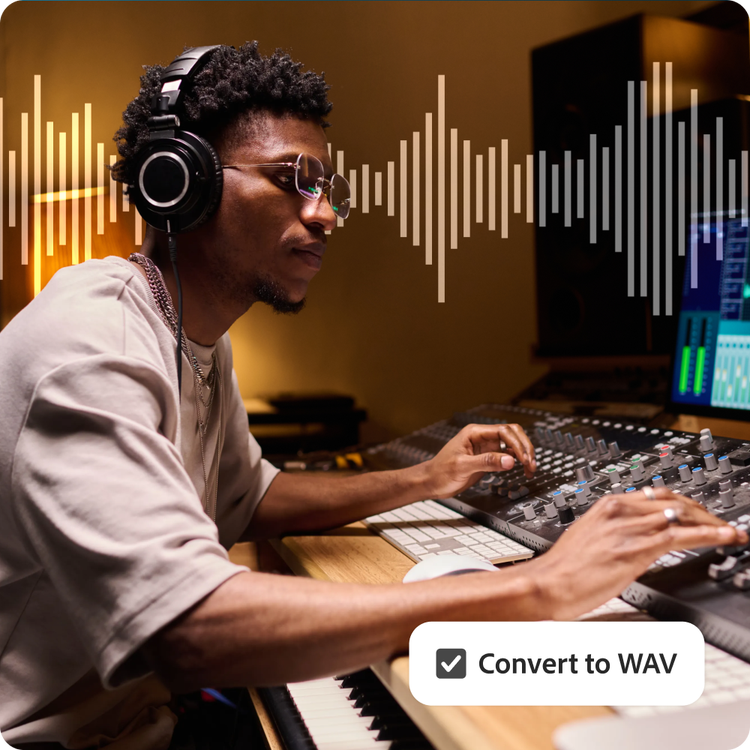
MP3 files are convenient for streaming and sharing, but they aren’t always ideal for creative workflows. Converting your audio to WAV gives you a format better suited for editing, mixing, recording, and professional playback. Whether you’re working on a podcast, music track, interview, or voiceover, WAV files help preserve the depth and clarity your project deserves.
Prepare audio for professional software.
Many editing platforms and digital audio workstations work best with WAV files, since the format doesn't lose additional detail through compression. Once converted, bring your WAV—or your original MP3—into Adobe Express to cut clips, clean up dialogue, add effects, or align audio to your video.

Deliver a smoother listening experience.
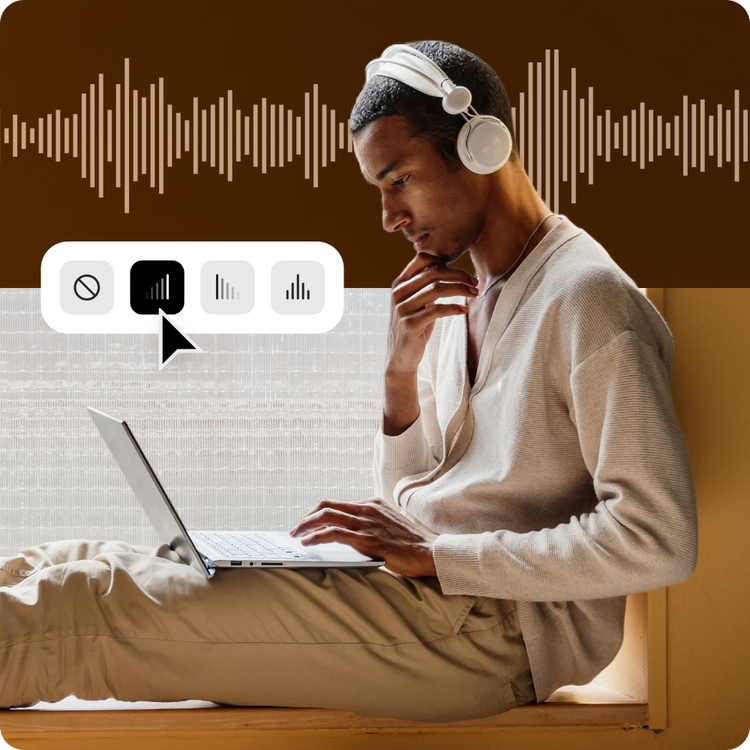
With an MP3 to WAV converter, you can turn a compressed podcast episode, voice recording, or music track into a WAV file ready for playback, transfer, or archiving. The converter works by decoding the MP3 audio into an uncompressed WAV format, so no further quality is lost in future edits or exports.
Hundreds of thousands of templates and assets to start customizing today.
WAV files are ideal for high-quality audio, but they don't have to stay locked away in editing folders or storage drives. Once converted, bring your WAV file, or your original files in formats like MP3, M4A, or AAC audio, into Adobe Express to pair with templates, add visuals, and create podcast covers, social audio clips, or video content ready for your favorite platforms.

Publish your content in Adobe Express.
WAV files are ideal for high-quality audio, but they don't have to stay locked away in editing folders or storage drives. Once converted, download your WAV file and pair it with Adobe Express templates to create podcast covers, social audio clips, or video content ready to share on your favorite platforms.
Large WAV files can be difficult to manage when you're juggling multiple projects. Adobe Express streamlines the process by letting you convert, download, and continue editing your audio in one place, helping you move from final edit to done faster.
Create cohesive, organized audio files.
Audio projects often involve files from multiple sources, which can lead to frustrating format mismatches and playback errors. Adobe Express helps you quickly convert audio files into the right format so your recordings, music, and sound effects work smoothly across editing apps, presentation tools, and online platforms.
Instead of wasting time troubleshooting unsupported file types, you can focus on creating and sharing your content. Adobe Express streamlines audio conversion with simple uploads and fast processing, making it easy to keep projects moving.