Free WAV converter.
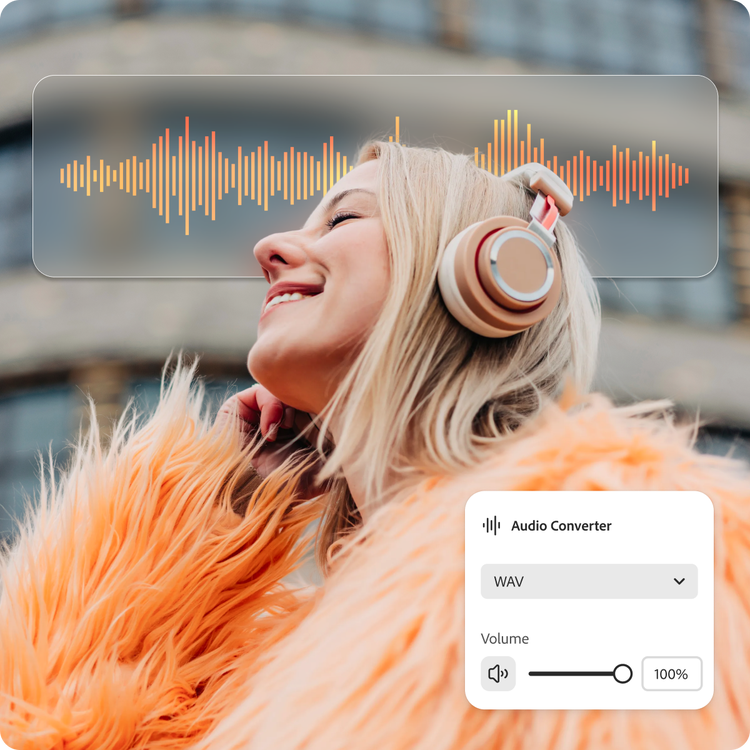
Convert your audio file to WAV in Adobe Express for lossless quality and universal compatibility.
Free WAV converter.
Convert your audio file to WAV in Adobe Express for lossless quality and universal compatibility.
Drag and drop an audio
or browse to upload.
File must be MP3 or M4A and up to 1GB
By uploading your audio you are agreeing to the Adobe Terms of Use and acknowledging the Privacy Policy
Free WAV converter.
Convert your audio file to WAV in Adobe Express for lossless quality and universal compatibility.
Do more with your audio in Adobe Express.
File must be MP3 or M4A and up to 1GB
By uploading your audio you are agreeing to the Adobe Terms of Use and acknowledging the Privacy Policy
How to convert audio files to WAV.
1. Upload.
Drag and drop your audio file (MP3 or M4A) into the converter tool. Or upload from your device.

2. Convert.
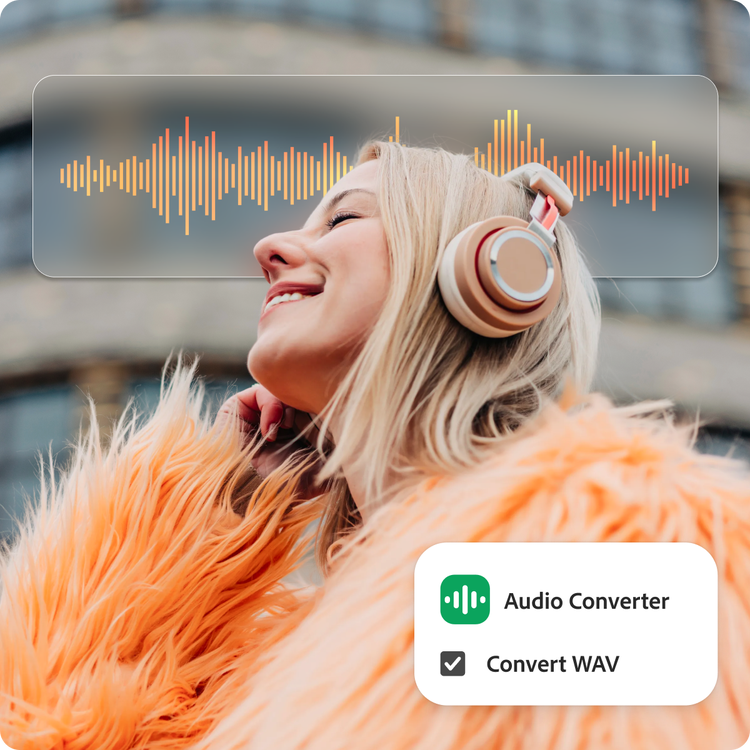
Select WAV as your output format. Your file converts into an uncompressed format, ready for further editing and production work, without losing any additional detail along the way.

3. Continue editing.
Download your audio as a WAV file, then share it as is or add it to another Adobe Express project by combining video, Adobe Stock sound effects, animation, and much more.
Shorten your workflow.
Whether you're preparing stems for a mixing session or archiving field recordings in full quality, Adobe Express simplifies a multi-step process. Convert your audio into an edit-ready, studio-standard WAV file in one place. Download and go, or jump right into editing.
Create audio files ready for professional work.
With the WAV converter, your audio converts into an uncompressed format that keeps every additional detail intact from this point forward, making professional editing and archiving a cinch. For further refinement, use the audio editing quick tools to enhance, adjust volume, or add transitional fading.
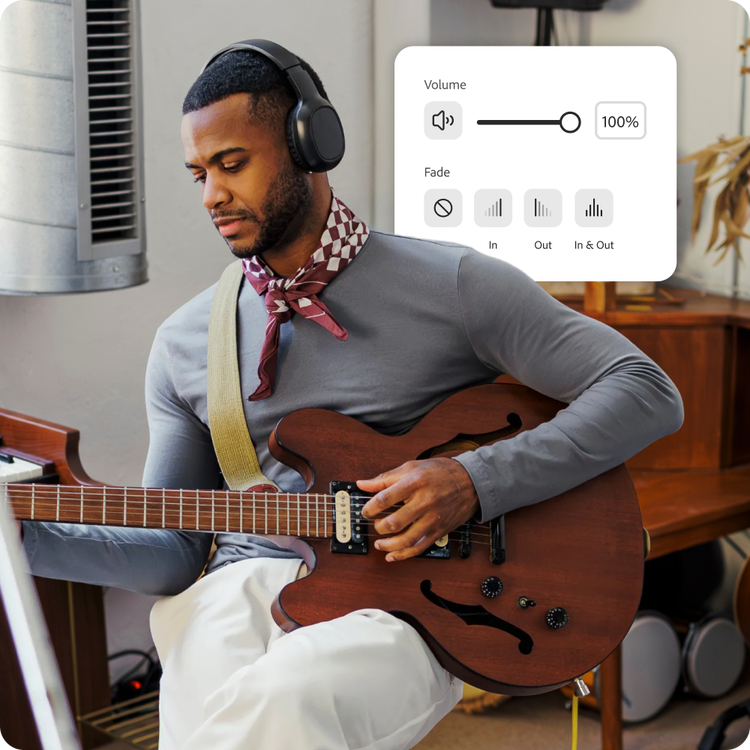
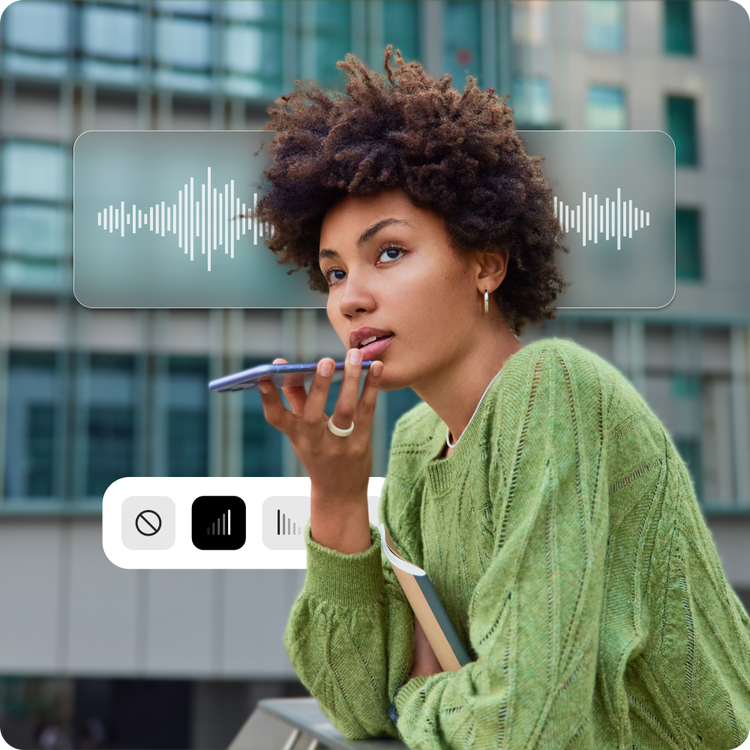
Powerful audio editing, simplified.
Whether you're a reporter turning compressed M4A phone recordings into an uncompressed WAV format for transcription software, or a sound engineer trying to reduce playback issues, converting audio takes just a few clicks in Adobe Express. Take your projects further with audio editing tools that are professional-quality but beginner-friendly.
Hundreds of thousands of templates and assets to start customizing today.
Promote your newly converted WAV file in a variety of creative ways, like with a library-ready audiobook flyer, podcast thumbnail, or social media post for your EP. Explore our template library to get started. Then customize with design assets, fonts, and images.

Convert your audio for professional playback.
Your sound can go further when converted to WAV. Transform a compressed MP3 voice recording into a WAV file that's ready for professional editing, mixing, or broadcast. WAV stores audio without lossy compression, making it the preferred format for studio work, sound design, and any project where quality matters most.
Adobe Express makes it easy to convert MP3 and M4A into WAV for maximum compatibility with professional software. WAV files work seamlessly across DAWs, video editors, and broadcast systems. Choose WAV when you need lossless quality, precise editing capability, and reliable performance in production environments.
Prepare audio for professional workflows.
Compressed formats can introduce artifacts that become more noticeable during editing, processing, or repeated exports. Converting your audio to WAV gives you a clean foundation for mixing, mastering, and post-production, without adding any further compression along the way. Whether you're preparing audio for film, music production, game development, or broadcast, WAV helps you avoid additional quality loss as you keep working.
Adobe Express WAV converter lets you quickly prepare audio for professional workflows across any platform. Don’t let compression limit your creative options. Meet your deadlines and impress your listeners in the create-anything app.