Free WAV to MP3 converter.
Convert large WAV audio files into compact, shareable MP3s with the help of Adobe Express.
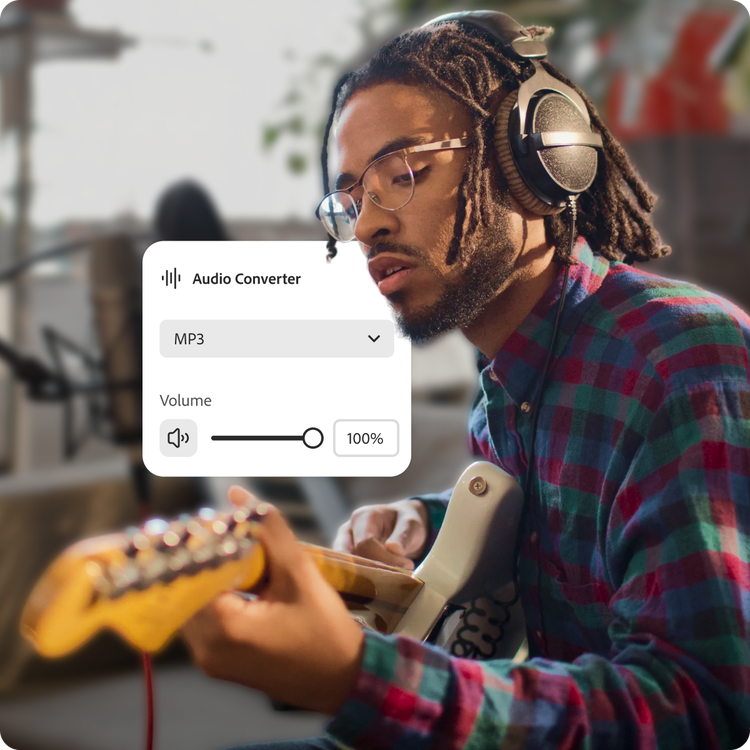
Free WAV to MP3 converter.
Convert large WAV audio files into compact, shareable MP3s with the help of Adobe Express.
Drag and drop an audio
or browse to upload.
File size can be up to 1GB
By uploading your audio you are agreeing to the Adobe Terms of Use and acknowledging the Privacy Policy
Free WAV to MP3 converter.
Convert large WAV audio files into compact, shareable MP3s with the help of Adobe Express.
Do more with your audio in Adobe Express.
File size can be up to 1GB
By uploading your audio you are agreeing to the Adobe Terms of Use and acknowledging the Privacy Policy
How to convert WAV audio to MP3.

1. Upload.
Drag and drop your WAV file into the converter tool. Or upload it directly from your device.

2. Convert.
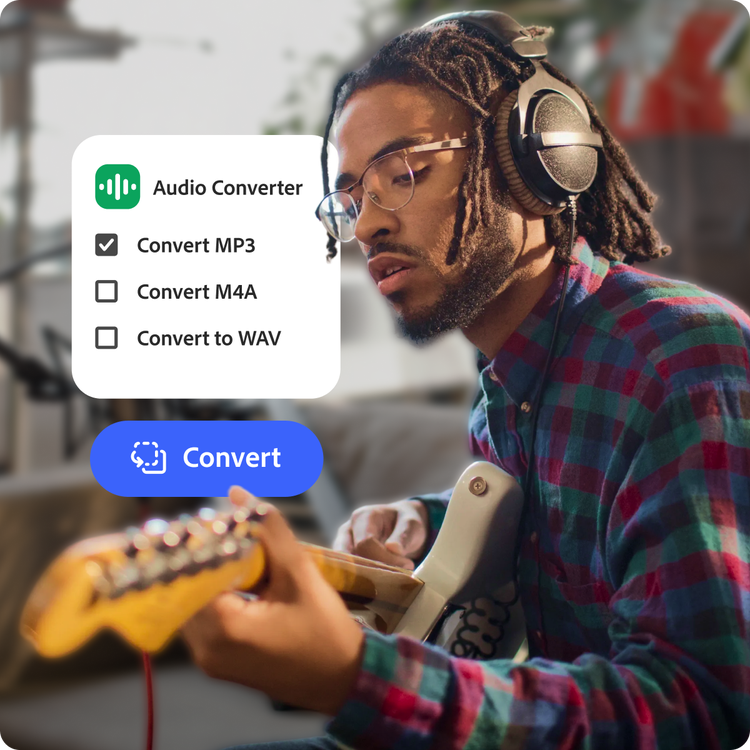
Select MP3 as your output format and quickly compress your audio into smaller, more portable files that are easy to share.

3. Continue editing.
Download your MP3 file, then enhance it in Adobe Express with music, sound effects, captions, video clips, animations, and more.
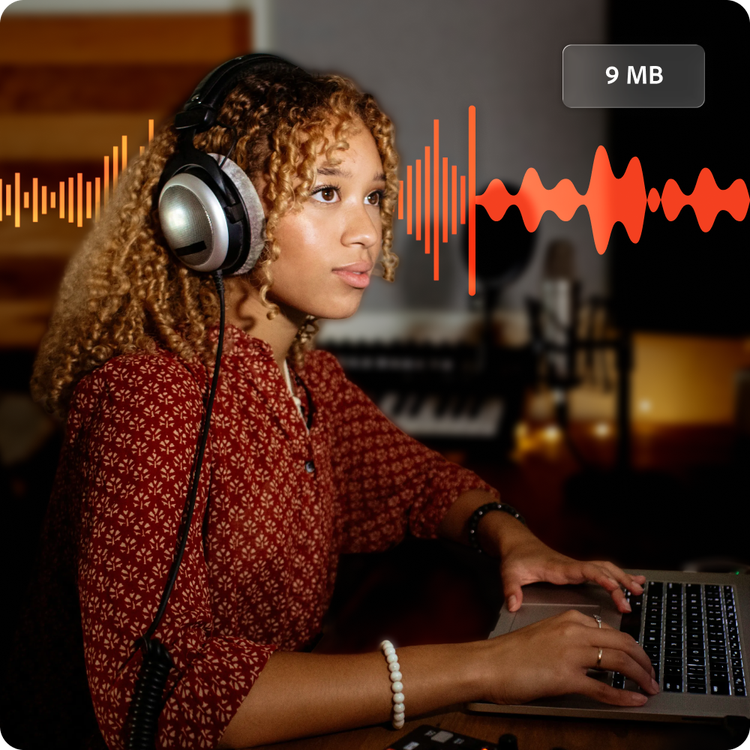
Make large audio files easier to manage.
WAV files deliver exceptional sound quality, but they can also take up significant storage space. Converting WAV to MP3 reduces file size dramatically, making your audio easier to upload, share, store, and stream. Adobe Express helps you create lightweight audio files ready for everyday use in just a few clicks.
Perfect for podcasts, music, or online sharing.
MP3 files are one of the most widely supported audio formats across websites, apps, devices, and media players. Convert your WAV recordings into MP3 format for podcast publishing, music sharing, online courses, presentations, or social media content. Adobe Express helps you optimize audio for fast playback and reliable compatibility.
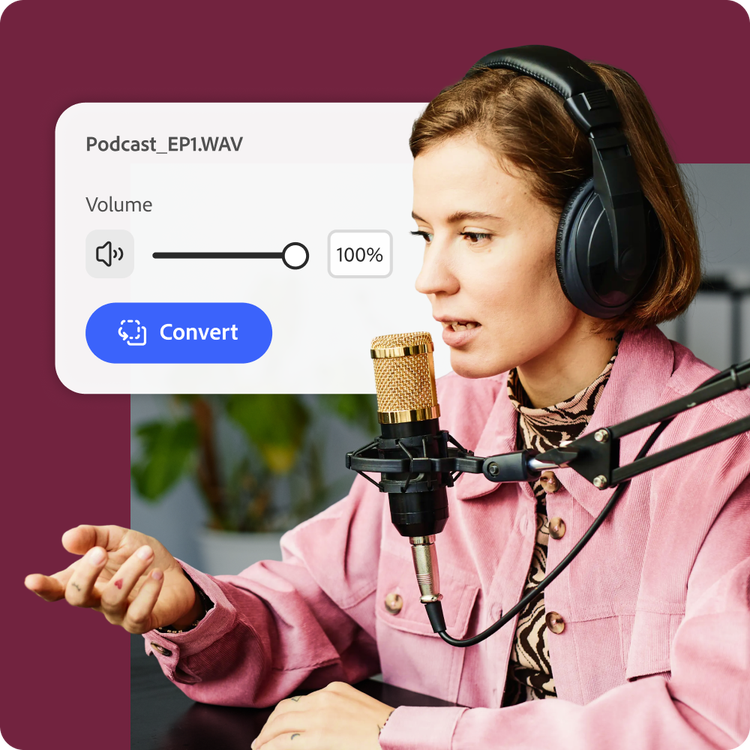

Convert and share audio faster.
Uploading large WAV files can slow down your workflow. MP3 files transfer quickly and work seamlessly across platforms, making collaboration and publishing easier. Whether you’re sending audio to clients, classmates, or followers, Adobe Express helps you prepare polished files without lengthy exports.
Hundreds of thousands of templates and assets to start customizing today.
Bring your newly converted MP3 audio into creative projects like podcast promos, music launch graphics, narrated slideshows, or social media videos. Explore professionally designed templates, then customize them with Adobe Stock images, fonts, icons, animations, and more.

Create something extraordinary with Adobe Express.
Adobe Express gives you more than a simple file converter. Once your WAV files are converted to MP3, continue editing in the same app. Pair your audio with visuals, add captions and transitions, or turn voice recordings into engaging video content for any platform.
Take your project to the next level by adding your branding, including fonts, logos, and color schemes. Premium users also get access to brand kits, which apply your branding in a single click. Every part of the creative process just got easier.
Optimize audio for the everyday.
While WAV is ideal for professional production and archival, MP3 is designed for convenience and accessibility. Don't send your friends a slow-to-buffer version of your capstone project. Send them an MP3 they can access quickly. Adobe Express helps you balance file size and sound quality, so your audio stays clear and ready to use anywhere.
Want feedback on that capstone project? Add collaborators in Adobe Express and allow commenters to guide you in the polishing process.