Add air horn sound effects to your videos for free.
Air horn sound effects add an element of immersion to videos, podcasts, and social media clips. With Adobe Express on your side, it’s easy to set the mood of your social stories, TikToks and videos with over 15,000 Adobe Stock air horn sound effects that you can easily apply to pivotal moments or transitions. No experience needed.
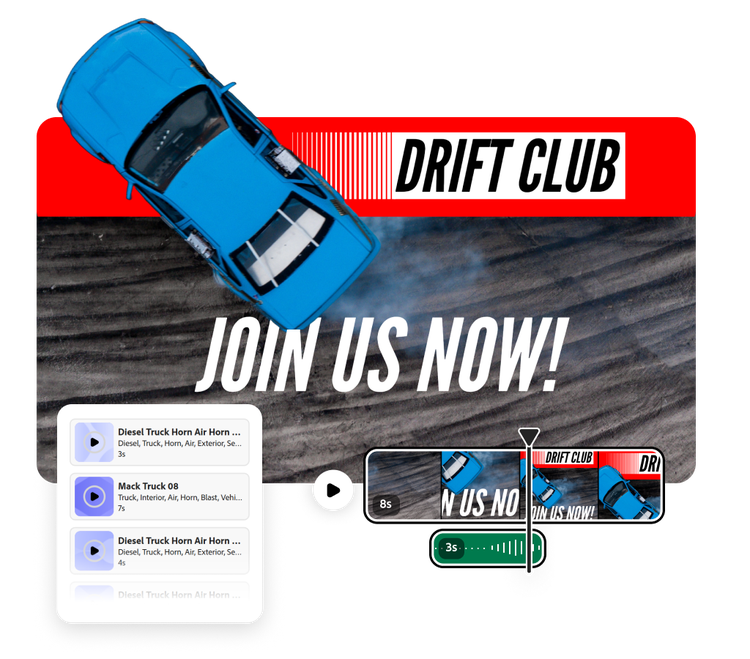
How to add air horn sound effects to your video.

1. Open your project.
Open Adobe Express and upload your video file. Or start a new project entirely using Adobe Stock videos.

2. Add air horn sound effects.
Browse air horn sound effects separated by genre or search for something specific (like a truck air horn). Drag and drop the sound effect to the desired spot in your video, then adjust its duration and volume.

3. Continue editing.
Share directly to social media, download the video to your device, or continue editing.

Add a professional touch to videos, no experience needed.
Thanks to Adobe Express air horn sound effects, it’s easier than ever to create videos that feel professionally edited, for free. Whether you’re making a home goods DIY TikTok and want a snappy transition between steps or need an out-of-this world space noise for your sci-fi short, adding the right sound effect gives your video a polished finish.
Explore more than 15,000 Adobe Stock air horn sound effects.
From the sound of a truck honking to a crowd panicking, there are tons of air horn sound effects you can use to enhance your Adobe Express project. And of the 15,000 Adobe Stock air horn sound effects, more than 11,000 of them are completely free. Just select the audio of your choice, customize the duration and volume, and your video will be ready to share.
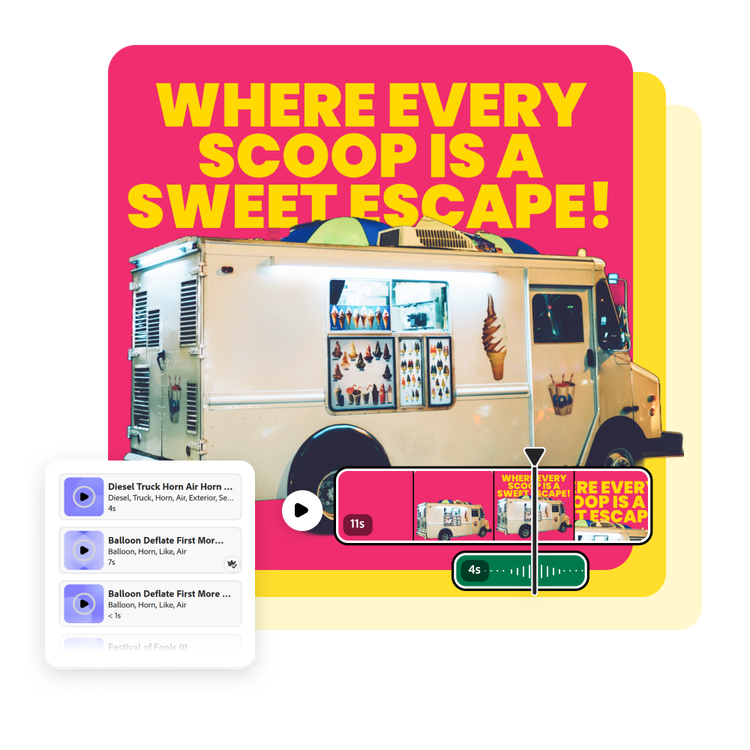

Add air horn sound effects and customize quickly and easily.
After you’ve found the perfect sound effect, keep editing your project in Adobe Express until it’s complete. Add additional scenes, trim your audio, or play with animations. You can even add music and a voiceover to your new video if you’d like. Editing in Adobe Express is easy. Best of all, no experience is required.
Share your video everywhere.
Watch the likes roll in when you share your video with your audience. Doing so is easy. Share your polished video content directly to your social channels from Adobe Express with the built-in Content scheduler. Or, download and share it through email, on a webpage, and so much more.

Add air horn sound effects on the go.
Quickly and easily add any sound effect you like using Adobe Express for mobile. Even on-the-go you have access to the Adobe Stock library of air horn sound effects, equipped with a wide variety of sounds. Preview the audio then add it to your video in seconds. Share directly to your social channels or download to your phone or desktop.