Add alarm sound effects to your videos for free.
Grab your viewers’ attention from the start by adding an alarm sound effect to your video. Adobe Express has more than 100 alarm sounds to choose from and over 15,000 other sound effects for all your video project needs.
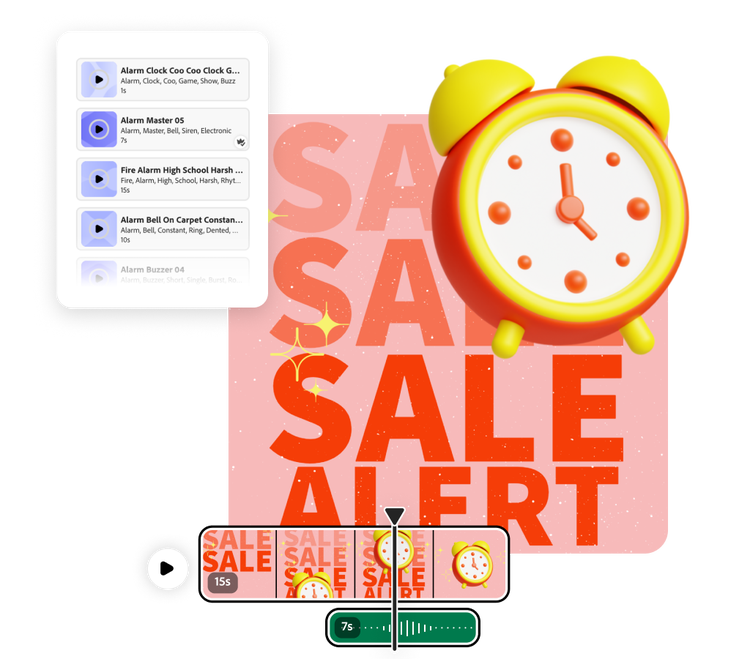
How to add alarm sound effects.

1. Open your project.
Open Adobe Express and upload your video file. Or start a new project entirely using Adobe Stock videos.

2. Add alarm sound effects.
In the media panel, select Audio then navigate to Sound effects. Search for alarm sound effects or get specific (like fire alarm or alarm clock). Customize the clip volume, fade, and duration.

3. Continue editing.
Download your new video with alarm sound effects added to share anywhere. Or, continue editing in Adobe Express if you’d like.

Bring your video content to life with alarm sound effects.
Adobe Express makes it easy to set the scene with realistic sound effects. Whether you need a crazy effect to promote your restaurant’s new five alarm chili or a submarine alarm to add tension to your underwater product sneak peak, the right alarm sound can captivate an audience. Adding in sound effects is as easy as searching, sampling, and selecting. Anyone can do it.
Explore more than 15,000 Adobe Stock sound effects.
Adobe Express doesn’t have just one alarm sound effect. There are hundreds of different alarm options, so you can find just what your project needs. In fact, Adobe Express has more than 15,000 sound effects (11.6K are free) for every pivotal moment of your production, not just the loud moments of alarm. Easily customize the trim, volume, and transition of your sound effect and your video will be ready to share.
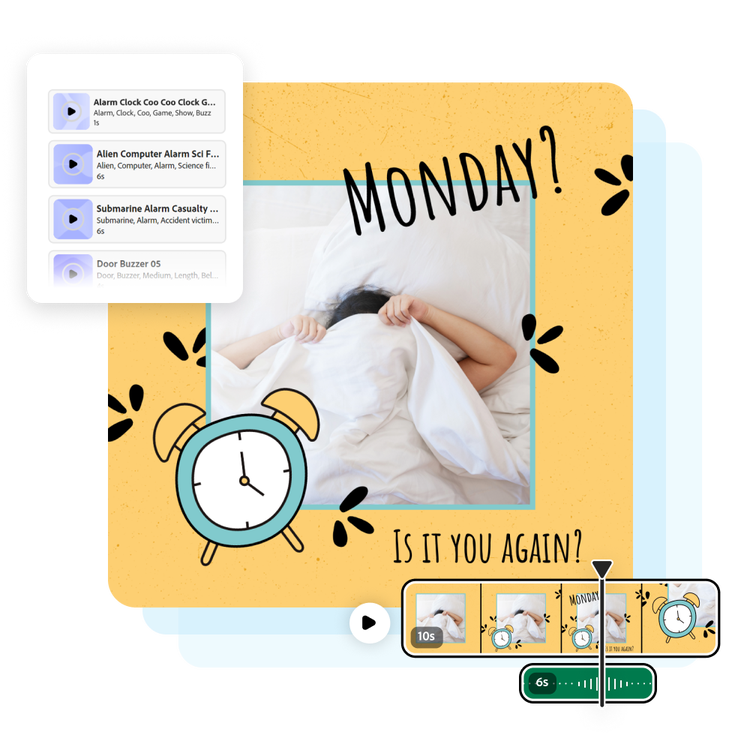
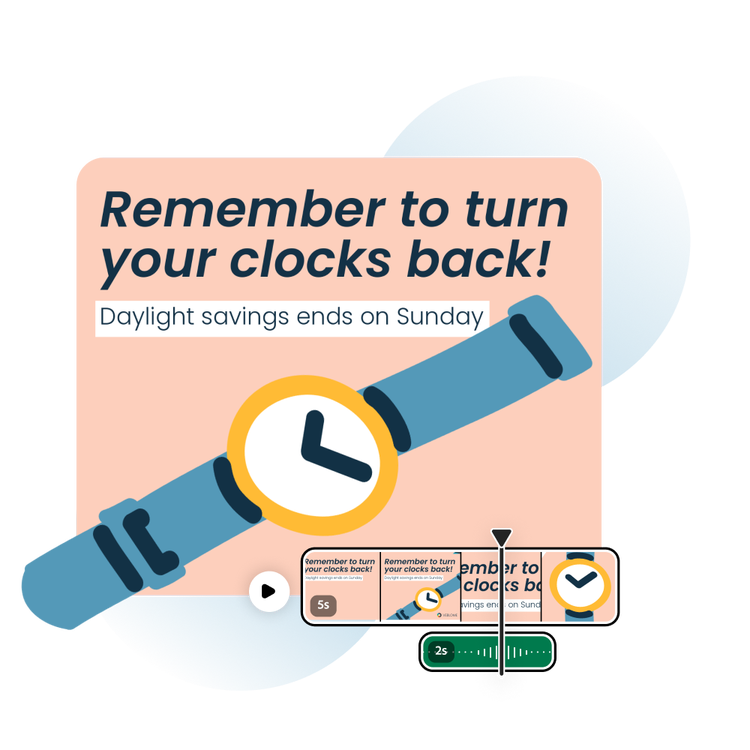
Find a sound effect for every Adobe Express project.
Our quick and easy create-anything app allows for full creative expression, including adding sound effects where you wouldn’t necessarily think at first. Add an alarm sound to your lesson plan to get students’ attention or in a sizzling birthday e-card for your bestie. The possibilities are endless.
Share your new video with alarm sound effects.
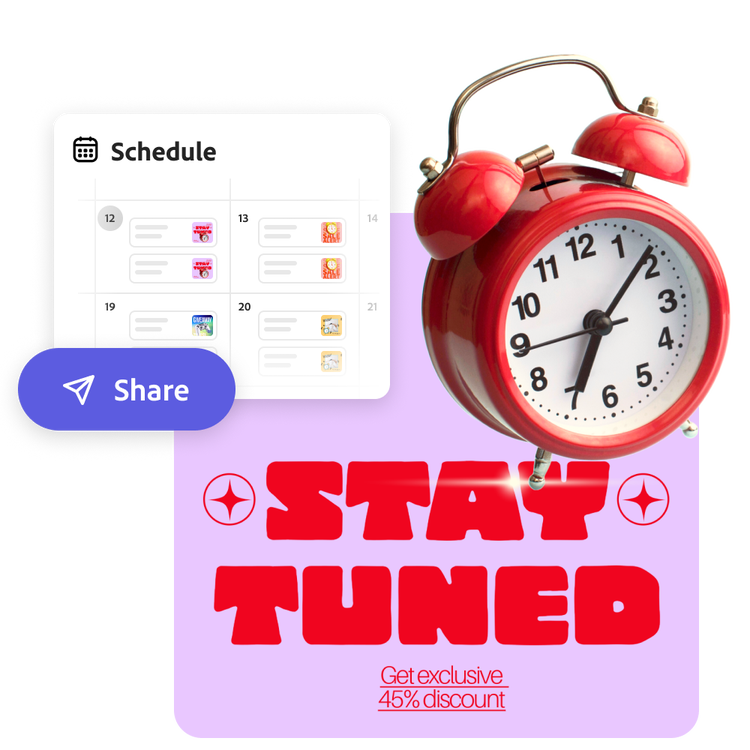
After carefully selecting and editing your alarm sound effect, it’s time to share your video. Easily download and post on your favorite social channels. Then, use the free Adobe Express Content Scheduler to post directly to your favorite social channels, or download the video to share it however you like.
Make attention-grabbing videos on the go.
Quickly and easily enhance your video with an attention-grabbing alarm sound effect. Edit wherever you are with the Adobe Express mobile app. Quickly preview and add audio to your video, then share it directly to your favorite social channels or save it to your device. Producing and sharing professional videos has never been more convenient.