Free online background remover: erase image backgrounds.
Remove any background from photos, product images, and headshots in seconds - no manual selection required. Upload a JPEG, PNG, or WebP and download a clean transparent PNG instantly.
Free online background remover: erase image backgrounds.
Remove any background from photos, product images, and headshots in seconds - no manual selection required. Upload a JPEG, PNG, or WebP and download a clean transparent PNG instantly.
Drag and drop an image
or browse to upload.
File must be JPEG, JPG, PNG or WebP and up to 40MB
By uploading your image or video, you agree to the Adobe Terms of Use and Privacy Policy
Free online background remover: erase image backgrounds.
Remove any background from photos, product images, and headshots in seconds - no manual selection required. Upload a JPEG, PNG, or WebP and download a clean transparent PNG instantly.
Do more with your image in Adobe Express.
File must be JPEG, JPG, PNG or WebP and up to 40MB
By uploading your image or video, you agree to the Adobe Terms of Use and Privacy Policy
How to remove the background of a picture.

1. Upload your image.
Select a JPEG, PNG, or WebP file from your device. For best results, choose a photo where the subject is clearly defined against the background.

2. Remove the background automatically.
Once you upload your image, our tool instantly detects and removes the background and no manual selection or editing required.

3. Download or keep editing.
Save your image as a transparent PNG, or open in Adobe Express to add a new background, apply filters, drop your cutout into a design, and more.
See what people are saying about Adobe Express.

Shelly Kim
Owner @ Letters by Shells

Abs Ahlijah
Marketing & Content Coordinator @ Soul Session

Penuel Stanley-Zebulon
Student @ Pennsylvania State University
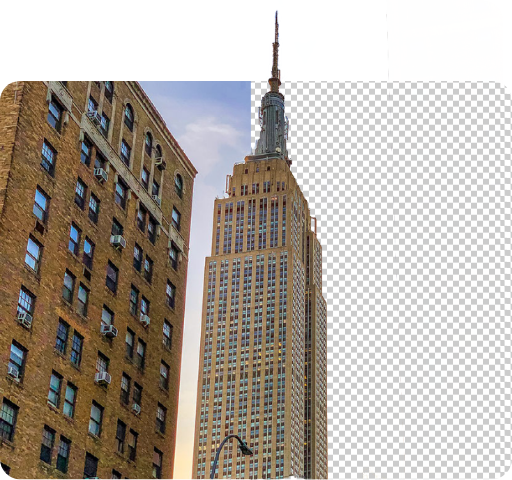
Create transparent cutout backgrounds for your photos.
Remove any background in seconds and save your image as a transparent PNG, ready to place on any backdrop, drop into a design, or layer into a collage. Whether you're working on product photography, a professional headshot, or a social media graphic, Adobe Express isolates your subject cleanly and automatically.
Remove the background from your picture and download instantly.
Upload your JPEG, PNG, or WebP image and Adobe Express removes the background automatically. No tools to adjust, no edges to trace. Your transparent PNG is ready to download in seconds. From there, drop it into a new design, swap in a fresh background, or publish directly to your social channels.

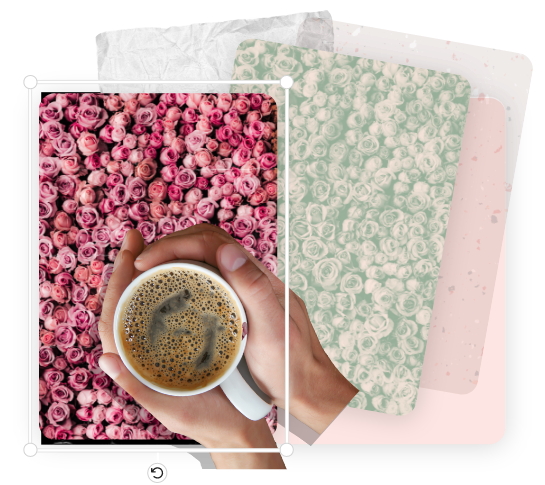
Do more with your image.
Background removed? Open your image in Adobe Express to keep creating. Add a shape crop to frame your subject in a circle, heart, or star. Apply filters to set the mood. Drop in GIFs and animations for a dynamic design, or layer your cutout into a collage for a flyer, poster, or infographic. Everything you need is in one place, on desktop or mobile.
Stand out with Adobe Express.
Adobe Express gives you the tools to turn a single edited image into polished, professional content fast. Design social posts, flyers, presentations, and more using thousands of customizable templates, Adobe Stock assets, and AI-powered editing tools. No design experience needed. Just upload, create, and share.

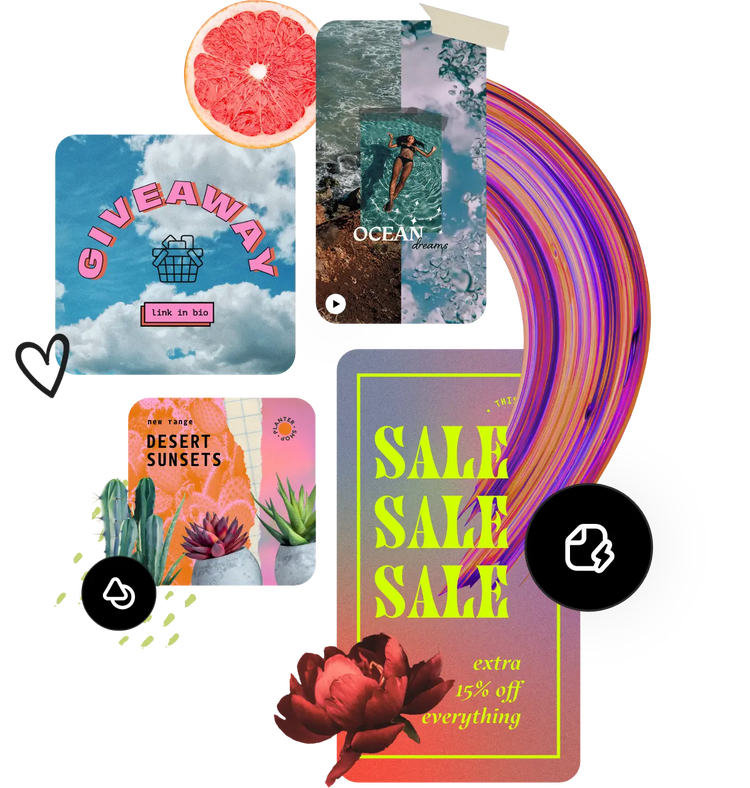
Hundreds of thousands of templates and assets to start customizing today.
Your transparent PNG is just the starting point. Drop it into any Adobe Express template to build a social post, album cover, profile photo, event flyer, or product listing, all from the same editor. Personalize further with fonts, icons, shapes, and GIFs from the built-in asset library. Every design is yours to customize in minutes.
Make Adobe Express your go-to image background remover.
Adobe Express removes backgrounds from JPG, PNG, and WebP images with one click and downloads your result as a clean, transparent PNG every time. Use it to isolate product shots for e-commerce, prep headshots for professional profiles, create cutouts for presentations, or build layered collages for any printed or digital format.
A fast and free online background remover.
No software to download, no account required to get started. Upload your image, let Adobe Express do the work, and download your transparent PNG in seconds. The tool works on desktop and mobile so whether you're at your desk or on the go, background removal is always a few taps away.
Remove backgrounds to make even more images.
One tool, endless creative possibilities. After removing your background, use Adobe Express to place your subject on a new scene, build a multi-image collage, or add text, icons, and animations for a dynamic design. With a growing library of templates, stock assets, and editing tools all in one free app, there is no limit to what you can create next.