



Upload photos or AI-generated images and add a prompt to transform them into realistic videos in Firefly.
Turn still visuals into motion with the free online AI image to video generator in Adobe Firefly. Whether you're starting with your own AI-generated art or uploading custom images, you can instantly create eye-catching video clips.
Bring visuals to life in crisp, clear quality up to 4K. The AI video generator powered by Adobe Firefly can create smooth, dynamic videos in seconds from your original artwork or AI-generated image.
If you need a quick cutaway or extra coverage, image-to-video AI can transform stills into dynamic video clips that you can blend seamlessly with your existing footage in the Firefly video editor. It’s a fast, creative way to generate B-roll, inserts, or visual transitions, perfect for filling in gaps or adding depth to any edit.
The Adobe Firefly model is trained only on licensed content and public domain content where copyright has expired, so you can turn your ideas into AI-generated video without second-guessing usage rights. Dream big, experiment freely, and share your work with confidence.
Firefly makes it easy to shape the look and feel of any Image to Video creation. You can apply camera movement before you generate. After generation, you can refine by adding cinematic effects or choosing from preset motion styles. It’s an easy way to build B-roll, add transitions, and enhance your final edit — no editing skills or traditional production timelines required.
Log in to Adobe Firefly with your Adobe ID or create a free account if you don’t have one. Open the Adobe Firefly video module by selecting Generate video from an image.
Start by uploading a photo, digital illustration, AI-generated image, or other static graphic under the first Frame box. Optional: To indicate the last frame of your video scene, upload an end frame image under the second Frame box.
Select the desired resolution (up to 4K) and aspect ratio that fits your project. Whether you’re creating content for social media, the web, or pitches and presentations, it’s easy to tailor the output format.
Pick from smooth pan, zoom, tilt, or directional movement, like left-to-right or top-down. You can also choose different shot styles, such as close-up or wide angle, to create the feeling of depth and cinematic motion.
Describe how you want the image brought to life. Your prompt can include style, angle, shot distance, effects, color grading, subject(s), and any other elements or descriptors to generate video that matches your vision.
Click Generate to see how Adobe Firefly creates a sequence of images that form smooth motion. You can adjust the camera motion or framing until it looks just right, and you can add a preset style. To enable style selection, remove the reference image from the prompt box.
The model blends the frames into a short, coherent video. Once you’re happy with it, export it directly from Adobe Firefly. Your file will be ready to drop into any project, from B-roll to reels to presentation assets. You can change the export settings to reuse your video in other formats.
Firefly identifies objects, depth, and perspective to deliver high-fidelity, 4K video generation.
Firefly transforms still images into dynamic video clips with smooth camera movement, consistent lighting, and lifelike animation.


Adjust lighting, camera motion, timing, and style to shape the exact look and feel of your image to video output.


Bring your AI-generated videos directly into Premiere, After Effects, and other Adobe tools to fine-tune your edit and get professional, polished results.

With Firefly as your multi-model creative AI generator, you can design, edit, and experiment with top generative AI models all in one place. Access Gemini 3 (with Nano Banana Pro), GPT Image, Runway, FLUX models, Luma AI, and more.

Generative AI is all over the headlines, and that’s not empty hype. This new technology is likely to be part of your life soon — if it’s not already. Learn how generative AI works and start streamlining your workflow.
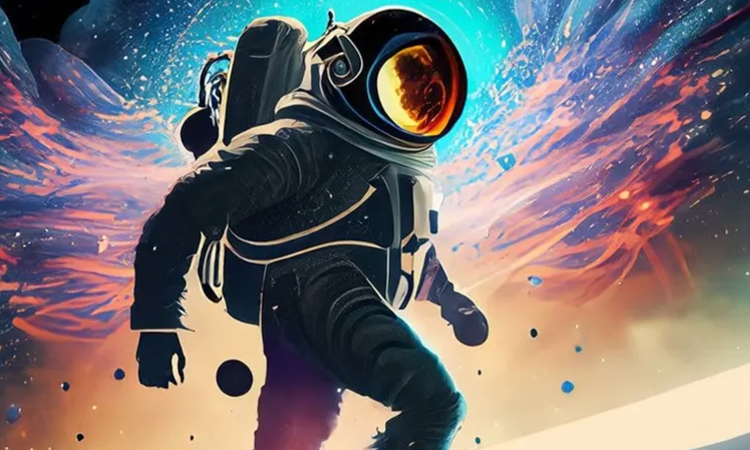
Generative AI can mimic — but not replace — human intelligence. Learn how it can help you take your creativity to new places.
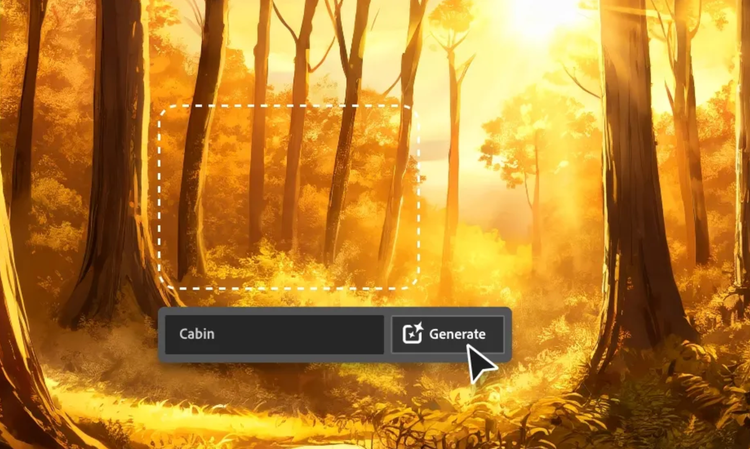
Learn about the AI tools available to graphic designers and how they can help you be more productive and take your work in surprising directions.


