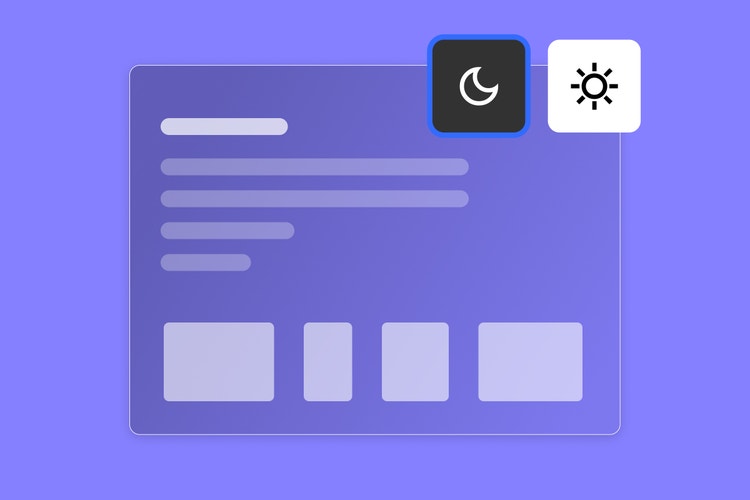
Your working environment — on screen and off — shapes what you create. Since we’re spending a large part of our time on screens (some might say too much), our on-screen environment needs to support our focus and concentration. That’s why dark mode is now available on Adobe Express.
Now, you can protect your eyes during marathon creative work, make late-night sessions feel effortless, and let your work take center stage better than ever before.
Key takeaways
- Dark mode improves focus and reduces eye strain because it lowers screen contrast in low-light environments, reduces blue light exposure, and creates a studio-like workspace that minimizes distraction.
- Social media managers, illustrators, video editors, and marketing teams can benefit from Adobe Express’ native dark mode feature. Just go to Profile --> Settings --> Theme to choose your preference.
- OLED and AMOLED displays use less power in dark mode, so expect to see improved battery life when dark mode is enabled.
Why dark mode matters
Dark mode can enhance the way you create. It helps your canvas stand out because it recedes into the background so that every color, image, and design decision draws the eye. So, when you’re fine-tuning a color palette, adjusting type hierarchy, or reviewing a social graphic, your neutral, dark background supports your work — as opposed to a bright, white background that tends to compete.
Research shows that dark interfaces reduce eye strain over time and can lower blue light exposure. It can also extend battery life (if you have OLED or AMOLED screens). If you work odd hours or just prefer the focused environment of dark mode, this can change your experience entirely.
Here are some of the benefits of dark mode:
- Reduced eye strain: Lower screen brightness and contrast ratios support your eyes, especially in dim lighting.
- Deeper focus: A dark UI creates a studio-like atmosphere that minimizes distractions and helps you stay in the creative zone longer.
- Truer color perception: Darker backgrounds help you evaluate colors more accurately.
- Battery efficiency: On OLED and AMOLED displays, dark pixels consume less power.
How dark mode enhances the way you create
Dark mode adapts to your workflow — whether you’re a solo creator building a brand, a social media manager spinning up a bunch of posts per week, or a marketing team producing assets at scale. A darker interface can reduce the cognitive load of switching focus between controls and the canvas, it offers a neutral background to accurately evaluate colors and color palettes, and it looks more polished than a bright screen.
How to turn on dark mode in Adobe Express
Enabling dark mode is easy. Just follow these steps:
- Open your account settings: Click your profile in the top-right corner of the homepage or editor, then select Settings from the dropdown menu.
- Navigate to Theme: In the Settings panel, find the Theme section that has three options: Light, dark, and system default.
- Choose your preference: Select Dark to always enable dark mode or choose System Default so Express matches the operating system’s setting so you can seamlessly toggle your device theme.
Dark mode helps you create an environment that fits your working style. Try it today!