
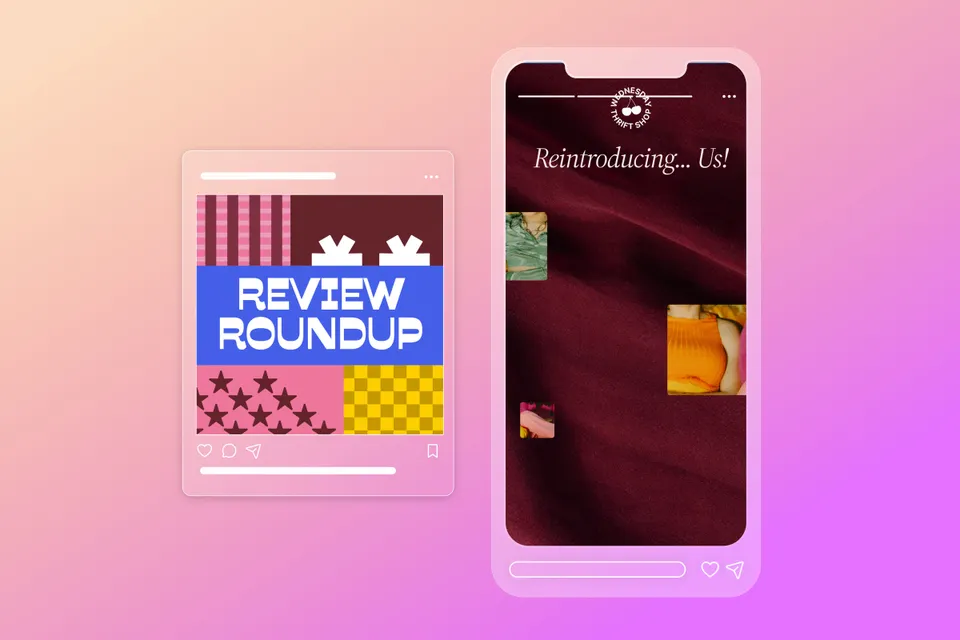
Product scrapbooks and before-and-after shots, 5 social media trends to try right now | November
Adobe Express is teaming up with social media expert Rachel Karten to bring you five high-impact post ideas every month. With over a decade of experience in social marketing — including her time at Bon Appétit Magazine — Rachel knows what works. She also writes Link in Bio, a must-read Substack newsletter for social pros.
We get it — consistently creating engaging content is one of the biggest challenges of running a social account. That’s where Rachel comes in! She scrolls the Internet so you don’t have to, curating the most effective post formats that drive engagement. Each month, she’ll break down five proven ideas — plus easy ways to bring them to life with Adobe Express.
We’re in full holiday mode. How are you hanging in? I know a lot of brands are thinking about ways to talk about (and sell) their product on social media right now. How do you break through when so many other accounts are trying to do the exact same thing? That’s what we’re covering today. Five hardworking post formats that help you talk about your product in a way that actually reaches people. Let’s dive in.
1. Create a product scrapbook
Imagine you had a physical folder of everything that went into a product — the prototypes, the fabrics, the logos, the names. Use a carousel to create the feeling of opening up that folder. Collage together those moments to tell a story of how your product came together.
- Check out these examples from Crown Affair and Rhode.
- Express Tip: Drive home that behind-the-scenes feel by combining your photos and videos into a digital scrapbook with Adobe Express. Use the Elements tab to search for collage or scrapbook items (sketch pad, washi tape, watercolors), and layer them on.
Feeling inspired? Check out our collection of templates for this trend and others
2. Reintroduce yourself
A lot of companies make the mistake of telling their origin story on social media once and then never again. The algorithm is constantly showing your posts to new audiences, and this type of storytelling can be exactly what converts customers. Find new ways, whether through Reels or Carousels, to explain your reason for being.
- Check out these examples from Dowel Jones and Poppi.
- Express Tip: Make your story extra impactful by adding text highlights or captions. Upload your clip to the Caption Video Quick Action to automatically generate customizable captions or add your highlights manually from the Text panel. With both options, you can customize the font, colors, effects, and timing of your text to ensure it tells your story exactly how you want.
3. Before-and-after shots
If post types were placed on a conversion funnel, these would be at the bottom. Before –and-after shots really clarify for a consumer what your product does. Use Adobe Express to frame the shots or add text.
- Check out these examples from Fenty Hair and Soft Services.
- Express Tip: Create polished designs by starting with a Template and reusing it for every slide in your carousel. Search the Templates collection for “before and after” to see tons of options that you can customize to fit your aesthetic.
4. Highlight customer reviews
I always swipe through fun-to-read product reviews. Having brand fans share their excitement for your product can be contagious. Create a slideshow with real customer feedback — and get creative with how you display it! Maybe it’s handwritten notes, webpage screenshots, or social posts.
- Check out these examples from Cava and Glossier.
- Express Tip: Spice up your screenshots with Elements and Animations. Use the Elements panel to add fun, relevant items and use customizable Animations to add movement and make your screenshots stand out.
5. Show how your product makes people feel
This final one is a bit more philosophical. Try and capture the way you want your product to make people feel. The sense of community a restaurant fosters, the world a perfume can bring to life, the relaxation vibes of a hotel. Really capture that energy through music, stylistic visuals, and voiceover.
- Check out these examples from Little Ruby’s and Ayoh!
- Express Tip: Whether you’re going for chill lo-fi or relaxing guitar, set the mood of your post with Adobe Stock Music. Head over to the Audio tab to search or use the TikTok Symphony Assistant Add-on to find trending songs and sounds from TikTok’s Commercial Music Library.
That’s it! Tag me @milkkarten and @adobeexpress when you try one of these formats!