Introduction
[Dave Clayton]: If you're new to Illustrator, the first thing you want to learn is how to create a new document.
I'm Dave Clayton, and in this video, we'll walk through it together and I'll show you all the settings you need to make and save your first document.
So, let's jump in.
When you first open Illustrator, you'll see the start screen.
Opening the new document window
To create a new document, click New file or go to File, New..., or press Control N on Windows or Command N on the Mac.
This brings up the New Document window.
If there a common document size you want to create, then there are handy presets that get you started right away.
We'll explore the Free Templates at the end.
For now, here's a standard Letter template and its settings.
We'll select that and open the document, and there you can see a standard letter document.
We'll close that.
And now back to the New Document window we go.
Setting up custom document settings
In this example we're going to be designing an album cover.
On the right, we're going to set our Units.
I'll choose inches and we'll set both the Width and the Height to 12in.
Since it's square, the Orientation doesn't matter.
We'll leave our artboards at 1 and skip the Bleed for now.
That can be added later if you're considering printing.
The Color Mode is set to RGB, which is suitable for web, CMYK is for print, which is what I'll choose.
But you can decide what you need.
And then we'll change the Raster Effects to 300 ppi for high quality.
Saving document settings as a preset
Before creating the document, let's save this as a Preset in case we want to use it again.
Click the Preset icon at the top, then name your document.
Give it a name something like 12 x 12 Album Cover and then hit Save Preset.
They'll now appear under the Saved tab for the next time.
Here's our album document, but let's take a quick look adding more Artboards to create additional designs.
Understanding and adding artboards
But what exactly are Artboards?
Think of them like additional pages that you can fill with artwork, and then export.
And you can have multiple pages in Illustrator to create multiple designs in the same file.
To add more artboards, just select the Artboard Tool from the Toolbar, then click the + icon in the Control Bar or from the Properties panel to duplicate the current size or use the best shortcut Option-drag the artboard to duplicate it.
And here's a new feature.
Press Command or Control D, repeat the transformation as many times as you need additional artboards.
Now let's jump back to the New Document panel.
I'll press Control or Command N and select the Free Template section.
Creating documents from free templates
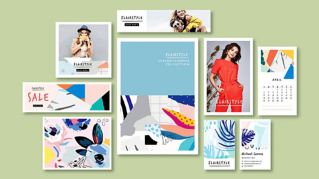
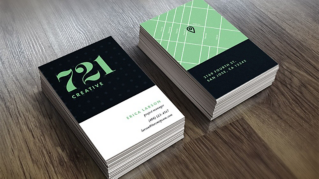
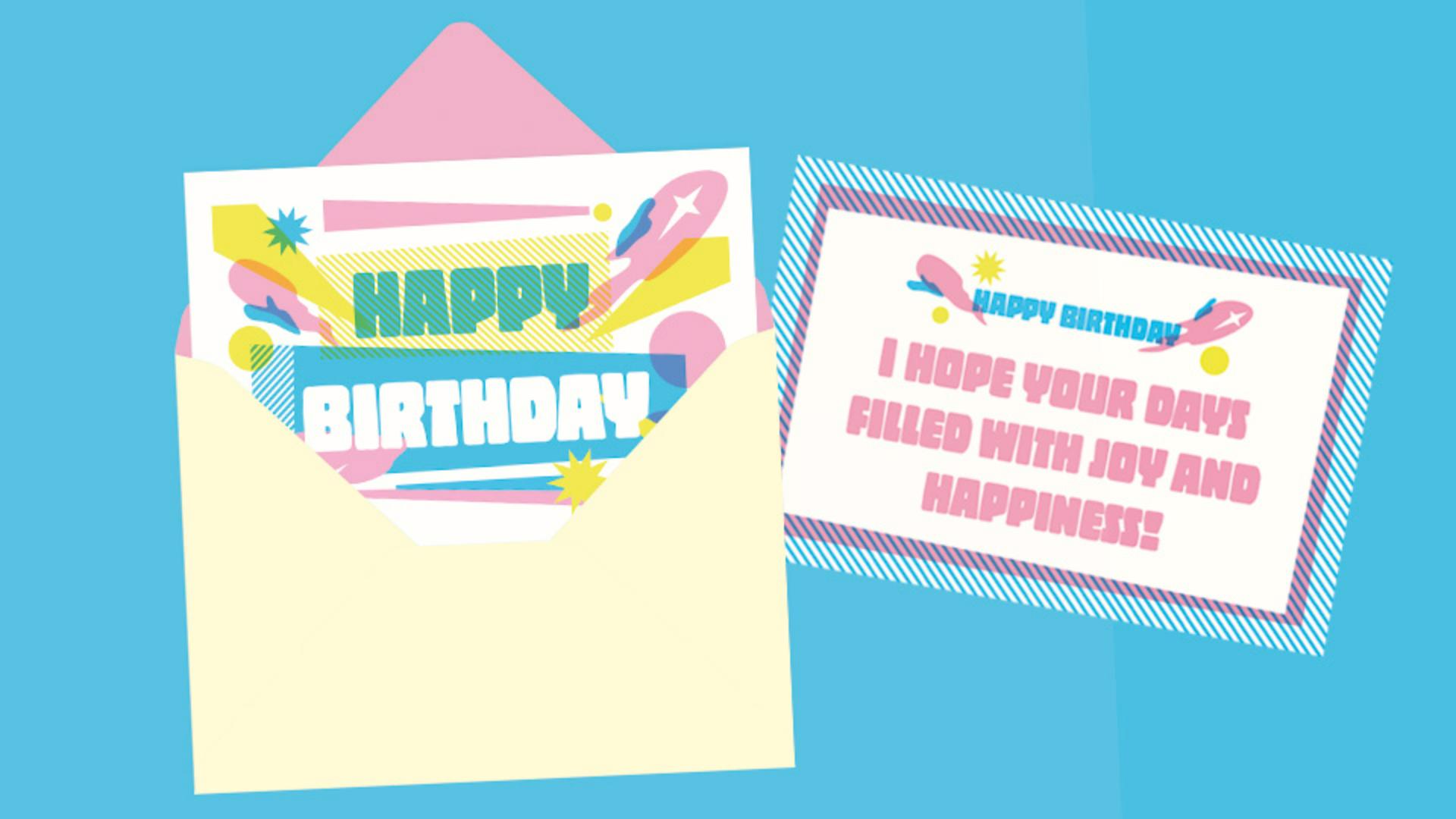
These are available free from Adobe Stock and grouped by category.
Click View more to explore more designs and then choose a template to preview.
Select one you like.
You may have to click Download.
I've already downloaded this one and then click Open and you'll get a fully editable Illustrator file with all the vectors and text ready to customize. [silent clip playing] Now you set up your first custom document and explored Illustrator's built-in templates.
And there you go, your first Illustrator document is set up and ready to go.
Now that you know how to create and save it as a template, you've got a solid starting point for any future project.
Also, don't forget to try out one of the free templates to practice on.
Just keep exploring and keep creating.