Create and sign fillable PDFs with a form creator.
Free trial | Free trial Adobe Acrobat See all plans | See all plans Adobe Acrobat
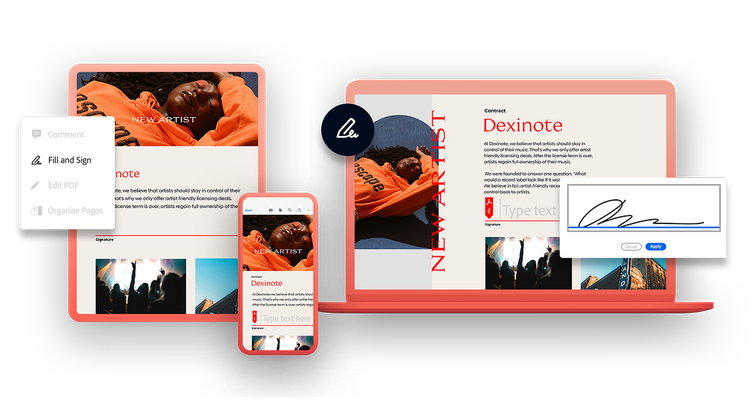
Request and track signatures.
We make collecting e-signatures easy. Request signatures on your PDF documents from the menu bar and then track it every step of the way.
Free trial | Free trial Adobe Acrobat Buy now | Buy now Acrobat

Create your own forms.
Forget paper. Make your own electronic editable PDF forms in just a few steps to quickly and securely capture form data from customers, vendors and more.
Using the tool bar, it’s easy to add fillable form fields, text fields, drop-down menus, tickboxes and signature fields to your customised form as needed. You can also choose from existing form templates to get up and running quickly.
Free trial | Free trial Adobe Acrobat Buy now | Buy now Acrobat

With Acrobat, you really can work from anywhere.
Adobe Acrobat is the essential PDF solution to help you to create PDFs and stay productive — wherever, whenever. More than a PDF editor, Acrobat speeds workflows and facilitates data collection by making it easy to create fillable PDF forms online. Our powerful PDF form creator tools let you build, preview and post forms from your web browser or even on the go from your mobile device.

Try it online.



Acrobat is the key to faster business.
Accelerate crucial workflows with our solutions for businesses and teams.


