https://main--dc--adobecom.hlx.page/dc-shared/fragments/scanner-app/scanner-app-mobile-hero

Turn paper and whiteboards into pdfs with Adobe Scan

Scan documents in a snap.

With the free Adobe Scan app, you can easily capture and convert documents, forms, business cards, and whiteboards into high-quality PDFs right from your smartphone. Whether you’re scanning receipts for GST returns during tax season, submitting your PAN card for bank account opening or loan applications, or preserving important business records, Adobe Scan makes it fast and simple. Different capture modes and automatic boundary detection ensure every scan is accurate and clear perfect for both personal and professional use.
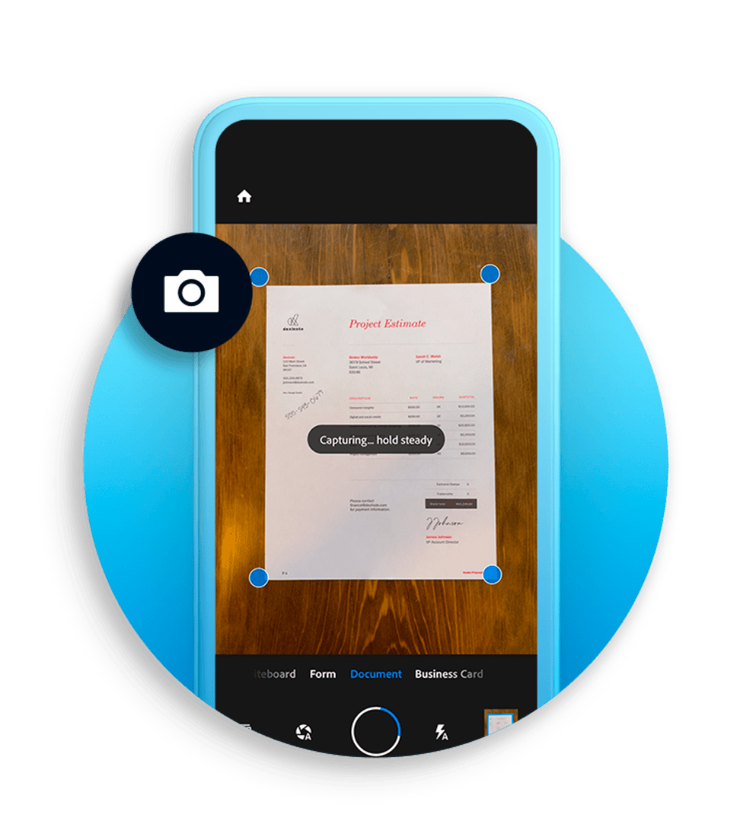
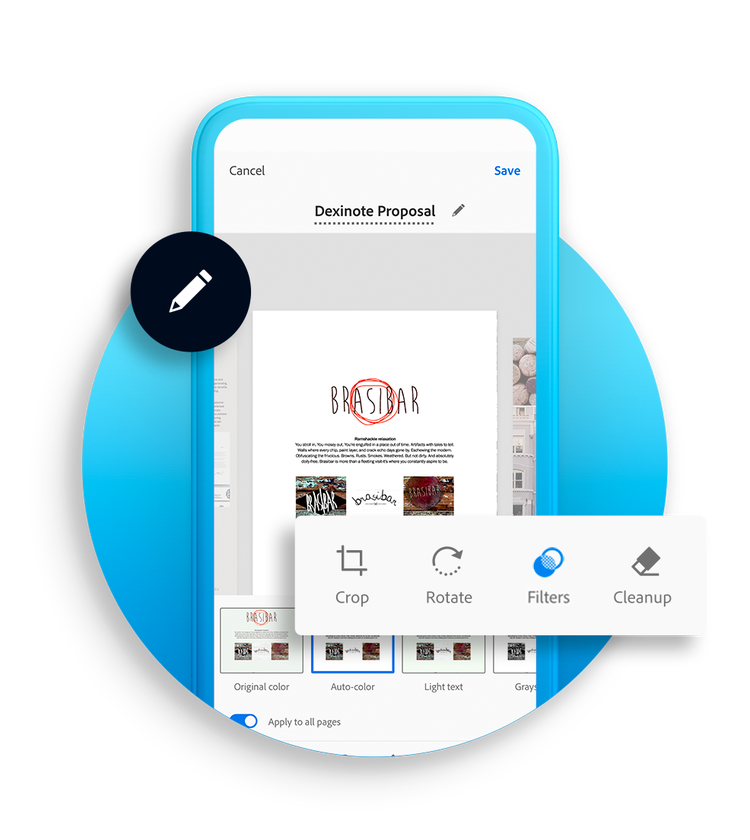
AI-enhanced document scans

Cleaner, smarter and easier.

Adobe Scan is more than just a free document scanner. It’s powered by Adobe’s advanced AI technology. The app can help correct perspective, sharpen handwritten or printed text, and remove glares and shadows, even in challenging lighting conditions.

With built-in OCR (Optical Character Recognition), your scans instantly become editable, searchable PDF files. Need to update a document or annotate your classroom notes? Extract text and type in customised fonts that match the original, making your digital file look seamless.

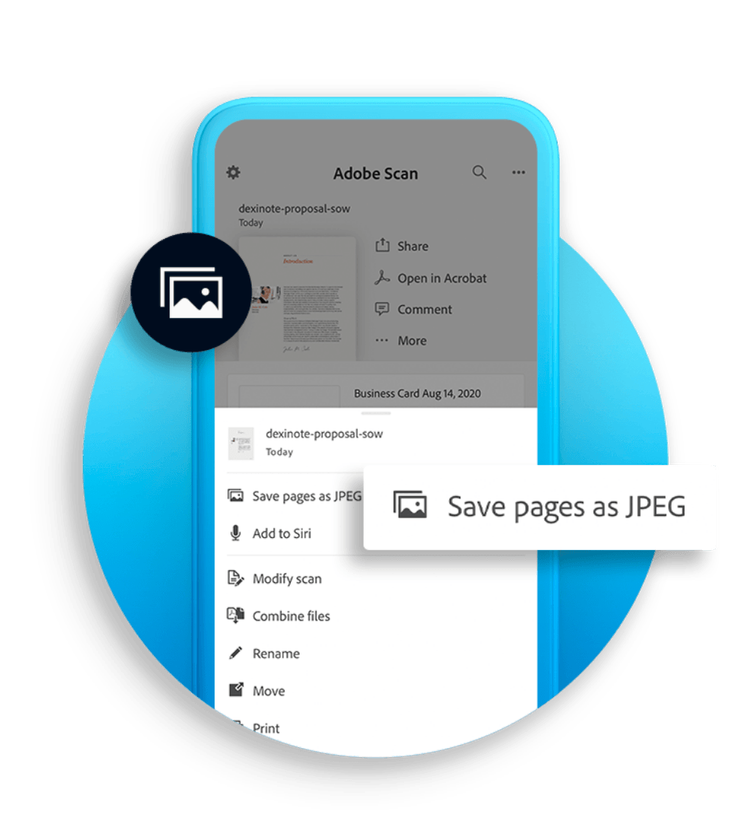
Draw, annotate, and save as jpegs

Do more with your scans.

Whether you’re marking up lecture notes or highlighting changes to a contract, Adobe Scan lets you add drawings, shapes, or annotations directly in the app. You can save scans as JPEGs for flexible sharing, or combine them into multi-page PDFs. Share your files via a secure link, email, or upload them directly to cloud storage services like Adobe Document Cloud, Google Drive, or Microsoft OneDrive.
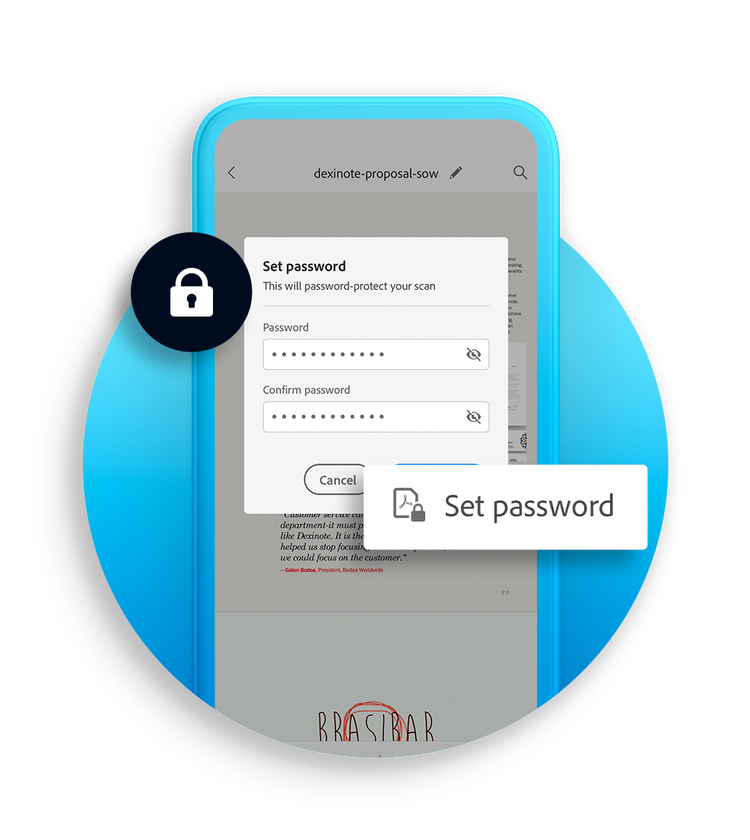
Subscribe for more features

Protect, export, compress and more.

Unlock the full potential of your PDF scanner with a subscription. Password-protect sensitive files, export PDFs into Word, Excel, or PowerPoint for editing, and compress files to make sharing faster and easier all without losing quality. For busy professionals and students in India, these premium tools ensure your scanning workflow is both secure and efficient.
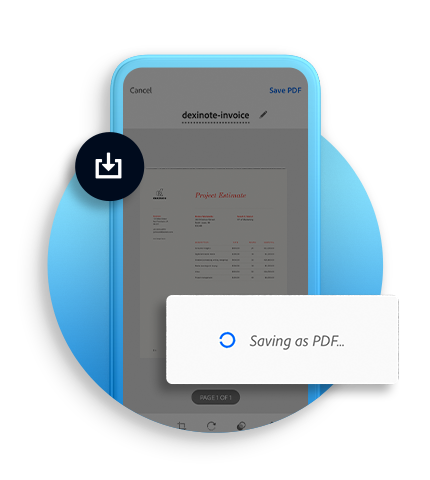
A scanned document being saved as a PDF on a mobile phone.

Organise and access anywhere.

Your scans, always within reach. No more hunting through folders, Adobe Scan recommends filenames and automatically tags your scans by date, making them easy to find. Organise files into custom folders and access them from Acrobat on desktop, mobile, or the web. Whether you’re in Mumbai, Delhi, or working remotely, your documents are always ready when you are.
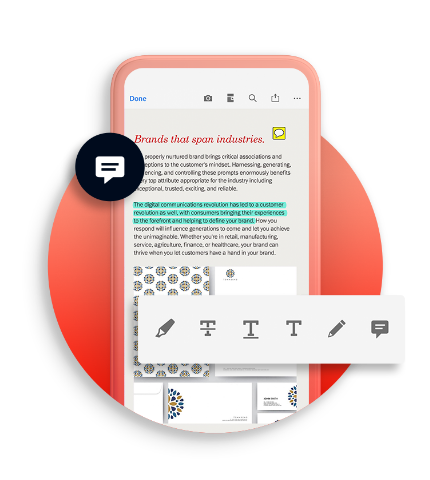
A scanned document was opened in Adobe Acrobat on a mobile device.

Open in Acrobat.

Once your scans are ready, open them in Adobe Acrobat to fill out forms, sign documents, add comments, or collaborate with others in real-time. This seamless integration between Adobe Scan and Acrobat ensures your scanned documents are more than just static images they become editable, shareable, and actionable files.

https://main--dc--adobecom.hlx.page/dc-shared/fragments/scanner-app/scanner-app-mobile-aside

Questions? We have answers.

What is Adobe Scan?
Adobe Scan is a free mobile document scanner and app that turns your phone or tablet into a portable scanner, capturing documents, receipts, ID cards, books, business cards, and whiteboards as high-quality PDFs stored in Adobe Cloud with OCR text recognition.
Is Adobe Scan free?
Adobe Scan is free to download and use as a document scanner and PDF scanner, letting you scan documents to PDF. Premium plans offer advanced features like exporting to Word or Excel, compressing files, and password protection.
What’s the difference between Adobe Scan and a phone’s built-in scanning app?
Adobe Scan offers OCR for searchable text, multiple scan modes, automatic edge detection, and advanced editing tools, making it a more powerful PDF scanner and document scanner compared to many built-in phone apps that only offer basic capture and save functions.
How to use Adobe Scan on a mobile phone?
You can use Adobe Scan by opening the app, selecting a document type, choosing auto-capture or manual capture, and editing the scan with built-in tools. Once complete, you can tap "Save PDF" to save your scan as a PDF file.
How to convert a scanned document to PDF on a mobile phone?
If you use Adobe Scan to scan documents on your mobile phone, your images automatically save as a PDF file. If you have documents already saved on your device, you can convert them to PDF using Adobe Scan or Adobe Acrobat online services.
Can I edit images on Adobe Scan?
You can edit images on Adobe Scan with the app’s built-in tools to crop, rotate, resize, reorder pages, adjust brightness and contrast, apply filters, remove unwanted elements, and add markups. With OCR, you can also edit recognised text in multiple languages directly in your scan to PDF.
Can I edit scanned PDFs after saving them?
You can edit scanned PDFs after saving them by opening them in Adobe Acrobat to annotate, edit text, fill forms, reorder pages, and make other changes to your PDF documents.
Does Adobe Scan work offline?
Adobe Scan works offline by saving scans locally on your device and uploading them to Adobe Cloud when you reconnect to the internet, so you can still use it as a document scanner or PDF scanner without an active connection.
How to recover deleted files from Adobe Scan?
You can recover deleted files from Adobe Scan by checking the “Recent” or “Deleted” folders in the app, or restoring them from Adobe Document Cloud if they were synced.
Can I redact information from a scanned PDF using Adobe Scan?
Adobe Scan does not support redacting sensitive information. To permanently hide or remove text, images, or data from a scanned PDF, you can use the Redact tool in Adobe Acrobat Pro. This feature is available with a Adobe Acrobat Pro plan or through the free 7-day trial.