Illustrator
Discover free logo templates for Illustrator.
Make your mark more quickly and easily with logo design templates for Adobe Illustrator, explore a curated collection of free logo templates you can customise to create professional logos in minutes.
Logo template collections for different design styles.
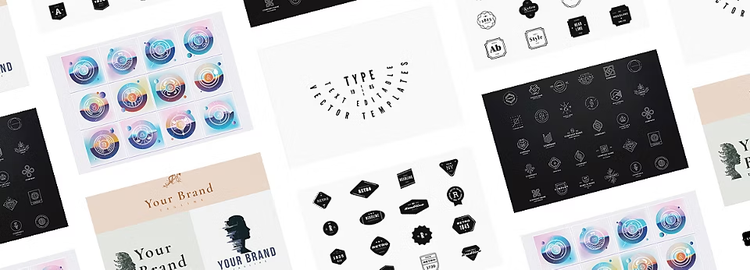
Browse a collection of Illustrator logo templates designed for different styles and use cases. From text logo template designs and retro logo design template collections to elegant, modern, and experimental layouts, these logo templates help you start quickly with editable files in Adobe Illustrator.
Each logo design template below can be customised with your own typography, colours, icons, and layout adjustments to suit business, creative, and personal projects.
Basic text logo templates
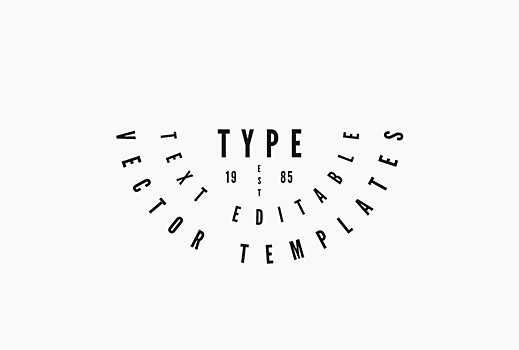
Use this text logo template collection to customise typography, spacing, and alignment in Adobe Illustrator for business names, social media graphics, and personal projects.
Clean and modern line art logo templates
This logo template collection highlights minimal line art styles that work well for technology brands, architecture studios, and modern product packaging designed in Adobe Illustrator.


Gradient zodiac logo templates
This logo template collection features zodiac-inspired graphics and gradient colour blends suited for event branding, digital communities, and themed merchandise created in Adobe Illustrator.
Retro logo templates
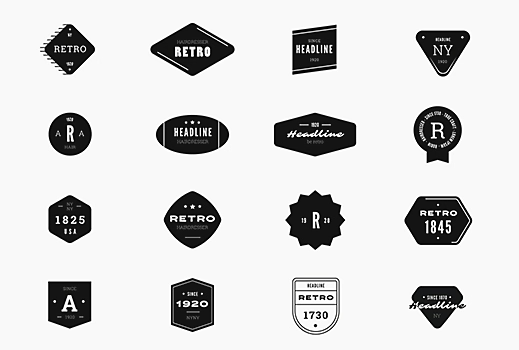
This retro logo design template collection includes vintage badge layouts, bold typography styles, and emblem-inspired compositions that can be edited in Adobe Illustrator.
Elegant logo templates
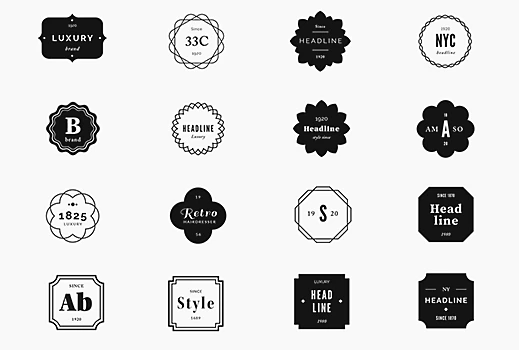
This logo template collection features refined typography, balanced layouts, and minimal decorative elements suitable for boutique brands, invitations, and editorial design created in Adobe Illustrator.
Organic exposure logo template
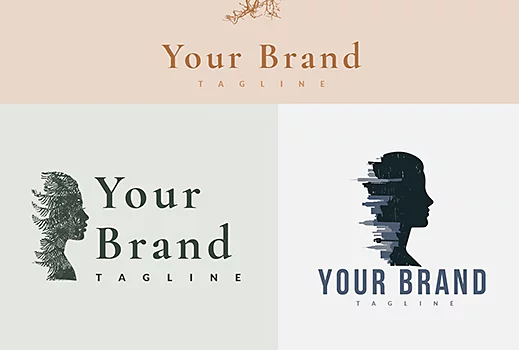
This logo template collection explores layered imagery and organic textures, making it suitable for photography brands, environmental organisations, and artistic identity designs in Adobe Illustrator.
How to customise logo templates in Illustrator?
You have downloaded the template, now what next? Customising logo templates in Illustrator is straightforward when you edit text, colours, and layout elements step by step.
Follow these steps to personalise your logo design template.
- Edit the logo text
Open the template file in Illustrator and select the text using the Type Tool. Replace the placeholder text with your brand name, project title, or initials. Adjust font size, spacing, and alignment to improve readability. - Change colours
Select shapes or text elements and update colours using the Colour panel. Choose colours that match your visual identity or project theme. Simple colour adjustments can quickly transform a logo template into a unique design. - Modify shapes and layout
Use the Selection Tool to move elements, resize icons, or rearrange the composition. Many logo templates are built with grouped vector elements that can be edited without losing quality. - Add icons or graphics
You can personalise the logo further by adding icons, symbols, or patterns. Keep the design simple so the logo remains clear at different sizes. - Export your logo
When finished, export the logo in multiple formats depending on how you plan to use it. For example:
• PNG for digital use
• SVG for scalable graphics
• PDF for print
Customising a logo design template helps you create a professional logo quickly while still maintaining creative control.
What are the best tips for choosing the right logo template?
Choosing the right logo template makes the design process faster and ensures the final logo matches your intended style and purpose.
Consider the following factors before selecting a template.
Match the logo style to the purpose
Different projects require different visual styles. A retro logo template may suit cafés or merchandise, while a minimal line logo template may work better for technology brands or portfolios.
Prioritise readability
Logos should remain clear at small sizes. Choose templates with simple typography and balanced spacing so text remains legible across digital and print formats.
Think about scalability
Vector-based logo templates allow you to resize designs without losing quality. Select templates that use clean shapes and minimal detail so the logo works across websites, packaging, and social media.
Consider customisation flexibility
Look for logo templates with editable text, colours, and layout elements. Flexible templates make it easier to adapt the design for different uses.
Keep the design simple
Simple logo templates are often more memorable and versatile. Avoid overly complex layouts that may become difficult to reproduce consistently.
Frequently asked questions about logo templates in Illustrator
Can I edit logo templates in Illustrator if I am new to logo design?
Where can I find more logo templates for Illustrator?
What file formats should I export a logo in for different uses?
Logos are often exported in multiple formats depending on how they will be used:
- SVG for scalable digital graphics
- PNG for websites and social media
- PDF for print
- AI for future editing in Illustrator
Exporting multiple formats ensures your logo remains clear and usable across platforms.
What types of logos can be created using logo templates?
When should I use a logo template instead of designing a logo from scratch?
https://main--cc--adobecom.aem.live/cc-shared/fragments/seo-articles/do-more-illustrator-color-blade