AUDITION FEATURES
Create a podcast that gets people talking.
Produce podcasts with full-bodied sound in Adobe Audition. Record and mix in a robust digital audio workstation, then export high-quality audio content straight to your podcast audience.
Free trial | Free trial Audition {{buy-now}} | Buy now Audition
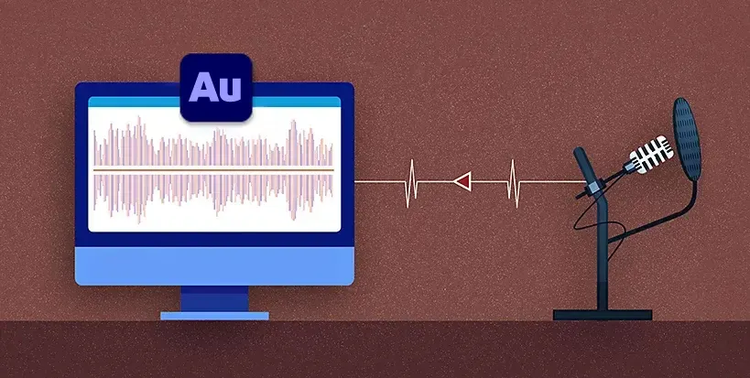
Elevate your audio with the right podcast software.
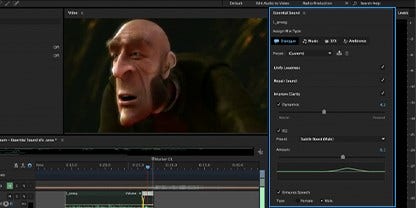
Adjust levels for rich tones.
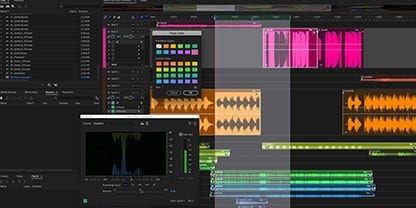
Adjust your recordings with Essential Sound Panel editing tools. You can remove beeps, hisses and other unwanted noises to achieve the smoothest sound.
Mix in some audio flair.
Access an organised library of royalty-free sound effects to add personality or a professional feel to your podcasts.
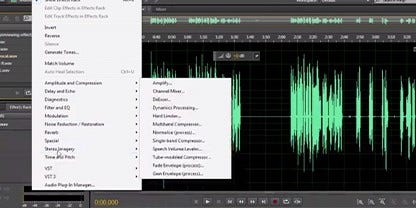
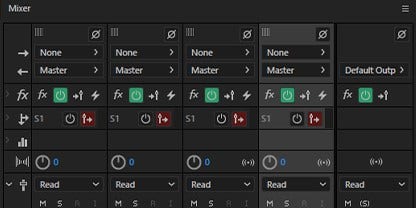
Easily capture multiple speakers.
Starting a podcast is simple in Audition. Just select a podcast template and the programme sets up a multitrack recording so you can mix and manipulate different voices.
Edit it your way.
Give yourself options with Audition. Work in both Waveform or Multitrack editors for more complete podcast audio editing.

Brand and market your podcast.
Give your podcast an identity on social media with a {{creative-cloud-pro}} plan. With access to Audition, Adobe Photoshop, Adobe Express Post, Adobe Illustrator and Adobe Premiere Rush, you can create visuals and make complementary materials to promote your podcast.
How to create a podcast.

Discover podcast recording tips.
Get all the basics — from multitrack recording to adding musical elements and exporting your file — in this step-by-step guide.
Build new editing skills.
Hone your podcast producing abilities with helpful tips on making selections for precision audio editing.

Master audio mixing.
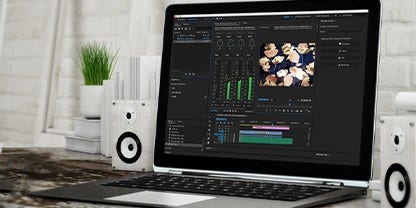
Take your editing skills to the next level with this tutorial on how to use the Essential Sound panel — the ultimate audio mixer for podcasts.