https://www.adobe.com/cc-shared/assets/img/product-icons/svg/firefly-appicon-64-new.svg Adobe Firefly
AI Image Generator: Create images from text.
Bring more of your ideas to life faster than ever. Try the new Firefly Image Model for higher quality images, better prompt interpretation, and more accurate text in images. And now you can upload your own reference images for greater control over style and structure.
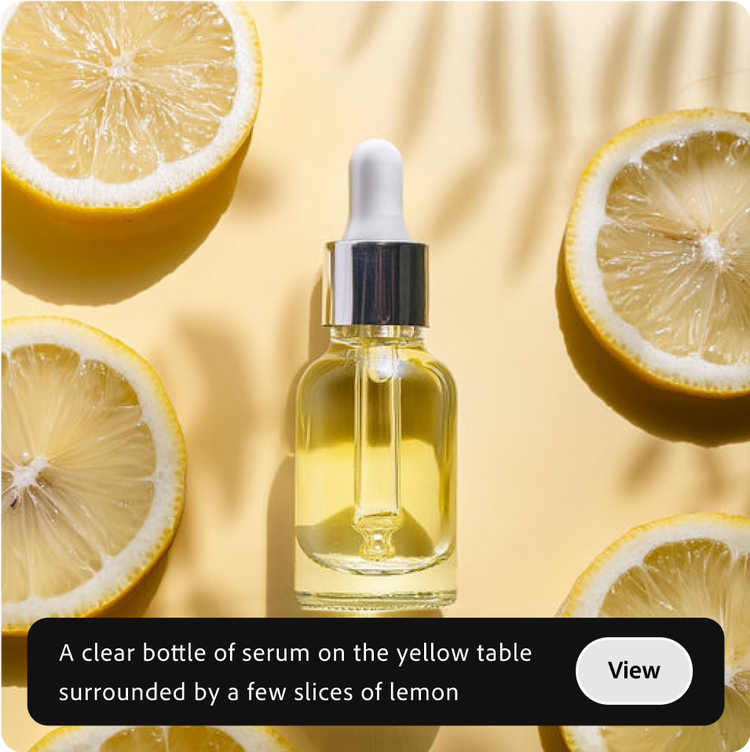
Explore the Text to Image possibilities.
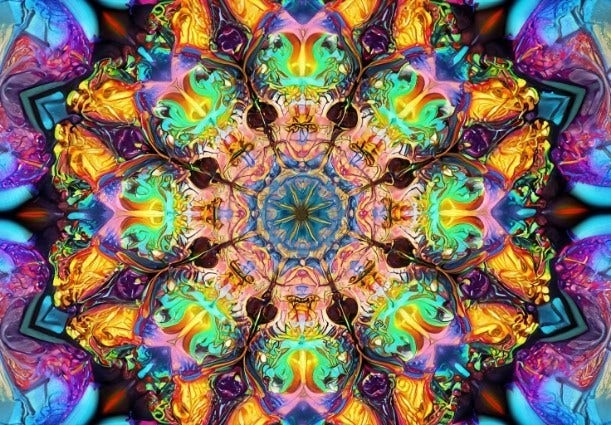
Check out these stunning AI-generated images from Firefly and the text prompts that generated them.
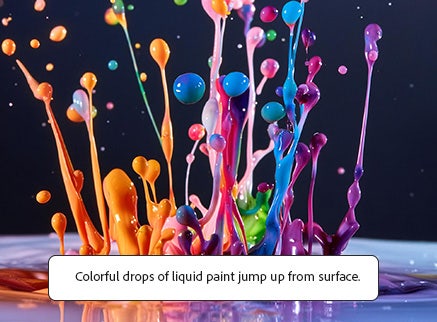
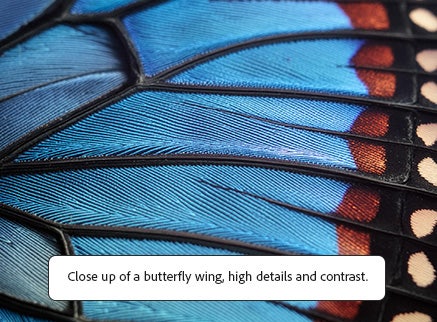
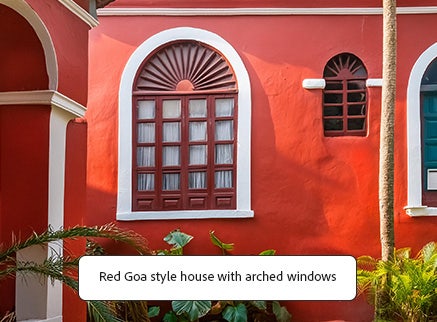
Discover the magic of AI image generation with Firefly.
When used as an AI image generator, Firefly makes creative exploration easier and faster for everyone. Use text to image to experiment with your wildest ideas, find new sources of inspiration, or create eye-catching content with just a few words.

Creative design solutions for all.
You don’t have to be a professional designer to stretch your creativity (and powers of description) with prompts that will give results in seconds. And designers can explore new ideas and follow their inspiration wherever it leads — without spending hours on the exercise.
More options for custom results.
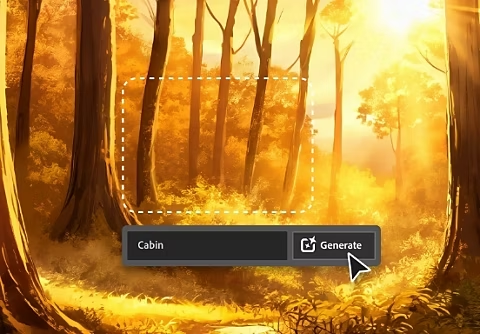
Firefly is so much more than a basic text to image generator because it enables you to generate images according to your specific needs. Easily select a reference image from the gallery or upload your own image to generate new ones that match its structure or style. You can also change aspect ratio, style, color, or lighting until you find the right look.
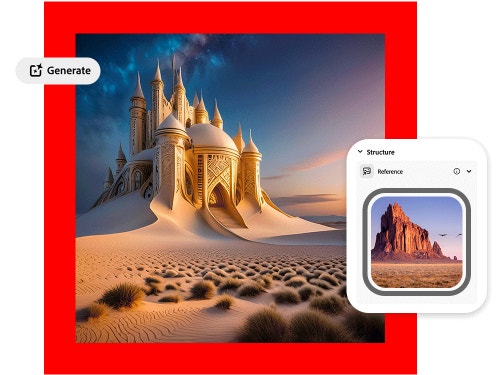

Quick content when you need it.
Text to Image is fast and easy to use. Every prompt generates four suggestions. If you like one, you can click the Show Similar button to generate more images like it. You can also move quickly into the Generative Fill workspace to add or subtract specific elements.
Image style made simple.
From Surrealism to Cubism to Impressionism, choose the artistic style that inspires your imagination and turn text into incredible images. Change camera angles, color, and lighting to create your own masterpiece in minutes.
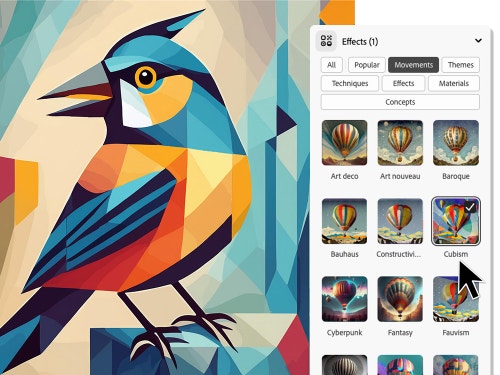
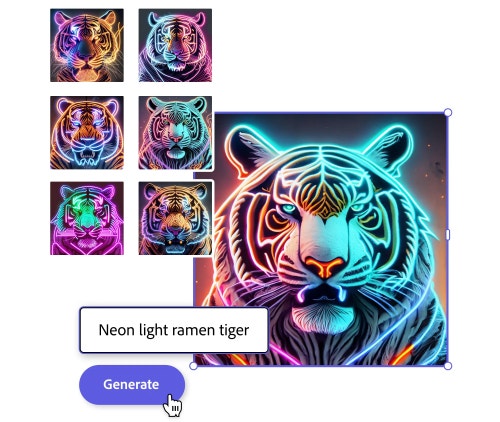
Use Text to Image in Adobe Express.
You can use Firefly on its own, but you can use Text to Image in Adobe Express too. Just start typing in the Text to Image text box in Adobe Express to generate a new picture to use in a flyer, social post, banner, Reel, or TikTok.
How to generate AI images in Firefly.
Easily generate your own AI images following these quick steps.
- Open Firefly.
Go to Firefly.adobe.com and sign into your Adobe account. If you don’t have one, you can quickly create a free account. Once you’re logged in, choose the Text to Image option on the homepage to open the workspace. - Write a text prompt.
Type a description of what you want to see in the prompt field. Get specific. For example, “Colorful tropical paradise jungle with golden lily pads and pink flowers and fireflies, vibrant colors, graffiti.” (For inspiration, scroll over any of the images on the page and read the prompts that generated them.) - Generate your image.
When you’re satisfied with your prompt, click Generate. The results will appear in a few seconds. If you like one or more of the four images Firefly generates, use the buttons in the upper right of each image to download as a JPEG or save to Favorites. (You can find all your Favorites in the top menu of the Firefly home page.) - Refine, revise, and regenerate.
Play with settings to explore different variations. In the panel on the right, you can adjust everything from aspect ratio to content type to camera angle. And if you’d like, you can add more detail to your text prompt to generate completely new images. Just be sure to save any images you like before you create new ones. (When you use Firefly, you get access to a set number of generative credits. Find out more about generative credits.)
Tips for getting the best AI images.
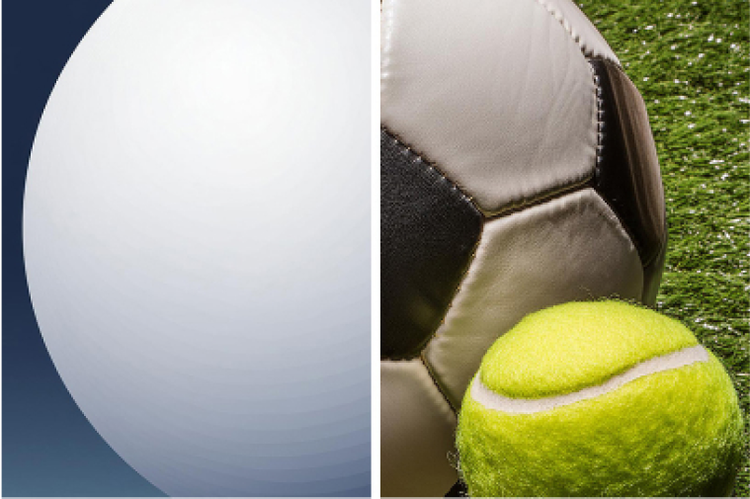
Use shapes as structure.
Upload an image whose style you want to re Generate a shape first to use as a structure, for example, create a white 3D sphere on a white background. Then build on that structure to generate similar shapes like basketballs, soccer balls or anything round you can imagine.
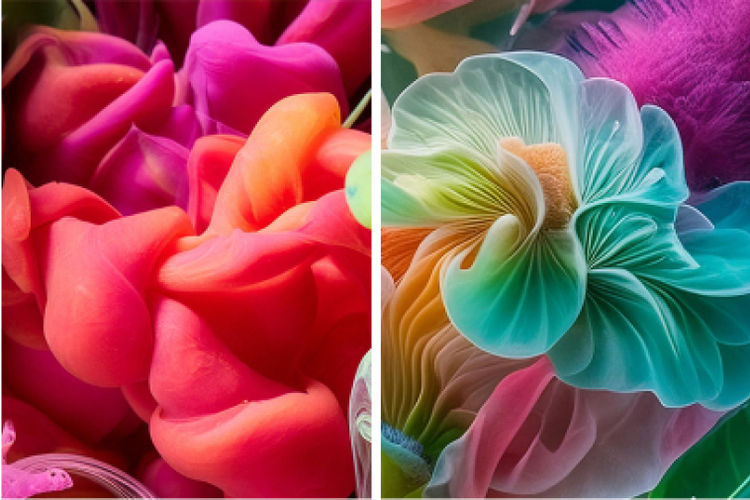
Create in stages.
Use generative AI whenever you’re inspired to create images, then reuse the images as style reference later. For example, create underwater macro photos of colorful blobs, then reuse these same images to generate flowers.
See what others are doing.
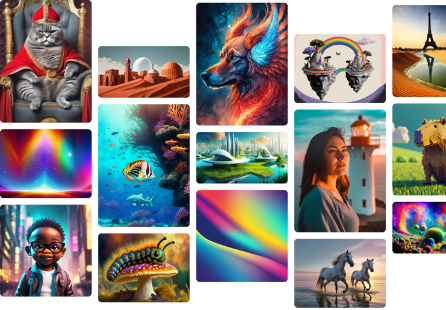
Tap into the Firefly community to remix other creators’ images, share your own, and find inspiration.
Questions? We have answers.
What is text to image in AI?
How does text to image AI work?
What makes an amazing AI image generator?
Are Firefly images available for commercial use?
Do I own the copyright to the images I generate in Firefly?
What is an AI image generator?

Dream Bigger with Adobe Firefly.
Imagine, experiment, and create with generative AI in the Firefly web app. New to Creative Cloud, now available for commercial use.