con-block-row-lockup (l-icon)

con-block-row-bgcolor
#000000
Create YouTube Shorts with Adobe Premiere on mobile.
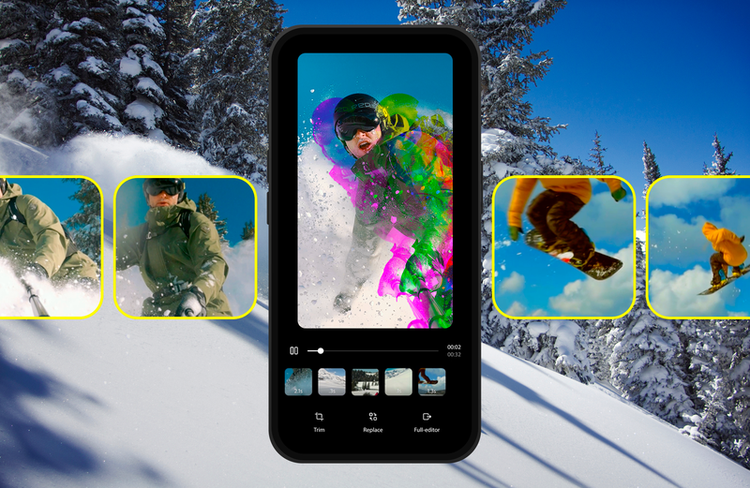
Amp up your YouTube Shorts with exclusive templates, transitions, title presets, and more.
con-block-row-text (xl-body)
Scan the QR code to get the free app.
#D4D4FF
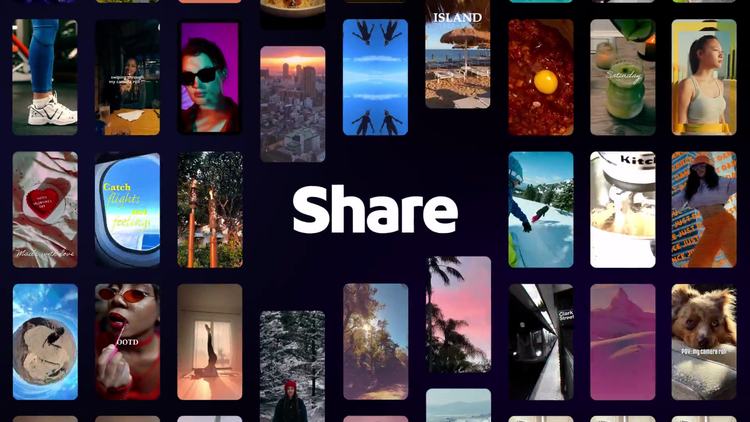
Stand out with exclusive Premiere assets made for YouTube Shorts.
- Create Shorts using stylish templates, effects, transitions, stickers, and title presets.
- Assets are refreshed regularly and only available through Premiere on mobile.
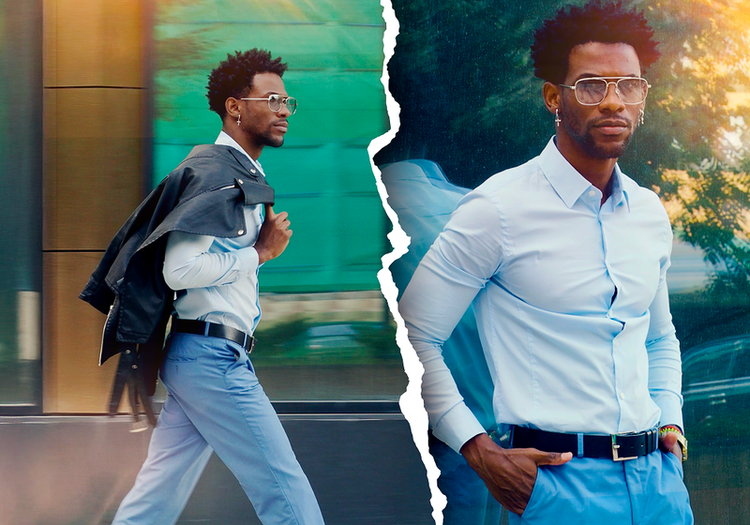
- Add your media to YouTube Shorts templates that already include transitions and effects for extra polish.
#D4D4FF
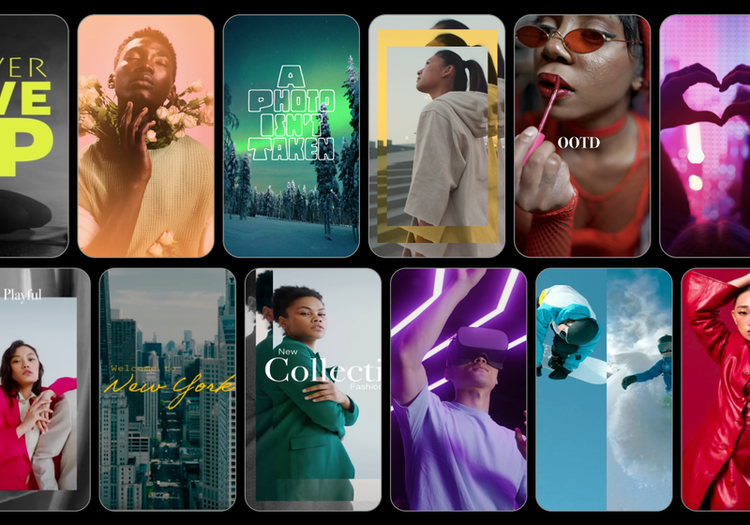
Find inspiration to fuel your next big story.
- Explore YouTube Shorts templates from top creators and Adobe to kick-start your next video.
- Tap into a curated gallery of Shorts templates and add your own style to improve your editing skills along the way.
#D4D4FF
Spark a trend and reach new audiences.
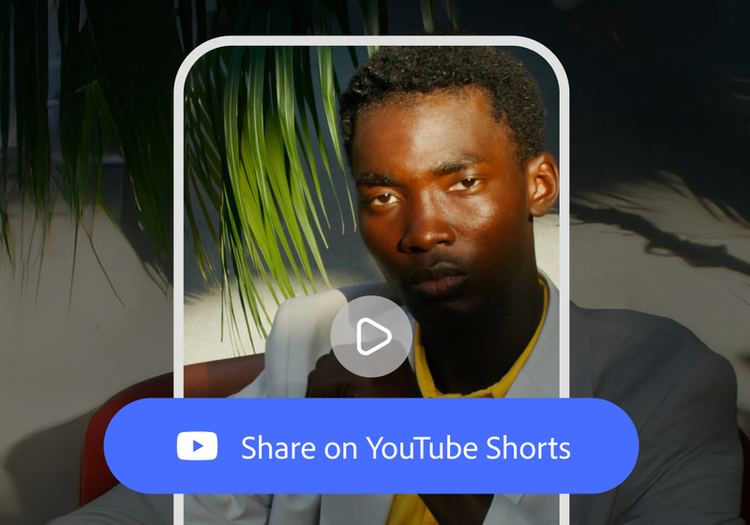
- Publish directly to YouTube Shorts and expand your reach to a global audience.
- Inspire fellow creators on YouTube Shorts by enabling them to use your published video projects as templates.
- Watch your templates ignite creative trends and bring in new fans.
Why choose Premiere on mobile to create YouTube Shorts?
- Choose an official YouTube partner — Adobe teamed up with YouTube to bring you a dedicated destination for editing YouTube Shorts in the Premiere on mobile app.
- Get exclusive creative assets — Use templates, effects, and presets that are only available when you tap Create for YouTube in the app.
- Upload directly to YouTube — When your video is ready, you can publish it right from Premiere on mobile in just a few taps.
https://main--cc--adobecom.aem.live/cc-shared/fragments/products/premiere/app/youtube/prm-yt-gallery
How to make YouTube Shorts.
Level up your content game by following these quick steps:
- Download Adobe Premiere on mobile.
Head to the Apple App Store or Google Play Store and download the Premiere on mobile app, then open and log in to create YouTube Shorts quickly and easily. - Start a project.
On the home screen, tap Create for YouTube to access exclusive templates, effects, and transitions in the YouTube Shorts editor. - Kickstart your creativity with on-trend templates.
Browse and choose from tons of YouTube Shorts templates from top creators. With built-in text, effects, and transition presets, all you need to do is add your own media and style. Or skip the template and create YouTube Shorts from scratch. - Starting from scratch.
Upload clips from your mobile camera roll, cloud storage, or Adobe Creative Cloud. Premiere on mobile supports high-resolution video editing, including 4K video editing. - Easily edit with total control.
Cut and trim clips to keep your story tight, effortlessly layer video and audio tracks, adjust color and brightness, and add text overlays and captions. - Add exclusive effects and transitions.
Add customizable transition presets and eye-catching effects designed to help your content stand out on YouTube. - Export and post with a tap.
Follow export prompts, then upload directly to your YouTube channel. You can even make your content a template so other creators can build upon your idea and start a trend with you at the center.
Questions? We have answers.
Find out how to make YouTube Shorts and get more information about the new, dedicated creation space in Premiere on mobile.
Can I upload directly to YouTube from Premiere on mobile?
Yes, Adobe Premiere on mobile includes direct publishing workflows so you can push content straight to YouTube Shorts. You can set your title, description, and hashtags all within the app before publishing.
I want to learn how to make YouTube Shorts. How can I do this in the Adobe Premiere on mobile app?
It’s easy to learn how to create YouTube Shorts. Use the Create for YouTube workspace to create your own template, or discover and use exclusive trending templates. Add transitions, effects, and other creative elements. When you’re done, the YouTube Shorts creator includes a variety of aspect ratios to simplify export.
What’s the best app to create YouTube Shorts?
Adobe Premiere is the official partner for YouTube Shorts. For creators who want professional editing tools alongside easy Shorts publishing, Adobe Premiere on mobile is a top choice — it integrates directly with YouTube and includes templates built for the format.
How does Adobe Premiere compare to other YouTube Shorts editors?
As YouTube's official partner app, Adobe Premiere on mobile offers tighter integration with YouTube Shorts than most alternatives. It combines direct publishing, platform-optimized presets, and professional editing features like frame-accurate timeline control — all for free.
What export settings should I use in this YouTube shorts creator?
Adobe Premiere on mobile lets you choose YouTube-friendly aspect ratios and bitrates directly within the app.
Where is Adobe Premiere on mobile available?
Adobe Premiere on mobile is available for both iOS and Android. Some features may vary between platforms. Visit the Adobe Help Center to learn more.
Discover more video editing tools.
Extend video Editing and trimming Speech to Text Video effects Motion Graphics templates