
Getting Started Guide
Learn the basics with videos, articles and other helpful resources.


Thank you for accepting the invitation. It’s great to see you here with the rest of your team. Let’s get started so you can get down to business. Please follow these instructions to install your product.
Step 1 – Download Adobe RoboHelp
Click here if you experience any difficulty in downloading the file.
To download the Mac version of the latest release of RoboHelp, click here.
Step 2 – Use your Adobe ID to Sign in and start using Adobe RoboHelp
For any queries, please write to us at techcomm@adobe.com
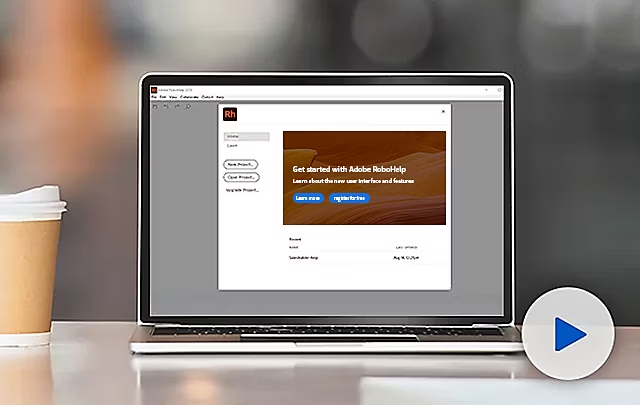
Learn about the new user interface and features so you can create amazing Help content for customers.
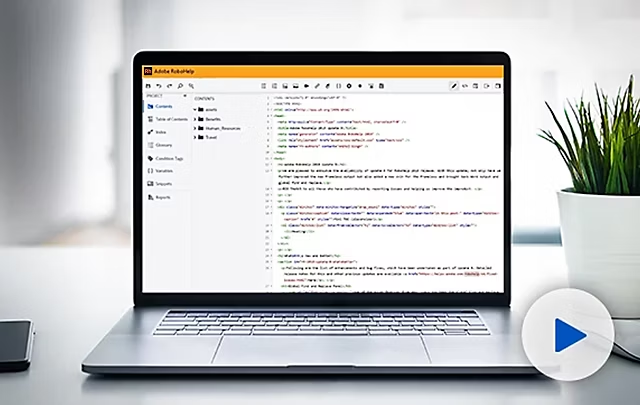
See how you can upgrade projects, work smarter with the new minimalist interface, collaborate with source control solutions like GIT, author Microcontent, and more.

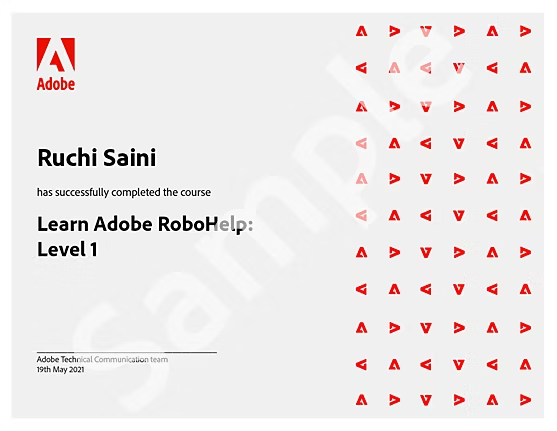
Get instant access to high-quality, on-demand training courses for your favorite tools like Adobe RoboHelp, developed by leading industry experts.
What makes these courses unique?
Learn the basics with videos, articles and other helpful resources.
Do more with a range of cutting-edge, integrated Adobe Technical Communication solutions designed to efficiently and effectively manage the end-to-end content lifecycle of individuals and organizations alike.

Get unmatched performance and value with four amazing tools in one market-leading suite at 50% savings.*
*The full license of Adobe Technical Communication Suite is approximately 50% less expensive than buying all individual products separately.

Easily host and track your online Help, policy, and knowledge base content.

Drive higher ROI from content through faster delivery and lower operational costs with a CCMS.


