
Close deals faster, with proposals your team can build on their own.
Adobe Acrobat Studio helps sales teams understand documents faster, tailor client materials with AI and deliver on-brand proposals without version chaos or delays, reducing sales cycles from RFP response to contract close.
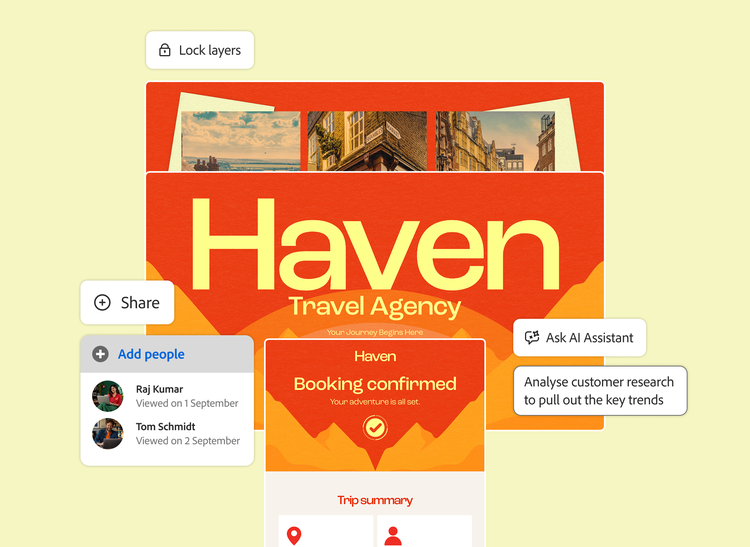
From scattered documents to on-brand output.
One workspace to build proposals, respond to customers, collaborate on deals and update sales content, so your best work reaches the client faster, without version chaos or delays.
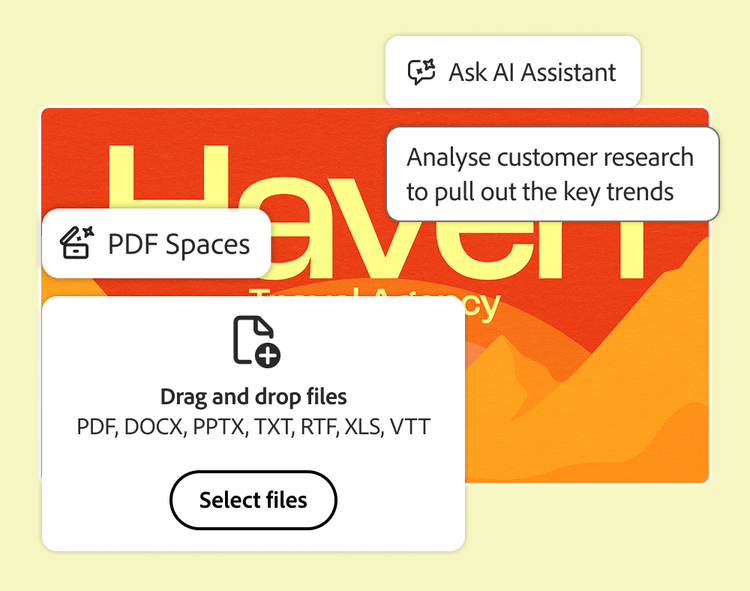
PROPOSAL & PITCH DEVELOPMENT
1. Bring your materials together
Centralise product info, past proposals and customer research in one PDF Space.
2. Get insight fast
Ask Acrobat AI Assistant to analyse customer research, client documents and meeting notes, with answers backed by traceable references.
3. Generate the deck
Turn insights into an on-brand, client-ready pitch deck in Adobe Express.
CUSTOMER RESPONSE MANAGEMENT
1. Bring the answers together
Centralise proposals, contracts, pricing and past communications in one workspace.
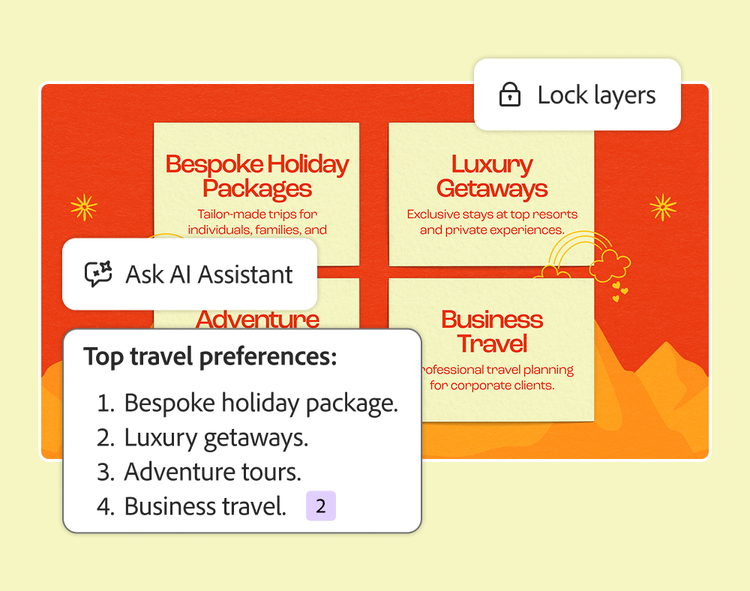
2. Ask instead of searching
Ask AI Assistant for accurate answers to customer questions, with traceable references.
3. Lock and send
Lock the final response in a PDF, so customers always get accurate, approved information.
CONTRACT & DEAL OPERATIONS COLLABORATION
1. Centralise the deal
Bring Sales, Deal Operations and business teams into one shared workspace.
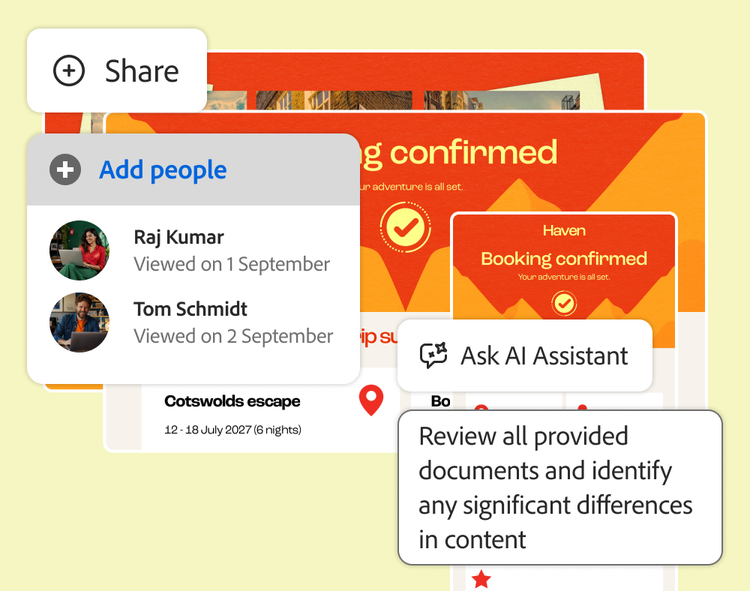
2. Track every version
Review near-duplicate contracts and policies together, with AI surfacing key differences.
3. Close with confidence
Securely share the final contract as a PDF for sign-off and compliance.
SALES ENABLEMENT CONTENT
1. Audit what exists
Ask AI Assistant to analyse current sales content and flag what to update, reuse or retire.
2. Align across teams
Centralise collateral in a shared workspace with marketing, sales, legal and product.
3. Refresh at scale
Create polished, on-brand decks, one-pagers and guides with Adobe Express.
Everything your best work needs, in one workspace.
Organise your content, understand it faster, and create and collaborate with Adobe Acrobat Studio
CONTROL
Acrobat Pro
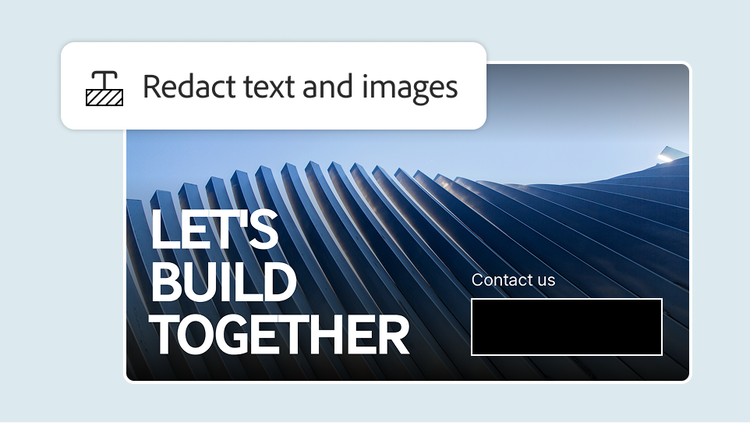
Use trusted PDF tools including edit, convert, combine, redact and protect PDFs, and move in and out of Word, PowerPoint and Excel.
COMPREHEND
Acrobat AI Assistant
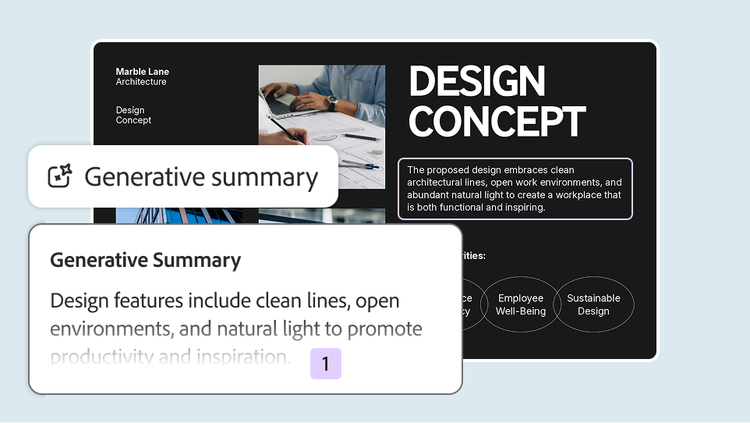
Ask questions, summarise and extract key points, with answers cited back to the source.
COLLABORATE
PDF Spaces
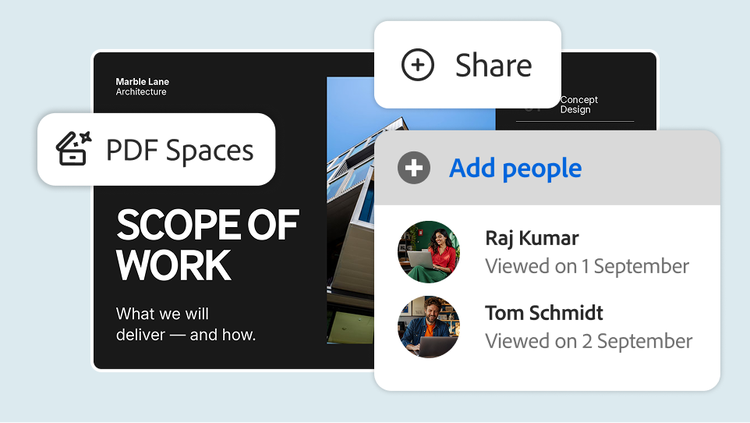
Bring up to 100 files into one AI-powered workspace and share them with everyone’s comments, questions and AI answers intact.
CREATE
Generate Presentation
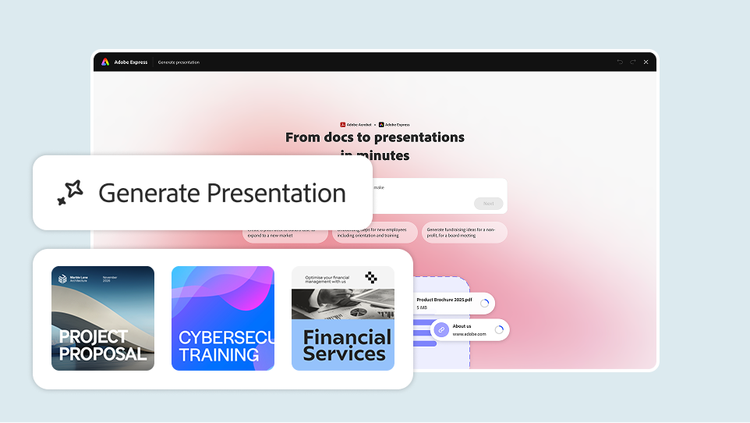
Create on-brand content and turn documents into polished decks, with brand kits, approved templates and commercially safe AI generated imagery.
Frequently asked questions.
High impact use cases include:
- Proposals, quotes and statements of work
- Order forms and renewal paperwork
- Non-disclosure agreements and standard contracts
- Customer facing decks converted to secure PDFs
- Complex requests for proposals (RFP) or requests for information responses and vendor questionnaires
Anywhere PDFs are part of your sales cycle, Acrobat Studio helps you to understand, prepare, send and sign faster.
Key gains include:
- Less time reformatting documents, more time prospecting and selling.
- Faster understanding of customer requirements and RFPs via AI Assistant.
- Reduced back-and-forth with legal thanks to shared workspaces and clear comments.
- Fewer bottlenecks in signature and approval steps through Adobe Acrobat Sign Solutions.
Ultimately, this helps teams improve win rates, cycle times and quarter-end execution.
Recommended steps:
- Pilot with a single region or segment (for example, mid-market AEs) and measure cycle time and win rate impact.
- Provide simple playbooks such as “Top 10 things to ask AI about an RFP” or “How to send quotes for e-sign.”
- Integrate Acrobat Studio into existing sales plays such as RFP response process, standard contract flow or renewal plays.
- Collect success stories such as shortened closing times or complex deal wins and share during quarterly business reviews and sales kickoffs.
Give your best work a head start with Adobe Acrobat Studio.
Adapt campaigns, build presentations, localise content and create event content, all in one workspace. Get started today.