How to convert PDF to EPUB.
Looking to convert a PDF to an EPUB? You’ve come to the right place. A PDF – or Portable Document Format – can be easily converted to an Electronic Publication (EPUB). Choosing to convert a PDF into an EPUB is a great option for text-heavy documents. Perfect for authors, academics, and anyone wanting to adjust a PDF document to enhance readability on a device (such as an e-reader).
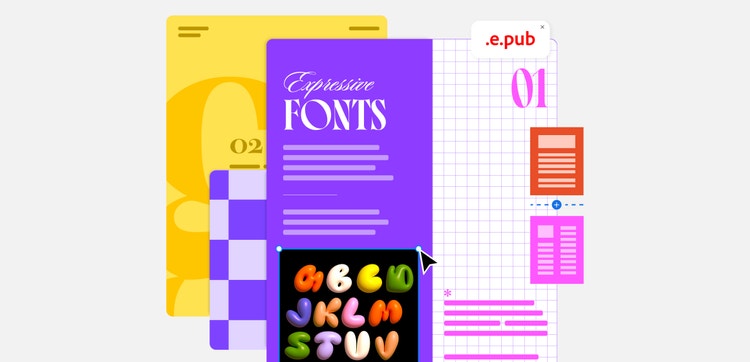
This guide will take you through the steps for converting a PDF into an EPUB, its benefits, and other useful tips.
If you’re looking for more help with a PDF, Adobe Acrobat has a wealth of tools to help you with your PDFs.
What is an EPUB?
The EPUB format is primarily used in the world of eBooks, and is the successor to the older “Open eBook”. EPUBs can be accessed on e-Readers and through compatible software on other devices, such as computers, smartphones and tablets.
EPUBs have many benefits, including being able to combine the text, its structure, images, covers, and table of contents. Converting a PDF to an EPUB can greatly improve readability thanks to its dynamic text reflow, where text automatically resizes and readjusts itself to fit the screen size and format.
How to convert a PDF into an EPUB.
To convert a PDF into an EPUB, you’ll typically need to use an online converter tool. Below are some steps you can follow to learn how to convert a PDF to an EPUB.
- Head to a trusted online PDF to EPUB converter.
- Select the PDF file you want to convert to an EPUB (you may have to choose the file or drag and drop it into an upload box).
- Check that EPUB is the output format and click “convert”.
- Download your new EPUB file.
- View the file and check that it’s formatted and displayed correctly.
Alternatively, some desktop software and mobile apps may offer alternatives when it comes to converting PDFs to EPUB.
If you need to convert a PDF to another file type, Adobe Acrobat can help.
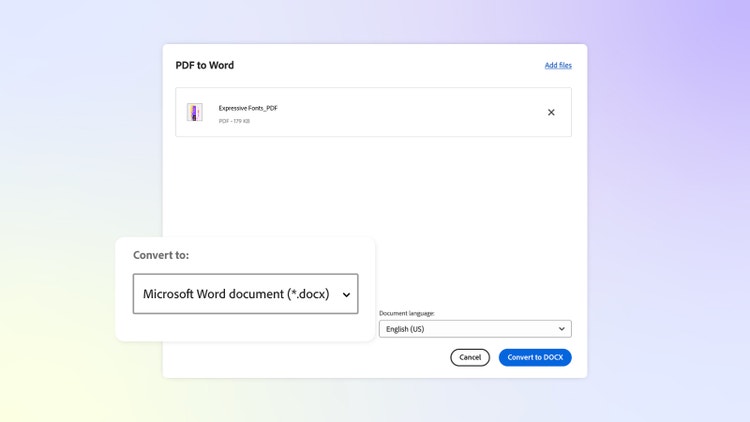
Benefits of converting a PDF to an EPUB.
Converting a PDF to an EPUB comes with many benefits. From improved accessibility and readability to customisation. Below, we break down the different benefits of EPUB files.
- Device compatibility: Can be used with e-readers, phones and tablets.
- Dynamic text: Content is automatically adjusted to suit the screen size. This removes the need to keep zooming and panning.
- Improved accessibility: Is compatible with screen readers and can support different languages.
- Customisable: Lets readers change font size, line spacing and brightness for a fully customised experience.
- Interactive: Embed links, video, audio and interactive elements.
- Protection for authors: Publishers can apply Digital Rights Management to help protect intellectual property and control distribution.
How to open an EPUB file.
If you download Adobe Digital Editions to your computer, you can easily open an EPUB file on both Windows and Mac devices. All you need to do is:
- Open Adobe Digital Editions on your device.
- Choose ‘File’.
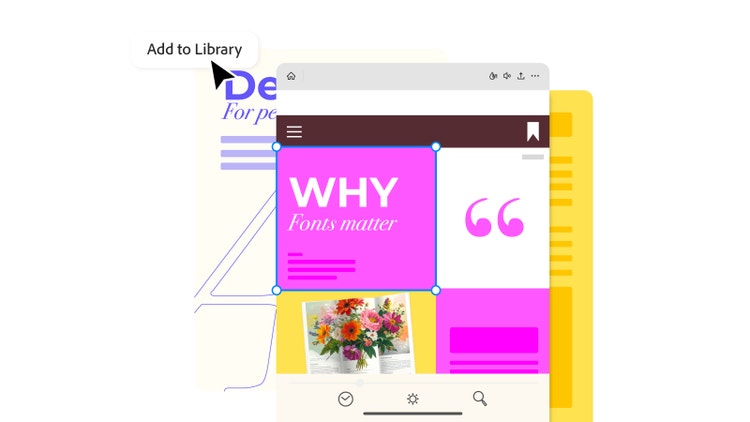
- Select ‘Add to Library’.
- Search for the EPUB file and double-click it to read.
If you’re using an Apple device, tap the EPUB file you want to read, and it will automatically open in the built-in app, Apple Books.
Once you have your EPUB ready, you can even send it to your Kindle to read.
FAQs.
Can you convert a PDF to EPUB for free?
Yes. There are a number of free PDF to EPUB converters available online that you can use. With simple drag and drop features, it’s quick and easy to convert a PDF to an EPUB file for a variety of uses.
Is it better to read in PDF or EPUB?
For books, it is better to read the file as an EPUB. The text will be formatted to your specific device, offering better readability. Plus, any interactive content (such as links, video and audio) will be better formatted.
What are the disadvantages of EPUB files?
The reflow text capability means EPUB files aren’t great for graphic-heavy content, such as magazines and cookbooks. Not being able to customise fonts can also be a disadvantage, as authors can’t guarantee the final look.
Useful PDF tools.
Sign up for Adobe Acrobat to access a range of useful tools to help transform your files.