How to convert EPUB to MOBI.
EPUB and MOBI are two popular eBook file types used across different reading platforms. While EPUB is widely supported, MOBI has traditionally been associated with Amazon’s Kindle devices.
If you need to convert from EPUB to MOBI, this guide explains the differences, when conversion makes sense, and how to do it using available tools.
Adobe Acrobat also offers a wide range of file conversion tools. Explore them today.

EPUB vs MOBI: What’s the difference between them?
EPUB and MOBI are both eBook formats, but they’re designed for different ecosystems. Understanding the difference between EPUB and MOBI can help you decide whether conversion is needed.
EPUB is an open standard that is maintained by the World Wide Web Consortium (W3C) and is supported by most eReaders, apps, and publishing platforms. MOBI, on the other hand, was developed by Mobipocket and later adopted by Amazon for Kindle devices, although its use has declined in recent years.
Choosing between EPUB or MOBI often depends on where and how the eBook will be read. Below, we take a closer look at each format.
What is an EPUB?
An EPUB file (short for Electronic Publication) is a flexible, reflowable eBook format that adapts to different screen sizes. You’ll often see EPUB files used by publishers, authors, educators, and libraries.
EPUB files support:
- Dynamic text resizing
- Embedded fonts
- Images and multimedia
- Interactive content.
EPUBs are widely compatible across devices and apps, making them a preferred choice for distributing digital books.
You can learn more about this format in Adobe’s guide to EPUB files.
What is MOBI?
MOBI is an older eBook format that was once the standard for Amazon Kindle devices.
While newer Kindle formats now exist, MOBI files may still be found in legacy workflows or older libraries.
Compared to EPUB, MOBI offers:
- Limited formatting flexibility
- Narrower device support
- Strong historical ties to Kindle ecosystems.
Understanding the difference between EPUB and MOBI helps determine whether you need to change from EPUB to MOBI or stick with EPUB.
For a full overview, see Adobe’s MOBI file guide.

Why change a file from EPUB to MOBI?
There are several reasons someone might want to convert from EPUB to MOBI, although it’s less essential than it once was.
Historically, Amazon favoured MOBI files for Kindle devices, meaning EPUB files had to be converted before use. While Amazon now supports newer formats, some users still prefer MOBI out of habit, due to older workflows or compatibility with existing libraries.
Other reasons include:
- Maintaining consistency across older Kindle collections
- Working with legacy publishing tools
- Testing how content appears in MOBI format
- Comparing EPUB and MOBI layouts.
How to change from EPUB to MOBI.
There are several ways to convert EPUB to MOBI, depending on your set-up and preferences.
EPUB to MOBI converter tools.
Many online tools offer an EPUB to MOBI converter. These tend to follow a simple process:
- Upload or drag and drop your EPUB file.
- Select MOBI as the output format.
- Convert and download the new file.
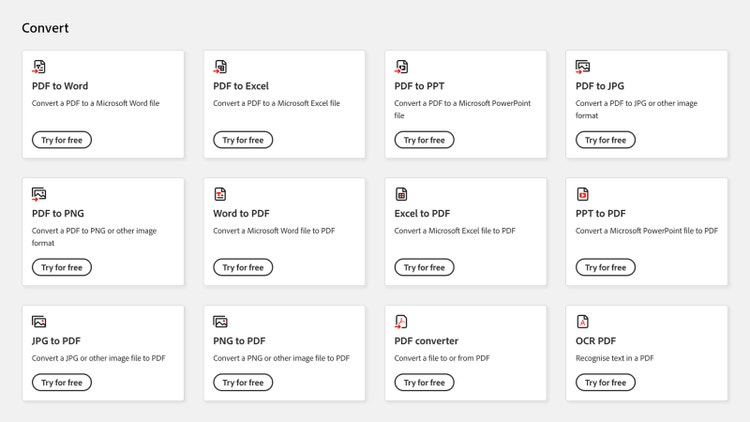
Adobe Acrobat includes a wide range of file conversion tools that support document workflows. Explore all the available options.
Kindle Previewer.
Kindle Previewer is another way to convert EPUB files for Kindle use. This method is useful if you want to see how your content displays on Kindle devices while managing EPUB and MOBI formats.
Typical steps include:
- Open Kindle Previewer
- Import your EPUB file
- Allow the software to convert it automatically
- Export the resulting MOBI-compatible file.
FAQs.
Does Kindle accept EPUB now?
Kindle does not natively read EPUB files. However, Amazon’s Send to Kindle service now accepts EPUB uploads and converts them automatically to a supported Kindle format.
Is it better to send an EPUB or PDF to Kindle?
EPUB files generally convert better than PDFs because they’re reflowable. PDFs are fixed-layout files and can be harder to read on smaller screens.
Learn more about PDFs with Adobe
What are the disadvantages of EPUB files?
EPUB files aren’t directly compatible with Kindle devices and may need to be converted. Formatting can also vary slightly depending on the reader or app being used.
More useful resources.
Useful PDF tools.
Sign up for Adobe Acrobat online and find the ideal tool for every need.