How to convert MKV files to MOV.
MKV and MOV are two common video file types that are used for different playback and editing needs. While MKV is often used for storing high-quality video, MOV has wider compatibility, especially for embedding video into documents.
If you need to convert MKV to MOV, this guide explains the differences, why conversion helps, and how to use Adobe tools to support video-rich PDFs and workflows.
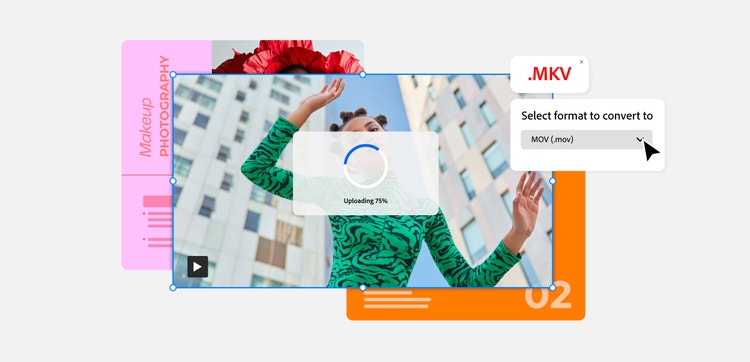
What is an MKV file?
An MKV file is a video container format that stands for Matroska Video. It’s designed to store high-quality video, audio, subtitles, and metadata within a single file. MKV is often used for movies, TV recordings, and archived video content.
One of MKV’s strengths is flexibility. It can hold multiple audio tracks and subtitle options, making it a popular choice for international and long-form videos.
However, MKV files aren’t always supported by all players or platforms, which is why users often compare MKV vs MOV when choosing a format.
What is a MOV file?
MOV is a video file format developed by Apple and means QuickTime Movie. It’s widely supported across devices, browsers, and editing tools, making it a popular choice for professional and everyday use.
MOV files are commonly used for video editing, presentations, and multimedia documents. They integrate smoothly with creative workflows and are often easier to embed into PDFs and presentations than MKV files.
This compatibility is why many people choose to convert MKV to MOV for sharing or publishing their videos.
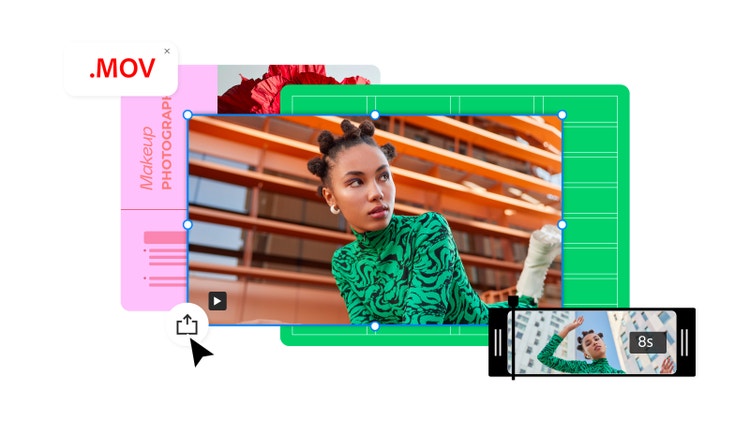
What is the difference between MKV vs MOV?
When comparing MKV vs MOV, the main differences come down to their compatibility, use cases, and workflow flexibility. Understanding the distinction between MKV and MOV helps you decide when conversion is the right choice.
- Compatibility: MOV files are more widely supported across different operating systems, browsers, and editing software.
- Use cases: MKV is often used for storage and archival purposes, while MOV is preferred for editing and distribution.
- File structure: MKV can hold multiple streams in one file, while MOV is optimised for playback and editing.
- Embedding: MOV files are easier to embed into interactive documents, including PDFs.
Why convert a video from .MKV to .MOV?
There are several reasons users choose to convert MKV to MOV, especially when they’re working with documents, presentations, or client-facing content.
For Adobe Acrobat users, converting to MOV makes it easier to embed videos into interactive PDFs for richer, more engaging documents.
Common benefits of converting these file types include:
- Improved compatibility: MOV files play more reliably across platforms and apps.
- Easier editing: Many video editors work more smoothly with MOV.
- Better embedding: MOV files integrate well into interactive PDFs.
- Simpler sharing: MOV is widely accepted for uploads and presentations.
- Professional workflows: MOV is ideal for reports, portfolios, and marketing materials.
How to convert an MKV file to MOV.
There are several ways to convert MKV to MOV, depending on your tools and workflow.
1. Use an online MKV to MOV converter.
Many online tools act as an MKV to MOV converter, allowing you to upload a video and convert it directly in your browser. These tools typically follow simple steps:
- Upload your MKV file or paste a video URL.
- Select MOV as the output format.
- Convert and download the video.
Tools like VLC Media Player can also convert MKV files locally and have a free MKV to MOV converter option for basic needs.
2. Download your video as a MOV file.
Once your video is converted, save your MOV file to your device so it’s ready for editing or sharing. If your video is already in another format, you can use Adobe Express’ video converter tool to convert for free.
This is useful if you’re managing multiple video formats as part of a creative workflow.
3. Edit your MOV video with Adobe.
After the conversion, you can refine your video using Adobe Express tools. For example, you can trim clips, shorten scenes, or prepare content for documents.
You can also repurpose your video by converting MOV to GIF for short animations or converting MOV to MP4 for broader compatibility.
4. Share or embed your MOV file.
Once your file is ready, you can embed your MOV video into a PDF to create an interactive document that is easy to share. This is ideal for reports, presentations, training materials, or portfolios.

FAQs.
Will converting a video from MKV to MOV impact the quality?
If done correctly, converting MKV to MOV shouldn’t noticeably reduce the quality of your video. Using reliable tools helps preserve the resolution, audio, and playback performance.
What is better – MKV or MOV?
Neither format is universally better. MKV is good for storing complex video files, while MOV has better compatibility for editing, sharing, and embedding into documents.
Can I convert MOV back to MKV?
Yes, it’s possible to convert MOV to MKV using video conversion tools. The right format depends on how you plan to use the video.
Are MKV files supported in PDFs?
No, MKV files are not directly supported in PDFs. MKV file containers are only accessible on certain platforms, so you will need to convert your MKV file before embedding it into a PDF document.
Is there a free MKV to MOV converter?
Yes, some tools offer MKV to MOV converter free options, including desktop software like VLC Media Player.
More useful resources.
Useful PDF tools.
Convert a range of file types and boost your document workflows with Adobe Acrobat.