
Faster contract intelligence, with AI references you can verify.
Every AI-generated insight from Adobe Acrobat Studio is linked to its exact source in the document, so your team can validate before acting. Centralise contract review, collaboration and downstream communication in one secure, governable workflow.
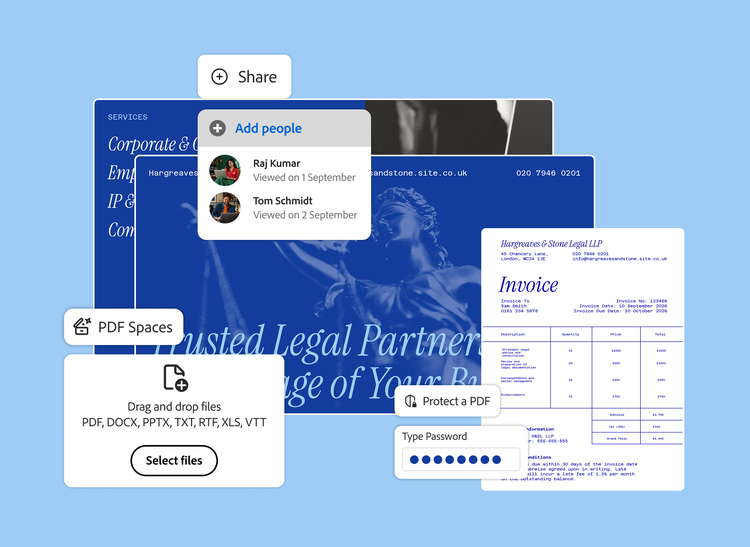
From scattered documents to verified insight.
One workspace to review documents, assess vendor risk, review external content and interpret policy, so your team can act with confidence, without the risk of unverified AI output.
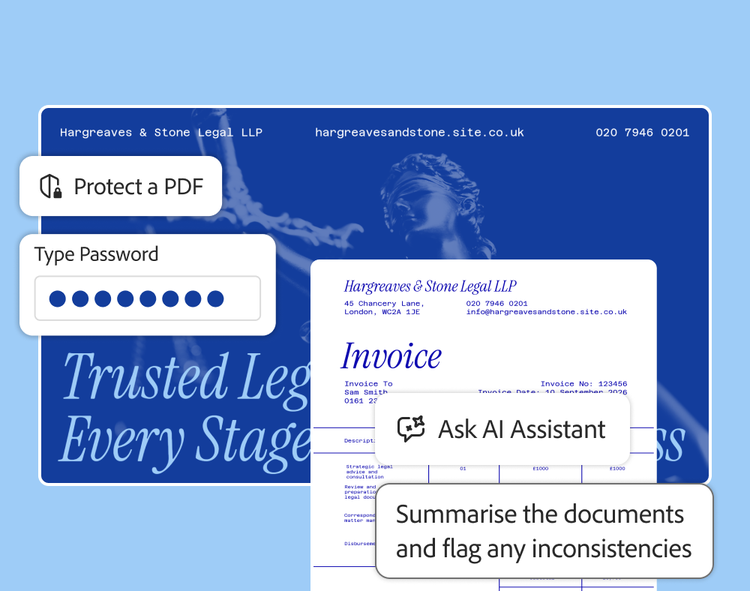
DOCUMENT REVIEW & SUMMARY
1. Bring the contract in
Upload contracts, NDAs or regulatory documents into Acrobat Studio.
2. Ask, don't search
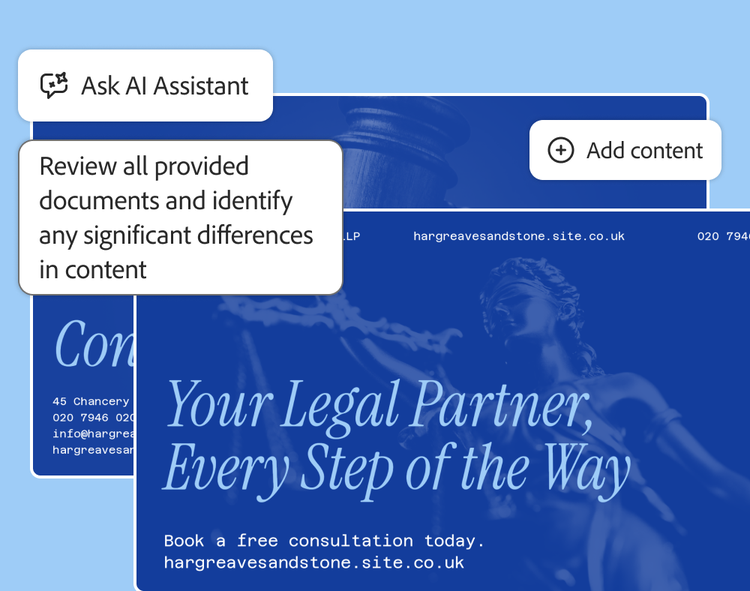
Ask Acrobat AI Assistant to extract key terms and flag risk, with answers cited back to source.
3. Combine and finalise
Combine terms, addendums and exhibits into one secure, auditable PDF.
VENDO RISK ASSESSMENT
1. Bring agreements together
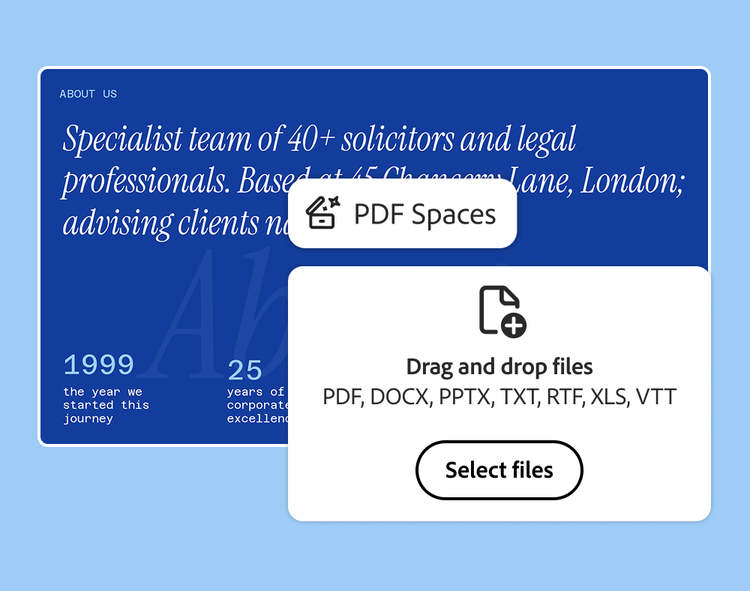
Gather contracts, policies, questionnaires and third-party documents into one PDF Space.
2. Compare and flag
Ask AI Assistant to compare vendor information and surface risk flags, with traceable references.
3. Package the assessment
Combine findings into an assessment report with a due-diligence packet, ready for audit.
EXTERNAL CONTENT REVIEW
1. Centralise the content
Bring marketing and sales collateral together with legal guidance in one shared workspace.
2. Analyse at speed
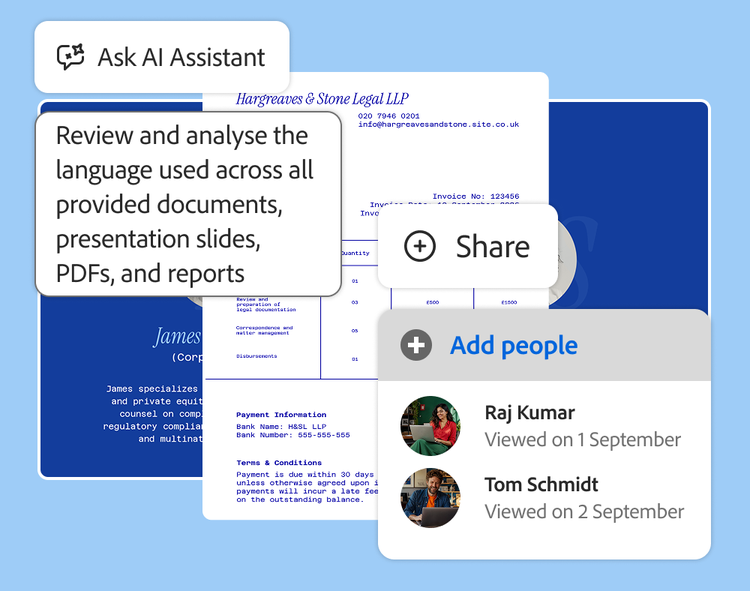
Ask AI Assistant to review claims, disclaimers and language across formats, with traceable references.
3. Sign off securely
Share the final, approved version as a PDF for sign-off, audit and compliance.
POLICY INTERPRETATION & GUIDANCE
1. Bring policies together
Centralise policies and regulatory documents in one PDF Space.
2. Get cited guidance
Ask AI Assistant to analyse regulations and policies, with answers linked back to source.
3. Turn it into guidance
Create a clear, designed guidance deck using Acrobat Pro and Adobe Express.
Everything your best work needs, in one workspace.
Organise your content, understand it faster, and create and collaborate with Adobe Acrobat Studio
CONTROL
Acrobat Pro
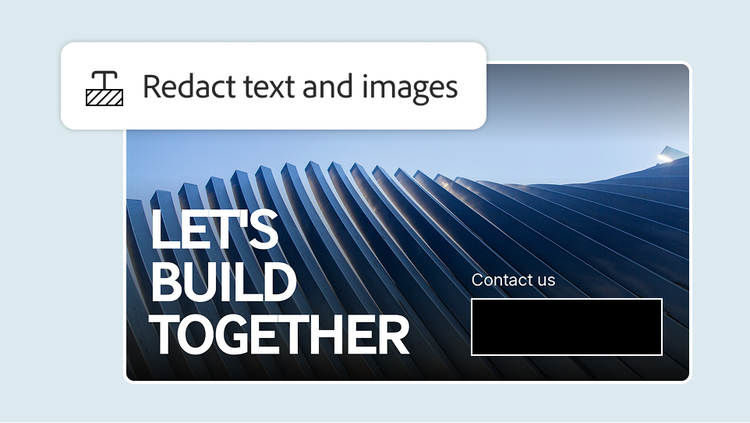
Use trusted PDF tools including edit, convert, combine, redact and protect PDFs, and move in and out of Word, PowerPoint and Excel.
COMPREHEND
Acrobat AI Assistant
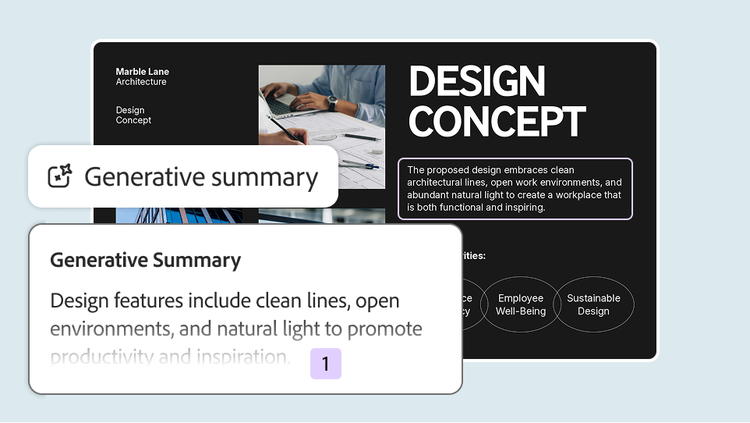
Ask questions, summarise and extract key points, with answers cited back to the source.
COLLABORATE
PDF Spaces
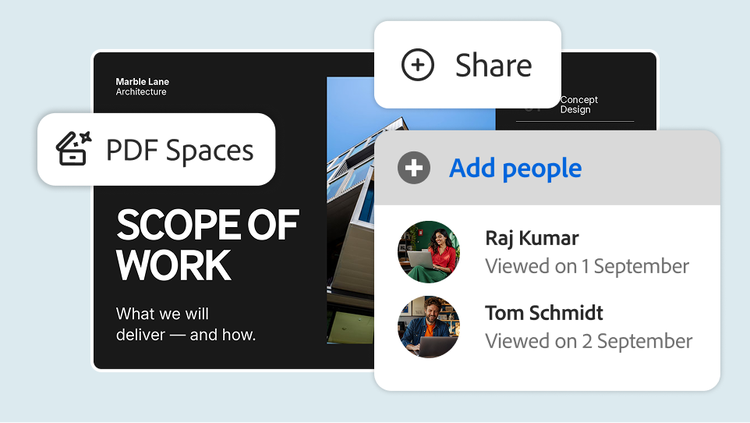
Bring up to 100 files into one AI-powered workspace and share them with everyone’s comments, questions and AI answers intact.
CREATE
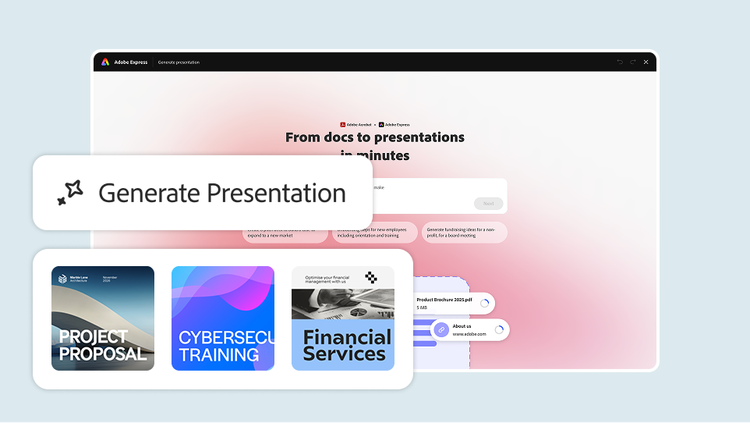
Generate Presentation
Create on-brand content and turn documents into polished decks, with brand kits, approved templates and commercially safe AI generated imagery.
Frequently asked questions.
Give your best work a head start with Adobe Acrobat Studio.
Adapt campaigns, build presentations, localise content and create event content, all in one workspace. Get started today.