
Turn documents and insights into on-brand marketing content.
Extract insights from research, briefs and reports, then turn them into on-brand campaign contentand decks with brand guardrails and commercially safe AI built in. With Adobe Acrobat Studio, collaborate across teams to review, adapt and localise across markets.
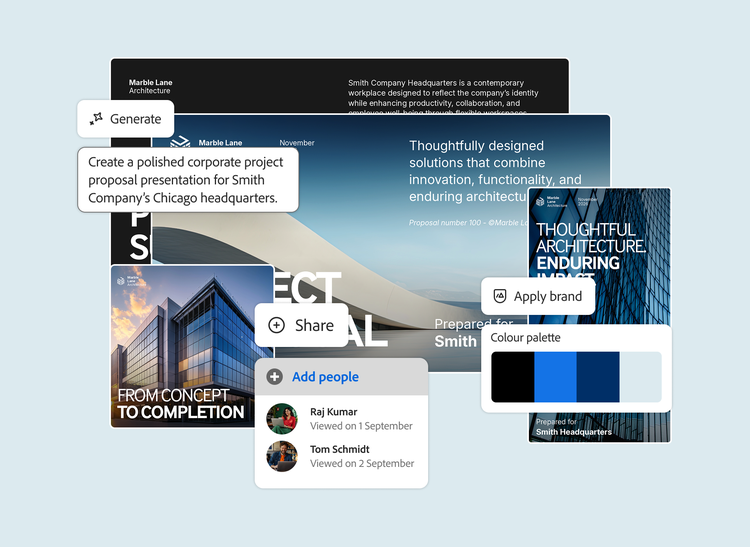
From scattered documents to on-brand output.
One workspace to adapt campaigns, build presentations, localise content and create event content, so your best work reaches your market faster.
ON-BRAND CAMPAIGN CONTENT REUSE
1. Start with approved assets
Bring a winning campaign or event kit into Adobe Express, with brand kit and approved templates already in place.
2. Adapt within brand guardrails
Create new variations within brand guardrails across channels, offers and moments, from event invites to social posts.
3. Review and export
Get sign-off, then export the finalised assets across every channel.
HIGH-IMPACT PRESENTATIONS & STORIES
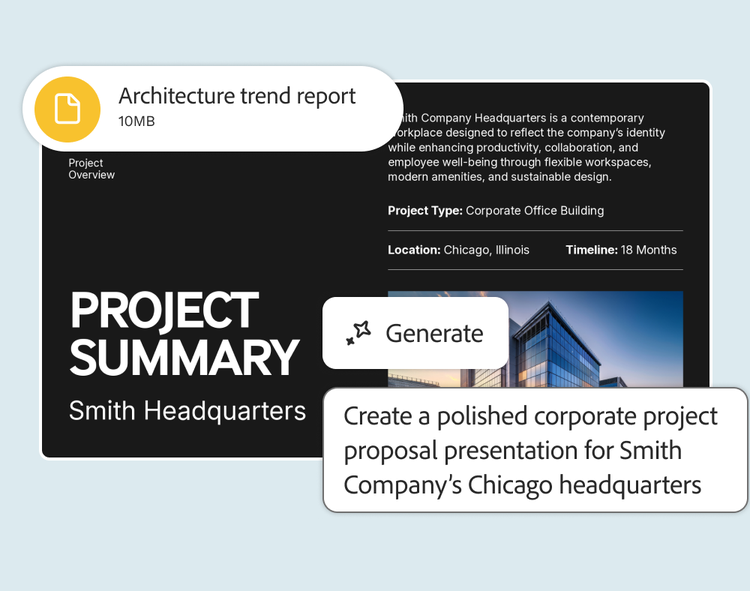
1. Pull the story from your research
Extract key messages and proof points from reports, briefs and competitor signals, with precise citations that link right back to the source in your docs.
2. Generate the deck
Turn AI-surfaced insights into a structured, on-brand presentation in minutes.
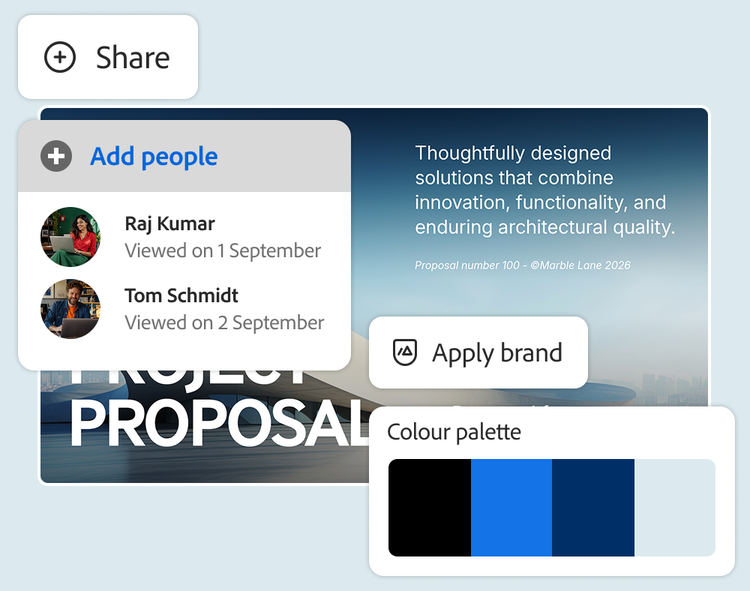
3. Refine and share
Co-edit with the team, then share or export as a polished, ready-to-send deck.
CAMPAIGN LOCALISATION FOR REGIONAL AUDIENCES
1. Start from one master
Central teams set branded templates, locked assets and guardrails in Adobe Express.
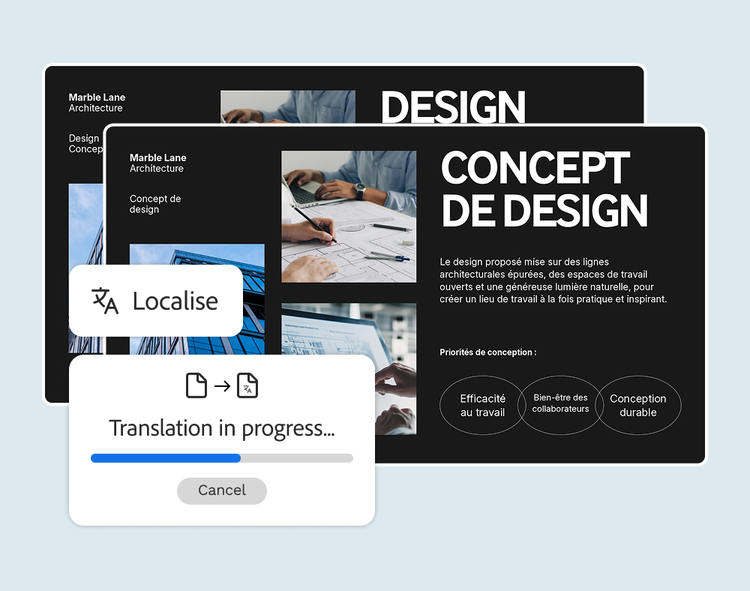
2. Localise without losing control
Regional teams adapt copy and layout for their market with AI-assisted translation, on brand every time.
3. Review and activate
Centralised review and sign-off, then activate consistent content across every market.
EVENT COMMUNICATIONS AND COLLATERAL
1. Start from the brief
Bring your event brief into Acrobat Studio and turn it into a clear content plan, goals, audiences and the assets each channel needs.
2. Build the kit
Generate an on-brand event kit in Adobe Express (invitations, social posts, signage and sales handouts) from one brief, using brand kit and locked templates.
3. Review and distribute
Co-edit with marketing, events, sales and partners, then package the finalised assets as approved PDFs, ready for every channel and on-site.
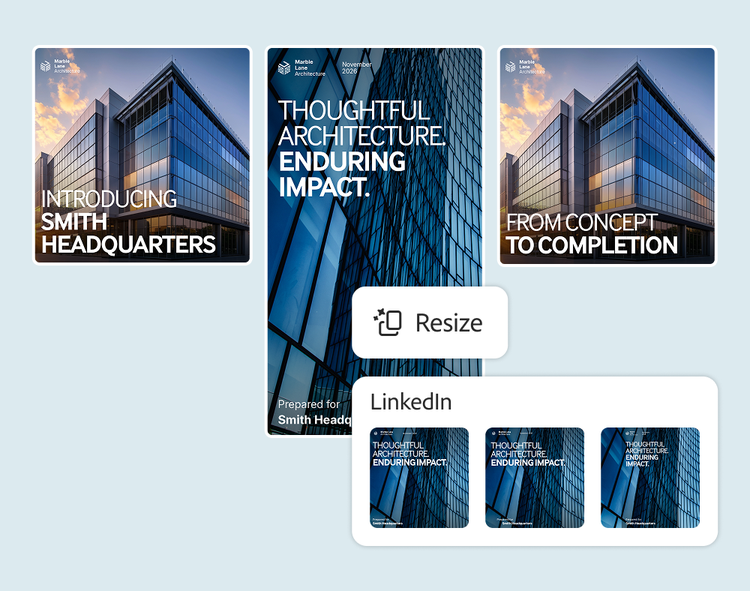
Everything your best work needs, in one workspace.
Organise your content, understand it faster, and create and collaborate with Adobe Acrobat Studio
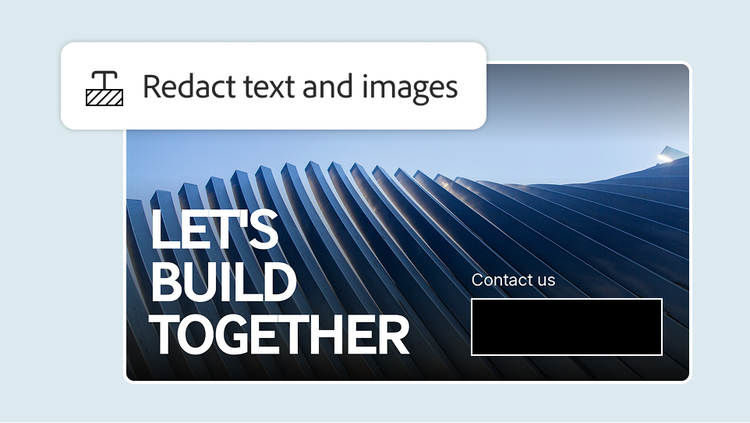
CONTROL
Acrobat Pro
Use trusted PDF tools including edit, convert, combine, redact and protect PDFs, and move in and out of Word, PowerPoint and Excel.
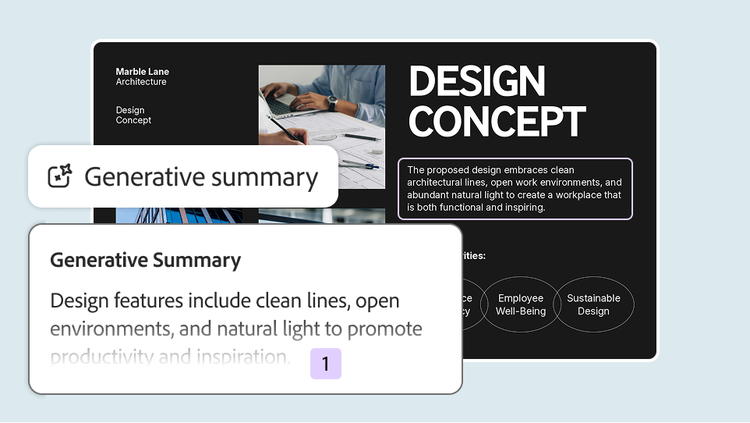
COMPREHEND
Acrobat AI Assistant
Ask questions, summarise and extract key points, with answers cited back to the source.
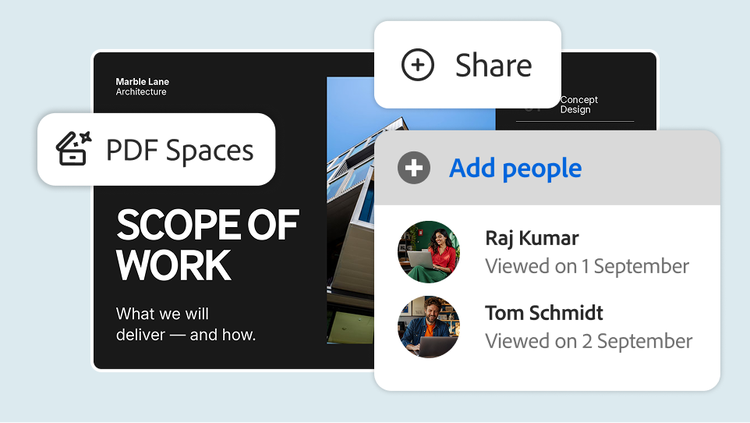
COLLABORATE
PDF Spaces
Bring up to 100 files into one AI-powered workspace and share them with everyone’s comments, questions and AI answers intact.
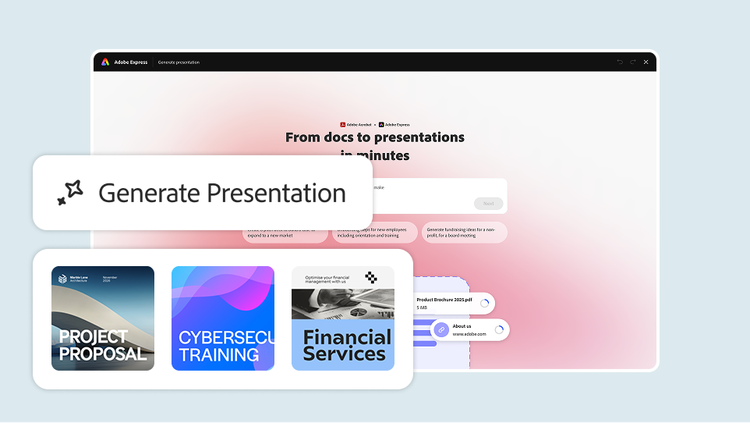
CREATE
Generate Presentation
Create on-brand content and turn documents into polished decks, with brand kits, approved templates and commercially safe AI generated imagery.
Frequently asked questions.
Acrobat Studio is an AI-powered workspace that combines PDF creation, editing, on-brand content creation and AI-driven insights for collaboration. For marketing teams, Acrobat Studio can help:
- Turn scattered research, briefs and decks into a central knowledge hub.
- Use AI to summarise, compare and analyse long documents.
- Easily create on-brand presentations, reports and campaign assets.
- Collaborate across Sales, Product and Leadership in a single shared space.
Acrobat Studio is designed for both insight-heavy marketing research and strategy as well as content-heavy campaigns or localisation.
Marketing teams can use Acrobat Studio to turn complex research into clear, actionable insights:
Centralise research in one place
- Upload focus group transcripts, survey exports, analyst reports and competitor decks.
- Group everything into a dedicated PDF Space for a project.
Use AI to better understand the data. Ask Acrobat AI Assistant to:
- Summarise long PDFs and transcripts.
- Compare multiple documents and versions for insights or themes.
Turn insights into a story Use Adobe Express templates to build:
- Insights deck for strategy workshops.
- Visual summary reports for partners or stakeholders.
- Export final content as secure, shareable PDFs.
Acrobat Studio supports all marketing campaigns from local to global by making it easier to reuse and adapt core campaigns.
Store master campaigns centrally
- Keep master messaging frameworks, brand guidelines, creative assets and templates.
- Organise them in PDF Spaces accessible to regional teams.
Adapt messaging with AI support. Use AI Assistant to:
- Rewrite messages for specific segments or regions.
- Adjust tone while keeping core value propositions intact.
- Propose localised angles based on regional priorities.
Acrobat Studio is unique because it is document-first, insight-driven while being enterprise-ready:
Document-first, not just asset first
- Acrobat Studio is built around documents marketers already use like research reports, strategy presentations, contracts, SOWs and briefs.
- AI sits on top of these documents to extract insights, not just generate new assets in isolation.
End-to-end document workflow
- Combines document organisation with PDF Spaces, AI-powered insights with AI Assistant and scaled content creation with Adobe Express templates.
Security and governance built-in
- Security is paramount to Adobe and Acrobat Studio is no different with enterprise-grade security, SSO and identity controls and compliance-first AI built directly into Acrobat.
The most effective way to start is to pick one high impact workflow and leverage all that Acrobat Studio has to offer.
Recommended starting projects:
- A brand or product positioning initiative.
- A thought leadership report.
- A major event or webinar series.
Acrobat Studio starting plan:
- Choose one initiative where research, collaboration and content creation are all involved.
- Create a PDF Space dedicated to that initiative.
- Add core documents like research, briefs or assets.
- Use AI Assistant to summarise key documents and insights.
- Build the main narrative into a report, presentation or campaign plan using Adobe Express templates inside Acrobat Studio.
- Share and refine with stakeholders while iterating for other campaigns or regions.
Give your best work a head start with Adobe Acrobat Studio.
Adapt campaigns, build presentations, localise content and create event content, all in one workspace. Get started today.