Creativity and design
Move fast and make things.
Work at the speed of your ideas, not your tools. Realise your vision across images, designs, videos and more.
https://main--federal--adobecom.aem.page/federal/assets/svgs/creative-cloud.svg|Creative Cloud


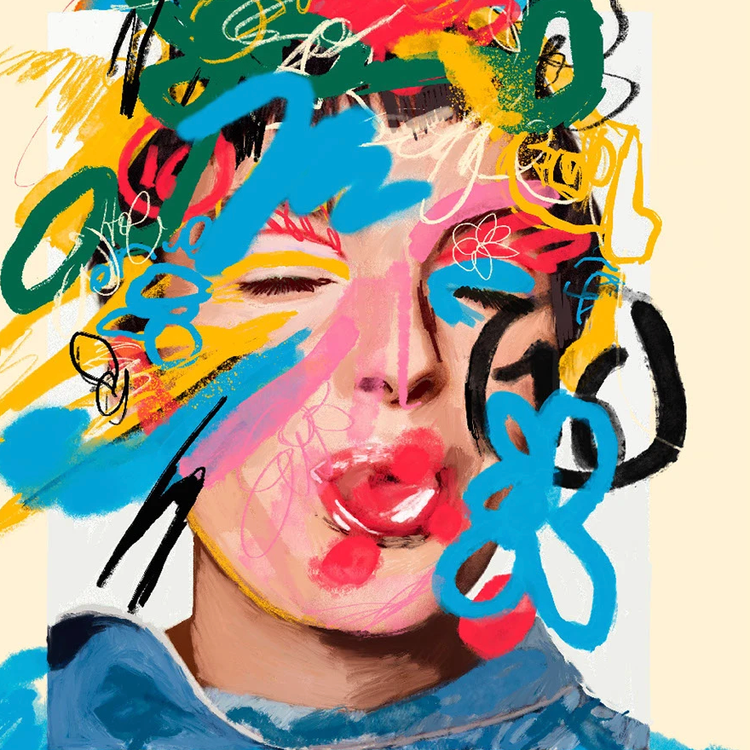
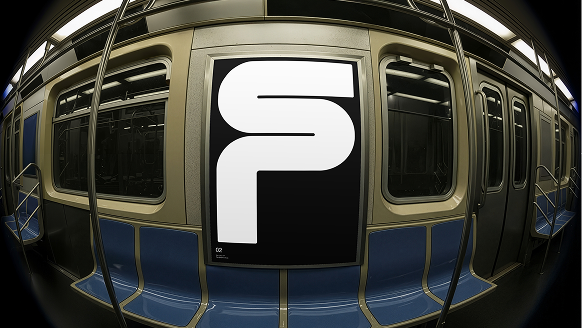

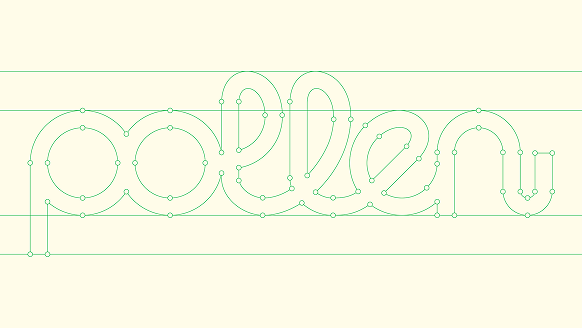
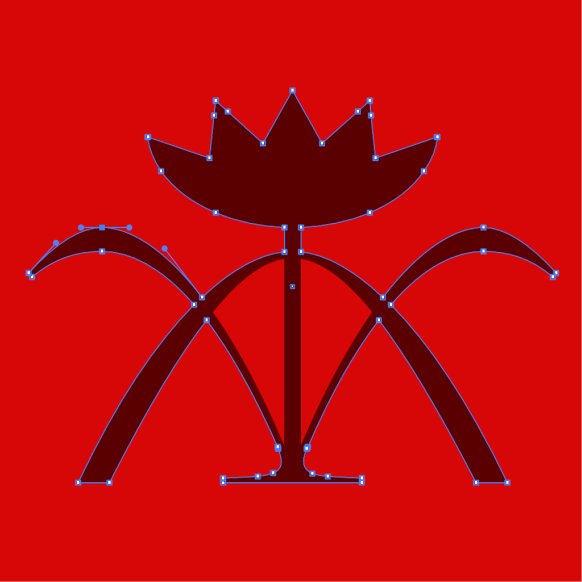
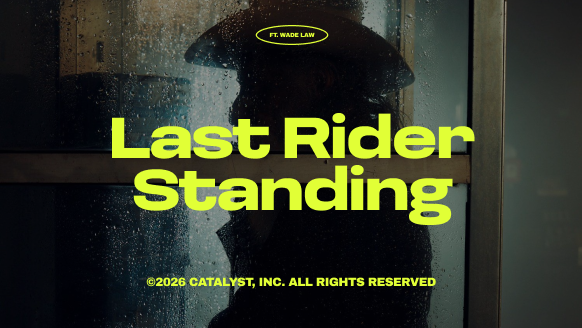
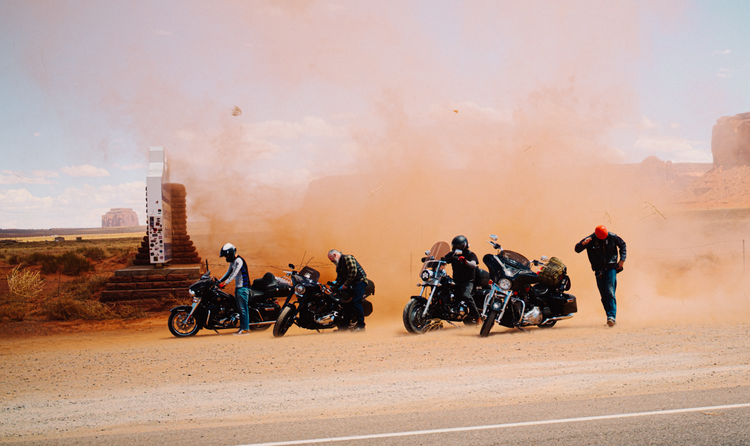


All you need for all you make.



Ideate freely. Iterate at speed. Create with precision.
Get powerful creative apps, creative AI, fonts, stock assets and tutorials to help you do your best work.
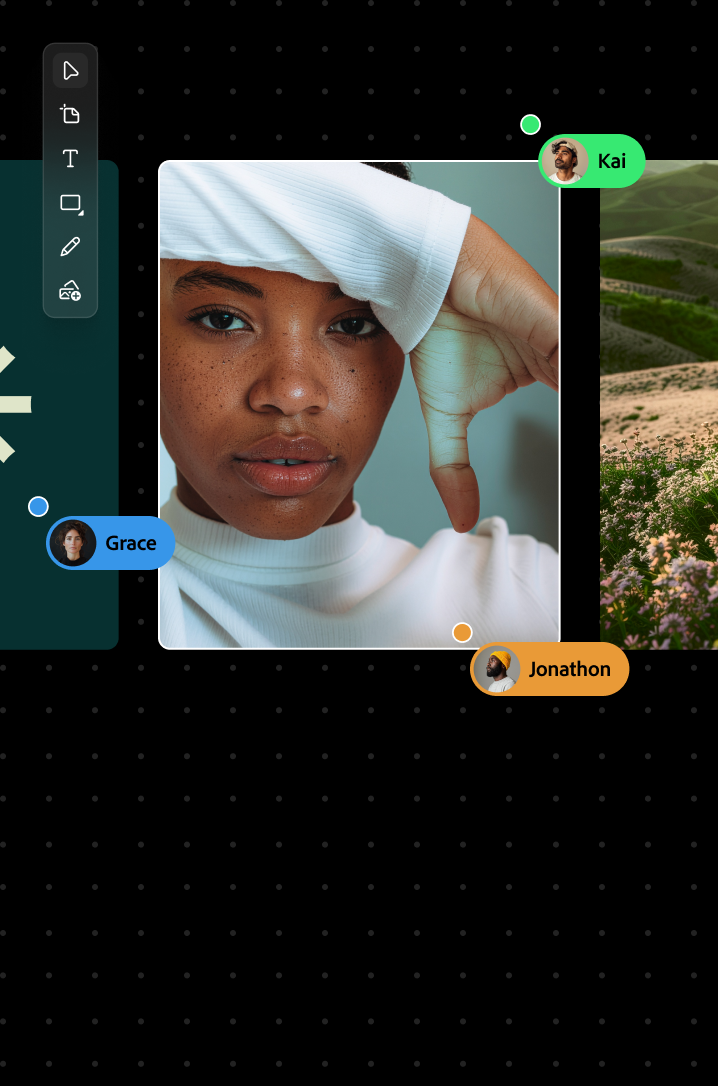
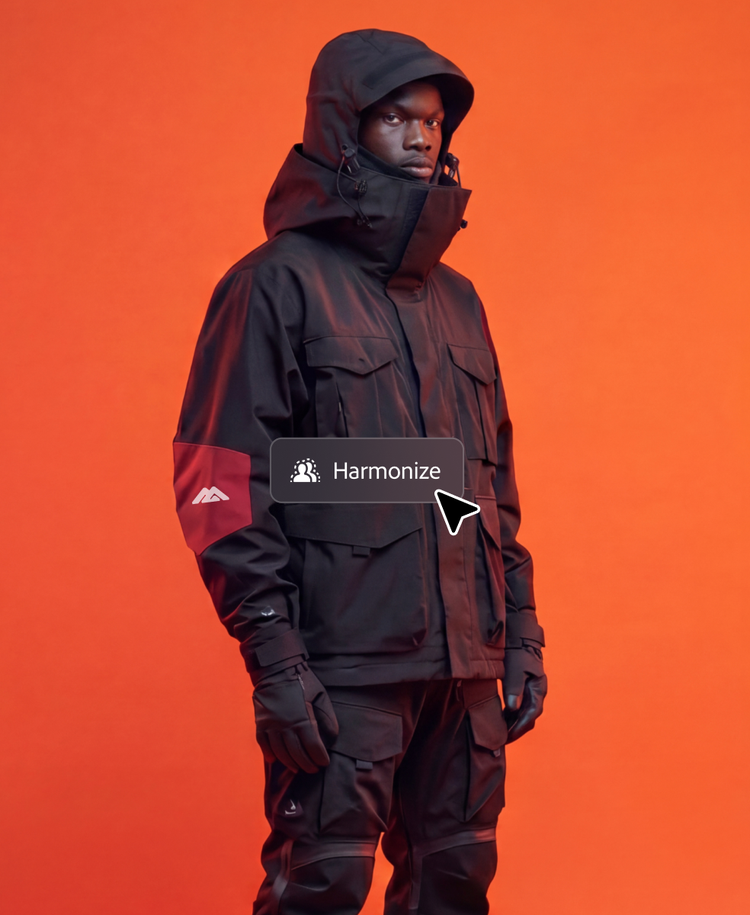
Explore ideas faster with Adobe Firefly.
Generate and refine concepts using Firefly creative AI and top partner models, then remix and collaborate on mood boards and storyboards on the infinite canvas of Firefly Boards.
Streamline workflows with apps that work together seamlessly.
Create across photo, design and video with compatible apps, automatically synced assets and integrated AI that speeds up routine tasks.
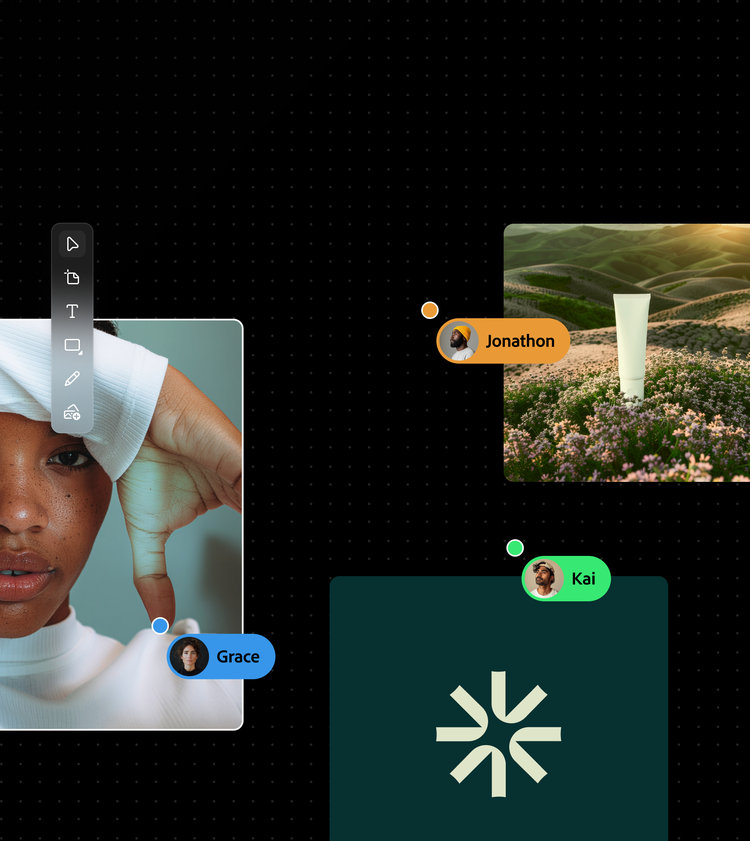
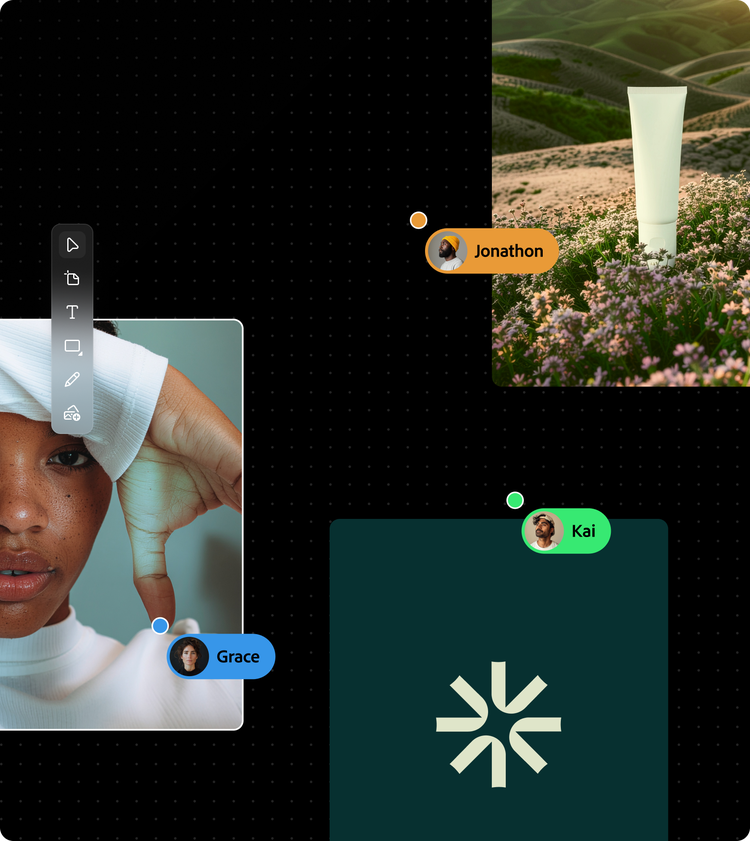



Deliver professional work that stands out.
Whether you’re designing a logo, editing a film or retouching 100 event photos, you can get the results you want with apps that set the industry standard for power and precision.
Click and drag to rotate.
Tap to dive deep into the artwork.
“I feel like Adobe allows me to be creatively free because I can sort of work seamlessly between all the different tools without having to think about being in a tool.”
Frankie Gaw
Food writer, photographer, designer
What’s new
The latest technology, always.
https://main--federal--adobecom.aem.page/federal/assets/svgs/photoshop.svg | Photoshop
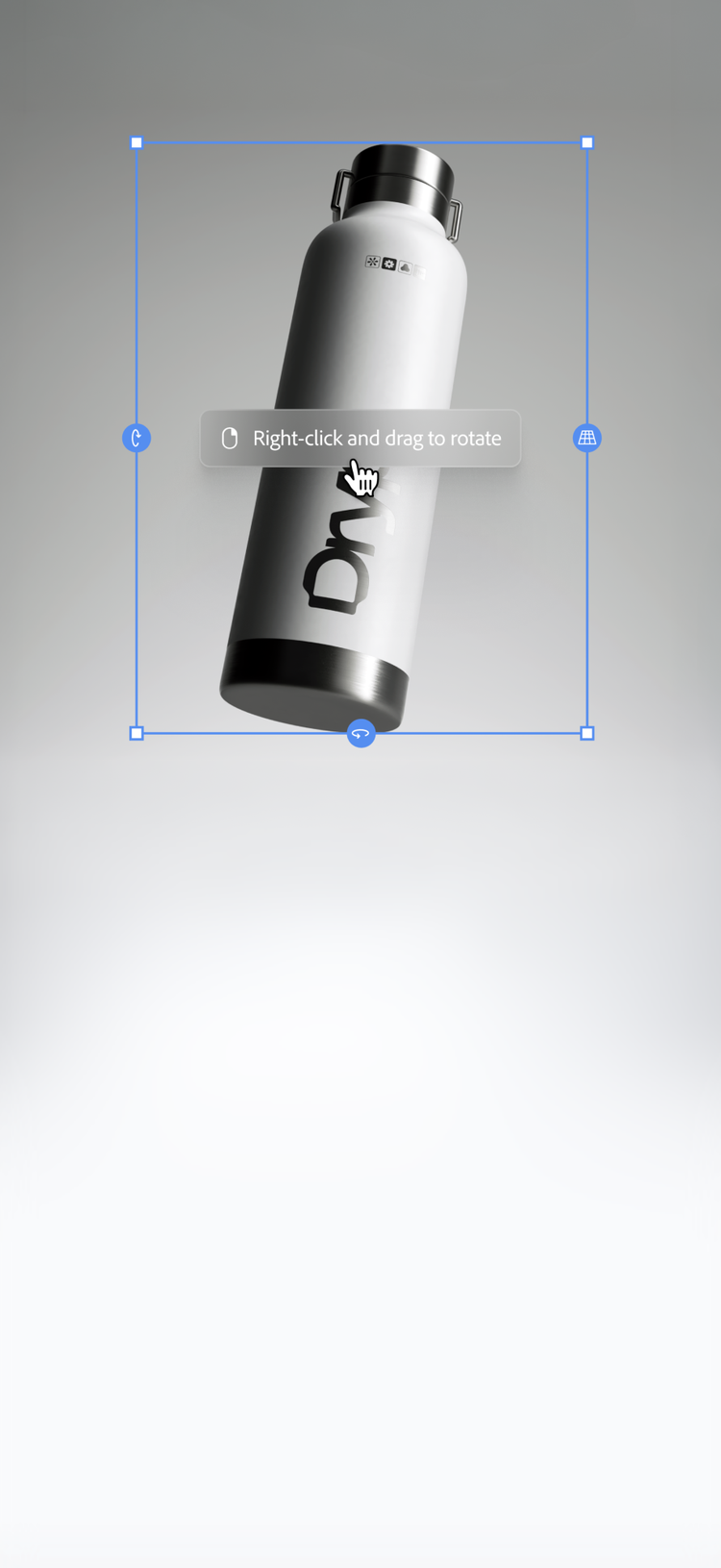
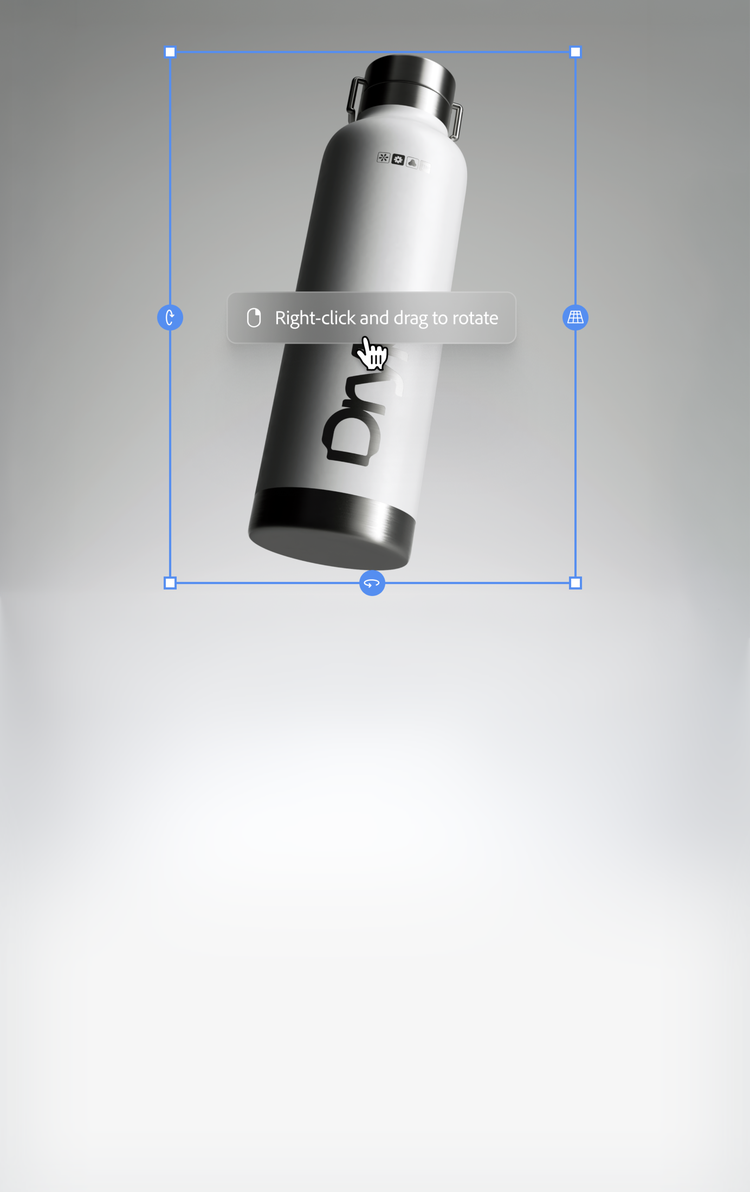
Mock up new directions with Rotate Object.
Explore new angles quickly in Photoshop. Tilt, rotate and scale objects in real time without rebuilding all the details.
Learn more | Learn more Mock up new directions with Rotate Object.
https://main--federal--adobecom.aem.page/federal/assets/svgs/illustrator.svg | Illustrator

Turn rough ideas into vectors.
Transform outlines into editable graphics with Concept to Vector in Illustrator. Just drop in a sketch or low-res image and start refining.


https://main--federal--adobecom.aem.page/federal/assets/svgs/premiere-pro.svg | Premiere Pro

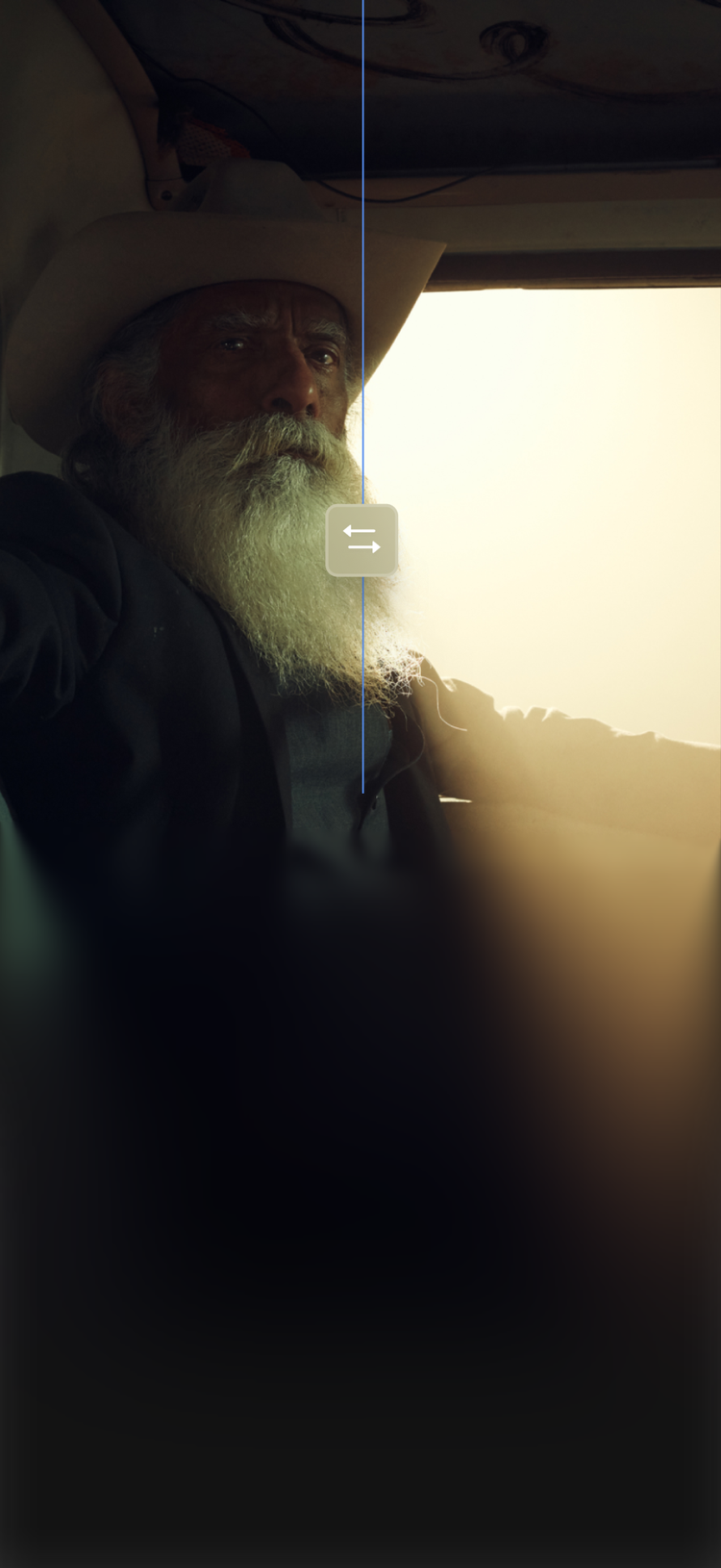
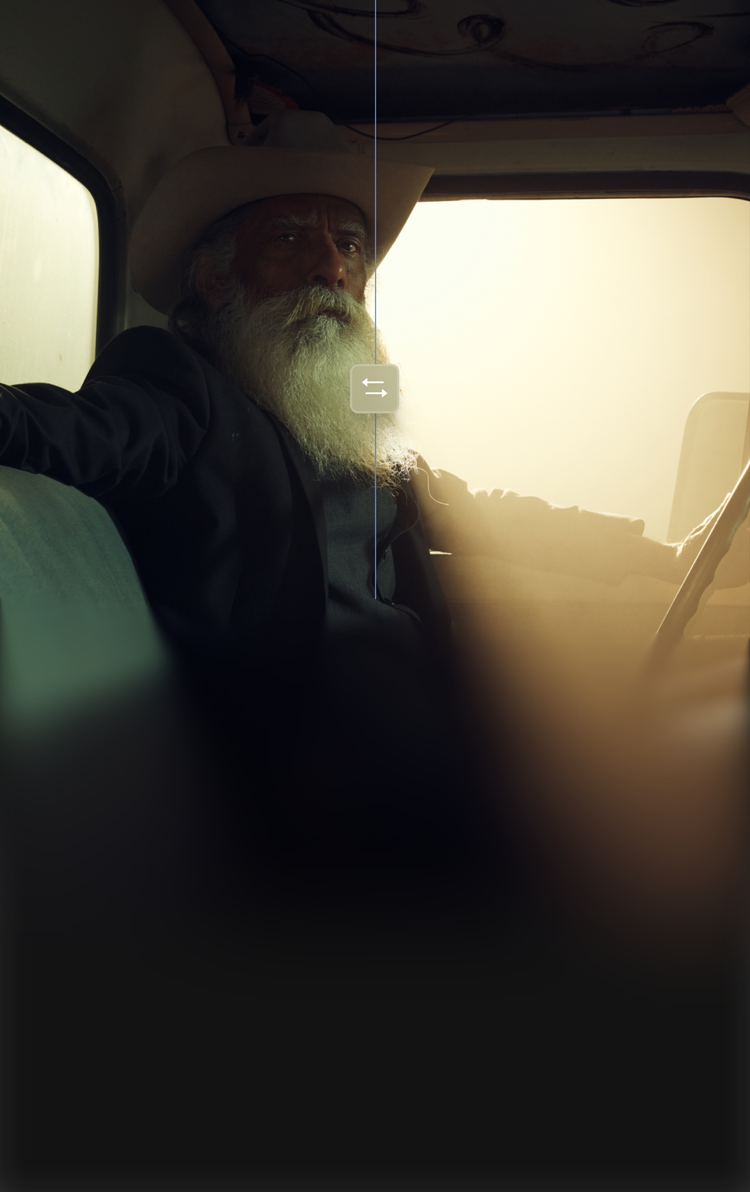
Introducing Colour Mode.
Experience a first-of-its-kind colour grading system in Premiere (beta). Craft new looks with confidence and control right next to your edit.
https://main--federal--adobecom.aem.page/federal/assets/svgs/firefly-appicon-256.svg | Firefly

Edit images in Firefly.
Add or remove objects, swap backgrounds and expand or upscale. Use text prompts, mark-up tools and top AI models in the Edit tab.

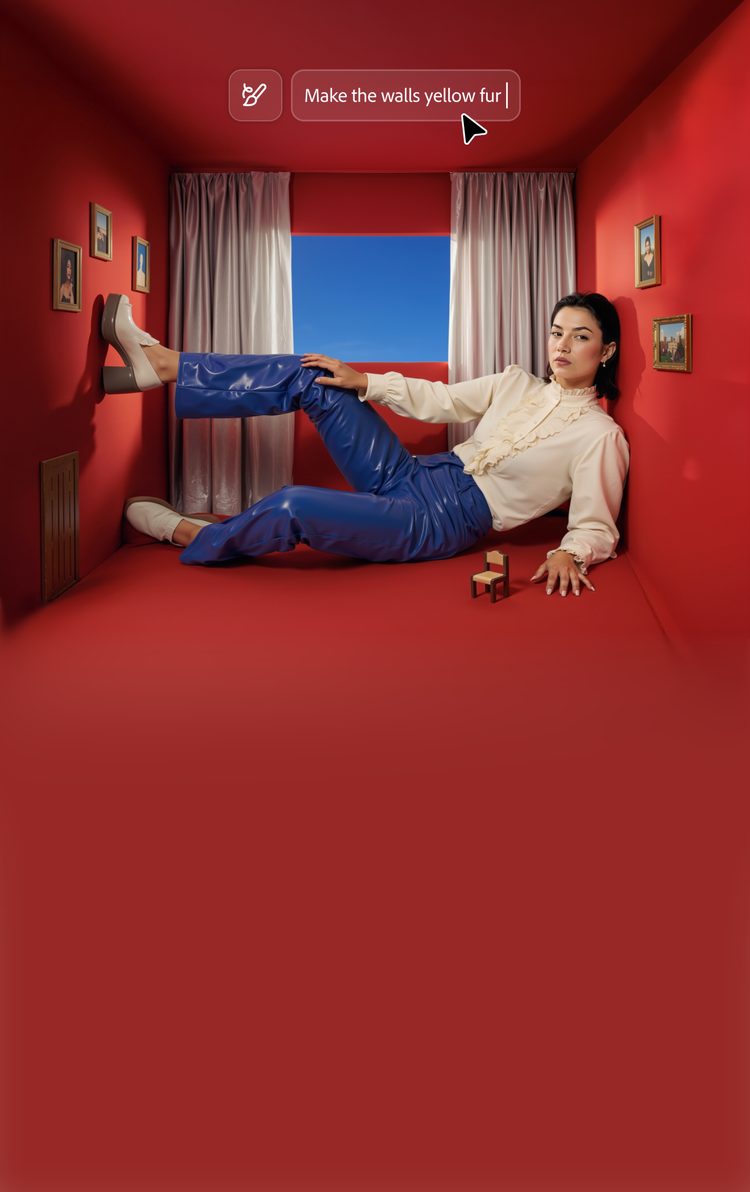
Plans to create anything.
- Photo
- Design
- Video
Plans for:
- Individual
- Students & Teachers
- Businesses
Plans for:
- Individual
- Students & Teachers
- Businesses
Plans for:
- Individual
- Students & Teachers
- Businesses