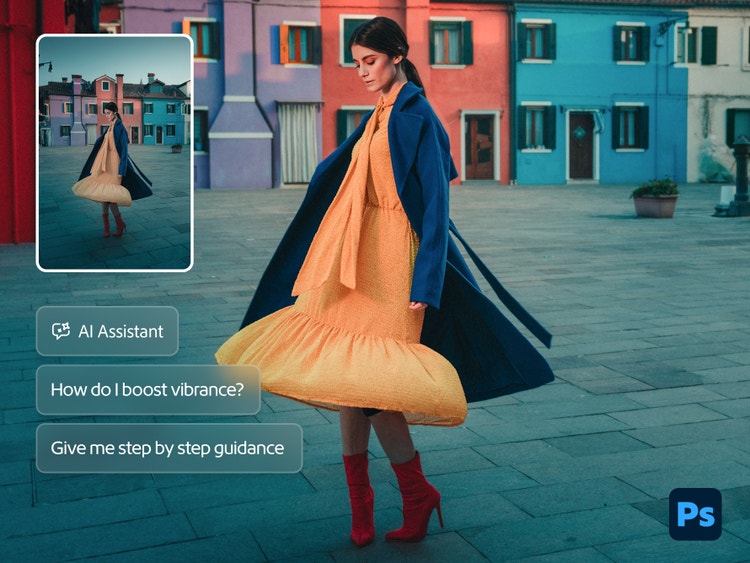
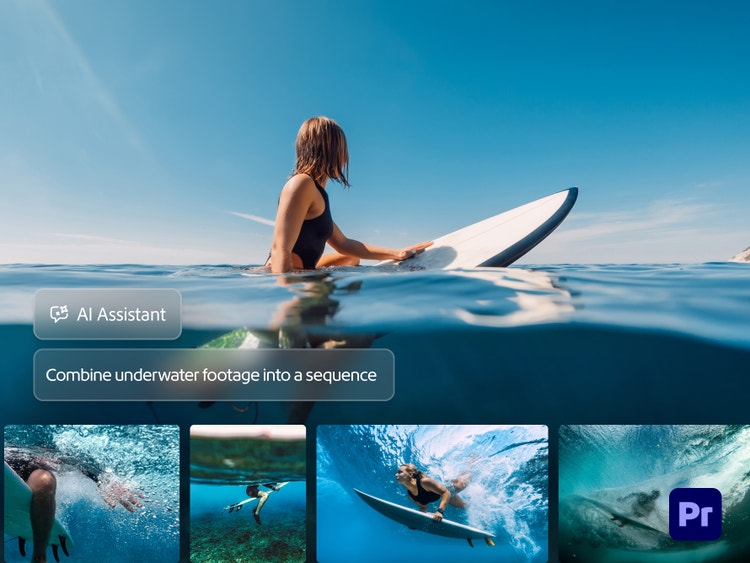
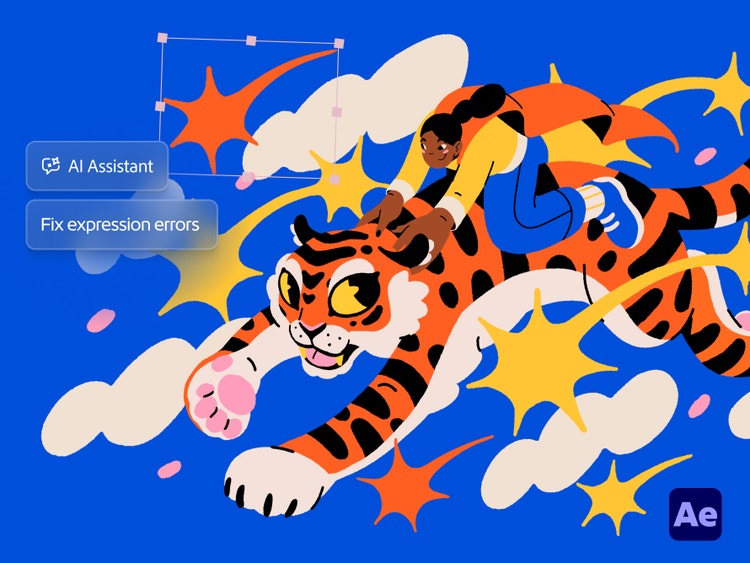
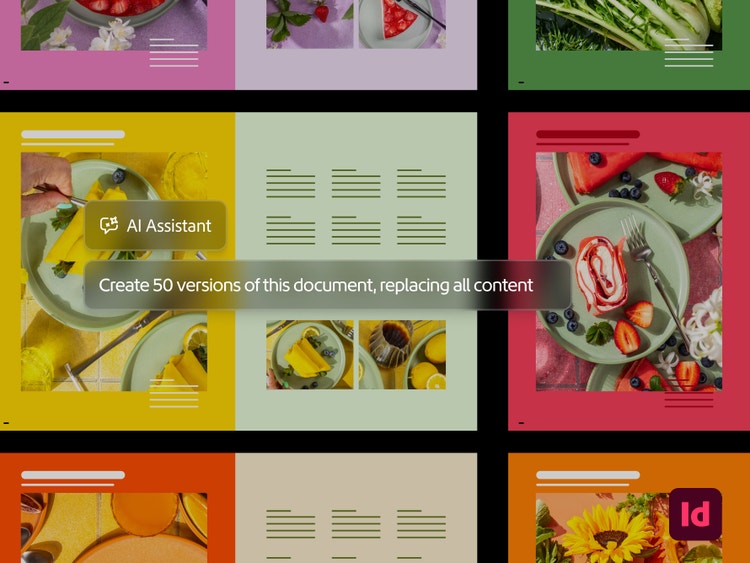
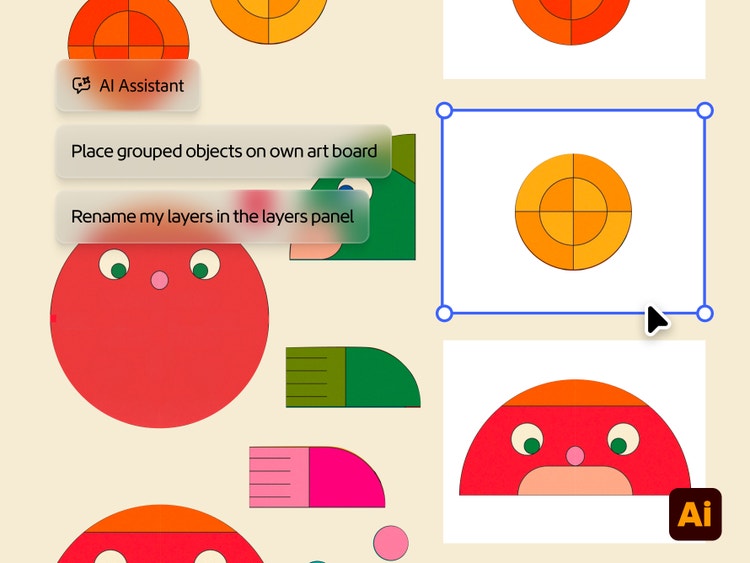
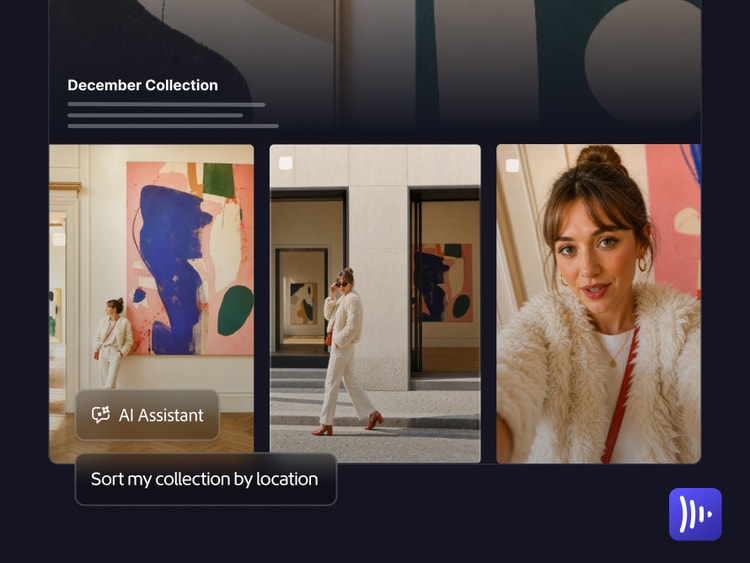
The Adobe AI Assistant is built directly into Creative Cloud apps to help you work faster without leaving your creative flow. AI Assistant handles the repetitive, time-consuming parts of your workflow, such as organizing files, applying edits at scale, or transcribing footage so you can focus on the creative decisions that matter.
In apps like Adobe Photoshop, Premiere, Illustrator, InDesign, After Effects, and Frame.io, AI Assistant is focused on tasks within that specific app. Firefly AI Assistant is built into Firefly and helps you iterate on ideas and create media across image, video, and audio through simple conversation.
AI Assistant is currently available in Photoshop, Premiere, Illustrator, InDesign, After Effects, and Frame.io apps. Open your app, locate the AI Assistant icon and click it to start a project. To get started with Firefly AI Assistant, log in to
Adobe Firefly with your Adobe ID or create a free account if you don’t have one. Select AI Assistant from the left-hand panel to begin a project.
No. AI Assistant is designed for creators at every level. Describe what you want in plain language, review the plan the assistant proposes, and approve or adjust before anything changes. You always stay in control.
Yes. Adobe does not train its models on the work you create or upload. Everything you create remains yours.