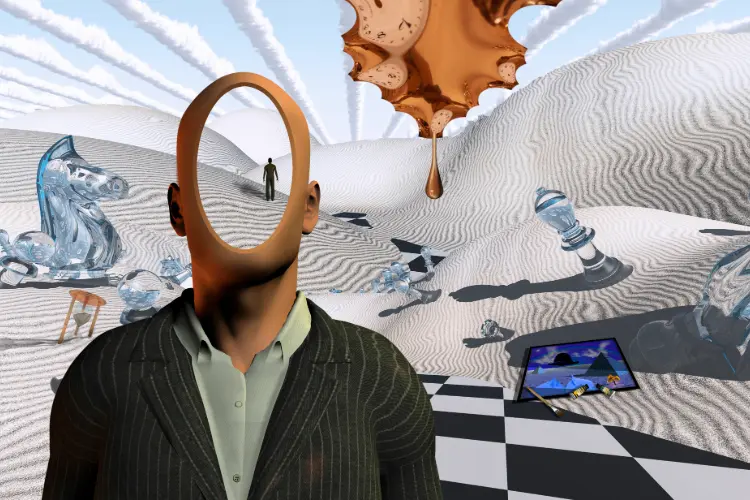
How to implement surrealism in Adobe Express.
It’s time to put these incredible effects into use using Adobe Express. Here’s a couple of ways to do so.
Use unpredictable shapes in your cards.
Cards can be quite conventional, but you will want to draw from unusual sources to create a design that has meaning and can stand against the competition. Craft cards using Adobe Express’ free templates that boast unusual, pattern-less shapes for that surrealist edge.
Create presentations with abstract imagery.
Abstract imagery can sometimes put your point across better than you’re able to, as it engages your audience and forces them to think about the image. Take abstract pictures and apply them to your presentations, to create a mood or tone that best suits your project, using Adobe Express’ easy to use presentation templates.
Place an illusion on your business card.
You’ve seen every type of business card under the sun, but how often do you come across one with an optical illusion? Whether it’s in your logo or your background, interact with your audience by creating a business card, using the Adobe Express UK templates, that tricks the eye.
Craft a flyer with an unusual colour palette.
Flyers can be packed with information, telling the audience, when and where an event is happening, or perhaps what a brand is all about. Contrasting colours and an unusual, muted palette could provide a good way of organising that information in an aesthetically pleasing way. Use Adobe Express’s free flyer templates and the convert to JPG image feature to curate a perfect design with the right pictures.