

Try these tutorials with Photoshop
Edit photos to create new images and graphics.
The Bay Area-based creative quickly visualizes an idea, using Rotate Object and Generative Fill in Photoshop to mock up a composition in detail.
"When I first saw Rotate Object, I audibly gasped. It’s like being able to see the dark side of the moon."
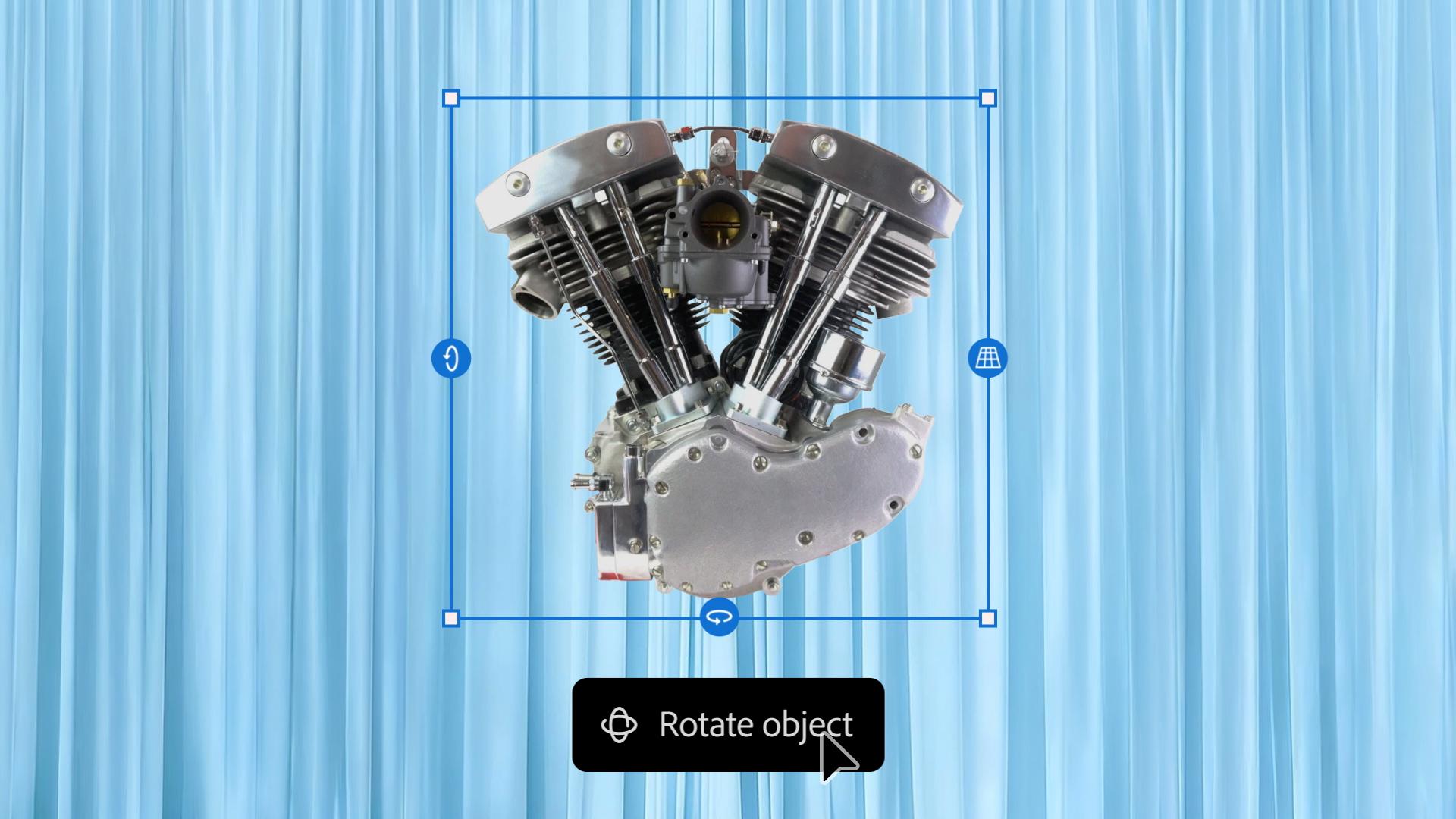
To start, Rob quickly mocked up a composition he had in mind, featuring a motorcycle engine on a table. Then he used Rotate Object to tilt and shift the motor into new angles, until the composition felt just right.
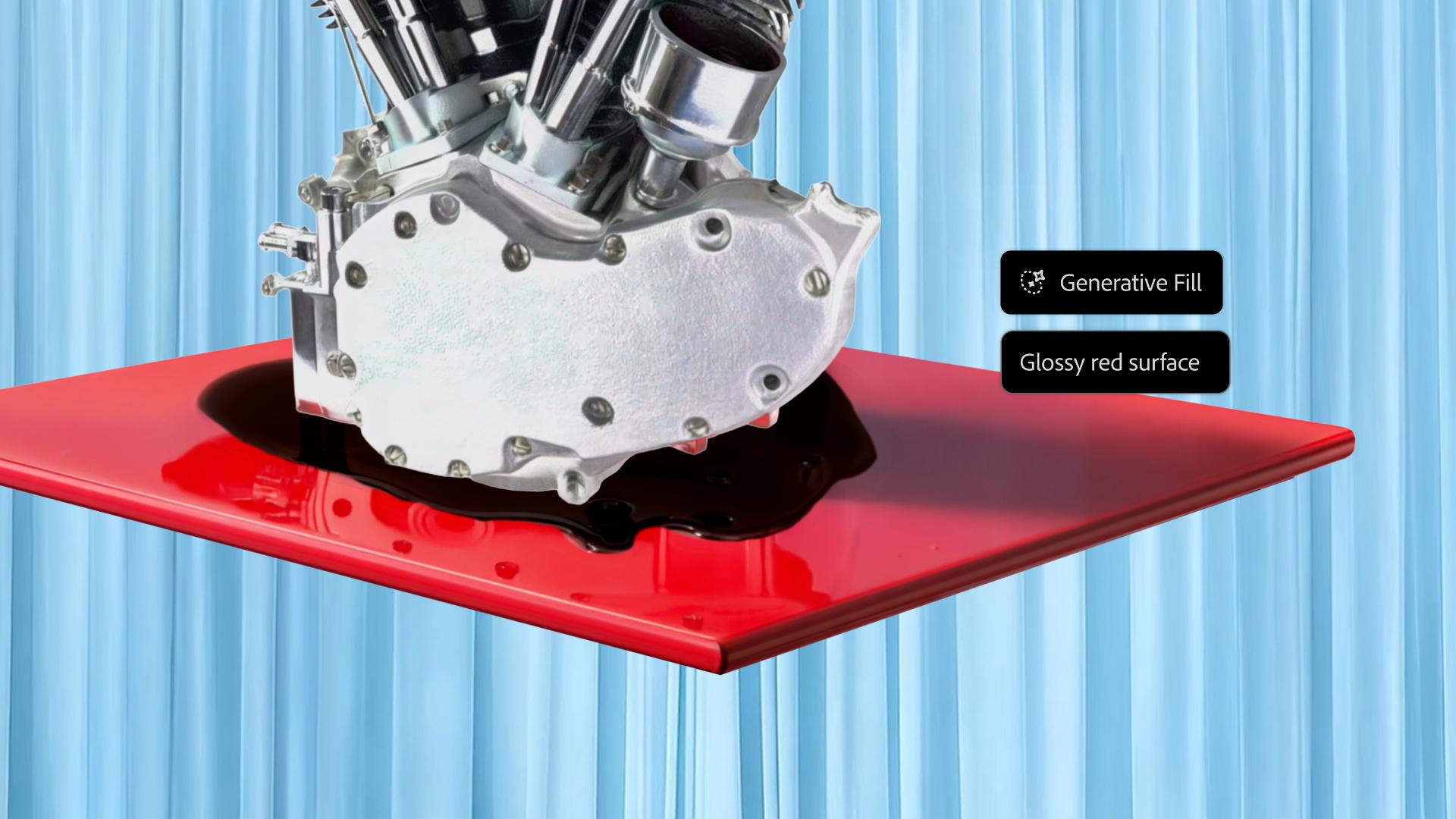
Next, Rob added details to the composition. He masked out the legs of the table, then used prompts in Generative Fill to add a puddle of oil and a glossy, reflective finish to the tabletop.
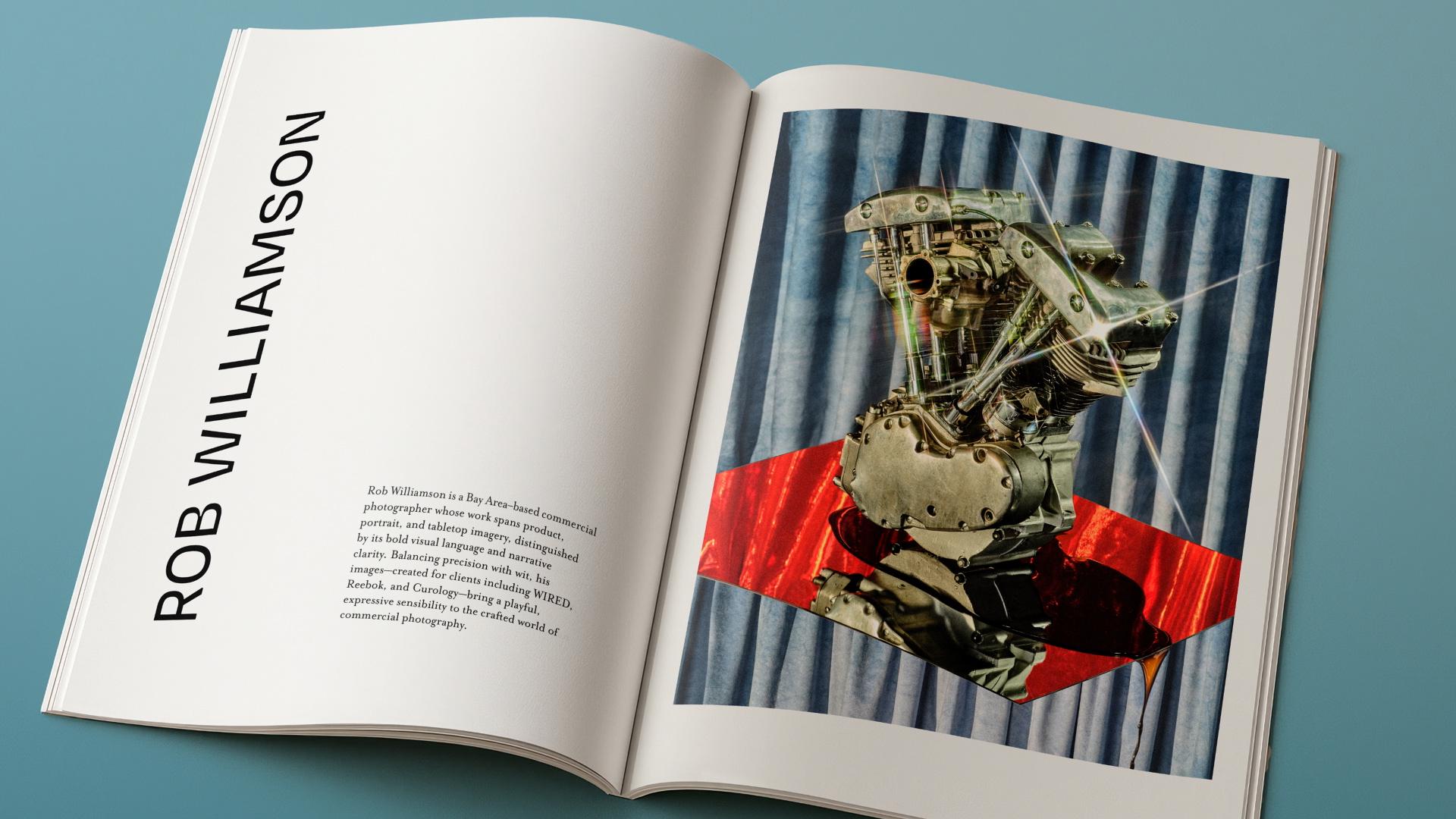
“If you sketch something, then it becomes a little more real, and it brings you one step closer to the final image,” says Rob. With the plan in place, he realized his vision. He shot each element, edited the images in Lightroom, and brought everything into Photoshop to composite the final image.


All Consent Allowed