Desktop apps for Mac and Windows


Fee applies up to half your remaining annual commitment if you cancel 14 days after your free trial ends.
Try Acrobat Pro with a 7-day free trial. If you need more time to try all the features, you’ll still have an extra 14 days to cancel and receive a full refund.


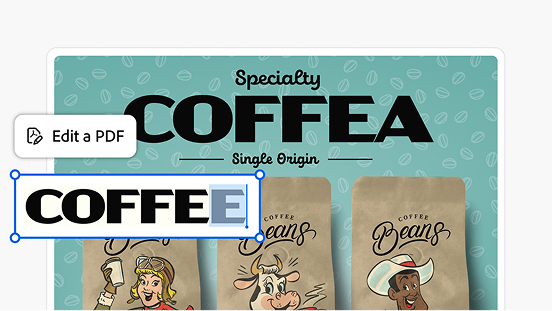
Add text, fix typos, drop in new pages, edit images, and more. You can do it in a couple clicks directly in your PDF. Try these features for free.
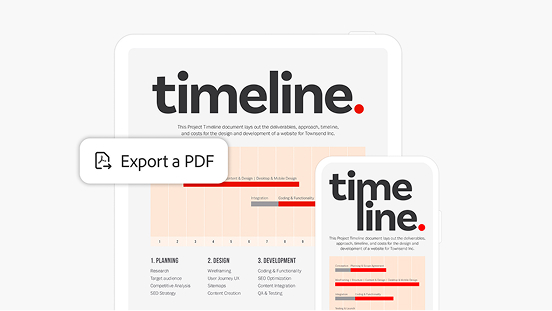
Turn your PDF into a different file type and vice versa. Converting file types is simple and easy with Acrobat.
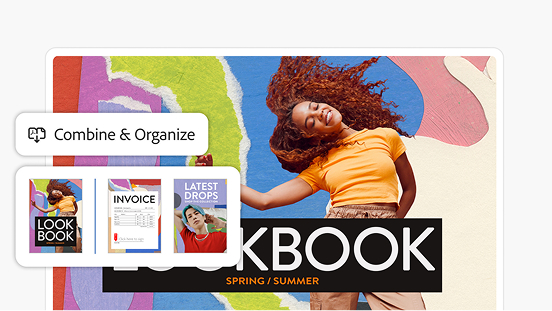
Add and reorder pages simply by dragging and dropping. Easily delete any you don’t need.
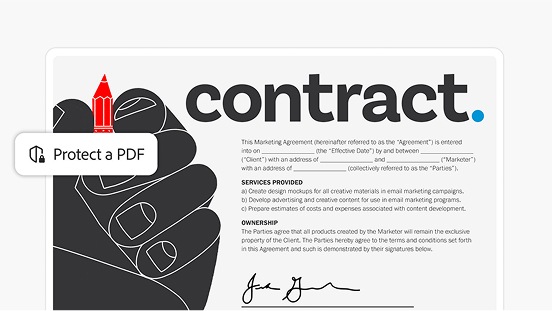
Protect sensitive documents with a password. Use other security features to restrict editing, printing, copying, and more.
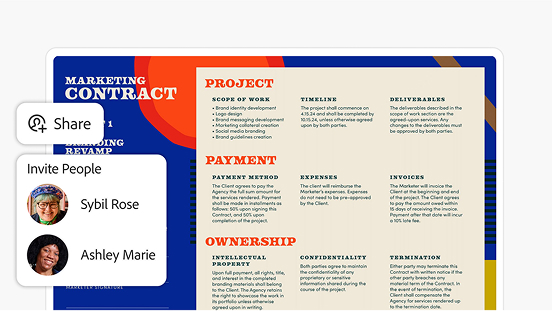
Send documents to anyone with a link. Reviewers can leave comments and make annotations without logging in.
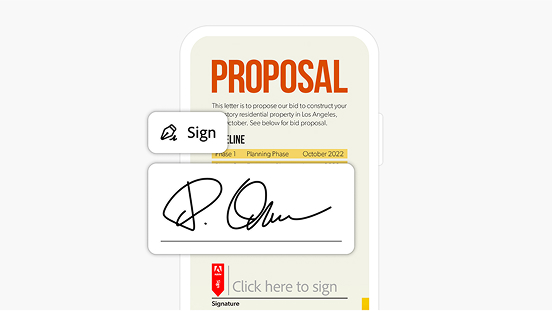
Fill and sign PDFs wherever you are. Send files out for signature — no login needed for recipients.
Bring all your project files into one workspace and ask AI Assistant questions to get deep insights with precise citations.

Desktop apps for Mac and Windows

Available on web and mobile, plus browser extensions

Adobe Scan and Acrobat Reader mobile apps

Works with the apps you already use, like Microsoft 365 and Dropbox

Integrates seamlessly with Adobe Creative Cloud and Adobe Express

SSL security so you can work and share with confidence

Binding, compliant, and secure e-signatures

Contact us for more information about plans and pricing.