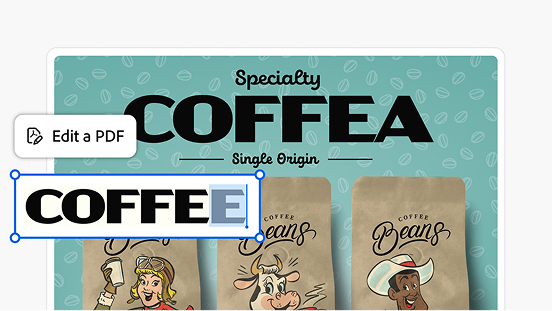
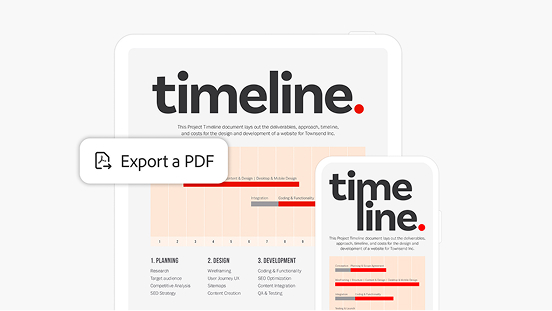
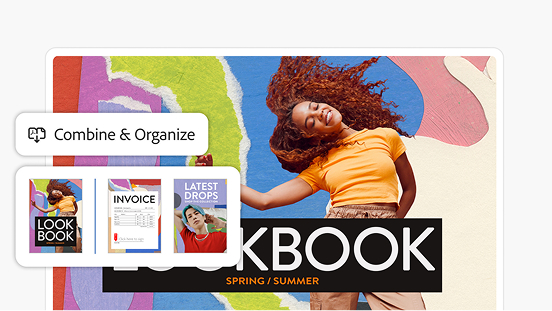
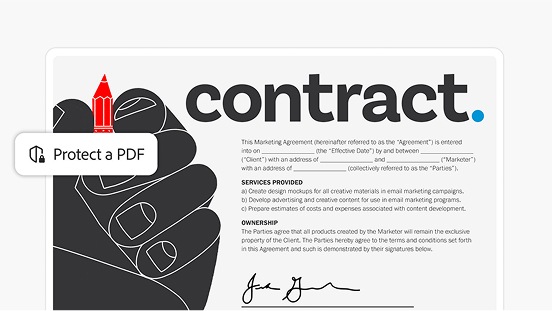
Premium features available on desktop, web, and mobile
You won’t be charged until your free trial ends
How the 7-day free trial works.
Try Acrobat Pro with a 7-day free trial. If you need more time to try all the features, you’ll still have an extra 14 days to cancel and receive a full refund.
SSL security so you can work and share with confidence
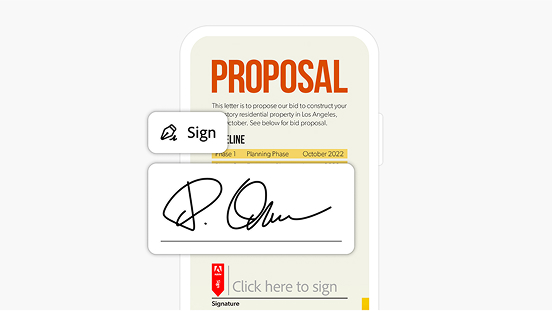
Binding, compliant, and secure e-signatures
style
four-up, xl spacing
background
#f7f7f7
Discover how businesses create a big impact with Acrobat.
Strengthening relationships, one contract at a time.
Watch how sales representative Zae Jenkins uses AI Assistant to help him understand key terms in contracts and strengthen customer relationships.
Finding a place to call home is easier with AI.
See how real estate agent Angi Ciccarelli uses Acrobat as a platform for processing multiple PDF files. She manages contracts with AI Assistant so she can focus on her customers.
style
Two up, m spacing bottom, grid width 10
Questions? We have answers.
The Adobe Acrobat Pro free trial gives you 7 days of full access to Acrobat Pro features that allow you to edit PDFs, send unlimited e-signatures, compress files, convert files, and access cloud storage. The free trial gives you the complete Acrobat Pro experience, without restrictions. You will only be charged if you don't cancel before the 7-day trial ends.
To start your Adobe Acrobat free trial, click the 'Start free trial' button, sign in or create a free Adobe account, and choose your plan. Your access to Adobe Acrobat Pro will begin immediately, and you can download the desktop app or use it in your browser right away. No payment is required until the 7-day trial period ends.
Adobe Acrobat offers plans for individuals, teams, and enterprises. The best plan for you depends on how often you work with PDFs and which features you need, such as the ability to edit, e-sign, share, or access AI-powered tools. A free trial is an easy way to explore the full feature set before choosing a paid plan.
Yes, you can cancel your Adobe Acrobat free trial at any time during the 7-day period without being charged. Adobe makes it easy to cancel from your Adobe account settings under “Manage plan.” If you cancel after the trial converts to a paid plan, standard cancellation terms apply based on your subscription type.
After the 7-day free trial ends, your Adobe Acrobat subscription automatically converts to a paid plan at the rate shown at sign up. You'll receive an email reminder before the trial ends, so you can decide whether to continue or cancel. If you choose not to continue, you can still access PDFs using the free Adobe Acrobat Reader.
During the Adobe Acrobat free trial, you can work with PDFs and convert to or from Word, Excel, PowerPoint, JPG, PNG, TIFF, and HTML files. You can access all format conversion tools throughout your trial period.
Questions about Acrobat plans?
Contact us for more information about plans and pricing.
You can control how Adobe websites use cookies and similar technologies by making choices below. But note that if you disable cookies and similar technologies entirely, Adobe websites may not function properly.
Cookies are small text files stored by your web browser when you use websites. There are also other technologies that can be used for similar purposes like HTML5 Local Storage and local shared objects, web beacons, and embedded scripts. These technologies help us do things like remembering you and your preferences when you return to our sites, measure how you use the website, conduct market research, and gather information about the ads you see and interact with.
You can make choices in the menu below about what cookies and other technologies you want us to use on Adobe sites when you visit them from this browser. You can always change those choices later by clicking on the Cookie Preferences link at the bottom of the page.
If enabled:
We can improve your experience by tailoring the site and the content to things we think might be of interest
We can better keep track of your preferences — like what language you prefer to use
We will better understand your likely interests so we can provide you more relevant Adobe ads and content on non-Adobe websites and in non-Adobe apps
It will help us improve the performance of our website and those of our partners who use the Adobe Experience Cloud
If disabled:
We won’t be able to remember you from session to session so the experience may not be tailored to your interests
You’ll still have access to the content of the site but certain features that depend on cookies may not function
You’ll still see ads, they just may not be as relevant to you
General information
You can control how Adobe websites use cookies and similar technologies by making choices below. But note that if you disable cookies and similar technologies entirely, Adobe websites may not function properly.
Cookies are small text files stored by your web browser when you use websites. There are also other technologies that can be used for similar purposes like HTML5 Local Storage, web beacons, and embedded scripts. These technologies help us do things like remembering you and your preferences when you return to our sites, measure how you use the website, conduct market research, and gather information about the ads you see and interact with.
You can make choices in the menu below about what cookies and other technologies you want us to use on Adobe sites when you visit them from this browser. You can always change those choices later by clicking on the Cookie Preferences link at the bottom of the page.
If enabled:
We can improve your experience by tailoring the site and the content to things we think might be of interest
We can better keep track of your preferences — like what language you prefer to use
We will better understand your likely interests so we can provide you more relevant Adobe ads and content on non-Adobe websites and in non-Adobe apps
It will help us improve the performance of our website and those of our partners who use the Adobe Experience Cloud
If disabled:
We won’t be able to remember you from session to session so the experience may not be tailored to your interests
We’ll still count your use of our site and services
You’ll still have access to the content of the site but certain features that depend on cookies may not function
You’ll still see ads, they just may not be as relevant to you
Operate the site and core servicesOperate site and measure engagement
Always active
These cookies are required, and they are used to enable the site and related services core functionality. Without them the site could not operate, so they cannot be disabled.
These cookies enable the site and related services’ core functionality and collect statistics about user engagement, such as counting active use to help us understand trends. These cookies cannot be disabled.
Measure performance
These cookies are used to analyze site usage to measure and improve performance. Without them Adobe cannot know what content is most valued and how often unique visitors return to the site, making it hard to improve information we offer to you.
These cookies are used to analyze site usage to measure and improve performance. Without them Adobe cannot know what content is most valued, making it hard to improve information we offer to you.
Extend functionality
These cookies are used to enhance the functionality of Adobe sites such as remembering your settings and preferences to deliver a personalized experience; for example, your username, your repeated visits, preferred language, your country, or any other saved preference.
Personalize advertising
These cookies are used to enable Adobe and our partners to serve ads more relevant to your interests. Without them you will still see ads, but they might not be as relevant to you.