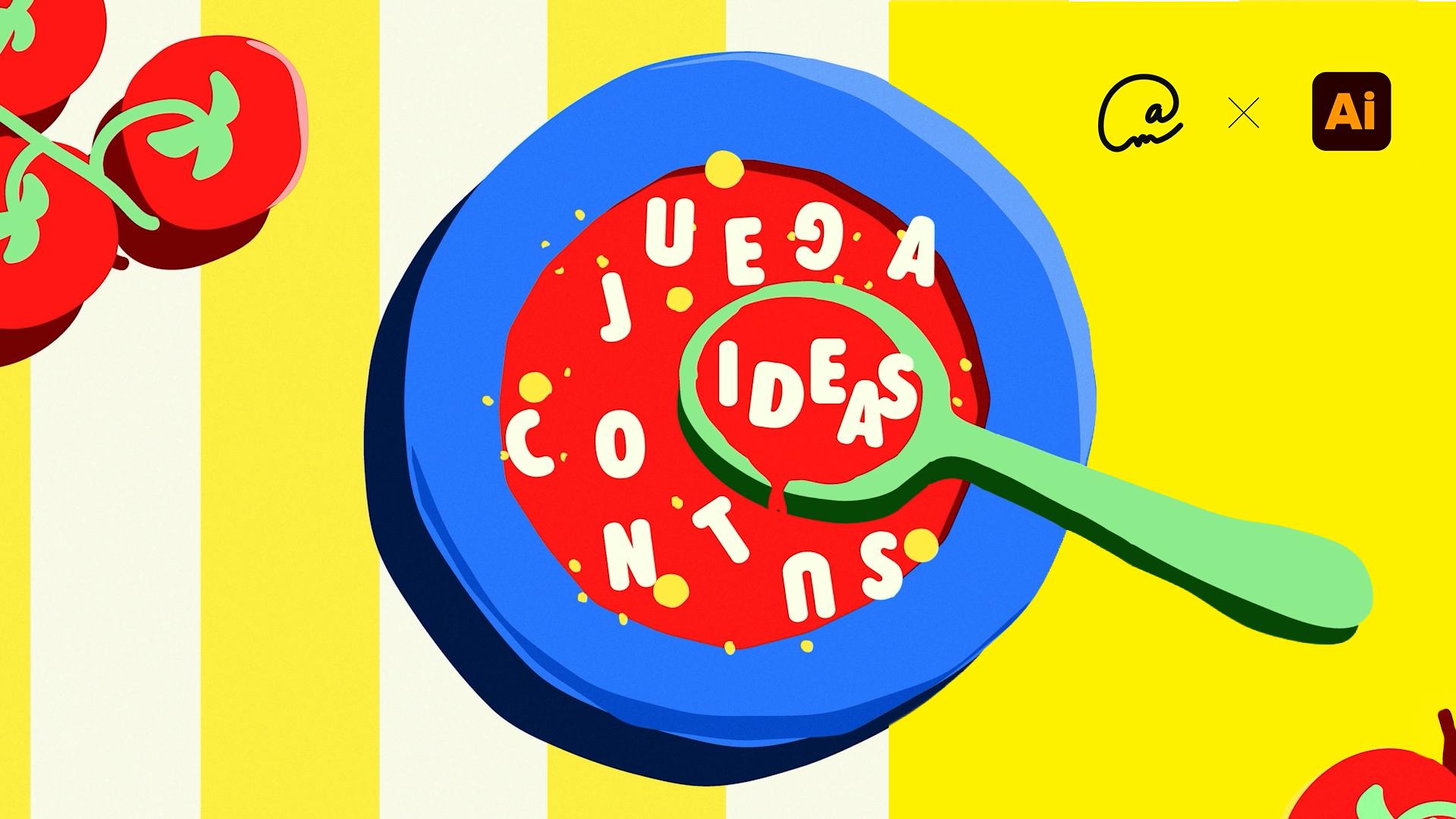
I went to five supermarkets trying to find alphabet noodles for my soup, but I couldn’t find them anywhere.
So I’m going to do what any designer would do: create them using artificial intelligence.
Hi, my name is Ariadna.
I’m a graphic designer specializing in visual identity, and in this tutorial, I’m going to show you how to create an irresistible bowl of alphabet soup using generative AI in Adobe Illustrator.
Since I couldn’t find real noodles, let’s start by generating our own broth and bowl from scratch using AI vectors.
Next, we’ll spice up the design by exploring a new character panel in Adobe Fonts to choose our typeface.
Then we’ll use the text touch-up tool to scramble the letters so they float in a super organic way in our soup.
For the finishing touch, we’ll integrate all the ingredients and give it a crunchier look by applying a grain effect.
The result is a fun design, ready to savor in just a few minutes.
Shall we get started?