

Mind map maker
https://main--da-dc--adobecom.aem.page/dc-shared/assets/images/features/upload.svg

Upload your source materials.
Upload your study materials in PDF, DOCX, XLS, PPT or TXT format. AI analyses your content to identify key concepts and relationships.
https://main--da-dc--adobecom.aem.page/dc-shared/assets/images/features/branch.svg

Explore your mind map.
Dive deeper into the content in your mind map. Click through branches or start a chat to follow connected ideas and see how it all links together.
https://main--da-dc--adobecom.aem.page/dc-shared/assets/images/features/share.svg

Share with your classmates.
Use your completed mind map on your own or share with your study group to review concepts and reinforce your understanding.
“Mind Maps shows the exact source citation so I can trace my notes back to the original source at a glance.”
—Kavya, UX Research & Design
“I personally love Mind Map because it helps me to visualise concepts and understand how it connects with one another.”
—Aya, Biomedical Engineering
A free mind map maker to organise your thoughts.
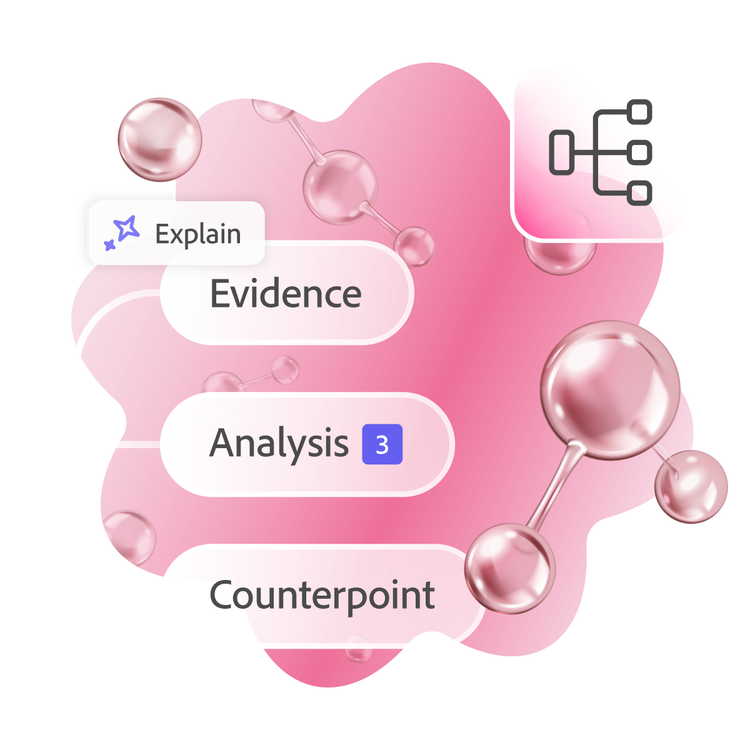
Turn dense notes and lengthy documents into clear visual diagrams that make studying more effective. Our mind map tool helps you to see the big picture while keeping track of important details.
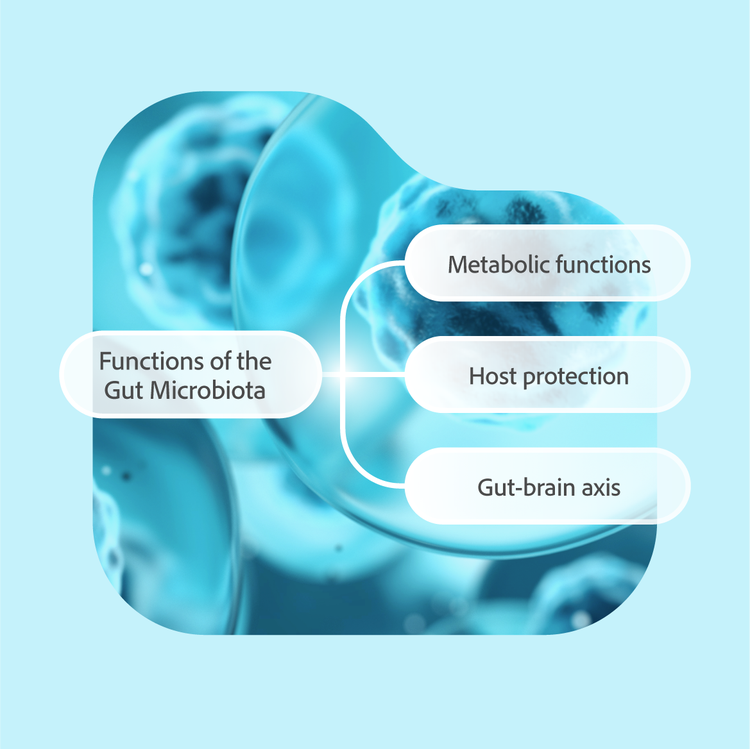
Break down complex topics.
Large subjects become manageable when you divide them into smaller, connected pieces. Map themes, case studies and key concepts across ATAR subjects to understand how ideas fit together.
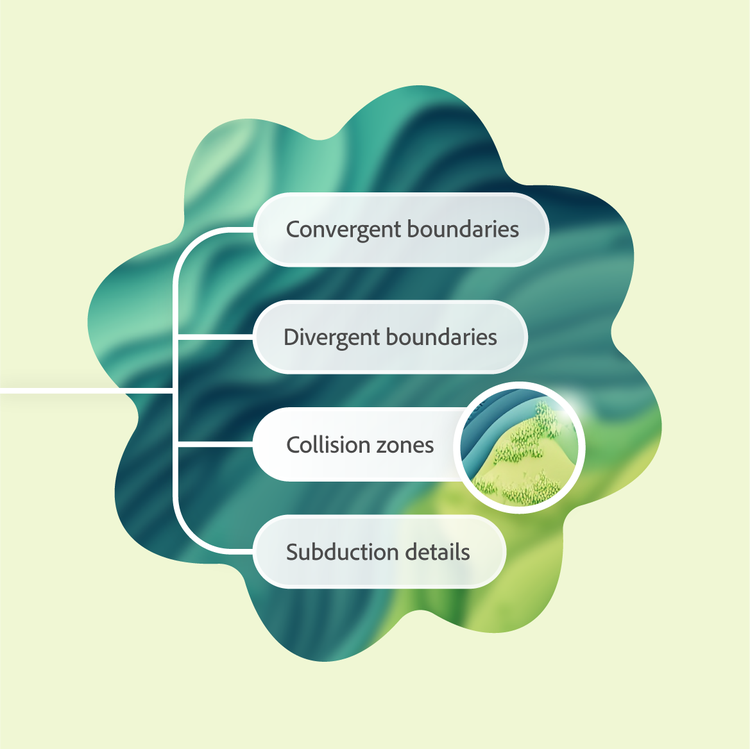
Get to learning, faster.
Skip the time spent building diagrams manually. Create a mind map from lecture notes, class readings and study materials in seconds, so you can focus on learning and revision sooner.
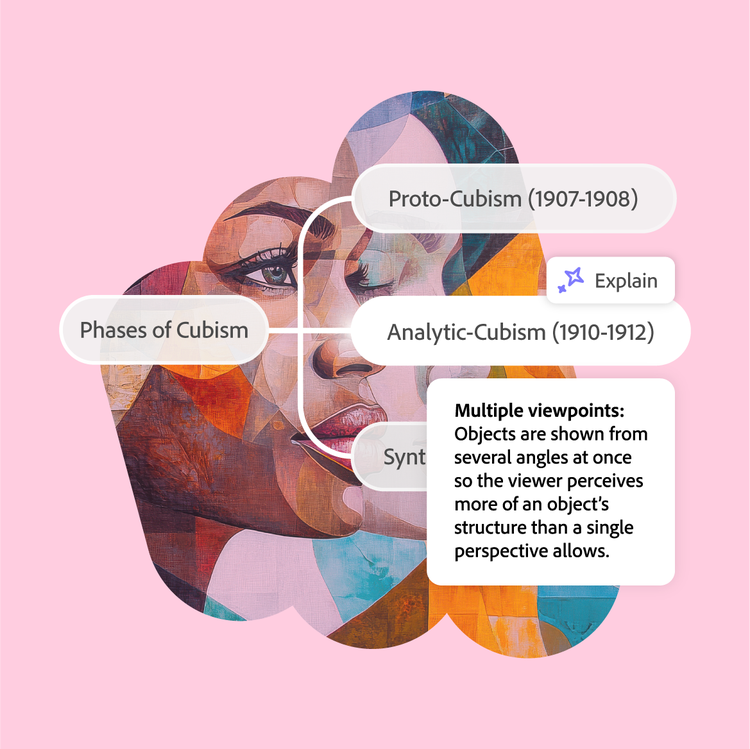
Visualise connections and ideas.
Traditional notes can hide important relationships between topics. Explore links between theories, events and evidence across Humanities, Science and research-focused subjects.
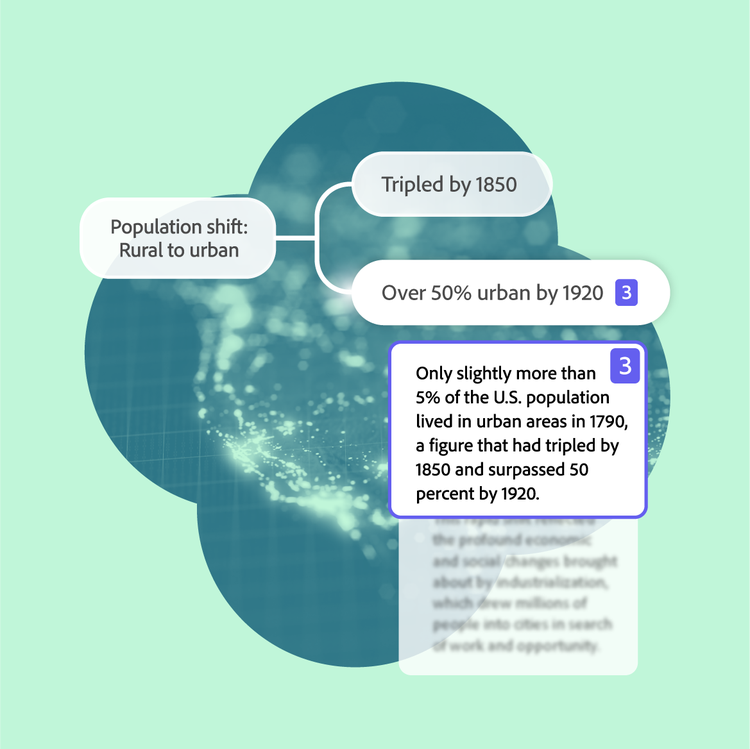
See your sources.
Follow concepts back to their original source material with a click. Review supporting evidence from notes, PDFs and academic readings without losing context as you study.
Where mind maps help students learn and plan.
Use a free online mind map maker to organise ideas, connect concepts and simplify learning across subjects, courses and study pathways.
- ATAR and senior secondary studies: Organise topics, themes and subject content across ATAR pathways to better understand connections and support structured revision.
- University units and academic research: Structure lecture notes, readings and research topics into connected ideas that are easier to review.
- TAFE courses and vocational learning: Map processes, terminology and practical concepts from TAFE courses into clear visual learning pathways.
- Humanities and social science subjects: Visualise links between events, theories and case studies across Humanities and social science topics.
- Science and maths: Connect formulas, processes and scientific concepts to build a clearer understanding of complex topics.
More ways to study with Student Spaces.
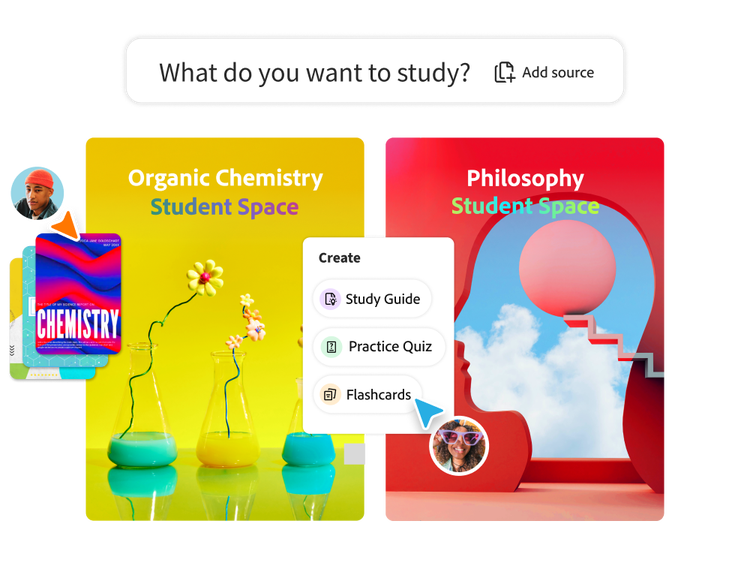
Student Spaces is your go-to partner for learning, studying and research. Chat through your course material to understand it better and turn it into flashcards, mind maps and more.

AI Assistant
Clarify course questions or work through brainstorms with AI chat.

Flashcards
Turn your docs into flashcards and master concepts with ease.
Study Guides
Breeze through studying with guides made from your notes.

Quizzes
Challenge yourself with quizzes built from your study materials.
Share your mind map to collaborate online.
Study sessions become more productive when you work together. Share your mind maps with classmates to combine perspectives and fill knowledge gaps.

Create a shared Student Space
Build a collaborative environment where everyone can view and contribute to mind maps. Group projects and exam prep benefit from pooling ideas in one visual workspace.

Invite your classmates
Send a simple link to bring classmates into your mind map. Collaborators can easily view your shared mind maps and add their insights.
Mind mapping techniques for effective study.
Mind maps work best when used to organise ideas and identify relationships between concepts. Try these techniques to get more value from every study session.
- Start with the big picture: Begin with the main topic before exploring supporting themes, case studies and key concepts commonly found across ATAR subjects and university units.
- Map connections, not just facts: Link related ideas, events and theories together to better understand relationships across Humanities, Science and other content-heavy subjects.
- Use mind maps for research planning: Organise sources, evidence and key findings into visual structures before starting reports, investigations and research projects.
- Review and expand regularly: Update your mind map as you learn new material, making it easier to connect topics from lectures, readings and class notes over time.
Mind map FAQs



Ace that with Acrobat.
Student Spaces is a smarter way to study. Turn notes into podcasts, use AI assistant as a tutor and learn with your study group. Free for students.