Acrobat
How to create an employment contract PDF.
Learn how to create an employment contract in PDF, what to include and what PDF features are useful in PDF employment contracts.


Acrobat
Learn how to create an employment contract in PDF, what to include and what PDF features are useful in PDF employment contracts.

Having a sound employment contract is important for any type of work — whether you’re an employer or employee. Employment contracts cover employer and employee duties and responsibilities under relevant laws. You want a contract that sets out the terms and conditions you have agreed upon to work together. They’re an important start in developing a healthy work relationship. You also want employment contracts to be in document formats that are easy to set up, share and sign.
An employment contract is an agreement between an employer and an employee about the terms and conditions of employment.
In Australia, an employment contract can be in writing or verbal, but either way, it must cover all minimum legal entitlements. This includes the minimum employee entitlements in the National Employment Standards. It also includes any awards or agreements registered with the Fair Work Commission.
Putting an employment agreement in writing gives protection to both employers and employees. A written employment contract is a legal document setting out the duties and responsibilities of both parties.
Written employment contracts are a great way to ensure you start on the right foot with an employee. They can help to build a relationship of trust with a new employee by detailing commitments and expectations.
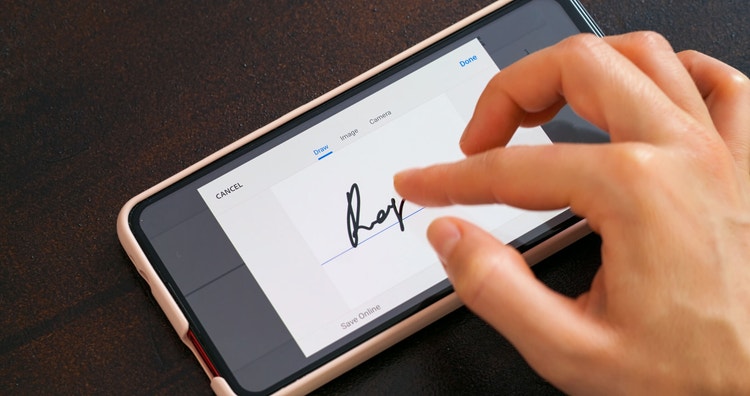
PDFs are a secure electronic format to create, distribute, negotiate and track employment contracts. You can limit text that can or can’t be altered, allow for comments and feedback for contract negotiations and track and receive digital signatures.
Even if your prospective employee hasn't got Acrobat or Acrobat Pro, they can access their contract of employment PDF in the free Adobe Acrobat Reader. Or, you can send an employee their contract online and request and track an employee’s signature.

Employment contracts aren’t one-size-fits-all. People may be employed in a full-time, part-time, casual or fixed-term capacity. Employees may be on site, working from home, remote working, have flexible working arrangements, shift-workers, out workers, seasonal or apprentices and trainees completing a formal qualification.
Because of different types of work and employment statuses, it’s important to make sure your contracts include all the relevant information you need to cover for your specific terms of employment. It’s important to get writing an employment contract right.
More information on creating employment contracts in Australia.
Seek legal advice from an employment lawyer if you have questions about what to include in a contract as an employer. Or if you are unsure what you have been asked to sign as an employee.
The Australian Government Business website and the website of the Fair Work Ombudsman both have online tools and resources. You can use these to create your employment contracts and ensure that you include everything relevant to your situation. You can then put this information into PDFs.
First, check the Australian National Employment Standards (NES) to make sure you cover all legal requirements for the type of work you hire people for. All terms and conditions should be agreed upon by both parties.

An employment contract should include a minimum of the following —
Employment contracts also often include —
The first step to creating a contract for employment PDF is to gather the information you need to include. You can use an online tool to help create all the specific terms and conditions you need or write an employment contract directly in Word or PDF format. If you create your contract in Word, simply print it to PDF or convert it to PDF in Acrobat or with our online Word-to-PDF tool.
The benefits of using PDFs for employment contracts are many.
As an employer hiring employees, there can be multiple employment-related forms and templates that are useful to have in PDF format to help manage your staff. Some other forms and documents often needed when onboarding a new employee that can be created in PDF format include —