

Adobe Photoshop
Create and edit images, graphics and artwork on desktop and iPad.



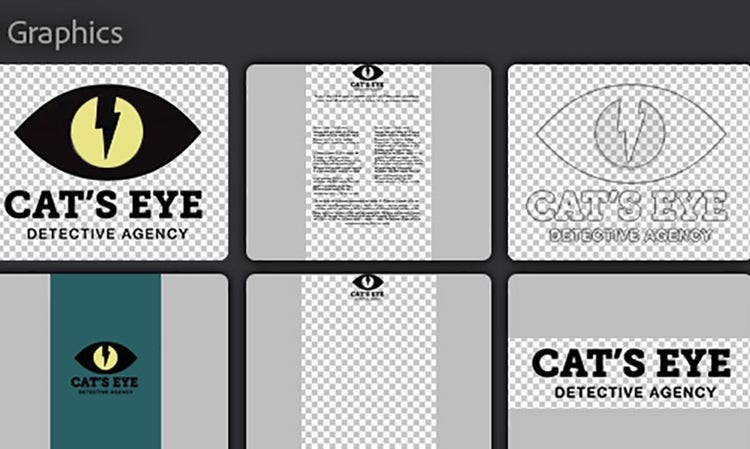
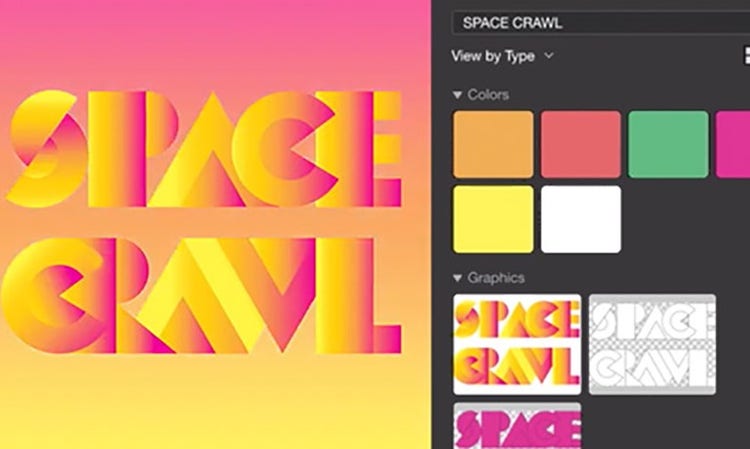
With Creative Cloud Libraries, you can manage, organise and keep the latest, greatest creative elements at your fingertips — and stay visually consistent across designs, web pages, social posts, brochures and beyond.
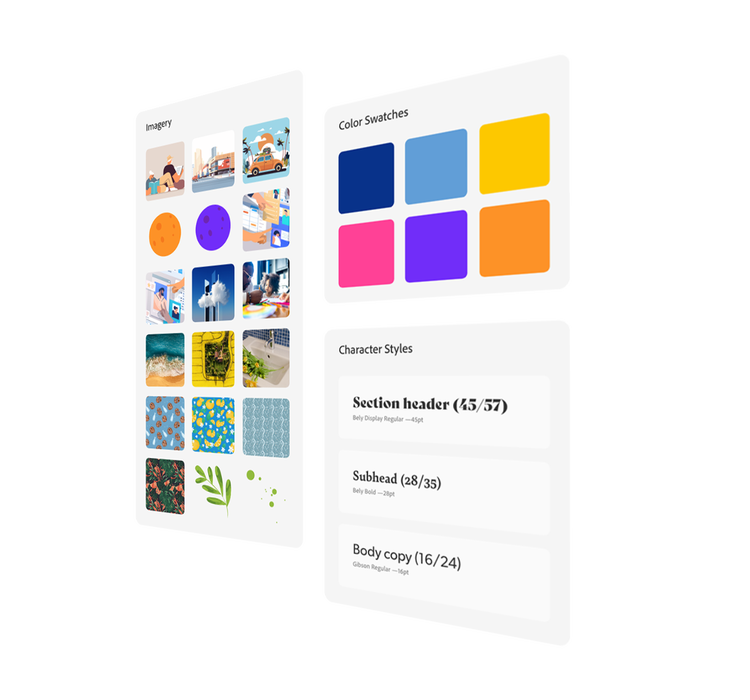
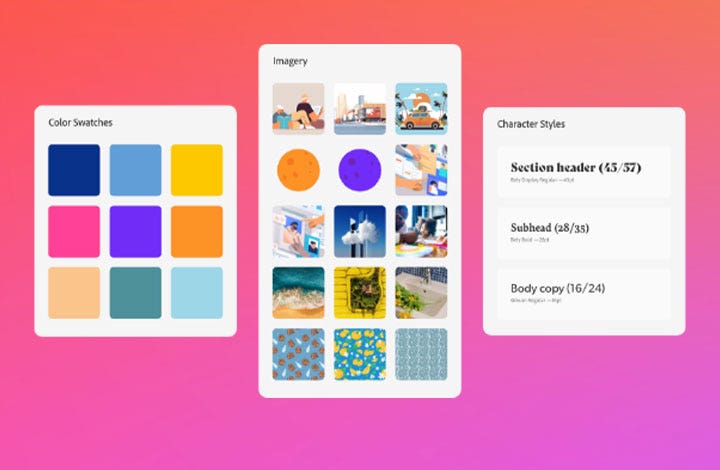
When you work with hundreds of elements, it’s easy to lose track of individual assets. But with Creative Cloud, you can organise colours, character styles, logos, images and more into libraries that are simple to search and share. And now, you can sort your libraries into nested groups, making it even easier to retrieve the right element, right when you need it.
End the time-draining task of re-creating elements app by app. Just drag assets into a library and they turn into reusable elements automatically. Apply character styles directly from a library. Changes are synced and updated automatically too. So work can come together even faster.
No more time wasted hunting for the latest logo or the newest colour palette. Now, you can find what you’re looking for fast in the libraries of your favourite Creative Cloud apps. Click to save Adobe Stock files to your libraries, manage audio and video assets and so much more.


Quickly connect your Creative Cloud apps to your favourite productivity apps, collaboration tools and other design tools. Then, your team can share assets, get feedback, iterate faster — and work better together from anywhere. Available in Adobe and third-party apps.

According to a benchmark study by Pfeiffer Consulting, creative teams are far more productive when they use Creative Cloud Libraries to share assets and settings.
Now, anyone you designate can have fast, easy access to approved versions and collections. Sync and share elements with design team members; partners who work in Google Workspace, Microsoft Word and PowerPoint; and even vendors who work outside your organisation. Editing and read-only permissions help you to maintain creative control.
Sharpen your skills and learn new techniques with our free tutorials.
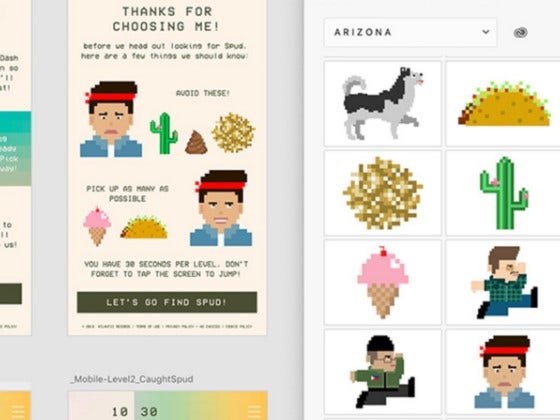
See how the record label’s design teams use Creative Cloud Libraries to collaborate efficiently and deliver digital experiences that are beautiful, consistent and customised to each artist’s brand.

Get Creative Cloud Libraries along with the entire collection of Adobe creative apps for as low as
Whether you’re using Photoshop, XD or Adobe Express, you’ll have direct access to Creative Cloud Libraries from inside all of these apps and services.
Create and edit images, graphics and artwork on desktop and iPad.

Create realistic 3D images for brands, product shots and packaging.

Vector graphics and illustration.

Industry-standard pro video and film editing.

Page design and layout for print and digital publishing.

Design, prototype and share user experiences.

Quickly and easily make standout content from thousands of templates.

Harmonise and create beautiful colour themes to use across Adobe products.

Search and licence quality assets inside your Creative Cloud apps.

Easily manage your Creative Cloud apps, services and Libraries.

Cinematic visual effects and motion graphics.

Create production-ready art on mobile and save right to your libraries.

Photography, video, graphic design, illustration and so much more. Everything you need, wherever your imagination takes you.
Based on your location, we think you may prefer the United States website, where you'll get regional content, offerings, and pricing.


