1. Choose your photos.
Click the Image menu and select Combine Photos. Import your images.


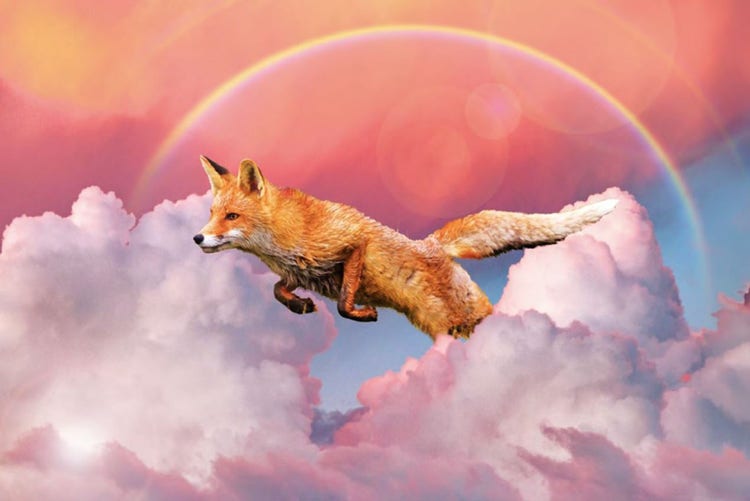
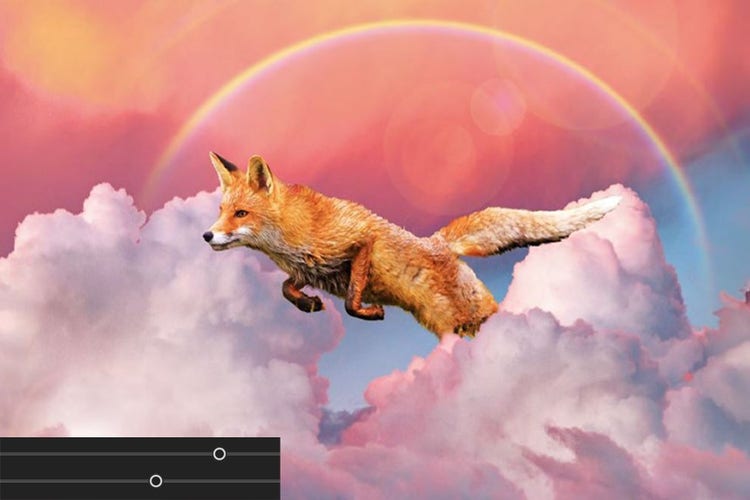
Blend multiple images to create the perfect photo. Add your subject to another shot or create a totally surreal scene by combining photos.
Click the Image menu and select Combine Photos. Import your images.
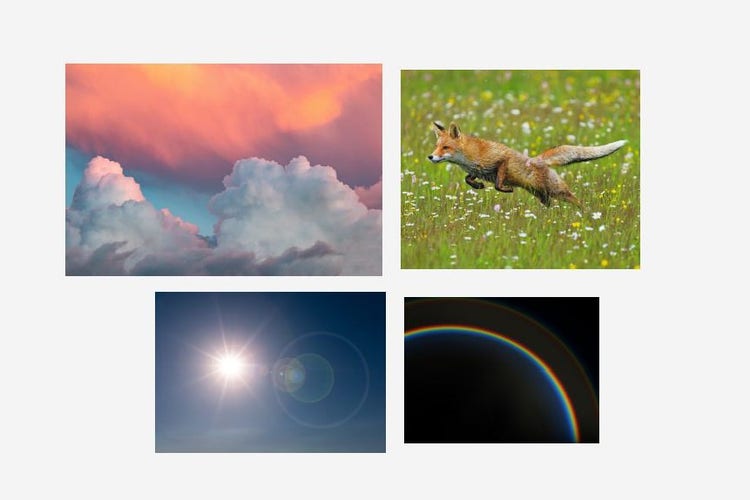
Choose the photo you would like to use as the background.
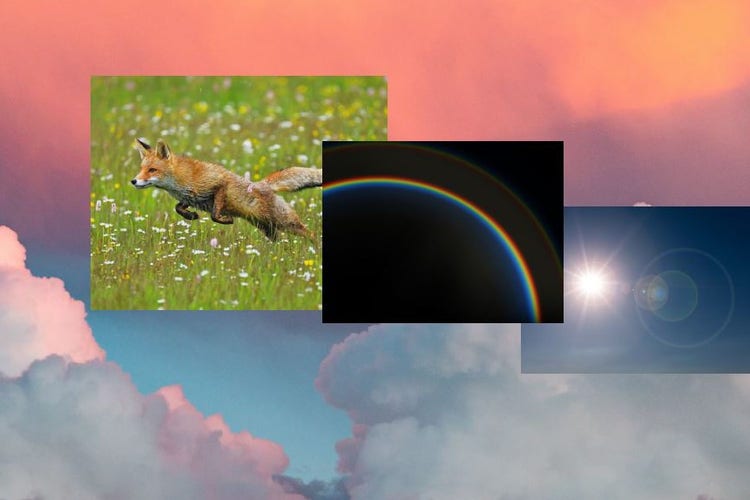
Using the Selection tools, add elements from the other images. Refine the edges of your selections as necessary.
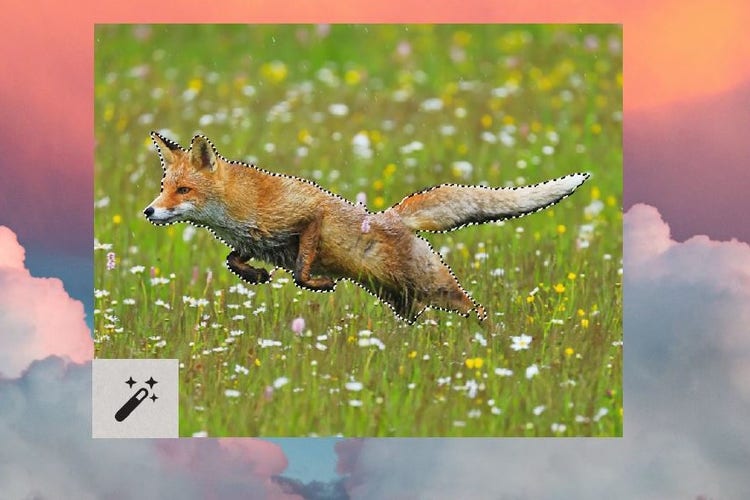
Auto Match the colour tones and use the sliders to fine tune.
Photoshop Elements 2027 is smart photo editing software designed for anyone who wants to make every photo incredible. Whether you're touching up snapshots or creating something totally new, it’s got you covered with:

Photo editing made simple. 3-year term licence. Learn more.
A$160.00incl. GST
Save big on the photo and video editing bundle. 3-year term licence. Learn more.

A$241.99incl. GST





Based on your location, we think you may prefer the United States website, where you'll get regional content, offerings, and pricing.


