{{ps-features}}
How to add fonts to Adobe {{photoshop}}.
Fabulous fonts are only a few steps away for your next project. Learn how to import and work with fonts on Mac and PC.
Get free app | Get free app Photoshop View plans and pricing | View plans and pricing Photoshop
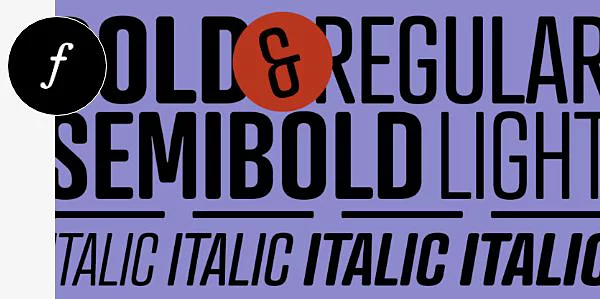
A typeface for every project.
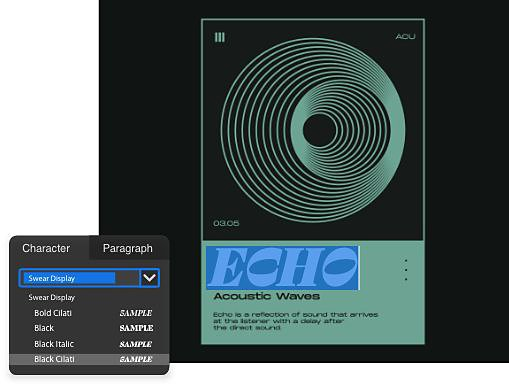
Use any font.
Photoshop is compatible with both OpenType fonts (OTF) and TrueType fonts (TTF), which means that you can use virtually any imported font in your designs.
Explore Adobe Fonts.
With any Adobe Creative Cloud subscription, you’ll get access to Adobe Fonts, which has more than 20,000 fonts — all licensed and ready for personal or commercial use.
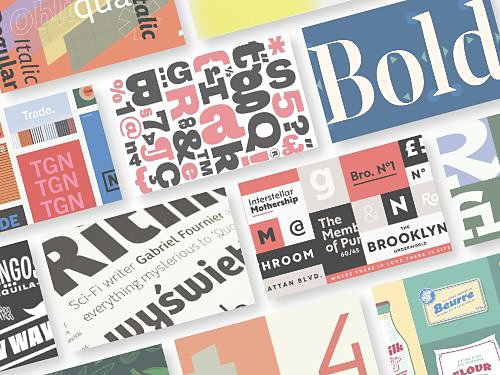
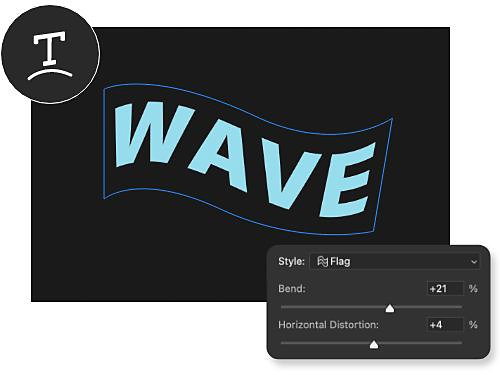
Get creative with text tools.
You can bend, warp, curve and shape text to fit your designs with flexible text modification tools. The only limit is your imagination.
Make your own customised fonts.
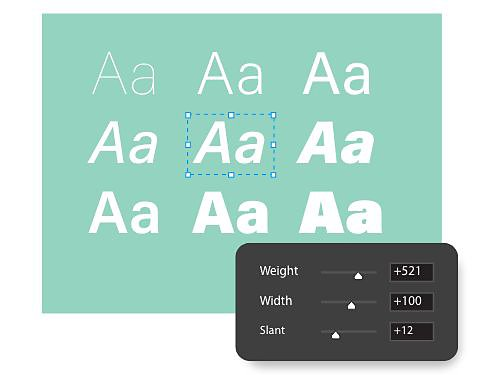
With variable fonts and paragraph styles, you can create a customised font and save it for reuse in any design that you like.
How to install fonts on Mac and PC.
How to import a font on Mac.
Adding a font on a Mac is as simple as downloading the file and clicking a few options. Sometimes fonts come in a zip folder, so you’ll need to extract that beforehand.
- Download it:
Once you’ve found your font, download it, making sure that it’s a TTF or OTF file. - Install it:
Double-click the font file, which opens the Font Box app, then click Install Font. - Select it:
Using the Horizontal Text tool, select where you want to type and pick the font in the text menu. - Type it:
Type out your text with the Type tool and modify as needed.
How to import a font on a PC.
Installing a font in Windows is similar to the steps above, though you’ll be using slightly different apps.
- Download it:
Once you’ve found your font, download it to a folder or your desktop. - Click it:
Right-click the downloaded font file and select Install. - Select it:
In Photoshop, select the Horizontal Text tool and find the new font in the menu bar at the top. - Type it:
Type out some sample text to ensure that your new font is working.
Expand your font repertoire.
Fonts and text are incredibly useful tools for many photo and design projects and these tutorials will show you what you can do with text in Photoshop.

Add text to your photos.
Learn about the intersection of typography and photography with this helpful tutorial.
Discover the power of variable fonts.
Variable fonts give you flexibility and customisation options for your fonts, allowing you to customise how your fonts look, down to the character.
See the future of variable fonts|See the future of variable fonts

Write with diverse scripts.
Photoshop has additional compatibility for writing systems and font families from other countries, so you can express yourself in the language that feels most comfortable.

Install on any platform.
These tutorials will show you how to install fonts on a variety of other platforms.
Frequently asked questions.
Are all of the fonts in Photoshop web-safe?
Photoshop uses fonts that users have activated on their computers. For example, one user creates a document that uses the font Futura. They then share it with a friend whose computer hasn't got that font. The font won’t render properly until it’s installed on the second device.
Adobe Creative Cloud subscriptions include access to hundreds of fonts and font foundries/font families.
Web-safe fonts are those that have been installed by default on the largest number of systems.
Are Photoshop fonts free for commercial use?
Adobe Fonts gives users thousands of fonts as part of the Creative Cloud subscription. These fonts are licensed for personal and commercial use. Full details on font licensing are available in the Terms of Use.
Some exclusions apply — when using fonts in mobile or desktop applications, for example. The user must purchase the correct licence from the foundry or an authorized reseller in these cases.
Where can I get fonts to add to Photoshop?
How do I remove a font from Photoshop?
All fonts in active use are available in the My Adobe Fonts section of your user profile. Active fonts describe those activated through Creative Cloud. You can go to the Active Fonts tab to manage your current and previously installed fonts. We recommend removing fonts no longer in use in order to optimise performance and shorten font menus.
You have a few options when deactivating fonts. You can use the Deactivate switch next to a font-family name to remove that entire family or you can use the switch next to individual font styles to remove a single font. Finally, the Bulk Deactivate tool allows you to deactivate larger groups of fonts.
Note that we keep track of fonts already used under the Previously Active tab. That way, you can find them if needed in the future.
What are the most used Photoshop fonts?
The most common Photoshop fonts are Arial, Calibri, Verdana, Times New Roman and Georgia. They're all considered “web-safe” fonts because they're widely available on almost all computers and devices. They’re easy to read, which makes them a popular choice for both web design, document and graphic design projects.
Other commonly used Photoshop fonts include Helvetica, Tahoma and Trebuchet MS. Note that the use of specific fonts can vary depending on their purpose and the design project’s target audience.