1. Upload your image in Photoshop
Open your file in Photoshop and make sure the layer you want to edit is unlocked. You can use the image eraser on portraits, landscapes, product shots or any photo that needs a quick clean-up.


Use the Photo Eraser tool to erase unwanted objects or distractions from your images. Quickly create polished, distraction-free photos in minutes.
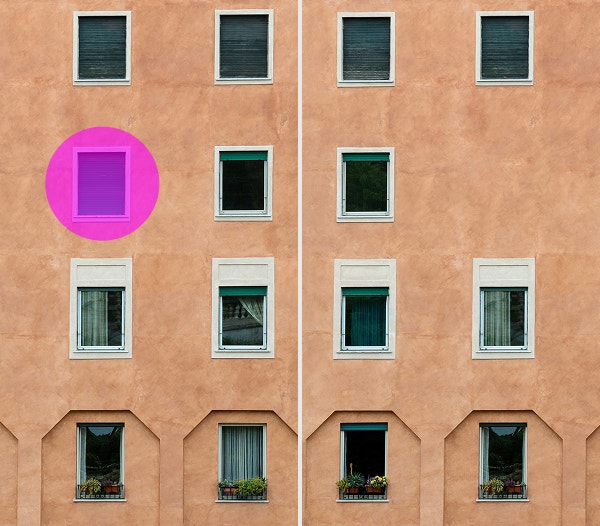
Tap to upload the image
File must be JPEG, JPG or PNG and up to 40 MB
By uploading your image or video, you agree to the Adobe
Terms of Use and Privacy Policy
Tap to upload the image
File must be JPEG, JPG or PNG and up to 40 MB
By uploading your image or video, you agree to the Adobe
Terms of Use and Privacy Policy
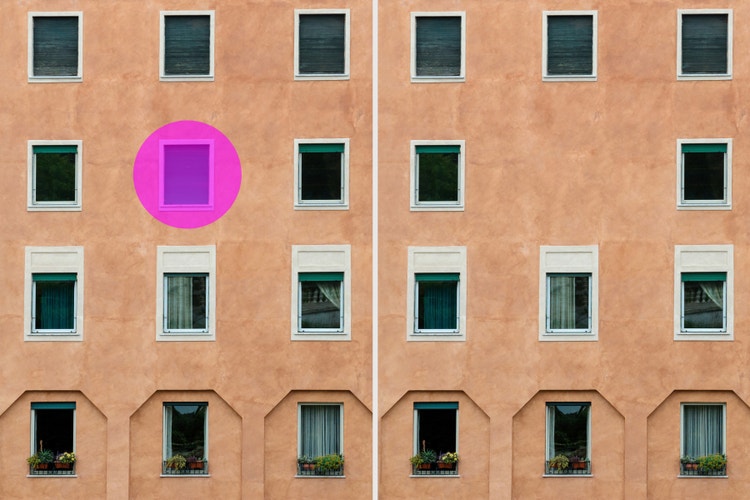
Drag and drop an image
to try it today
File must be JPEG, JPG or PNG and up to 40 MB
By uploading your image or video, you agree to the Adobe
Terms of Use and Privacy Policy
The Photo Eraser in Photoshop makes it easy to erase objects, people or backgrounds, no advanced editing skills required. Whether you’re cleaning up a busy composition or removing unwanted distractions, the AI photo eraser helps you quickly and seamlessly erase part of an image.
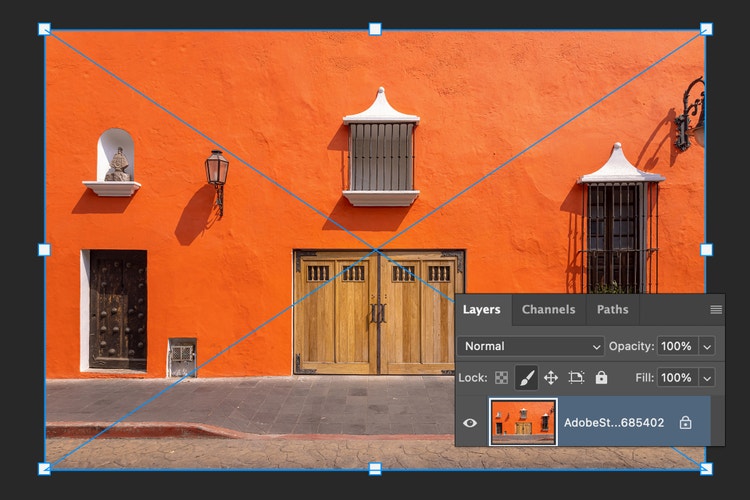
Open your file in Photoshop and make sure the layer you want to edit is unlocked. You can use the image eraser on portraits, landscapes, product shots or any photo that needs a quick clean-up.
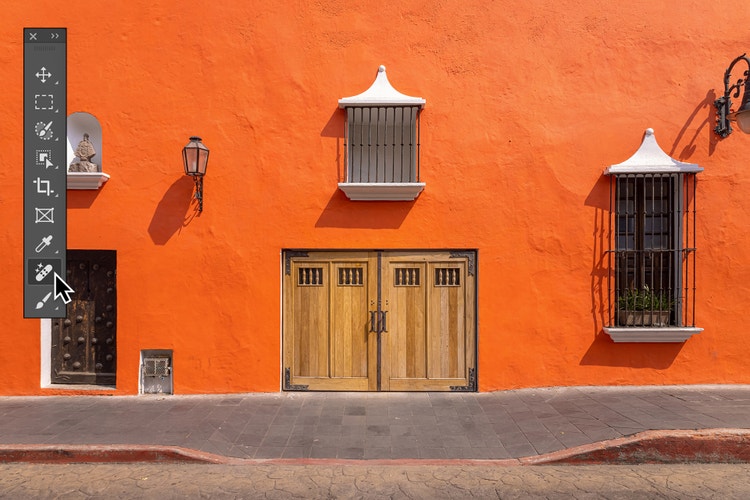
Find the Photo Eraser in the toolbar. The AI photo eraser uses smart detection to blend surrounding pixels and cleanly remove unwanted elements.
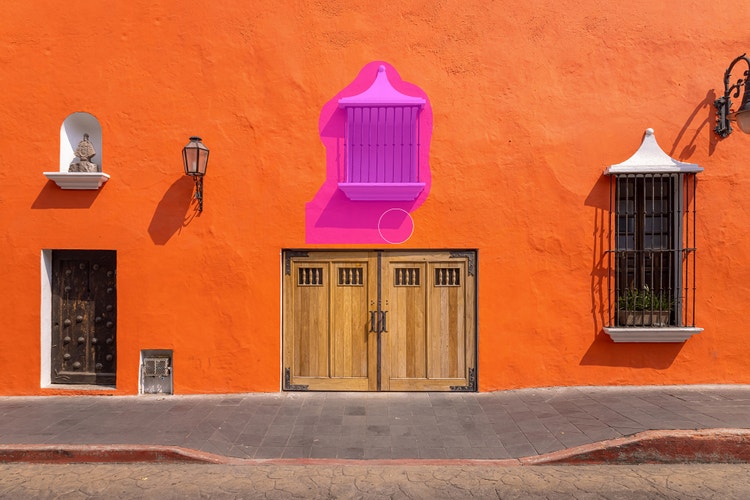
Customise the brush size and softness depending on what you’re removing, then drag over the area to erase. The tool will automatically fill in the background to clean up the picture.
The Photo Eraser in Adobe Photoshop is a powerful AI image eraser tool that can remove unwanted parts of a photo with just a few clicks. Whether you’re looking to delete a stray object, erase a person from the background or clean up a distracting detail, the tool automatically blends the surrounding area for natural-looking results. It’s fast, simple and precise, so you can spend less time editing and more time creating.

The Photo Eraser tool makes it easy for anyone to polish a photo — whether you’re a pro retoucher or a beginner. Its AI-powered design lets you quickly remove distractions, fix background clutter or refine small details. You can use it on its own for light edits or pair it with other Photoshop AI tools for more advanced retouching. It’s a fast, flexible way to clean up your images with results that look seamless and professional.
The Photo Eraser gives you precise control when removing photo elements and distractions, big or small. Clean up background clutter in product shots, remove unwanted people or objects from travel photos or fine-tune portraits by erasing stray hairs or lint. Even small touch-ups, like makeup smudges or skin imperfections, are easy to fix with the Photo Eraser using the Remove tool. From subtle edits to full clean-ups, the AI photo eraser can help you to perfect your images.
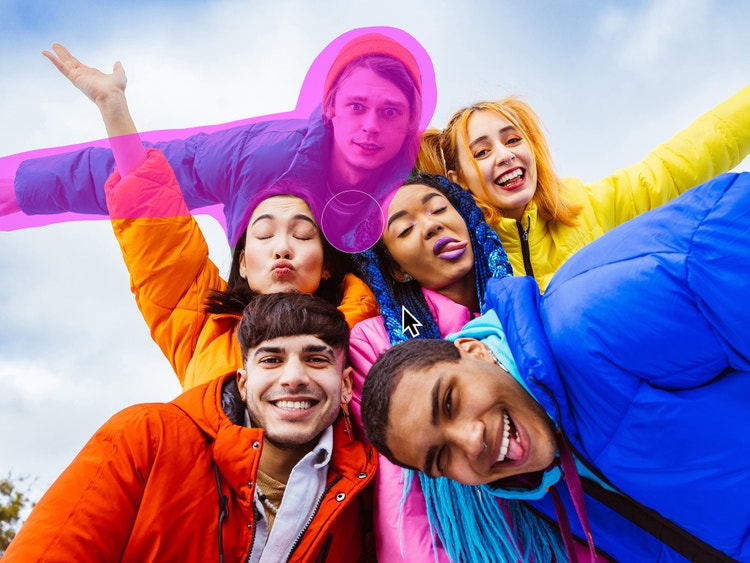
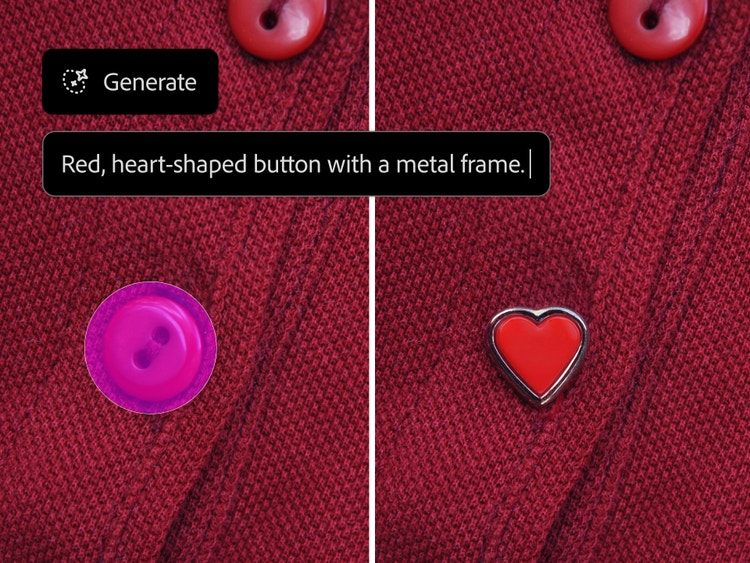
You can do more than just erase part of an image with the Photo Eraser tool in Photoshop. Once you’ve cleaned up your pictures by removing unwanted elements, you can fill those empty areas with something new like a texture, pattern or even an AI-generated scene. Use any selection tool to select a part of your image, then try generative fill to create customised content that blends seamlessly with your image. Whether you’re going for a polished look or something playful and creative, AI-powered tools give you endless ways to reimagine your photos.
Whether you’re working from home, on location or editing between photoshoots, the Photo Eraser tool fits right into your workflow. Use the Photoshop app on your phone or tablet to clean up images on the spot or access the Photo Eraser tool in Photoshop online — no download needed. Wherever you go, you’ll get professional results with quick, seamless edits.
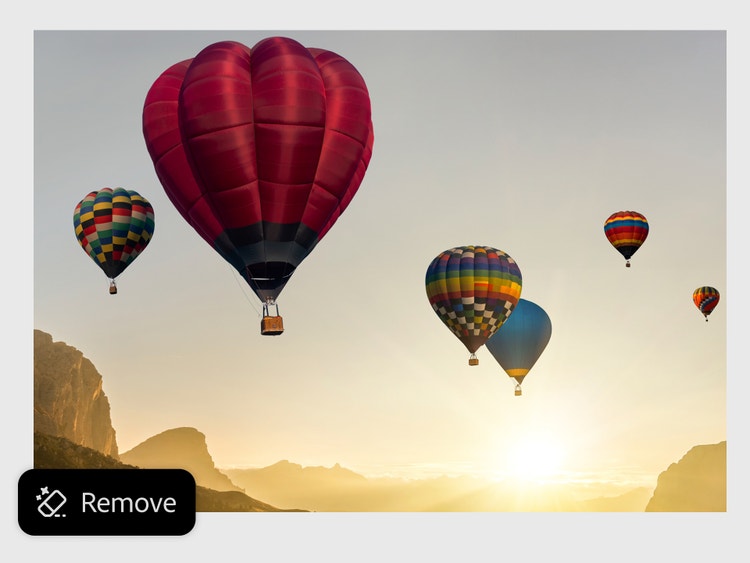
Whether you’re a professional designer or just editing for fun, the Photo Eraser works seamlessly across all types of projects. Photoshop is flexible enough to support everything from commercial workflows to creative personal use. Use it to remove objects, clean up distractions or prep images for the next stage of your design.
Try the AI photo eraser tool to:
Removing unwanted elements from photos is easy with the online Photo Eraser tool. Whether you’re cleaning up a product shot or removing background distractions from a holiday photo, the AI photo eraser gives you professional-looking results any time, anywhere.
Here’s how to clean up images with the Photo Eraser:
Based on your location, we think you may prefer the United States website, where you'll get regional content, offerings, and pricing.


