.

PHOTOSHOP FEATURES

New Firefly models for the best results yet.

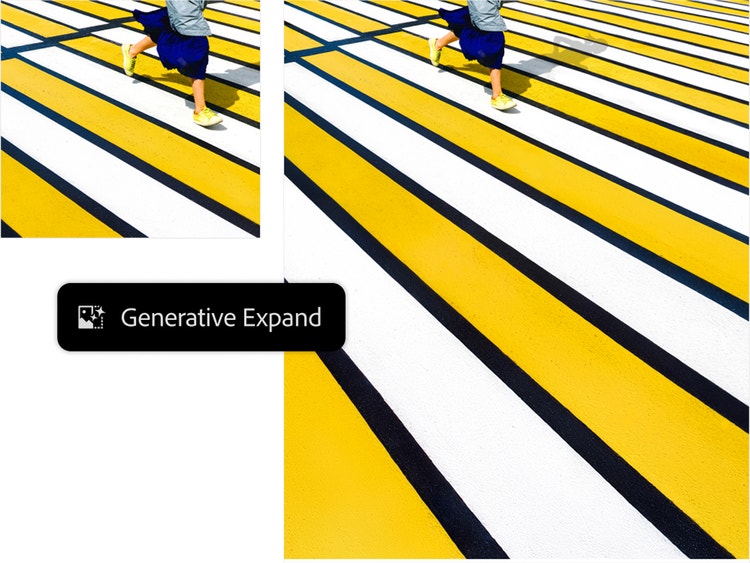
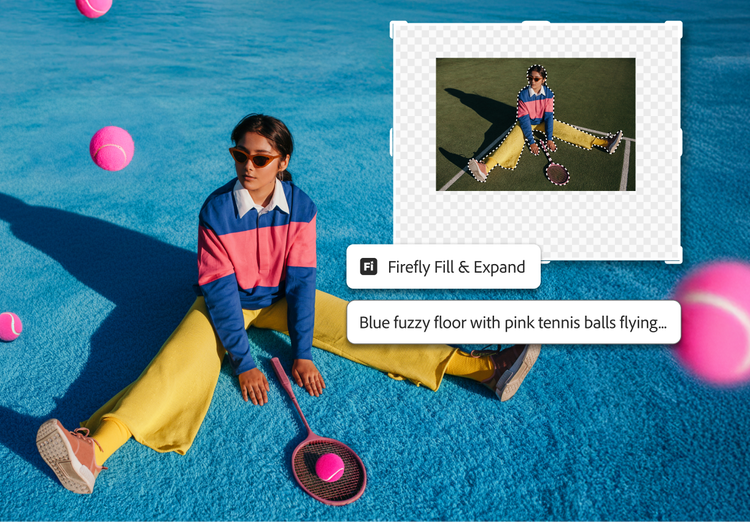
Higher resolution. Cleaner edges. Sharper details. Get more realistic results with the latest Generative Fill, Expand, and Remove Tool models.

Generative Fill in Photoshop

Tap to upload the image

File must be JPEG, JPG or PNG and up to 40MB

By uploading your image or video, you agree to the Adobe
Terms of Use and Privacy Policy

Generative Fill in Photoshop

Tap to upload the image

File must be JPEG, JPG or PNG and up to 40MB

By uploading your image or video, you agree to the Adobe
Terms of Use and Privacy Policy

Generative Fill in Photoshop

Drag and drop an image
to try it today

File must be JPEG, JPG or PNG and up to 40MB

By uploading your image or video, you agree to the Adobe
Terms of Use and Privacy Policy

  • File size larger than 40MB
  • Unable to process the request
  • We are unable to process this file type. Please try again.
  • Only one file can be uploaded at a time.
  • Image exceeds maximum dimensions (8,000 x 8,000 pixels). Please resize and try again.
  • promoid=XB5KH9DX&mv=other

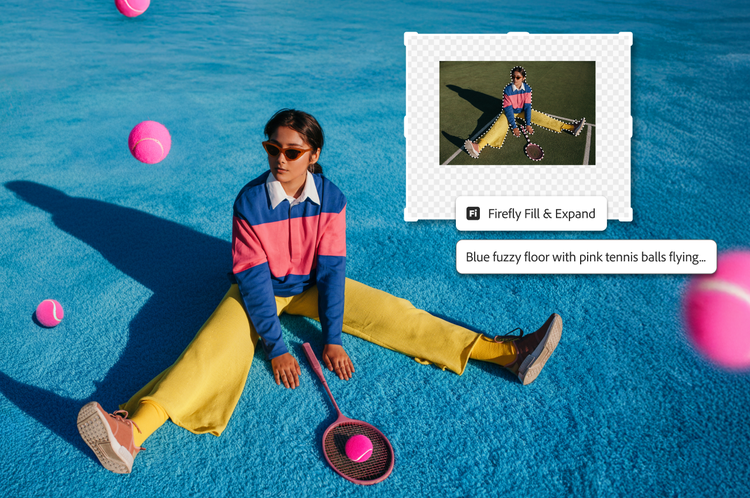
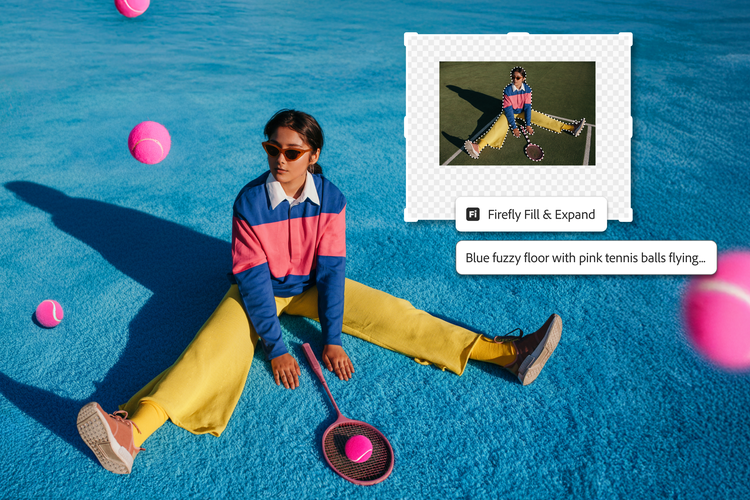
Make content in powerful new ways with Generative Fill.

From concepting creative ideas to making complex edits and refinements, Generative Fill can help you quickly realize your vision while giving you complete control over every creation.

Create stunning, lifelike images with a new level of quality, precision, and control with the most advanced Generative Fill yet.

Explore the next generation of Generative Fill.

The latest version of Generative Fill is the most powerful yet. Create richer, more lifelike images with results that more closely resemble your prompts.

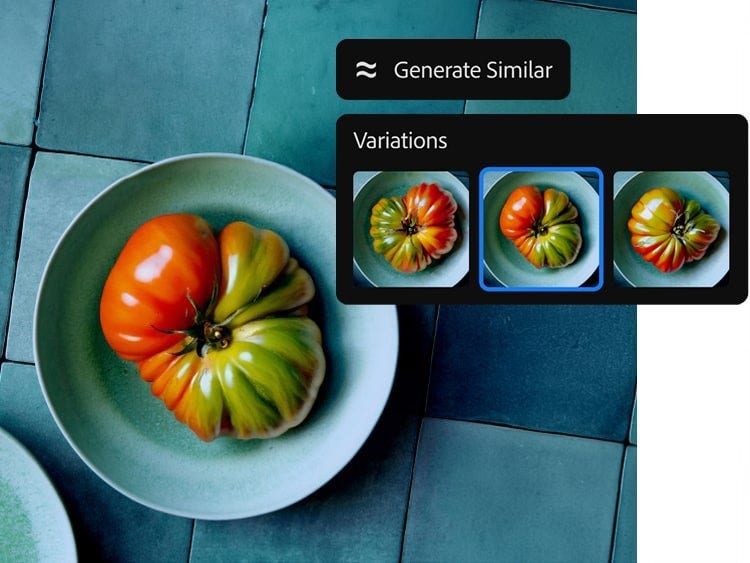
You can also customize your images like never before. Upload a reference image — like a vintage dress or a landscape — for results that match the look you want. And get more of what you like with Generate Similar. Choose your favorite generated images and create more variations until you land on one you like.

Anyone can create incredible images with the new Generative Fill.

Learn more about Adobe Photoshop and Adobe Firefly.

Discover all you can do with Photoshop.


Edit pics, add color, erase unwanted stuff, make boring backgrounds exciting, and much more.

Try Firefly on the web.


Explore generative AI right in your browser with Generative Fill.

Learn more

You may also like