Quiz maker
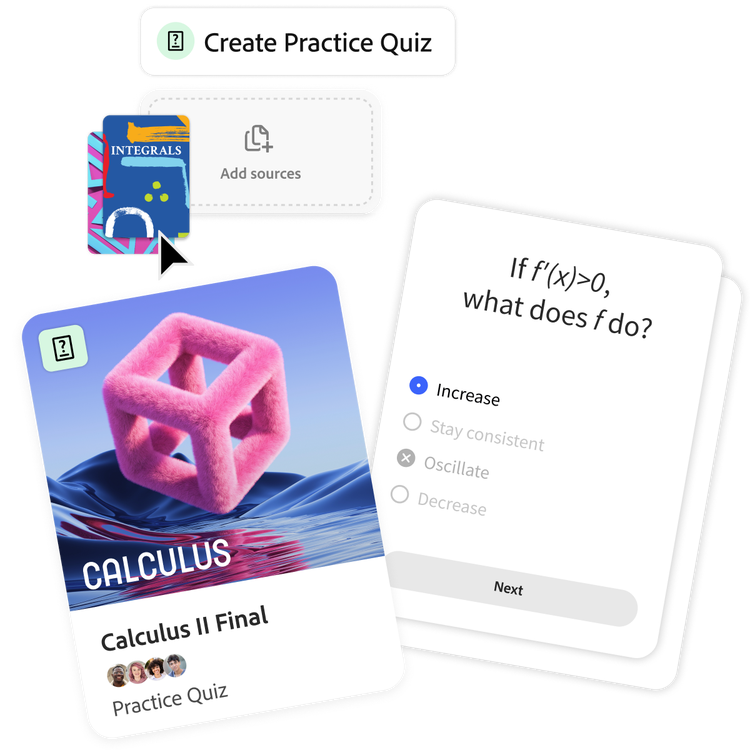
How to use our AI quiz maker.
Turn your class notes, readings, and study guides into custom quizzes in just a few clicks. No setup, no stress — just upload and go.
https://main--da-dc--adobecom.aem.page/dc-shared/assets/images/features/upload.svg

1. Upload your class materials.
Add PDFs, notes, slides, or study docs. Our AI quiz maker scans content and extracts the most important stuff for you.
https://main--da-dc--adobecom.aem.page/dc-shared/assets/images/features/generate.svg

2. Generate a quiz in seconds.
Your quiz is auto‑generated based on your content. Edit anything you want or or generate new versions until it feels right.
https://main--da-dc--adobecom.aem.page/dc-shared/assets/images/features/review.svg

3. Study. Practice. Repeat.
Save your quizzes, retake them, or share them with your study group so everyone levels up together.
The free quiz generator for every student.
Whether prepping for finals or keeping up with classwork, make studying easier, faster, and even more effective.
Master your material.
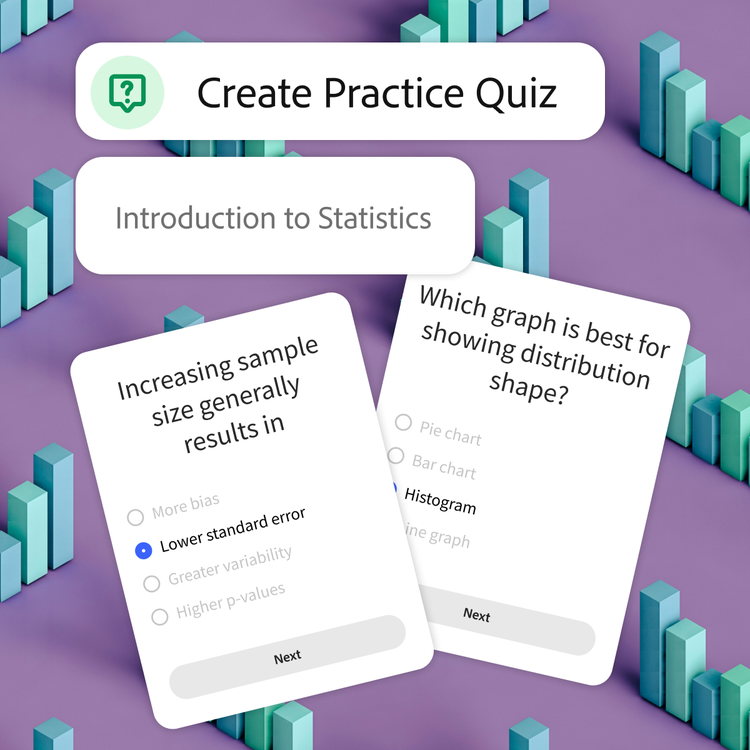
Creating your own quiz helps to actually process your classwork, which means you remember it better. Perfect for exam prep, finals, and any class that loads a ton of content at once.
Study smarter, not harder.
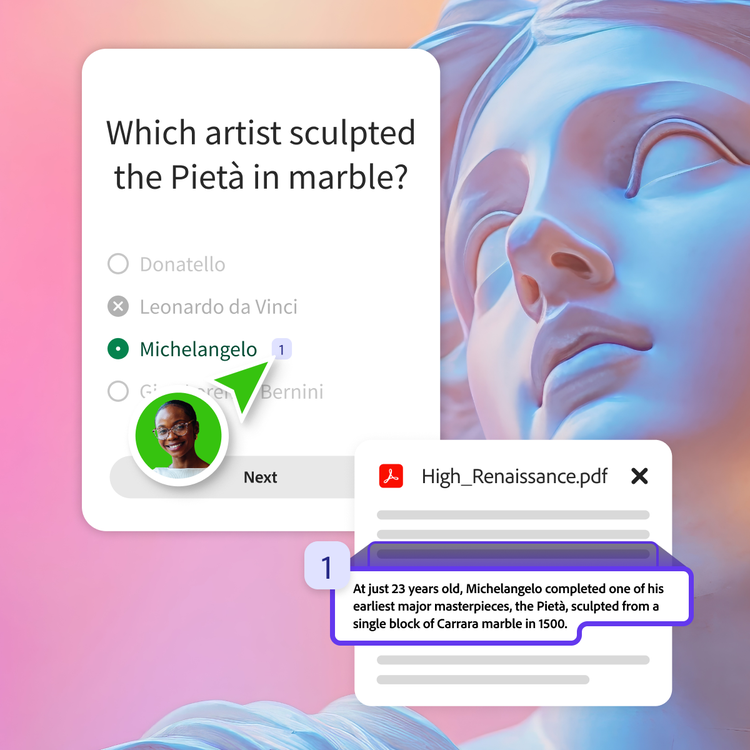
Our free quiz maker highlights the key ideas from your docs, so you can trust every question is based on the material you are actually learning. Less guesswork, more confidence.
Get results and feedback in no time.
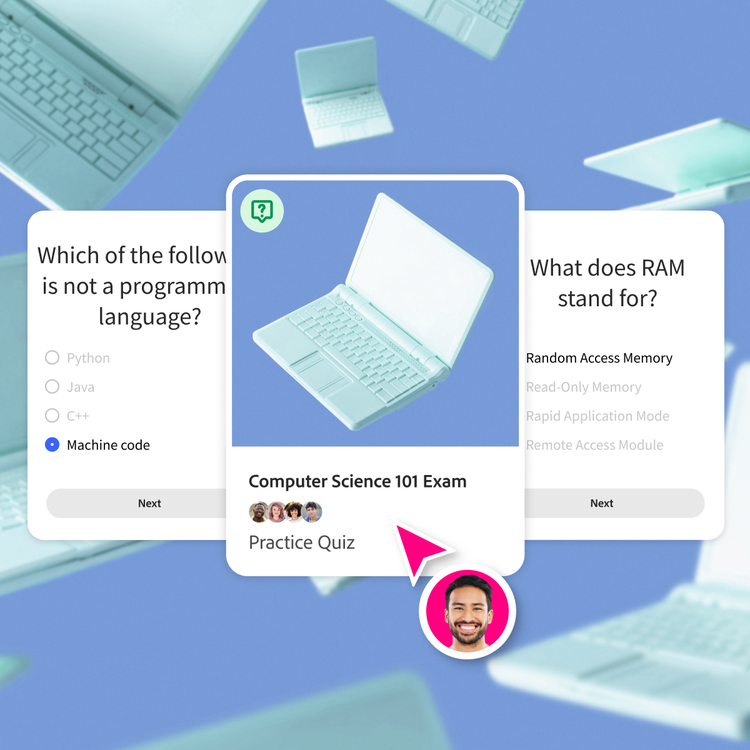
Take your quiz and see what you missed. Spot your weak areas and keep practicing until it sticks.
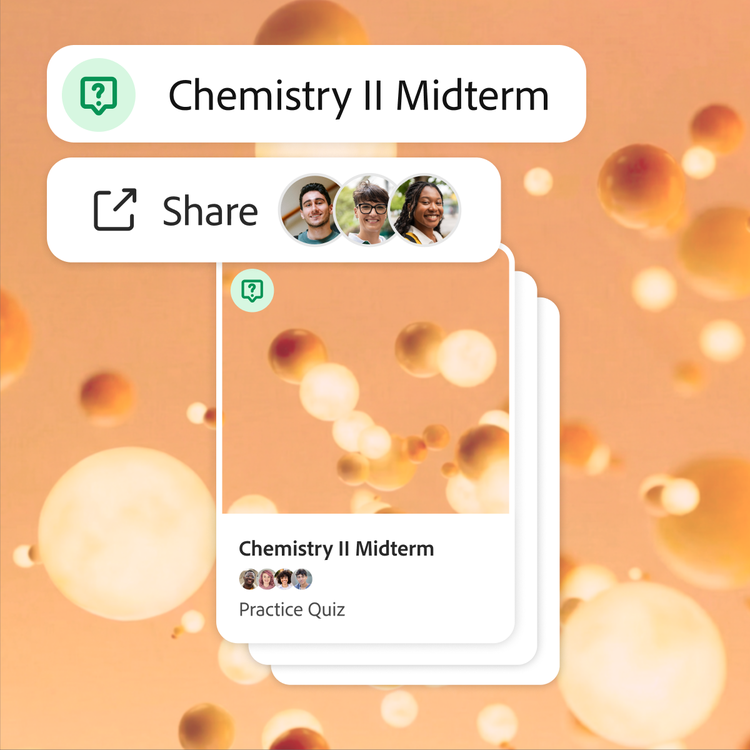
Easily share with your study group.
Send your quiz to your classmates and prep together. Build a shared bank of quizzes for your midterms or finals.
Share online quizzes with study partners.
Studying solo is great — putting heads together is the ultimate hack. When you team up, you can combine notes, compare what you each understood from class, and build stronger quizzes.

Create shared quizzes together.
Merge everyone's notes and material in one place, and the AI quiz maker pulls from every classmate's upload to generate questions. Share a quiz generator with your classmates so that everyone preps from the same high-quality study sets.

Everything in one space.
Make group projects, midterms, and finals easier by storing study materials in one organized hub. Your quizzes, flashcards, study guides, and class summaries are saved and synced for the entire team.
What can I make with Student Spaces?
Student Spaces is more than just an AI quiz maker. Build out everything you need for your classes in one spot.

Flashcards
Turn your docs into flashcards and master concepts with ease.
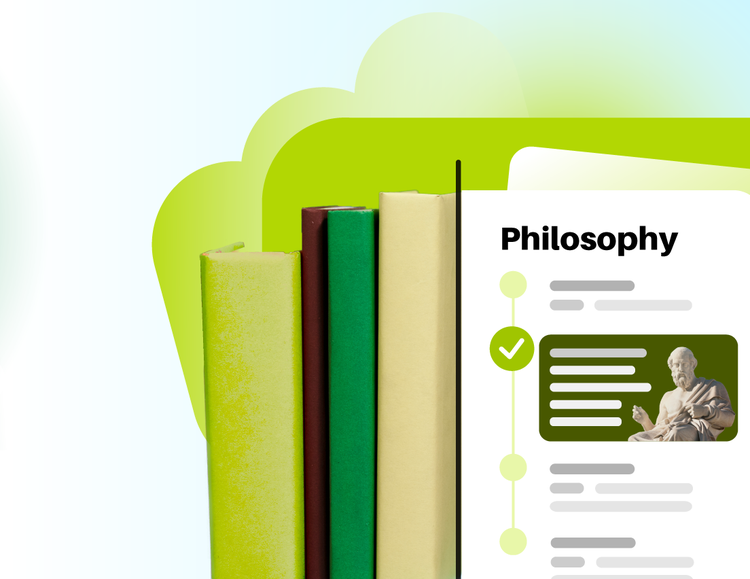
Study Guides
Breeze through studying with guides made from your notes.
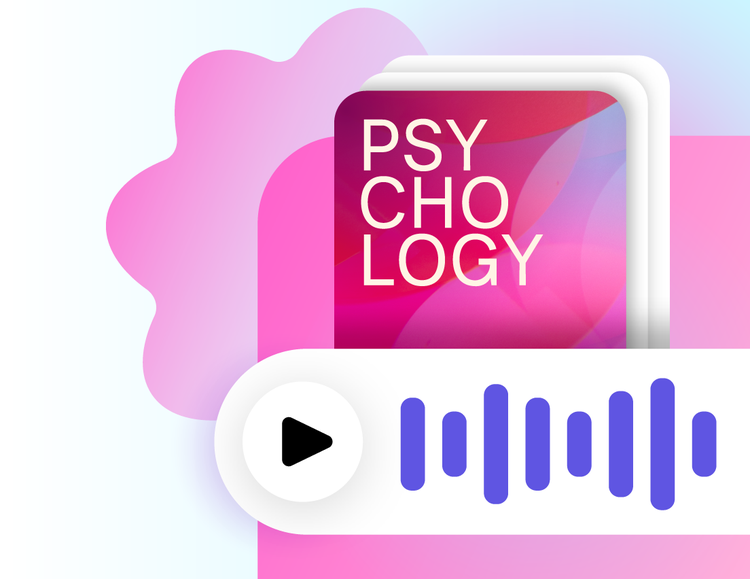
Podcasts
Turn your courses into a digestible podcast you can listen to anywhere.
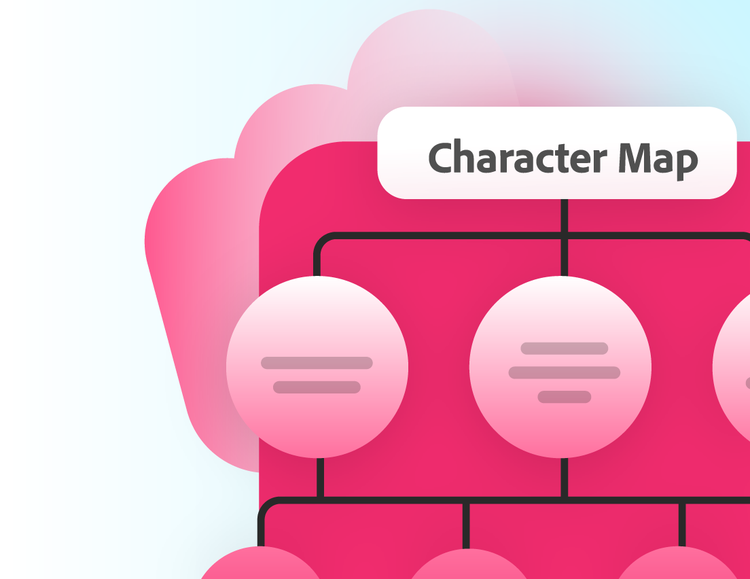
Mind Maps
Visualize how ideas connect and understand big concepts, at a glance.