If you draw a circle, it's just a flat 2D shape, but if you add light and shadow in the right places, suddenly your brain sees a three-dimensional form.
Today we're going to use that principle to take totally flat text and give it a 3D look.
Hi, my name is Ariadna, I'm a graphic designer specializing in visual identity.
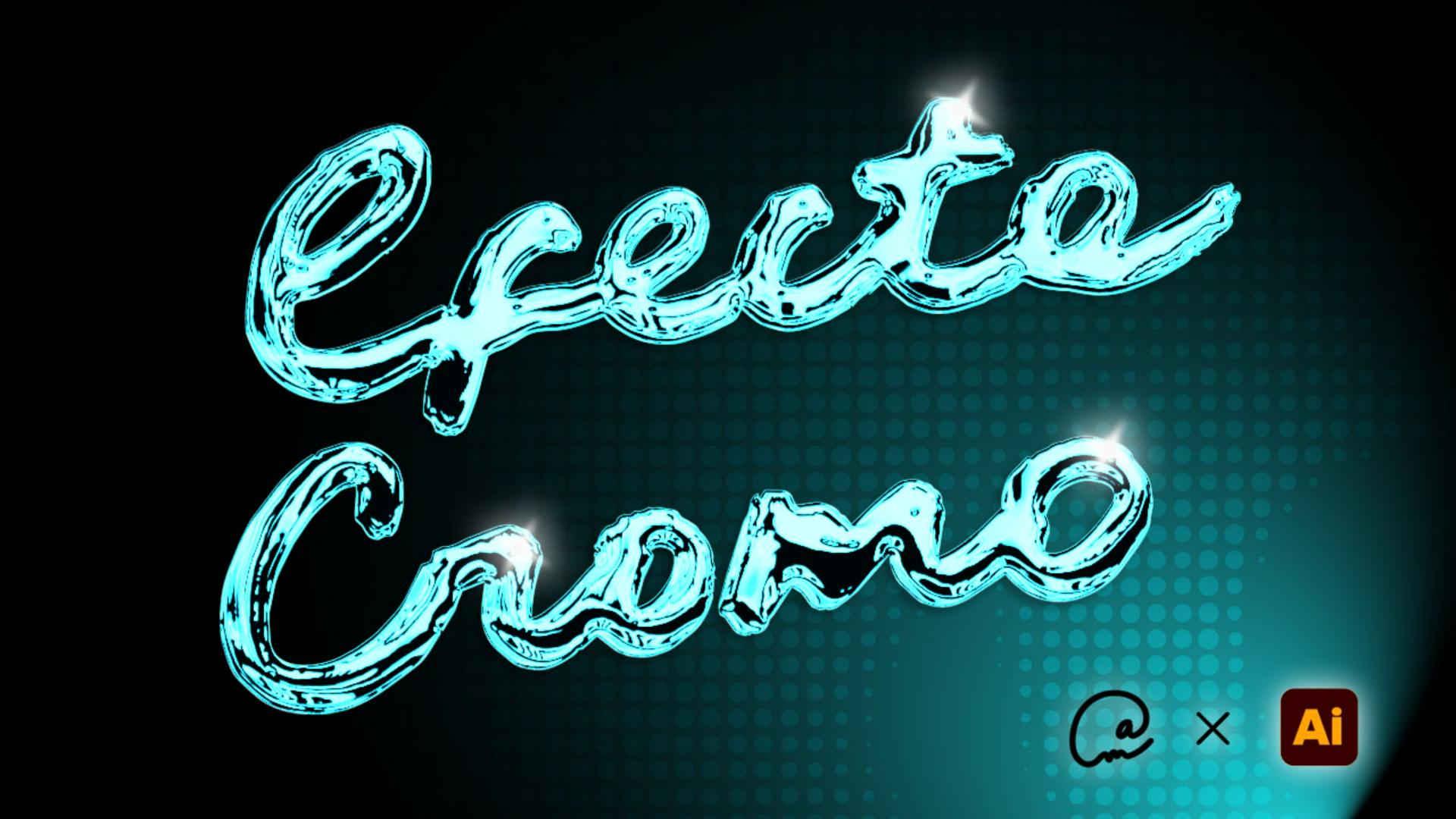
And in this tutorial, we're going to give your letters a chrome finish.
We'll start by digitizing hand-drawn text in just a few clicks, with the Image Trace tool.
Then we'll use Illustrator's most overlooked panel, Appearance.
First we'll create that visual volume with the 3D Inflate tool, which will automatically give us light and shadow even if you don't know how to draw.
Then we'll apply the chrome filter for that metallic effect.
To wrap up, we'll save all this effects work as a graphic style, so you can apply this liquid metal look to any other element on your artboard.
And that's how we go from a 2D design to a 3D one, with volume, light, chrome...
It's got it all.
Shall we begin?