Customer Stories
See how Adobe customers are building great experiences with Creative Cloud Pro for teams.
Explore how to design a recognizable, memorable image for your brand.

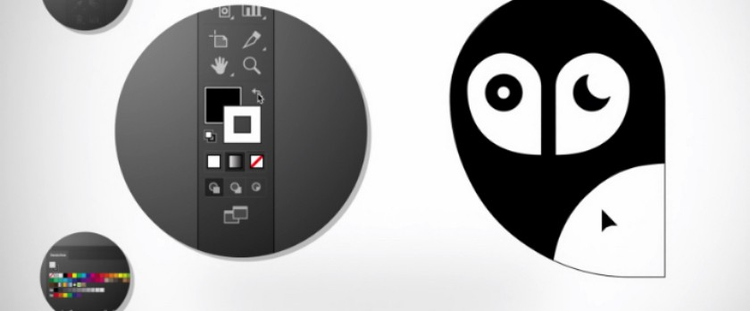
Artwork by Alejandro Gavancho.
A professional logo is about making a statement. Whether it’s on business cards or billboards, a custom logo is the distillation of your brand identity into a single mark. That mark shows how you position yourself within the market.
When thinking about creating your own logo, begin with a discussion about what ideas you want your business to convey, what goals you have, and how you want your audience to feel. Resist the urge to dash something off quickly. It’s easy to reach for a ready-made logo generator, but common is the opposite of effective logo design. To be truly impactful with your new logo, you have to know — and show — who you are and what differentiates you from the competition.
Whether for massive companies or small businesses, the best logos tend to be simple and memorable. A successful business logo is recognizable in less than a second. Don’t settle for a generic logo. If you’re doing anything that makes the viewer squint or hunt for details, your logo is probably too busy. A potential customer or partner is far more likely to remember a few bold shapes or a splash of color than a riot of details or intricate elements.
Try not to be too literal with your approach either. Great logos don’t necessarily have to depict the company’s product or service. Nike’s “Swoosh” isn’t a shoe, Amazon doesn’t market itself with a delivery truck, and Apple’s logo is not a computer. Try to avoid obvious connections with your company logo — if you’re a dental office, investigate options other than a tooth or a picture of a smile.
A professional logo designer should be aware of current design trends and steer your logo away from looking like it’s part of a design fad. Certain design elements can announce who you are or what you do, but if there’s something in line with your vision or values that’s different from the competition, that’s great material to build into your logo.
Logo ideas often emerge from experimentation. If there’s a design element you need to include, like a company name, consider all of the ways you could present that information. Play around with arcs, shapes, and text distortions. Write out your business name and tweak how it looks in a variety of fonts.
Color and contrast help a good logo stick in the eye of the viewer. Color goes a long way in setting the specific mood or feeling that you want to present to the world. Green hues can suggest concern with the environment or sustainability, reds are dynamic and active, and deep blues can suggest calm authority.
Your logo also needs to work in situations where color is limited. During design, think about how your business logo will look in various formats, such as on a black-and-white letterhead or on a single-color business card, and compile those rules in your brand kit to guide your team on future projects.
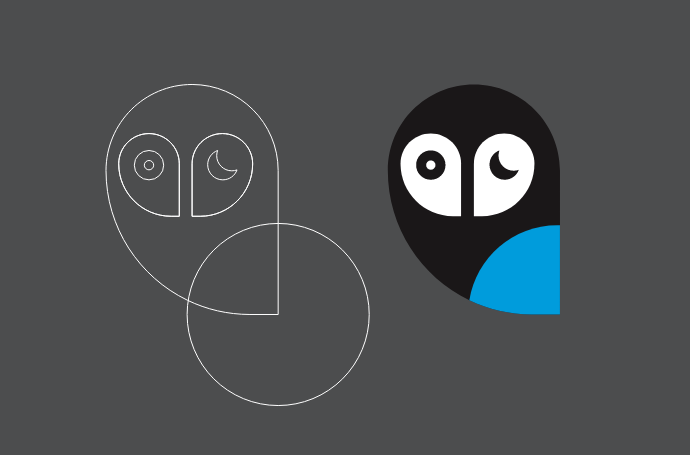
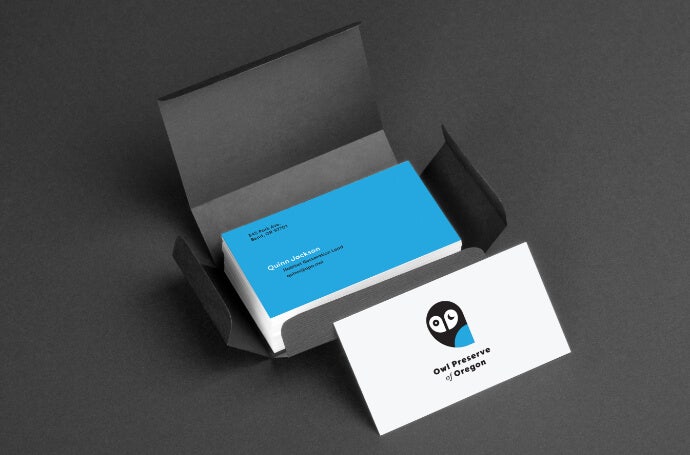
From stationery letterhead to t-shirts and merchandise, a business logo needs to work in the physical world at varying sizes and in your online presence. Because of that, you have to design a logo that’s flexible and scalable.
Vector files (like .ai or .svg files) are ideal for images that need to run at varying sizes. Vectors aren’t made of a set number of pixels. Instead, they keep track of the proportions and ratios of an image and can scale up or down and retain their high resolution — which will ensure they look high quality on a business card or a billboard. When designing a logo, look for design tools that allow you to work easily with vectors.
When you feel confident about your preliminary logo design, print it out in a variety of sizes. Print big and small versions of it and show it to people who were not involved in the logo-making process. Show it to people who don’t have any professional logo design experience. Give them a few seconds to look at it and watch for their reaction. Did the logo make them smile? Did they squint or have trouble figuring out what it was? Did they think it was clever? Get their reactions and repeat the process with others.
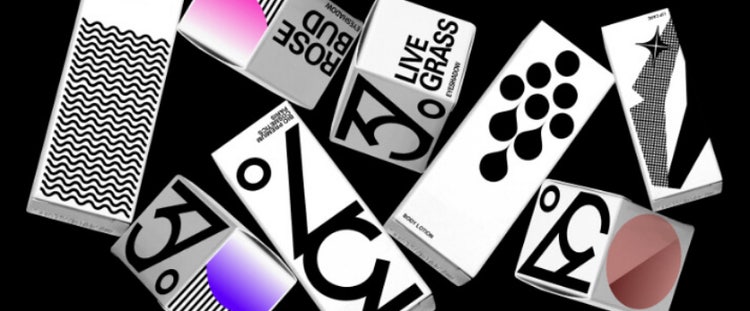
Artwork by My Name is Wendy.
Design marketing materials that boost sales and build brand recognition.

See how Adobe customers are building great experiences with Creative Cloud Pro for teams.
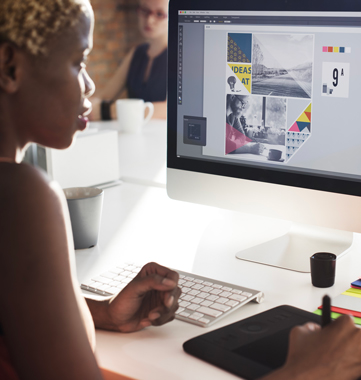
Browse the latest guidelines on effective design, marketing, and more.
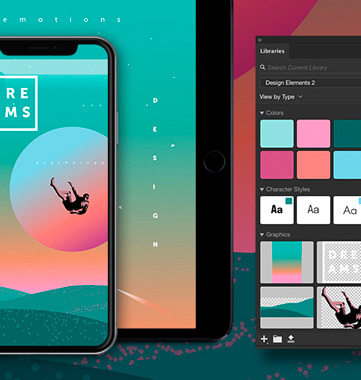
All plans include the Admin Console for easy license management, 24/7 tech support, unlimited job postings on Adobe Talent, and 1TB of storage.
Starting at
US$37.99/moper licenseAnnual, billed monthly
A single app of your choice
The premium version of Adobe Express
Fonts, images, tutorials, and more
1TB cloud storage
25+ monthly generative credits
Centralized administration tools
Unlimited job posts on Adobe Talent
24x7 technical support
Integration with popular apps like Slack, Microsoft Teams, and more
creative-cloud-libraries for sharing creative assets across apps and devices
Your choice of one Creative Cloud app, plus exclusive business features.
US$99.99/moper licenseAnnual, billed monthly
Create gorgeous images, rich graphics, professional video, and so much more
20+ apps for photo, design, and video
Unlimited access to standard creative AI image and vector features like Text to Image and Generative Fill
4,000 monthly generative credits for premium creative AI video and audio features like Text to Video
Access to industry-leading AI models from Adobe, Google, OpenAI, and more
Unlimited access to Firefly Boards for exploring ideas and developing storyboards
Access to non-Adobe Generative AI models in Firefly
Adobe Express Premium, Frame.io for Creative Cloud, tutorials, fonts, templates, and 100 GB of cloud storage
20+ apps, including Photoshop, plus Firefly creative AI for images, video, and audio, and exclusive business features. See what's included

