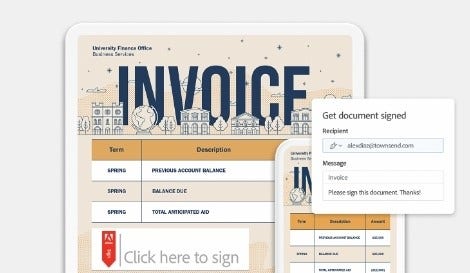
Usnadněte svému týmu tvůrčí práci s aplikací Acrobat
Poskytněte všem špičkové řešení pro PDF a elektronické podpisy, které jim pomůže také se spoluprací na obrázcích a dalších kreativních souborech – kdykoli a kdekoli.
Prozkoumejte řešení Adobe Creative Cloud pro střední a velké firmy.Další informace
Proč si malé podniky vybírají Acrobat pro týmy.
Možnost rychlých úprav a snadného slučování souborů
Zrychlete práci na kreativních projektech díky možnosti úprav textu a obrázků. Slučujte soubory PDF a vytvářejte brandingové sady, balíčky pro kampaně a další výstupy.
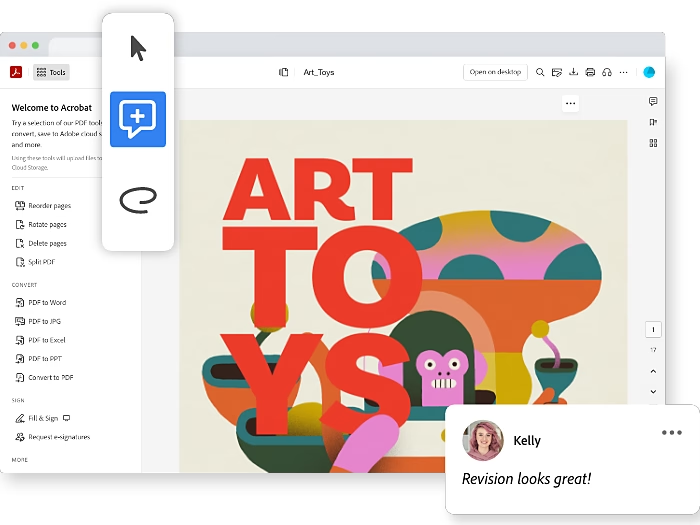
Snadná spolupráce
Sdílejte podklady jako soubory PDF ke kontrole, okomentování a schválení v reálném čase. Shromážděte a zapracujte zpětnou vazbu a pak odešlete finální soubory PDF k bezpečnému definitivnímu stvrzení elektronickými podpisy.
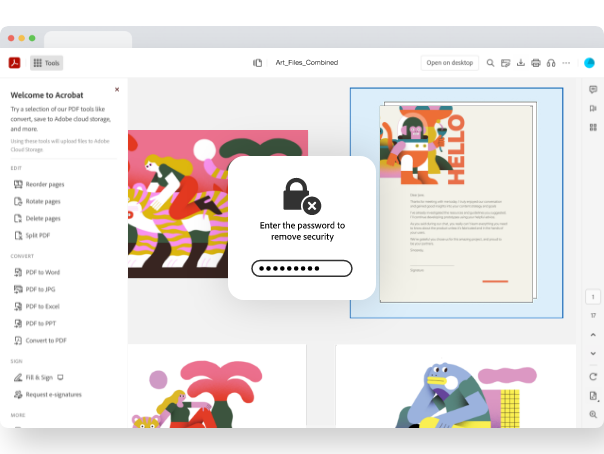
Ochrana značky
Vytvářejte opakovaně použitelné šablony, které zajistí konzistenci, a zabraňte neautorizovaným úpravám nebo kopírování vaší práce. Udržte dokumenty ve své organizaci, i když z ní nějaký zaměstnanec odejde.
background
#000B1E
style
Dark, three up
Podívejte se, co získáte
Objevte funkce, které vašim týmům pomůžou snadno spolupracovat se všemi zainteresovanými stranami a soustředit se na tvorbu úžasných výstupů.
Funkce pro týmovou produktivitu a spolupráci
Pomozte svým týmům lépe spolupracovat díky centralizovanému, sdílenému přístupu k dokumentům – není už třeba posílat si je tam a zpátky e-mailem. Sdílejte a kontrolujte soubory v reálném čase a využijte snadnou správu verzí.
Integrované nástroje pro zabezpečení souborů PDF a dodržování předpisů
Chraňte své duševní vlastnictví pomocí funkcí pro zabezpečení souborů PDF, včetně hesel, řízení přístupu, šifrování a dalších. Zajistěte, aby vaše soubory mohl používat kdokoli, pomocí integrovaného asistenta pro usnadnění přístupu.
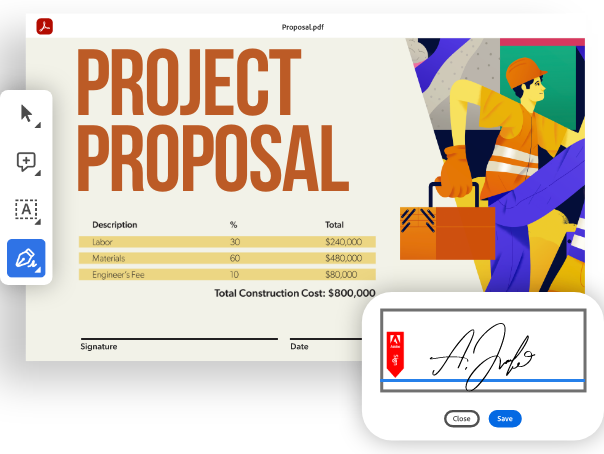
Integrované nástroje pro elektronické podpisy
Acrobat nyní přichází s více funkcemi elektronického podepisování, které vám pomohou podepisovat dokumenty a vyžadovat podpisy pro vaši malou firmu. Vytvořte sdílenou knihovnu šablon s často používanými soubory, přidejte své logo a další.
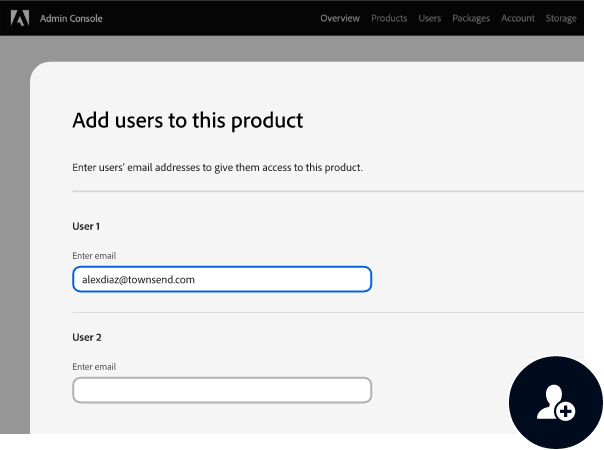
Snadná správa licencí pro malé podniky.
Licence své firmy můžete přiřazovat a přeřazovat pomocí centralizovaného nástroje Admin Console. Navíc vaší firmě nabízíme jednodušší fakturaci.
style
s-spacing, dark
background
#000B1E
Podívejte se na Acrobat pro týmy v akci
Podívejte se na tato krátká videa dozvíte se, jak rychleji zvládnout více práce pomocí našeho špičkového řešení pro PDF a elektronické podpisy.
Získejte přístup k pokročilé podpoře s vyhrazeným chatem v režimu 24/7 a k individuálním konzultacím s produktovými specialisty Adobe (dvakrát ročně na uživatele).
Zjistěte, jak používat Acrobat ve vaší malé firmě.
Zrychlení tvůrčích pracovních postupů
Sdílejte snadno podklady ke kontrole, okomentování a schválení v reálném čase. Shromážděte a zapracujte zpětnou vazbu a pak získejte definitivní stvrzení elektronickými podpisy přímo v souborech PDF.
Komfort pro zákazníky
Vytvářejte podepsatelné webové formuláře, které vám pomůžou získat nové zákazníky. Shromažďujte platby pomocí účtu služby Braintree (v zemích, kde je k dispozici).
Zjednodušte provoz malých podniků.
Vytvářejte personalizované nabídky a smlouvy tím, že zkombinujete standardní a na míru šité součásti. Sdílejte je k interní kontrole a schválení a pak je odešlete k elektronickému podepsání.
style
Three up, grid-width-10, xl-spacing
Snadná spolupráce s oblíbenými kreativními aplikacemi
Acrobat dobře spolupracuje s aplikacemi, jako jsou Adobe Photoshop, Lightroom, Illustrator nebo InDesign. V rámci plánu Creative Cloud Pro pro týmy můžete získat balík více než 20 aplikací.
Získejte službu Acrobat Pro a více než 20 aplikací, například Photoshop, Illustrator a Premiere, a k nim kreativní AI Adobe Firefly pro obrázky, video a zvuk.
You can control how Adobe websites use cookies and similar technologies by making choices below. But note that if you disable cookies and similar technologies entirely, Adobe websites may not function properly.
Cookies are small text files stored by your web browser when you use websites. There are also other technologies that can be used for similar purposes like HTML5 Local Storage and local shared objects, web beacons, and embedded scripts. These technologies help us do things like remembering you and your preferences when you return to our sites, measure how you use the website, conduct market research, and gather information about the ads you see and interact with.
You can make choices in the menu below about what cookies and other technologies you want us to use on Adobe sites when you visit them from this browser. You can always change those choices later by clicking on the Cookie Preferences link at the bottom of the page.
If enabled:
We can improve your experience by tailoring the site and the content to things we think might be of interest
We can better keep track of your preferences — like what language you prefer to use
We will better understand your likely interests so we can provide you more relevant Adobe ads and content on non-Adobe websites and in non-Adobe apps
It will help us improve the performance of our website and those of our partners who use the Adobe Experience Cloud
If disabled:
We won’t be able to remember you from session to session so the experience may not be tailored to your interests
You’ll still have access to the content of the site but certain features that depend on cookies may not function
You’ll still see ads, they just may not be as relevant to you
General information
You can control how Adobe websites use cookies and similar technologies by making choices below. But note that if you disable cookies and similar technologies entirely, Adobe websites may not function properly.
Cookies are small text files stored by your web browser when you use websites. There are also other technologies that can be used for similar purposes like HTML5 Local Storage, web beacons, and embedded scripts. These technologies help us do things like remembering you and your preferences when you return to our sites, measure how you use the website, conduct market research, and gather information about the ads you see and interact with.
You can make choices in the menu below about what cookies and other technologies you want us to use on Adobe sites when you visit them from this browser. You can always change those choices later by clicking on the Cookie Preferences link at the bottom of the page.
If enabled:
We can improve your experience by tailoring the site and the content to things we think might be of interest
We can better keep track of your preferences — like what language you prefer to use
We will better understand your likely interests so we can provide you more relevant Adobe ads and content on non-Adobe websites and in non-Adobe apps
It will help us improve the performance of our website and those of our partners who use the Adobe Experience Cloud
If disabled:
We won’t be able to remember you from session to session so the experience may not be tailored to your interests
We’ll still count your use of our site and services
You’ll still have access to the content of the site but certain features that depend on cookies may not function
You’ll still see ads, they just may not be as relevant to you
Operate the site and core servicesOperate site and measure engagement
Always active
These cookies are required, and they are used to enable the site and related services core functionality. Without them the site could not operate, so they cannot be disabled.
These cookies enable the site and related services’ core functionality and collect statistics about user engagement, such as counting active use to help us understand trends. These cookies cannot be disabled.
Measure performance
These cookies are used to analyze site usage to measure and improve performance. Without them Adobe cannot know what content is most valued and how often unique visitors return to the site, making it hard to improve information we offer to you.
These cookies are used to analyze site usage to measure and improve performance. Without them Adobe cannot know what content is most valued, making it hard to improve information we offer to you.
Extend functionality
These cookies are used to enhance the functionality of Adobe sites such as remembering your settings and preferences to deliver a personalized experience; for example, your username, your repeated visits, preferred language, your country, or any other saved preference.
Personalize advertising
These cookies are used to enable Adobe and our partners to serve ads more relevant to your interests. Without them you will still see ads, but they might not be as relevant to you.